

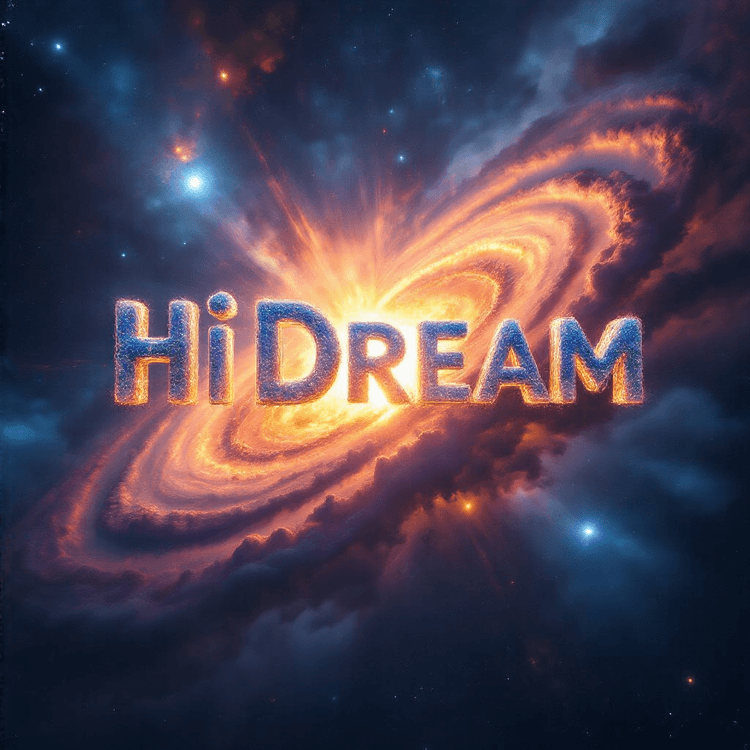
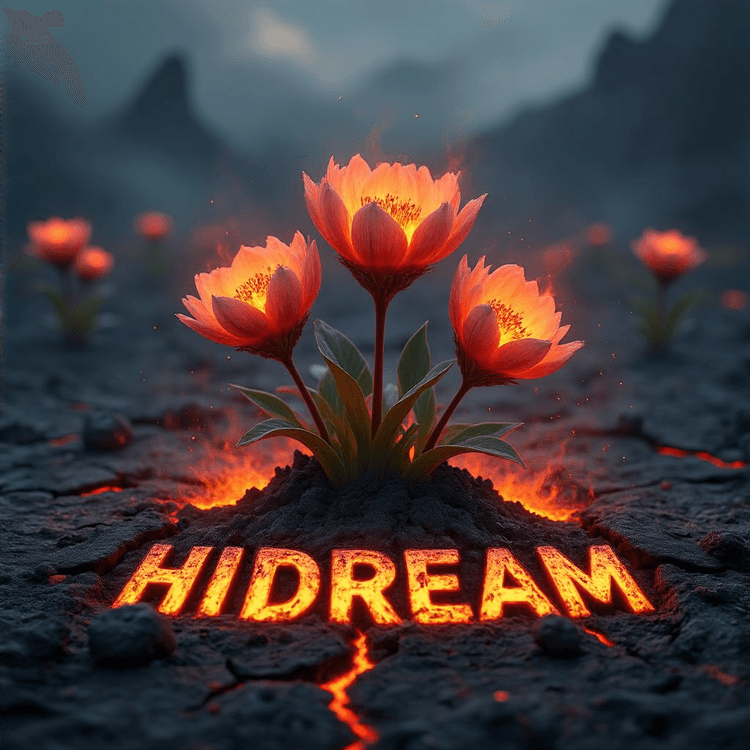

HiDream-I1 | Text-to-Image AI Generation#
HiDream-I1 is a cutting-edge open-source text-to-image foundation model with 17 billion parameters, designed for ultra-fast, high-quality image generation. This ComfyUI-based workflow enables users to convert natural language prompts into stunning visuals—ideal for concept art, storytelling, ideation, or professional-grade image synthesis with HiDream-I1.
Whether you're illustrating a sci-fi world, sketching product ideas, or imagining surreal environments, HiDream-I1 delivers remarkable fidelity, speed, and ease of use.
Why Use HiDream-I1 Text-to-Image?#
The HiDream-I1 workflow provides an intuitive and expressive platform to generate high-quality images from text alone:
- Turn text prompts into images in seconds with minimal setup using HiDream-I1
- Backed by a 17B parameter model for detailed, coherent visual generation with HiDream-I1
- Supports high resolution output and customizable sampling options in the HiDream-I1 workflow
- Great for concept design, digital art, visual storytelling, and ideation with HiDream-I1
- Runs seamlessly inside ComfyUI with easy-to-modify HiDream-I1 workflow components
From single-sentence prompts to layered descriptive passages, HiDream-I1 captures your intent and renders it with clarity and style.
How to Use the HiDream-I1 Text-to-Image Workflow#
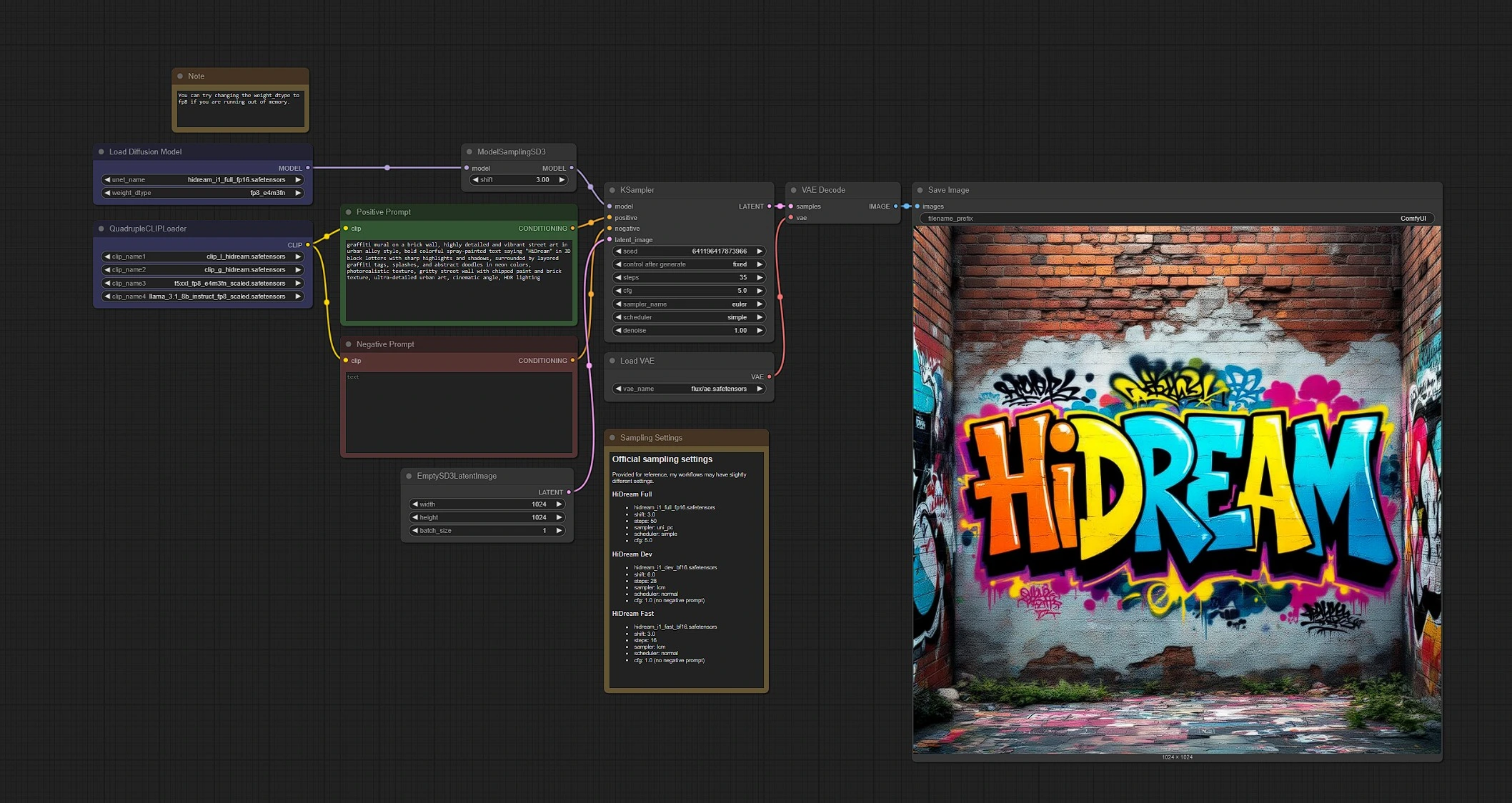
HiDream-I1 Text-to-Image Overview#
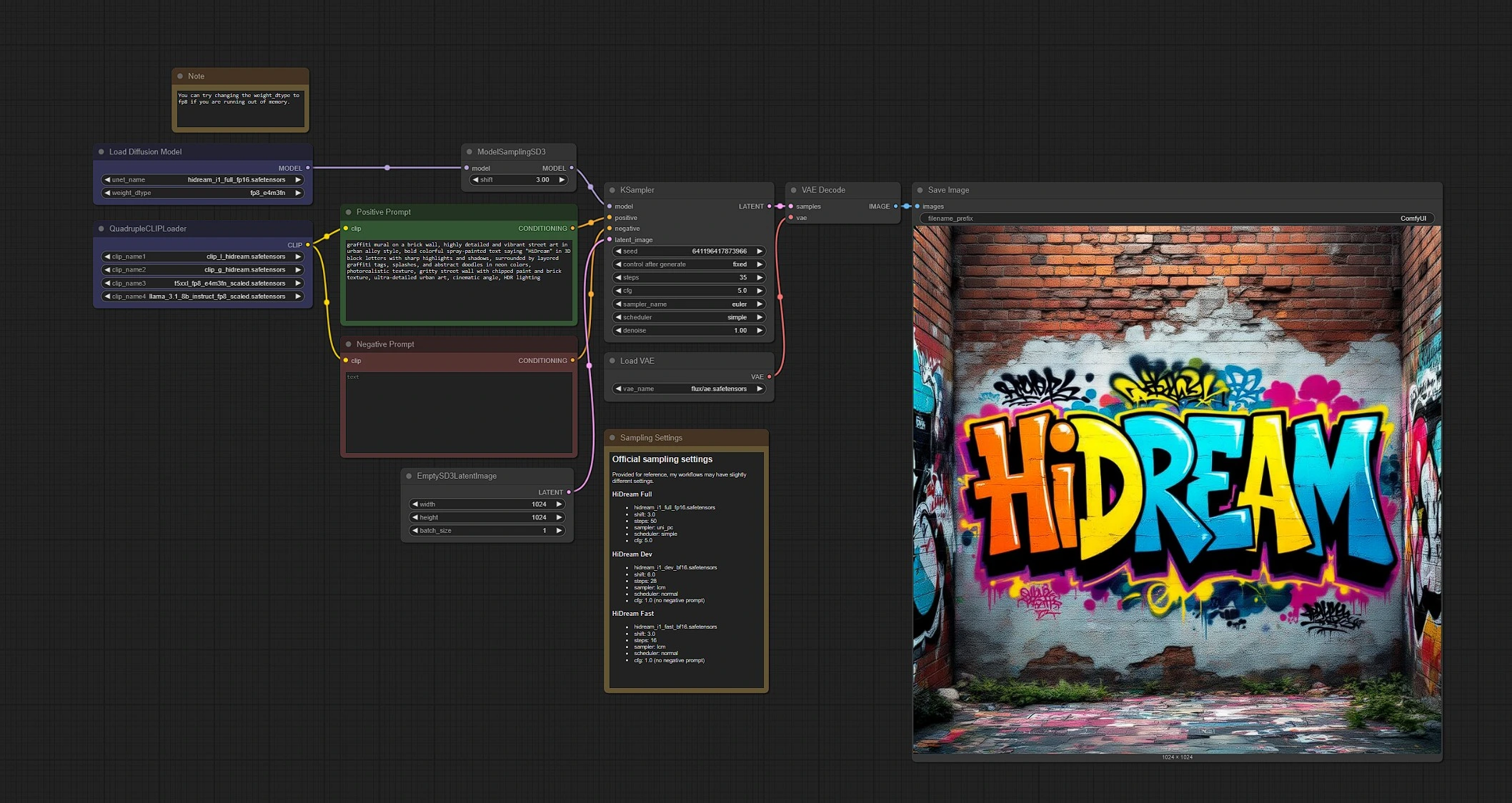
Load HiDream-I1 Model: Load the official HiDream-I1 17B modelEnter Prompt Text: Input your text prompt for HiDream-I1 (positive and optional negative prompts)Set Image Parameters: Adjust resolution, sampling method, and steps for your HiDream-I1 generationGenerate Image: The workflow will render your result using HiDream-I1's fast inferenceSave Image: Output image is automatically saved and viewable in the save node
Quick Start Steps with HiDream-I1:#
- Load the HiDream-I1 model using the provided model loader node
- Enter a positive prompt describing what you want to see with HiDream-I1
- Optionally add a negative prompt to filter out unwanted features in your HiDream-I1 generation
- Set the desired image resolution and sampling configuration for optimal HiDream-I1 results
- Click the
Queue Promptbutton in ComfyUI to generate with HiDream-I1 - View and download your HiDream-I1 generated image from the Save Image node
Example Prompts for HiDream-I1#
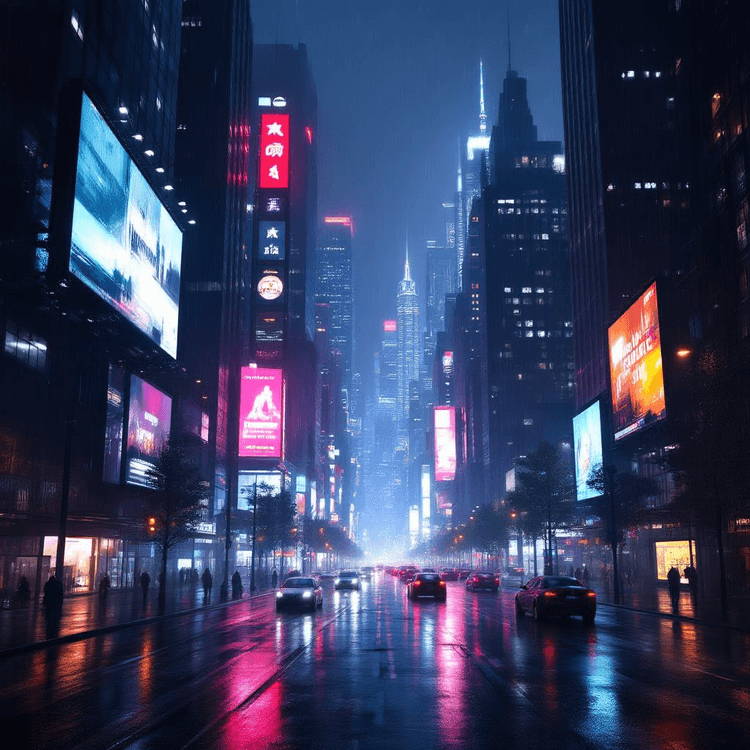
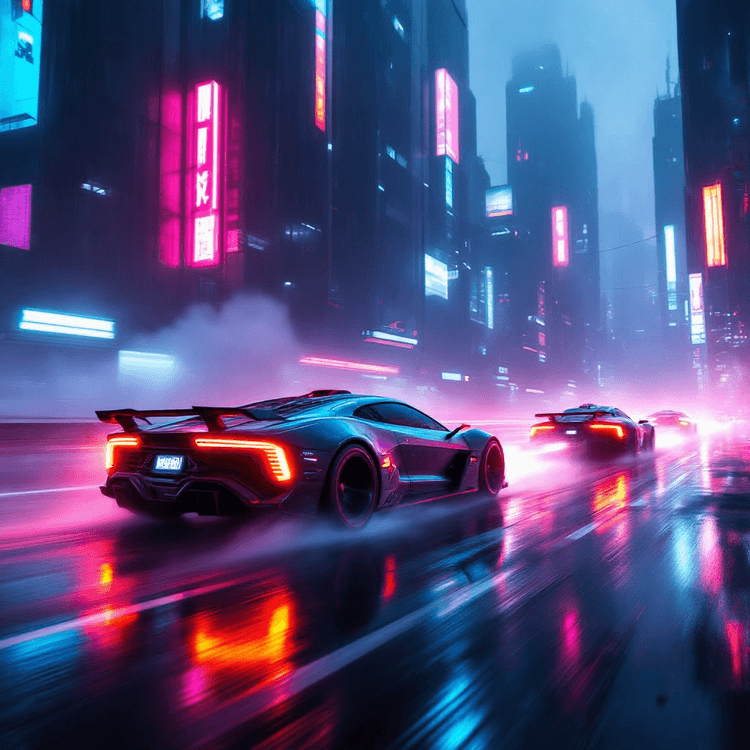
- "A futuristic cityscape at sunset, neon lights, flying cars, high detail, cinematic composition"
- "A serene forest in autumn, golden leaves, misty atmosphere, photorealistic"
- "A wizard casting a spell in a stormy mountain landscape, dramatic lighting, fantasy art style"
- "Cyberpunk samurai walking through a rainy alley, glowing signage, cinematic angle"
- "Elegant product mockup of a smartwatch on a marble pedestal, studio lighting, minimal background"
1 - Load HiDream-I1 Model#
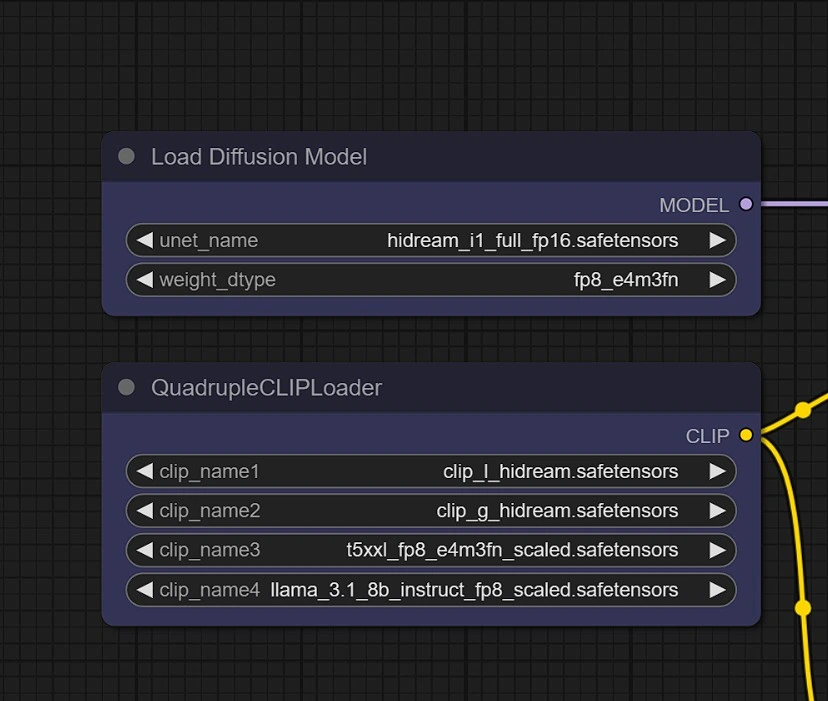
Choose the right HiDream-I1 model variant for your task:
- HiDream-I1-Full: Full version model for more detailed inference and longer sequences
- HiDream-I1-Dev: Development version, optimized for slightly faster performance with fewer steps
- HiDream-I1-Fast: Optimized for quick results with the fastest generation speed
2 - Enter Prompts for HiDream-I1#
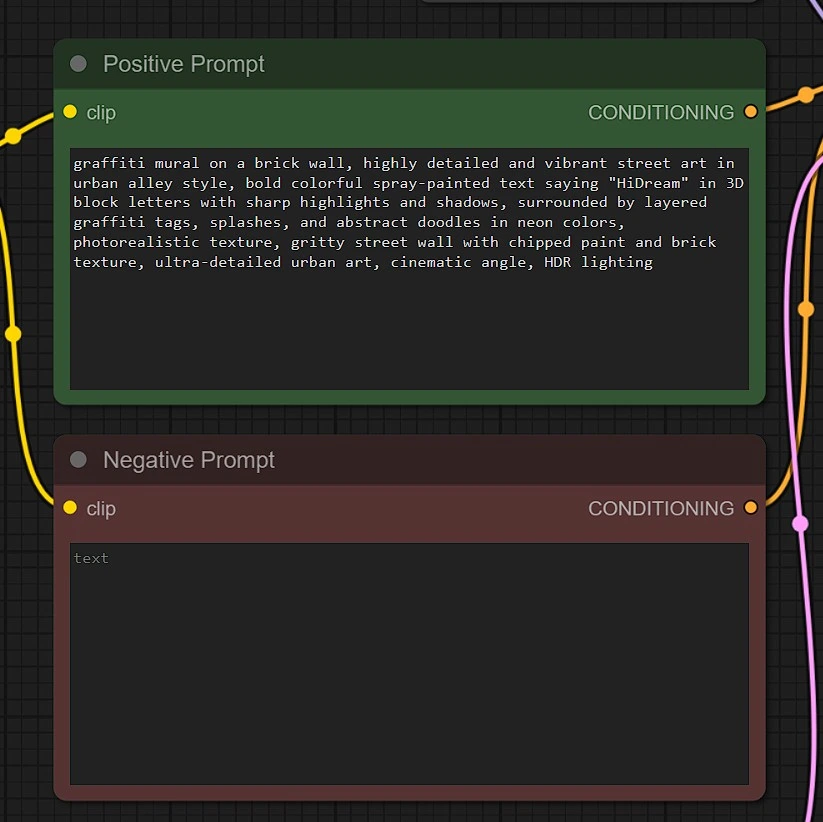
In the Text-to-Image group, enter your positive and negative prompts to guide image generation with HiDream-I1.
- Positive Prompt for HiDream-I1:
- Describe the scene, subject, style, and mood you want HiDream-I1 to generate.
- Use detailed, creative, and descriptive language to leverage the full capability of the HiDream-I1 17B parameter model.
- Example for HiDream-I1: ``
A futuristic city skyline at dusk, glowing neon lights, cinematic lighting, highly detailed, ultra realistic, photo style``
- Negative Prompt for HiDream-I1:
- Specify what you want to exclude from the HiDream-I1 generated image.
- Helps improve clarity and avoid artifacts or unwanted features in your HiDream-I1 creation.
- Example: ``
blurry, extra limbs, grainy, distorted faces, watermark, text, low quality, poorly drawn``
💡 Tip: The more specific and vivid your positive prompt, the better the HiDream-I1 output. Use negative prompts to avoid common generative flaws in HiDream-I1 images.
3 - HiDream-I1 Sampler Settings#
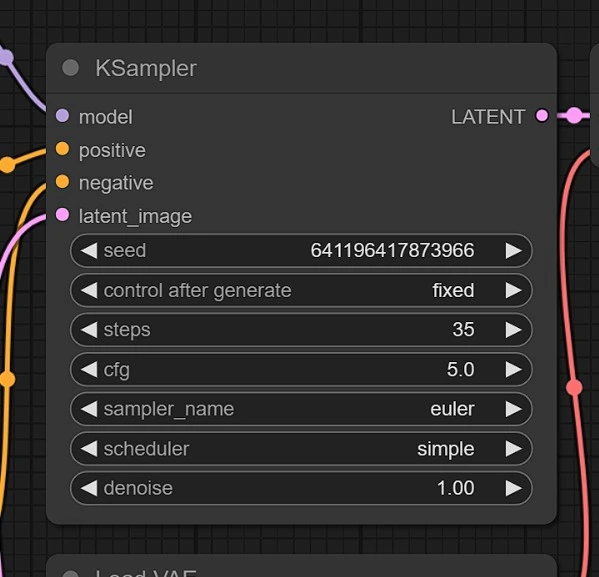
- HiDream-I1 Full
hidream_i1_full_fp16.safetensorsshift: 3.0steps: 50sampler: uni_pcscheduler: simplecfg: 5.0
- HiDream-I1 Dev
hidream_i1_dev_bf16.safetensorsshift: 6.0steps: 28sampler: lcmscheduler: normalcfg: 1.0 (no negative prompt)
- HiDream-I1 Fast
hidream_i1_fast_bf16.safetensorsshift: 3.0steps: 16sampler: lcmscheduler: normalcfg: 1.0 (no negative prompt)
Acknowledgement#
The HiDream-I1 Text-to-Image workflow is made possible through the powerful and modular architecture of ComfyUI. We extend our deep appreciation to the ComfyUI development team and open-source contributors for building a flexible, node-based framework that allows seamless integration of advanced generative models like HiDream-I1.
Their dedication to accessible and extensible tooling empowers creators and researchers to explore state-of-the-art image generation with HiDream-I1 with minimal effort and maximum control.