

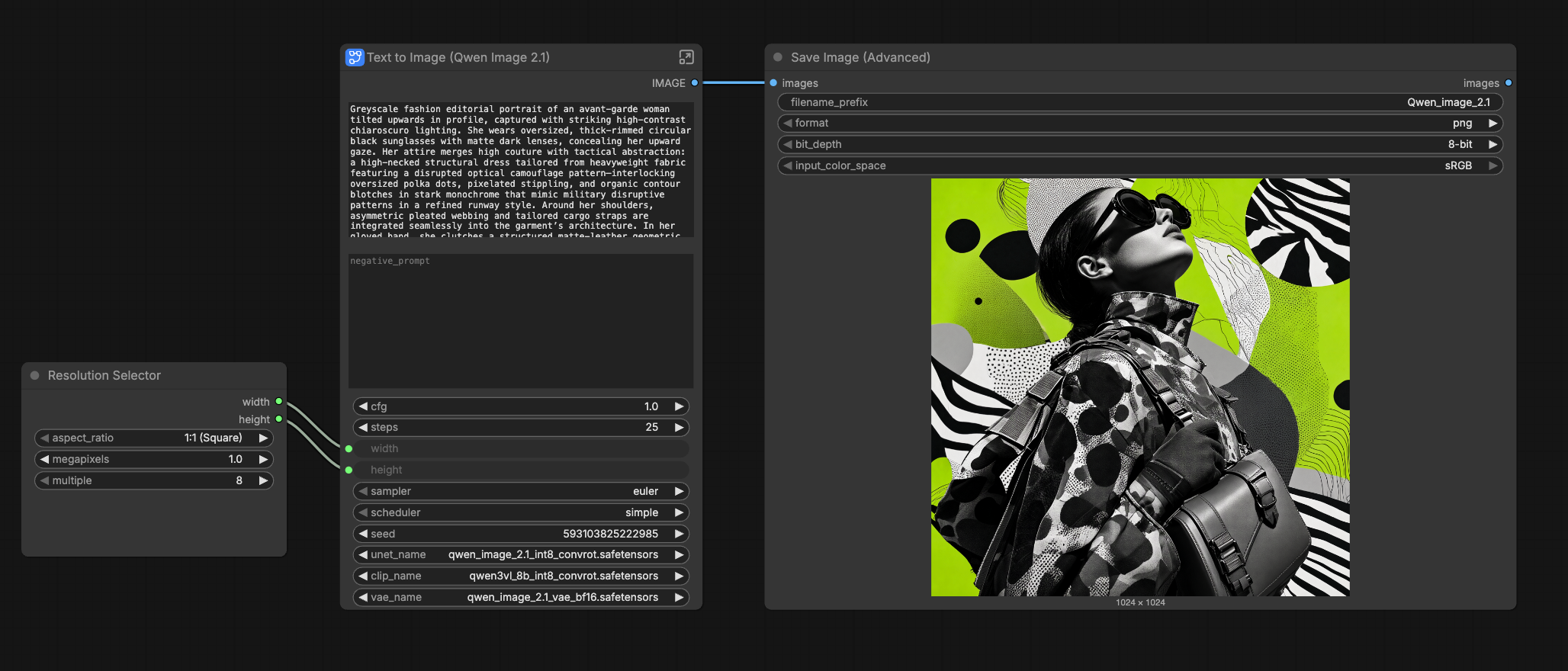

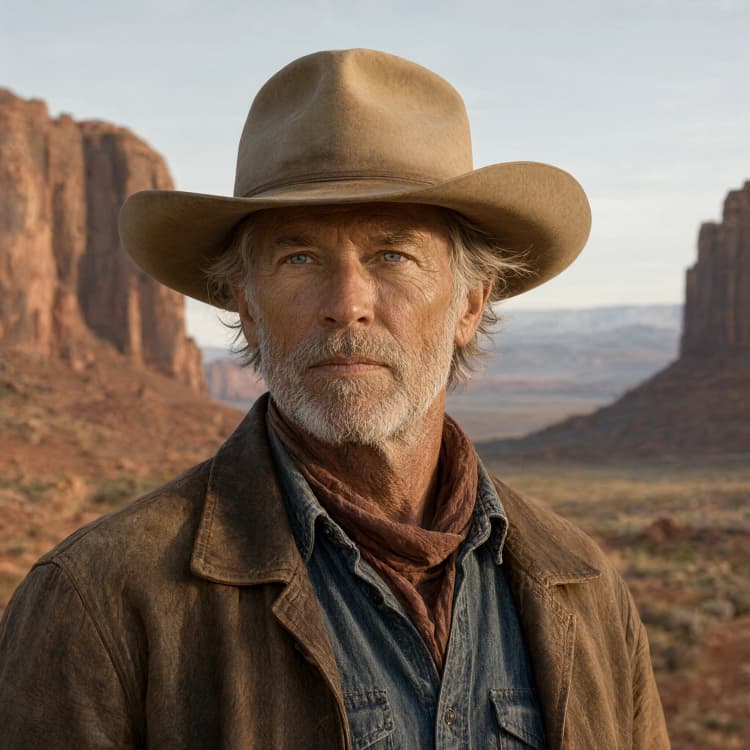

Qwen Image 2.1 Text To Image ComfyUI Workflow#
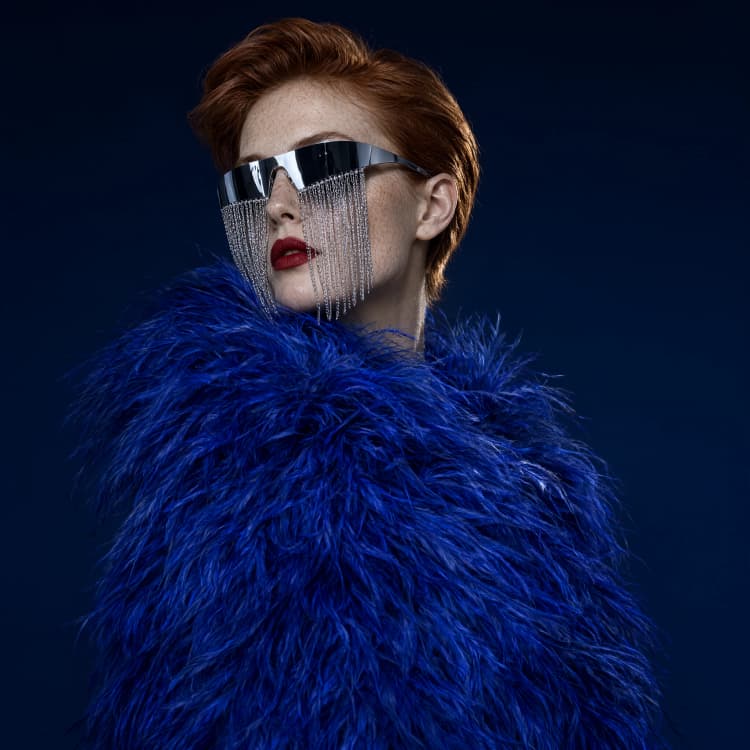
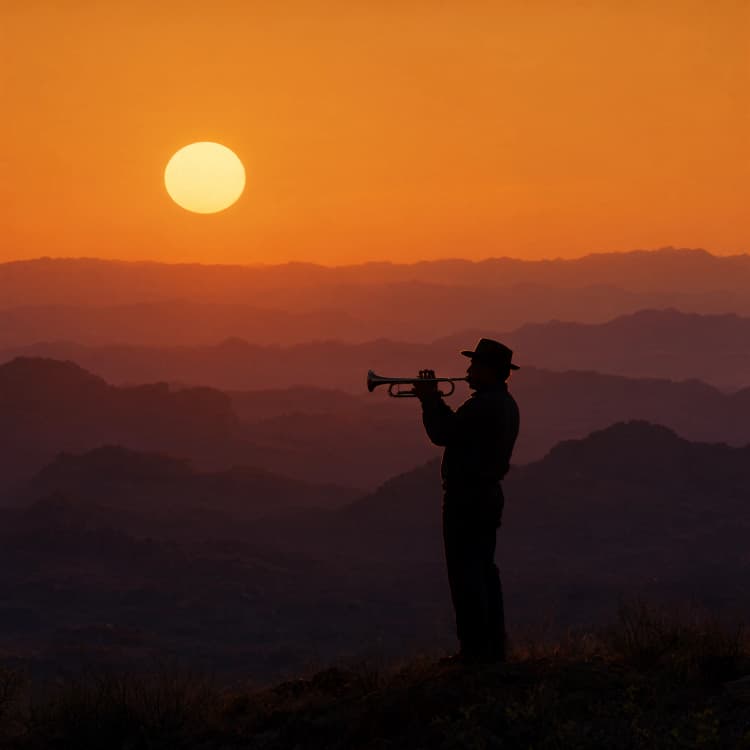
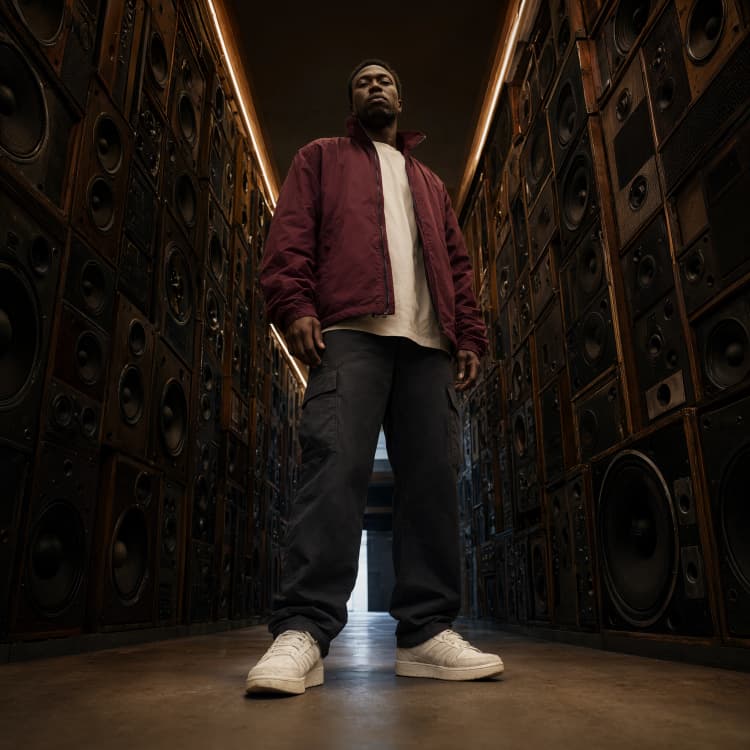
Turn text prompts into detailed, high-resolution images with the official Qwen-Image-2.1 open weights packaged for ComfyUI. This Qwen Image 2.1 Text To Image ComfyUI Workflow is designed for creators who want reproducible results and crisp output at native 2048×2048. It supports INT8 inference for efficient VRAM use and saves clean RGBA PNGs, making it a strong fit for fashion portraits, cinematic stills, and polished product concepts.
Built around a simple generate–decode–save path, the workflow gives you direct control over prompt text, seed, and resolution. Keep a fixed seed for versioned iterations, switch styles with prompt phrasing, and export transparent-background assets ready for design pipelines.
Key models in Comfyui Qwen Image 2.1 Text To Image ComfyUI Workflow#
- Qwen-Image-2.1 (Comfy-Org): The core open-weight text-to-image model that interprets your prompt and synthesizes the image in latent space. It uses an MMDiT-style generator optimized for high-fidelity detail and typography-aware composition. Comfy-Org/Qwen-Image-2.1
- Qwen-Image-2.1 VAE: The autoencoder that decodes the generated latents back to pixels. It preserves fine detail and tonal consistency at high resolutions. Distributed with the same model pack as above.
- Official template (reference): An authoritative text-to-image graph you can compare against or adapt to your needs. image_qwen_image_2_1_t2i.json
How to use Comfyui Qwen Image 2.1 Text To Image ComfyUI Workflow#
Overall flow: prompts and a seed condition the model, a sampler produces the image in latent space, the VAE decodes to pixels, and the output is saved as an RGBA PNG. The groups run left to right so you can preview and iterate quickly.
Prompt and style
- Use the positive prompt for intent and art direction and the negative prompt to keep artifacts out. For fashion portraits, reference lighting, camera angle, lens, and materials; for cinematic frames, guide mood and color grading; for product shots, specify surfaces, studio lighting, and reflections. Keep a stable seed when you want strict reproducibility across prompt tweaks.
Resolution and seed
- Set your target size in the resolution node before sampling. The workflow is validated at 2048×2048 with INT8 weights and batch size 1 for reliability on modern GPUs. If you need faster previews, drop to 1024 or 1536 and then return to 2048 for final renders. Seed is user-exposed so you can lock variations or randomize explorations.
Model loading
- The model group loads Qwen-Image-2.1 INT8 weights and the companion VAE. No manual wiring is required beyond selecting the correct checkpoints. Prompts are encoded and passed to the generator so the sampler has both the text conditioning and latent canvas it needs.
Sampling
- A
KSamplerstage handles the diffusion trajectory. Steps and CFG are exposed so you can balance speed and adherence to the prompt. Sampler and scheduler choices are included for style control and stability; start with the defaults, then adjust only when you need a different look or tighter prompt following.
Decode and save
- The VAE decodes the final latent to an image and the save group writes RGBA PNGs. If your composition assumes transparency (logos, UI overlays, product cutouts), the exporter preserves the alpha channel so the assets drop straight into design tools without extra masking.
Key nodes in Comfyui Qwen Image 2.1 Text To Image ComfyUI Workflow#
UNETLoaderLoads the Qwen-Image-2.1 INT8 diffusion backbone that actually performs generation. Keep this pointed at the 2.1 weights for consistency across sessions; switch only when benchmarking variants.CLIPLoaderor model-specific text encoder loader Initializes the prompt encoder so your text is embedded correctly for the generator. If you change encoders, retune CFG slightly and recheck prompt phrasing to maintain the same visual intent.EmptySD3LatentImageDefines the latent canvas size and batch. Set width and height here to 2048 × 2048 for finals, then adjust downward for faster drafts. Keep batch size 1 at native resolution to avoid VRAM pressure.KSamplerDrives the diffusion process. Use steps to trade speed for detail, and adjustcfgto tighten or relax prompt adherence. If you switch samplers or schedulers, make small, incremental changes and compare results at a fixed seed.SaveImageExports the decoded image as an RGBA PNG with your chosen naming pattern. This preserves transparency for compositing and ensures exact reproducibility when combined with a fixed seed and prompt.
Optional extras#
- Prompt patterns that work: “35mm fashion portrait, soft rim light, editorial styling, fabric texture detail, neutral backdrop” or “cinematic wide shot, volumetric light through window blinds, teal–orange grade, high contrast” or “studio product render, glossy ceramic mug, three-point lighting, soft shadow on seamless paper.”
- Reproducibility: Log prompt, negative prompt, seed, and resolution with each export. Small edits against a fixed seed are the fastest way to dial in look without losing composition.
- Performance: INT8 weights reduce VRAM use and make 2048×2048 practical. For lower-memory hardware, preview at 1024 and upscale or re-render at full size when satisfied.
- Reference build: If you want to compare node structure or restore defaults, start from the official template and migrate your prompt and save nodes. image_qwen_image_2_1_t2i.json
- Model pack: Use the maintained Comfy-Org distribution for consistent behavior across environments. Comfy-Org/Qwen-Image-2.1
Acknowledgements#
This workflow implements and builds upon the following works and resources. We gratefully acknowledge Comfy.org for the ComfyUI release article, Comfy-Org for the Qwen-Image-2.1 open weights, and Comfy-Org for the official text-to-image workflow template for their contributions and maintenance. For authoritative details, please refer to the original documentation and repositories linked below.
Resources#
- Comfy.org/ComfyUI release article
- Docs / Release Notes: Comfy.org blog post
- Comfy-Org/Official Comfy-Org Qwen-Image-2.1 weights
- Hugging Face: Comfy-Org/Qwen-Image-2.1
- Comfy-Org/Official text-to-image template
- GitHub: Comfy-Org/workflow_templates
Note: Use of the referenced models, datasets, and code is subject to the respective licenses and terms provided by their authors and maintainers.