1. ComfyUI Workflow: IPAdapter Plus/V2 and ControlNet#
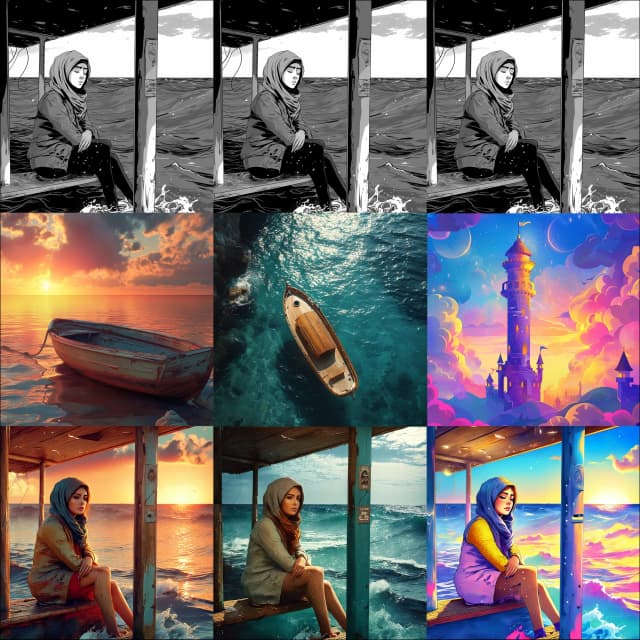
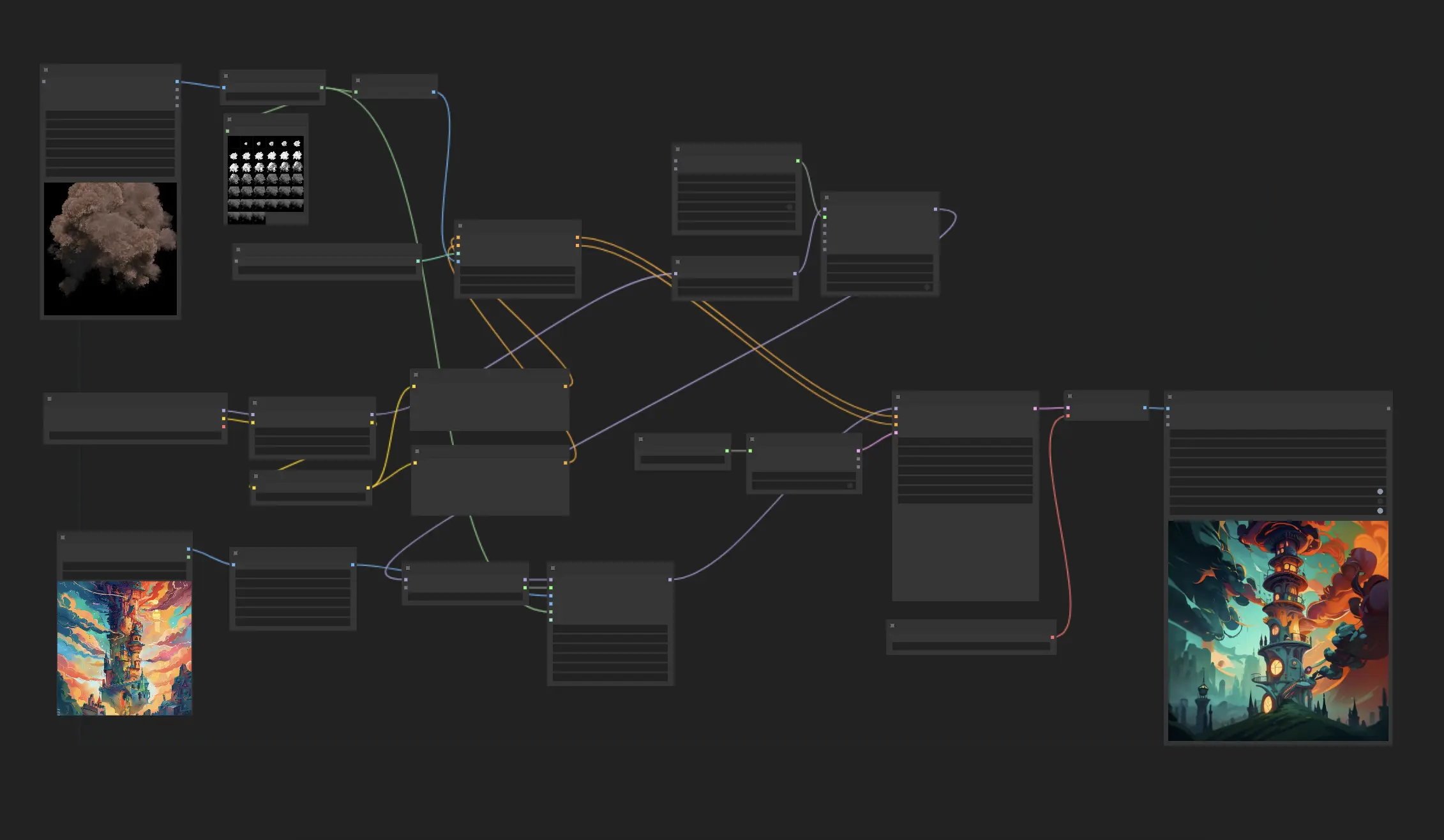
In this workflow, we utilize IPAdapter Plus, ControlNet QRcode, and AnimateDiff to transform a single image into a video. Here’s a simplified breakdown of the process:
- Select your input image to serve as the reference for your video.
- Choose a black and white video to use as the input for the ControlNet QRCode Monster Model.
- Optionally, use this video as the attention mask input in IPAdapter Plus. This allows the IPAdapter to concentrate on specific areas of the video, enhancing focus and detail where needed.
- Experiment with different weights and steps in ControlNet QRCode to optimize the results. Adjusting these parameters can significantly enhance the quality and effectiveness of the transformation.
This streamlined approach enables you to effortlessly create stunning animations from just one image. By harnessing the powerful style transfer capabilities of IPAdapter Plus, coupled with its precise attention mask feature, and the dynamic visual effects from ControlNet QRCode, you can easily transform your image into impressive videos.
For more information about the Attention Mask, please visit the introduction to IPAdapter Attention Mask