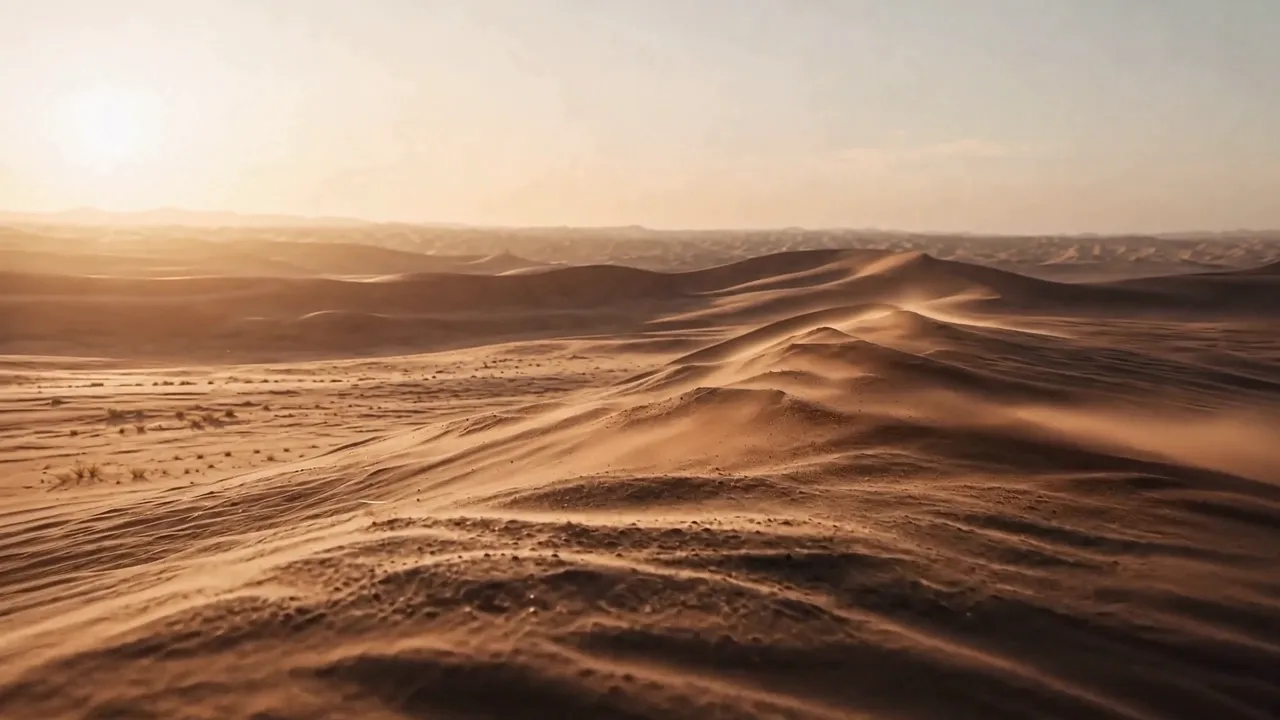
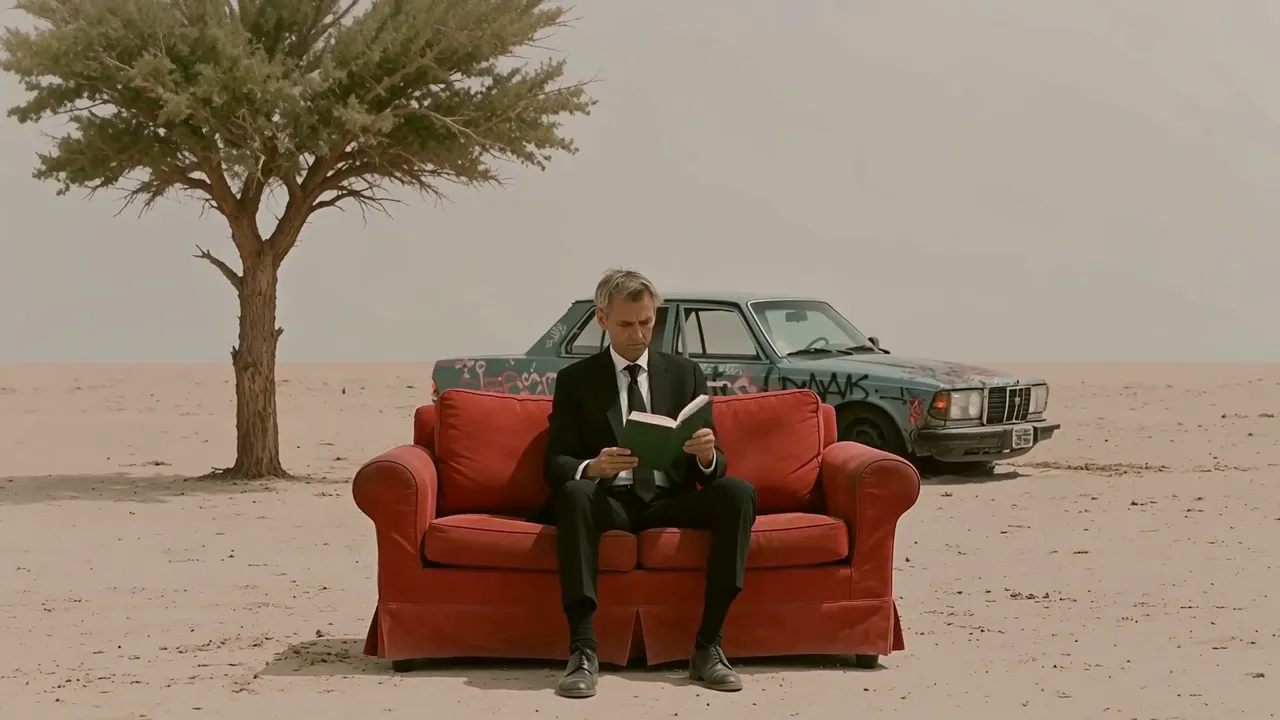
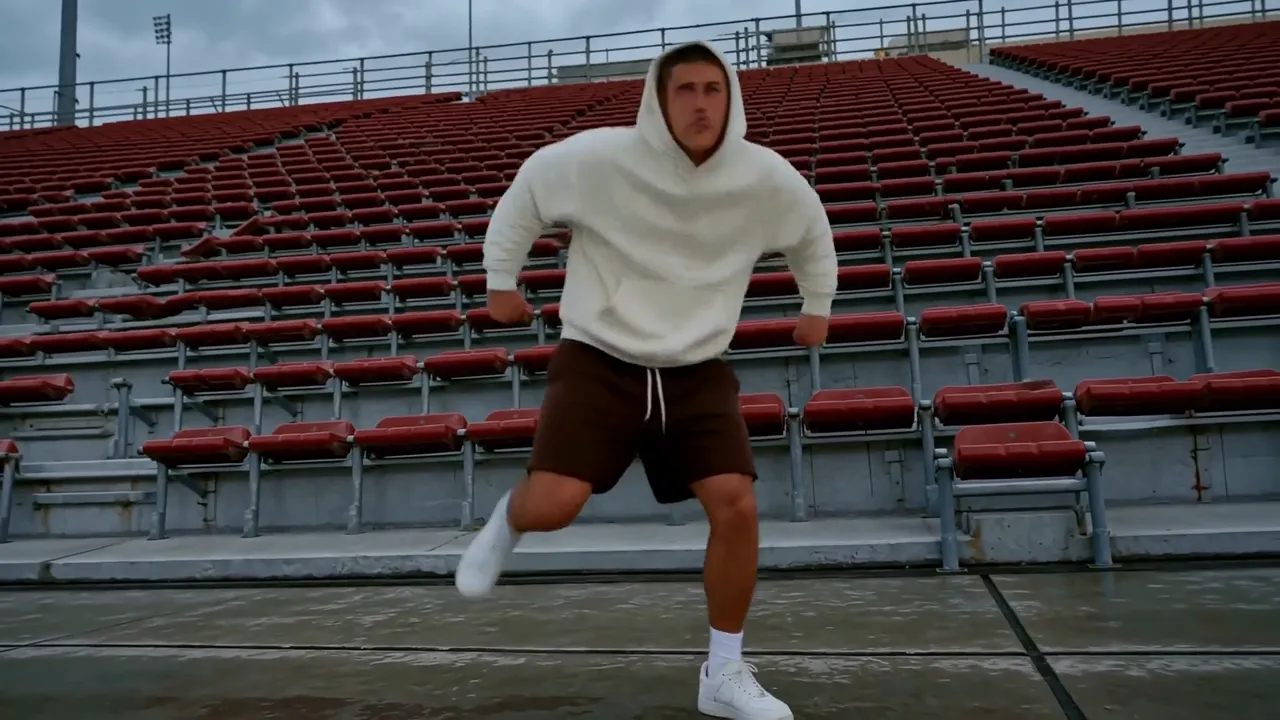
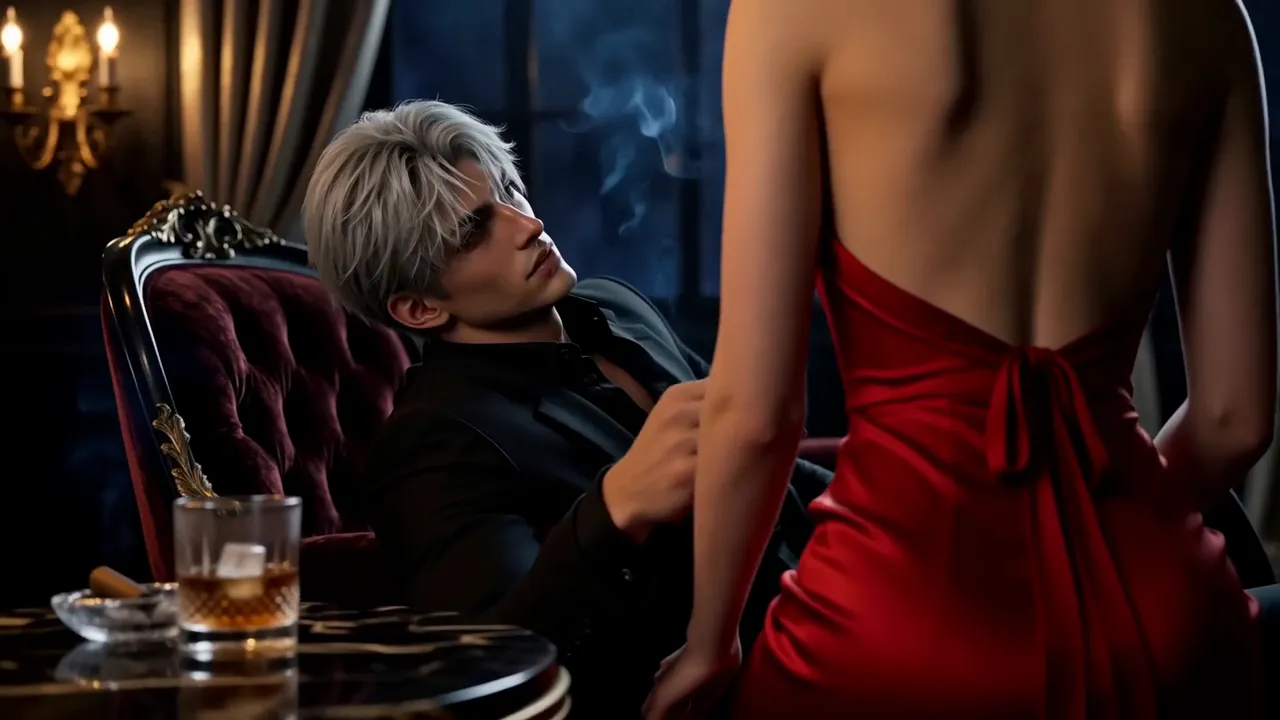
kling-video-o3/pro/text-to-video
Кинематографическая генерация видео уровня Pro по тексту — $0.112 за секунду результата.
MiniMax H3 is MiniMax's multimodal model family for generating and editing images, video, and audio through natural-language instructions. This page provides MiniMax H3 Text-to-Video: turn one written prompt into a 4–15-second video at 24 FPS, at either 768p or 2K, with native stereo audio generated with the picture. It accepts text only; use the linked H3 workflows when you need image, video, or audio references.
| MiniMax H3 advantage | What it means for you |
|---|---|
| Selectable 768p or 2K with native stereo audio | Draft faster at 768p, or generate detailed visuals, dialogue, effects, ambience, and music in one pass at 2K—reducing separate upscaling, sound-design, and synchronization stages. |
| Language-directed Omni-Reference | Across MiniMax H3 workflows, assign images, video, and audio different roles—such as identity, product appearance, motion, camera style, voice, or music—so several sources can guide one coherent result. |
| V2V transfer and targeted editing | MiniMax H3 can carry over motion or camera language and revise selected visual or audio elements while preserving the rest, giving production teams a path beyond regenerating a shot from scratch. |
| Delivery-ready timing and framing | Generate 4–15 seconds at 24 FPS in six aspect ratios, so hooks, product reveals, and multi-beat scenes fit cinematic, web, feed, portrait, or vertical placements with less recutting and recropping. |
9:16 Shorts, Reels, and Stories or 1:1 feed assets with a clear opening hook and platform-ready framing.768p or 2k resolution.The first table lists the controls exposed by the MiniMax H3 Text-to-Video tool on this page.
| Parameter | Required | Type | Default | Range / Options | How to choose |
|---|---|---|---|---|---|
prompt* | Yes (*) | String | Example prompt | 1–7,000 characters | Give MiniMax H3 a structured brief covering the subject, one main action, camera, setting and lighting, visual style, audio, and intended ending. Clear structure matters more than using the full limit. |
aspect_ratio | No | String | 16:9 | 21:9, 16:9, 4:3, 1:1, 3:4, 9:16 | Match MiniMax H3 output to the destination: 21:9 for ultra-wide cinematic shots, 16:9 for general video and ads, 4:3 for editorial or retro framing, 1:1 for feeds, 3:4 for portrait products, and 9:16 for vertical social video. |
resolution | No | String | 768p | 768p, 2k | Use 768p for cheaper drafts and faster iteration; use 2k when the shot needs higher detail for large placements or crops. |
duration | No | Integer | 5 | 4–15 seconds, in 1-second steps | Use 4–7-second MiniMax H3 clips for one action or fast iteration, 8–10 seconds for a simple change, and 11–15 seconds only when the prompt defines a clear beginning, development, and ending. |
The following table summarizes the wider MiniMax H3 model family. Inputs described for first/last-frame and Omni-Reference modes are available through separate workflows, not as controls on this Text-to-Video page.
| Core dimension | MiniMax H3 |
|---|---|
| Model | MiniMax-H3 |
| Output duration | MiniMax H3 outputs 4–15 seconds. |
| Output aspect ratio | First/last-frame mode: follows the original aspect ratio of the input image.<br>Text-to-Video mode: follows the user-selected 21:9, 16:9, 4:3, 1:1, 3:4, or 9:16 ratio.<br>Omni-Reference mode: uses one of those six ratios or Auto, which lets MiniMax H3 choose the output ratio. |
| Resolution | MiniMax H3 supports two tiers. 768p: for aspect ratios from 16:9 through 9:16, the short side is 768 pixels; for wider output, total resolution is about 1 MP—for example, 21:9 is 1536×672.<br>1440p / 2K: for aspect ratios from 16:9 through 9:16, the short side is 1440 pixels; for wider output, total resolution is about 3.7 MP—for example, 21:9 is 2976×1248. |
| Output frame rate | MiniMax H3 outputs at 24 FPS. |
| Output audio | Every MiniMax H3 result includes native stereo audio. |
| First/last-frame input | Images: 0, 1, or 2; width and height each 256–5760 pixels; aspect ratio from 5:2 to 2:5 (0.4–2.5). With no image input, MiniMax H3 runs in Text-to-Video mode—the tool provided on this page. |
| Omni-Reference input | Images: up to 9; width and height each 256–5760 pixels.<br>Videos: up to 3; each 2–15 seconds; combined video duration up to 15 seconds; width and height each 256–5760 pixels; aspect ratio from 5:2 to 2:5 (0.4–2.5).<br>Audio: up to 3 clips; each 2–15 seconds; combined audio duration up to 15 seconds. Audio must accompany an image or video and cannot be the only reference.<br>Mixed input: up to 12 files total. With no image, video, or audio input, the workflow becomes Text-to-Video. |
| Supported input formats | MiniMax H3 accepts video: H.264/AVC or H.265/HEVC; embedded audio: AAC or MP3.<br>Image: JPG, JPEG, PNG, WEBP, HEIC, or HEIF.<br>Audio: WAV or MP3. |
| Input size limits | Each video: 50 MB; each image: 30 MB; each audio file: 15 MB. There is no separate combined-media limit beyond the per-file limits, but the API request body is limited to 64 MB; URL-based media input is recommended. |
| Prompt limit | The MiniMax H3 product guide allows up to 7,000 characters. This Text-to-Video deployment currently accepts 1–7,000 characters, as shown in the page-control table above. |
MiniMax H3 Text-to-Video pricing depends on resolution and duration:
| Resolution | Price per second | 5s | 10s | 15s |
|---|---|---|---|---|
| 768p | $0.09 | $0.45 | $0.90 | $1.35 |
| 2K | $0.145 | $0.725 | $1.45 | $2.175 |
For batches of 1–4 outputs, calculate the total as duration × per-second rate × output count.
Use this reusable MiniMax H3 prompt structure:
[subject + defining details] + [one action over time] + [camera framing and movement] + [setting + lighting] + [visual treatment] + [dialogue / effects / ambience / music] + [ending frame or constraint]
Weak prompt
> A luxury watch ad, cinematic and dynamic, with music.
Improved MiniMax H3 prompt
> A brushed-steel automatic watch rests on black volcanic stone. A narrow studio light sweeps across the sapphire crystal as the second hand moves and condensation beads on the case. Begin with an extreme macro, then make a slow 30-degree orbit, ending on the watch face. High-contrast luxury commercial, deep black background. Audio: soft mechanical ticking and one low cinematic pulse; no dialogue.
The improved version gives MiniMax H3 an identifiable subject, timed action, separate camera direction, lighting, finish, sound sources, and a final frame that can be reviewed.
Use this MiniMax H3 comparison as a model-family guide; maximum resolution and duration may not be available together, and RunComfy workflows can expose different inputs, resolution tiers, and audio controls.
| Model | Resolution | Max duration | Audio | Standout |
|---|---|---|---|---|
| MiniMax H3 | 768p or 2K | 15s | Native stereo (voice, SFX, music) | Relates text, image, video, and audio references through language for V2V motion transfer and production editing; public weights are planned but have not yet been released. |
| Hailuo 02 | 1080p | ~10s | None | Strong prompt adherence and physics-focused motion suit gymnastics, dance, product movement, and other silent action shots that will receive audio later in production. |
| Kling 3.0 | Up to 4K | 15s | Native audio with lip-sync | Coordinates multi-shot camera changes with multilingual, speaker-assigned dialogue and lip-sync—useful for scripted ads, storyboards, and character-led scenes. |
| Seedance 2.0 | 1080p | 15s | Joint audio and video | Combines dense image, video, and audio references with joint audiovisual generation and precise lip-sync for identity-sensitive ads, branded stories, and reference-heavy edits. |
| Veo 3.1 | 4K | 8s | Native dialogue and effects | Pairs prompted dialogue and effects with first/last-frame, reference-image, and scene-extension controls—suited to cinematic transitions and assembled sequences. |
For Hailuo 02, the listed maxima are mode-specific: 1080p output is limited to 6 seconds, while 10-second output is available at 512p or 768p.
For MiniMax H3, Omni-Reference and V2V capabilities belong to sibling workflows; the Text-to-Video tool on this page remains prompt-only.
What sets MiniMax H3 apart is the combination: one general-purpose model family that relates text, image, video, and audio, generates native stereo sound, and offers both 768p ($0.09/s) and 2K ($0.145/s). Choose MiniMax H3 when you want to start from a text brief and keep a path to reference-guided creation or editing in sibling workflows. Based on publicly available information, run the same brief through each model before committing a pipeline.
If MiniMax H3 is not the right starting point for a project, compare these focused workflows on RunComfy:
Кинематографическая генерация видео уровня Pro по тексту — $0.112 за секунду результата.
Создавайте плавные видеоролики из изображений с кинематографическим качеством

Ролики image-to-video длительностью 3–15 с по тарифу $0.083 за секунду.

Синхронизируйте аудиодорожку с существующим видео с помощью двух обязательных URL.

Изменяйте исходный ролик по текстовому промпту и создавайте синхронизированный нативный звук.

Создайте короткое видео с синхронным звуком по референсным изображениям и промпту.
Да. Преобразование текста в видео MiniMax H3 доступно в браузере и через API RunComfy с использованием средств вашего аккаунта.
MiniMax H3 — это семейство моделей универсального мультимодального создания и редактирования MiniMax. Его более широкий дизайн задач охватывает текст, изображения, видео и аудио, в то время как отдельные рабочие процессы предоставляют разные входные данные. На этой странице представлен рабочий процесс преобразования текста в видео только с подсказками.
MiniMax позиционирует H3 для рекламы, брендинга, электронной коммерции, фильмов, дизайна заголовков, анимированных плакатов, коротких рассказов, концепций продуктов и пользовательского интерфейса, игр, виртуальных персонажей и стилизованной анимации. Текущий рабочий процесс преобразования текста в видео лучше всего подходит для коротких концепций, которые можно реализовать с помощью письменной подсказки.
На этой странице MiniMax H3 поддерживает разрешение «768p» и «2k». Выберите любую длительность в целую секунду от 4 до 15 секунд; значение по умолчанию — 5 секунд. Используйте разрешение 768p для более дешевых черновиков и 2K, если вам нужна более высокая детализация.
Да. Этот рабочий процесс преобразования текста в видео генерирует собственный стереозвук вместе с видео. Опишите диалог, атмосферу, звуковые эффекты или музыку в подсказке; отдельного переключателя звука нет. Результаты могут различаться, поэтому проверьте синхронизацию губ и синхронизацию звука.
Нет. Эта страница представляет собой рабочий процесс преобразования текста в видео MiniMax H3 только с подсказками, и ее API принимает только «подсказку», «соотношение сторон», «разрешение» и «длительность». Для исходного мультимедиа используйте отдельный рабочий процесс H3 «Изображение в видео» или «Ссылка на видео».
В рабочих процессах H3 с поддержкой ссылок естественный язык может назначать различные роли тексту, изображениям, видео и аудио. Например, один источник может определять движение камеры, другой — персонажа, а третий — голос. Это возможность семейства моделей, а не функция загрузки мультимедиа на текущей странице.
Нет. RunComfy предоставляет MiniMax H3 через браузер и HTTP API, поэтому вам не нужно самостоятельно размещать или масштабировать модель. В сообщении MiniMax от 31 июля описывался условный план по выпуску весов моделей; проверьте текущую доступность и условия лицензии, прежде чем планировать самостоятельный хостинг.
Преобразование текста в видео MiniMax H3 стоит 0,09 доллара США за секунду генерации при разрешении 768p и 0,145 доллара США за секунду генерации при разрешении 2K. В разрешении 768p 5-секундное видео стоит 0,45 доллара, 10-секундное видео — 0,90 доллара, а 15-секундное видео — 1,35 доллара. В 2K эти длины стоят 0,70, 1,40 и 2,175 доллара. При пакетной генерации стоимость, основанная на продолжительности, умножается на количество выходов.
MiniMax описывает Hailuo 02 как ориентированную на архитектуру, данные и масштабирование, а MiniMax H3 фокусируется на обобщении задач и модальностей. H3 также добавляет собственный стереозвук и возможность выбора вывода 768p или 2K в рабочий процесс преобразования текста в видео.
Проверьте подсказку, соотношение сторон, разрешение и продолжительность в RunComfy. Затем вызовите тот же шаблон преобразования текста в видео MiniMax H3 через API с параметрами «подсказка» (обязательно), «соотношение сторон», «разрешение» (768p или 2k) и «длительность» (4–15). В этом рабочем процессе нет полей для загрузки мультимедиа.
RunComfy - ведущая ComfyUI платформа, предлагающая ComfyUI онлайн среду и услуги, а также рабочие процессы ComfyUI с потрясающей визуализацией. RunComfy также предоставляет AI Models, позволяя художникам использовать новейшие инструменты AI для создания невероятного искусства.