Generate lifelike motion visuals fast with Dreamina 3.0 for designers.


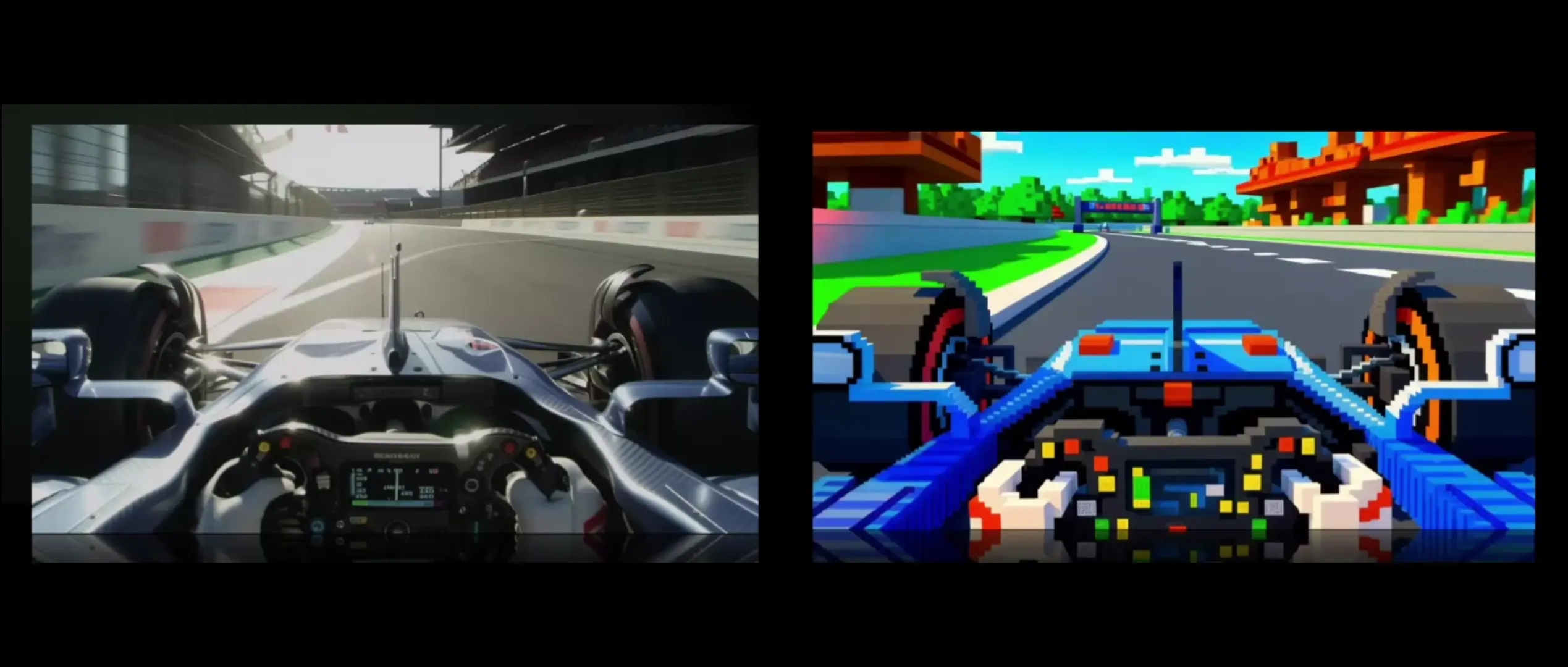
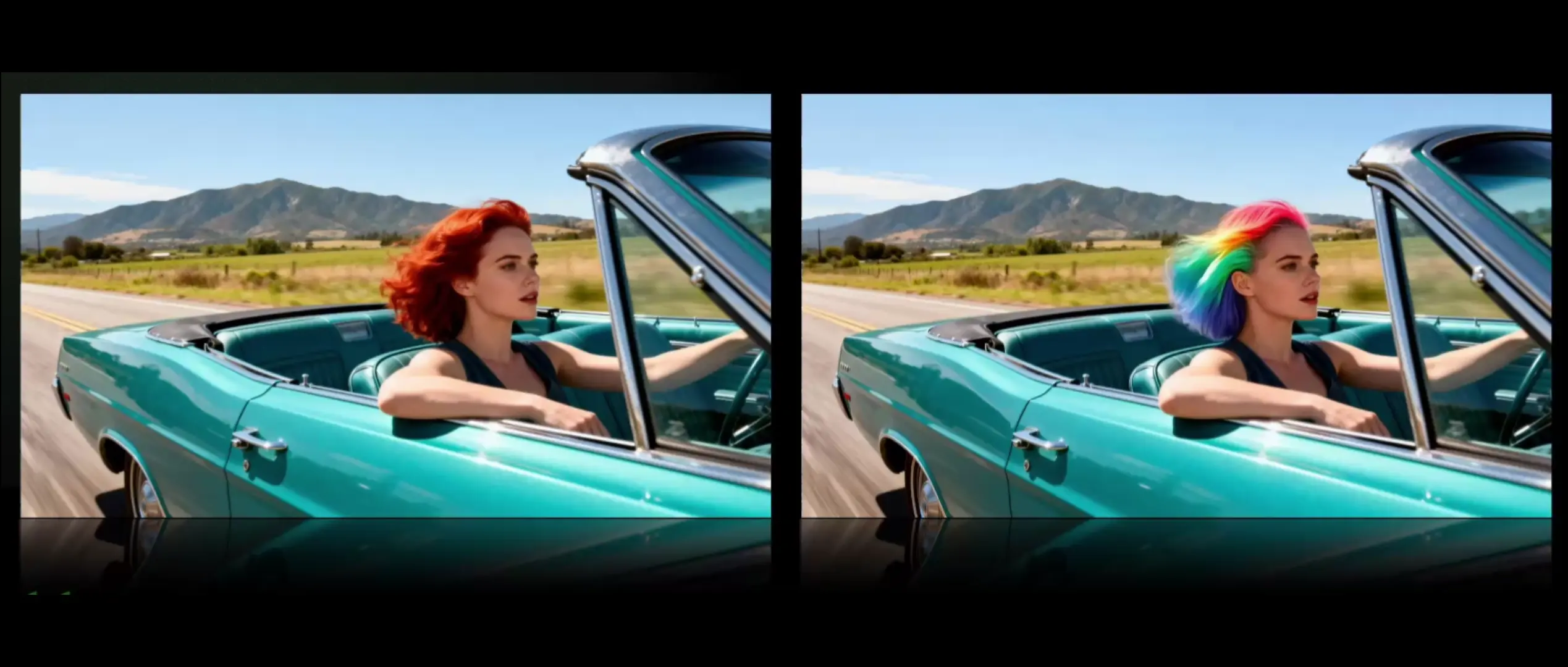
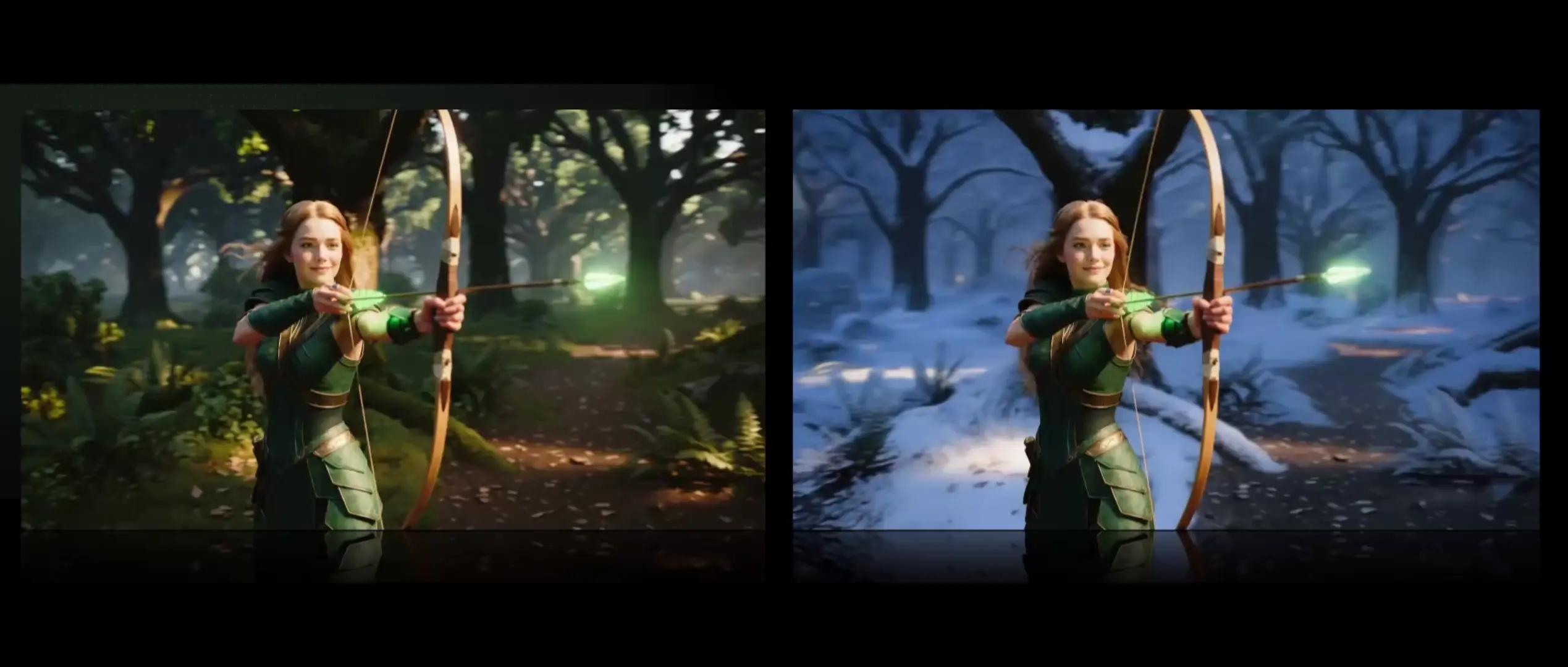
Kling O1 Standard Video Edit is a focused system for high-fidelity video-to-video editing that maintains scene layout, motion continuity, and material realism. Video-to-video in Kling O1 Standard Video Edit serves as the mechanism for transforming an input clip to a specified style or revision while preserving core structure across time. By prioritizing stability and temporal coherence, it delivers precise, artifact-minimized results.
Note: Try the Kling O1 Standard plagyrounds for text to video: Text to Video playground. Kling O1 Standard Image To Video playground for quick image-to-video run: Image to Video playground.
Generate lifelike motion visuals fast with Dreamina 3.0 for designers.
Generate high quality videos from text with Kling 2.1 Master.
Unified AI model for refined scene editing, style match, and smooth video refits
Turn static photos into lifelike videos with style, motion, and full creative control.
Add instant visual effects to a single image and export as a video.
Add a person or object into an existing video with smart compositing.
Kling O1 Standard Video Edit is an advanced AI-driven tool designed to modify existing footage through text and image prompts. Its video-to-video capability allows users to transform scenes, change styles, and alter elements within a clip while retaining motion and visual coherence.
Compared to earlier versions, Kling O1 Standard Video Edit offers enhanced scene consistency, improved face rendering, and more stable video-to-video transitions, reducing the need for manual masking and delivering cinematic-quality outputs even during complex camera movements.
Kling O1 Standard Video Edit can be accessed through the Runcomfy AI playground with a credit-based system. New users get free trial credits, and subsequent video-to-video generations consume usage credits as outlined in the pricing section on the Runcomfy site.
Kling O1 Standard Video Edit is ideal for content creators, marketers, and indie filmmakers who want to repurpose or refine existing footage. Its video-to-video tool simplifies post-production tasks for social media clips, ads, and short creative projects.
Kling O1 Standard Video Edit supports HD to 4K outputs across common aspect ratios, maintaining consistent frame quality throughout video-to-video transformations without requiring additional compositing or manual post-processing.
Kling O1 Standard Video Edit provides intuitive prompt-based editing, supports multiple reference inputs, and ensures professional-grade visual results. These features collectively streamline video-to-video production and minimize traditional editing complexity.
Yes, Kling O1 Standard Video Edit performs best with clips ranging from 3 to 10 seconds. Extended video-to-video edits may experience minor motion drift or artifacts, particularly during rapid or intricate camera transitions.
Yes, Kling O1 Standard Video Edit is available via the Runcomfy web-based platform and is fully functional on both desktop and mobile browsers, allowing users to create video-to-video transformations anytime with stable performance.
No, Kling O1 Standard Video Edit is built for simplicity. Users can edit existing footage using plain-language prompts without extensive editing experience, making video-to-video editing quick and accessible to beginners and professionals alike.
RunComfy is the premier ComfyUI platform, offering ComfyUI online environment and services, along with ComfyUI workflows featuring stunning visuals. RunComfy also provides AI Playground, enabling artists to harness the latest AI tools to create incredible art.