ltx-2/pro/text-to-video
Generate cinematic 4K clips from prompts with audio sync and pro control
| Parameter | Type | Default/Range | Description |
|---|---|---|---|
| prompt | string | "" | Natural-language instructions guiding animation, edits, and style. |
| image | image_uri | — | First-frame still image to animate (required). Use high-quality sources for best fidelity. |
| last_image | image_uri | — | Optional last-frame image for in-between animation and tighter control over start/end states. |
| Parameter | Type | Default/Range | Description |
|---|---|---|---|
| duration | integer (enum) | 5 | Total clip length in seconds. Allowed values: 3–10. If last_image is not provided, only 5 or 10 seconds are supported. |
Developers can integrate Kling O1 Standard via the RunComfy API using standard HTTP requests with straightforward payloads for prompt, image, optional last frame, and duration. The model’s tight parameter surface makes it easy to slot into automated pipelines and shot-based workflows.
Note: API Endpoint for Kling O1 Standard
Try other Kling O1 Standard playgrounds : text-to-video generation or video editing instead of image-to-video. These modes are optimized for direct text-driven generation or editing existing footage while retaining the identity and style controls available in Kling O1 Standard.
Generate cinematic 4K clips from prompts with audio sync and pro control

Generate video between start and end frames with optional audio

Guide new video with image or video references and text direction.

Unified AI model for refined scene editing, style match, and smooth video refits

Turn images and text into motion-accurate HD videos fast.

Create camera-controlled, audio-synced clips with smooth multilingual scene flow for design pros.
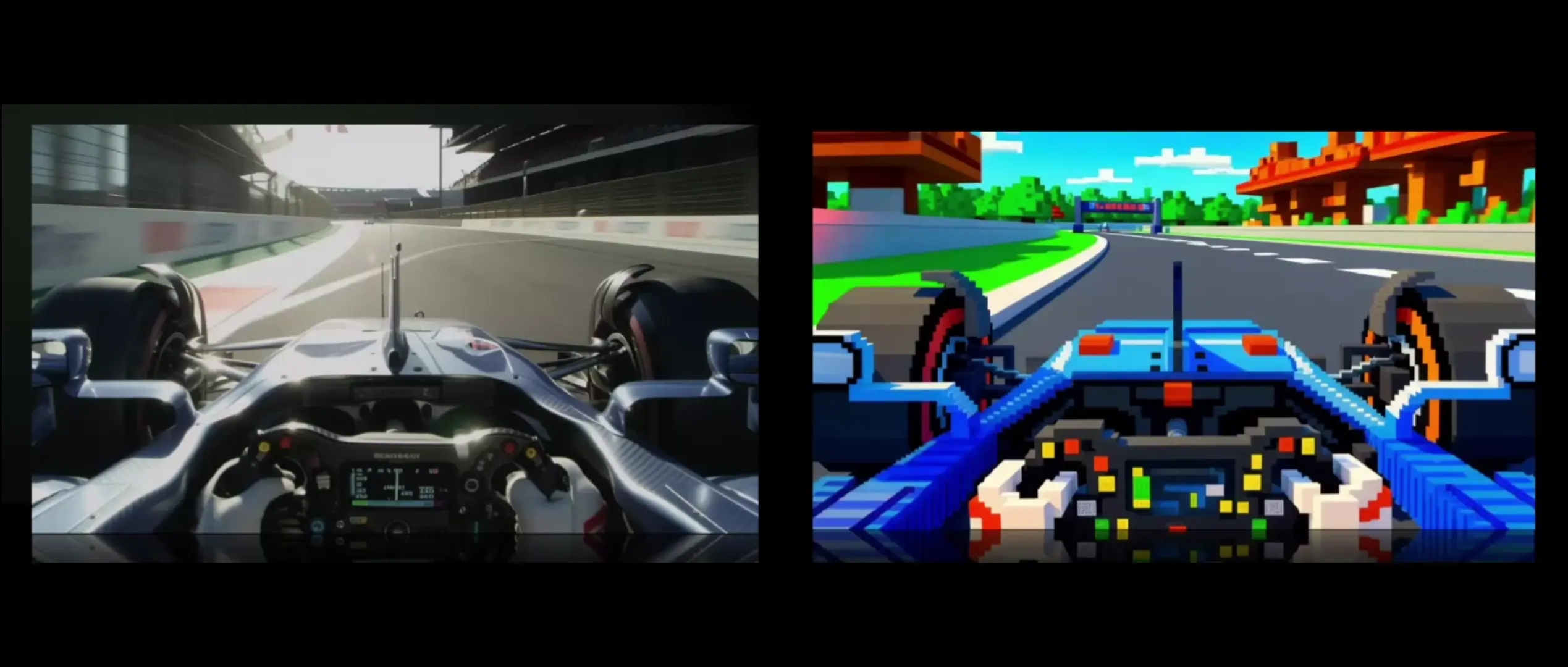
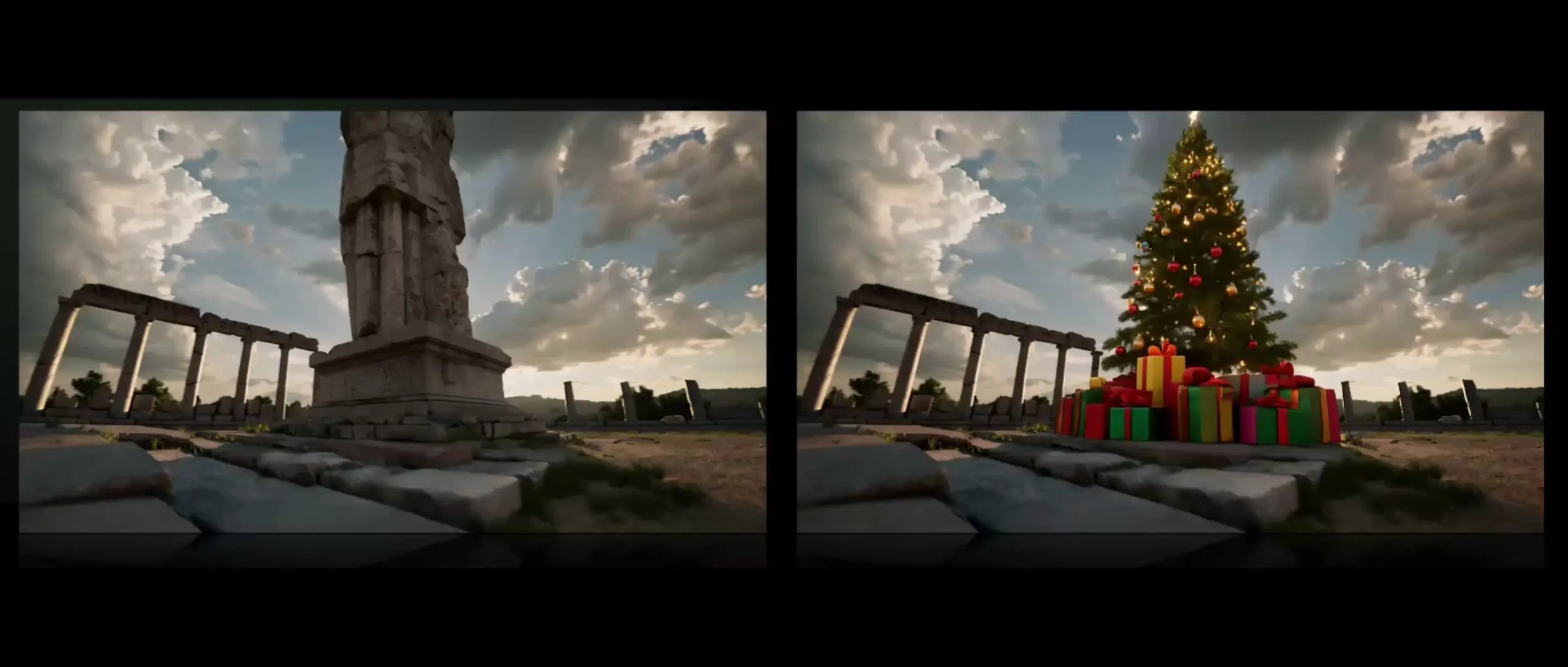
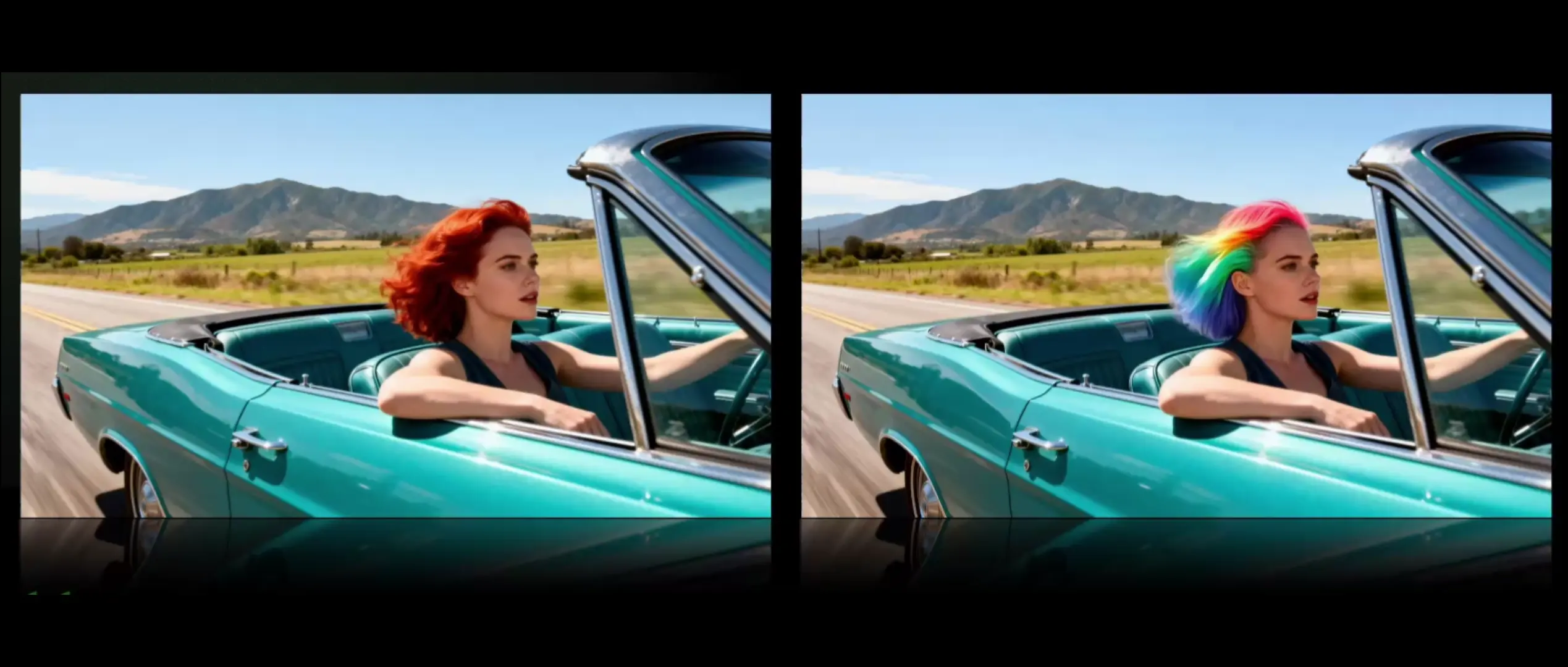
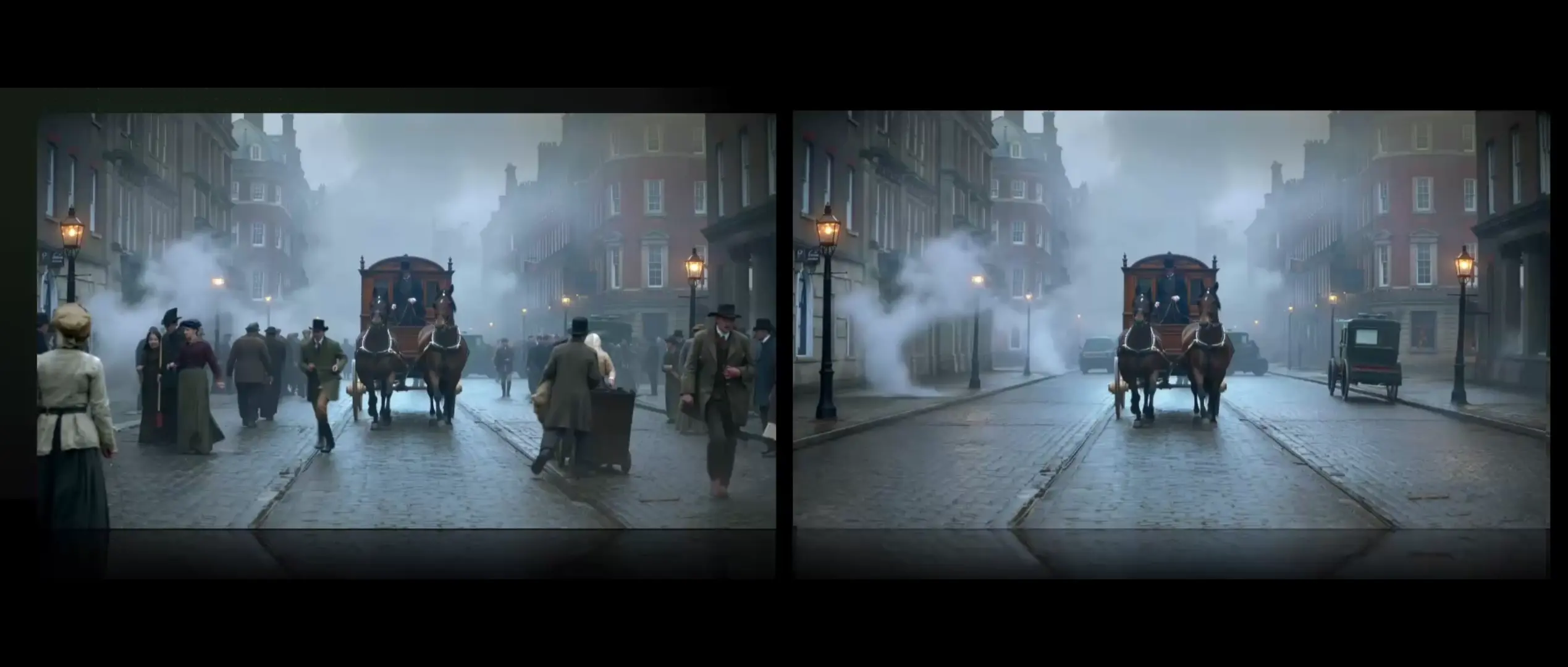
Kling O1 Standard model is a unified multimodal system that combines text-to-video, image-to-video, and video editing within one framework. Compared to older Kling 2.x models, it supports multiple reference images, chain-of-thought motion reasoning, and native audio sync through Kling-Foley, providing more coherent motion and better adherence to prompts.
Kling O1 Standard projects are capped at 1080p HD resolution and 5–10 seconds duration. Users can upload up to around 10 reference images for compositing, and input prompts are typically limited to ~400 tokens. Aspect ratios include 16:9, 1:1, and 9:16, with no support for beyond-1080p output in Standard mode.
While Kling O1 Standard performs well on stylized or artistic representations, it still faces challenges with photorealistic close-ups of human faces due to policy filters and artifact smoothing. The Pro version is recommended for more robust handling of such content.
Developers can prototype with Kling O1 Standard in the RunComfy Playground and then use the same model endpoints via the RunComfy API for production. The API mirrors the playground parameters, so developers just need to generate an API key, adjust authentication headers, and manage credit (usd) usage programmatically.
Kling O1 Standard excels in compositional control and temporal consistency, outperforming older versions and offering flexible reference tagging. While Wan 2.5 may handle lip-sync more accurately, Kling O1’s core strength lies in unified multimodal editing, shot extension, and style-preserving transformations.
Kling O1 Standard applies chain-of-thought motion reasoning to model scene physics and maintain temporal stability. This reduces ghosting and frame morphing. However, minor artifacts can still appear in extremely complex or heavily composited scenes.
Kling O1 Standard supports MP4, MOV, and WebM output formats. Users can generate in common aspect ratios like 16:9, 9:16 for vertical social media clips, or 1:1 for square posts. All outputs are capped at 1080p HD under Standard mode.
The Kling O1 Standard engine allows up to roughly 10 tagged reference images. By using @image1, @image2 notation, the model fuses visual features across sources while preserving shared color schemes, lighting, and style continuity throughout the generated clip.
Kling O1 Standard focuses on speed and accessibility with slightly lower fidelity and shorter clips. Pro mode unlocks higher temporal quality, extended durations (up to 2 minutes), and more stable long-sequence generation, making it better for commercial and cinematic use.
Commercial rights depend on the licensing under Kling AI and the RunComfy platform terms. Generally, Kling O1 Standard outputs from paid RunComfy plans are license-cleared for commercial use, but users should always confirm specific usage rights through Kling AI’s or RunComfy’s official documentation.
RunComfy is the premier ComfyUI platform, offering ComfyUI online environment and services, along with ComfyUI workflows featuring stunning visuals. RunComfy also provides AI Models, enabling artists to harness the latest AI tools to create incredible art.