

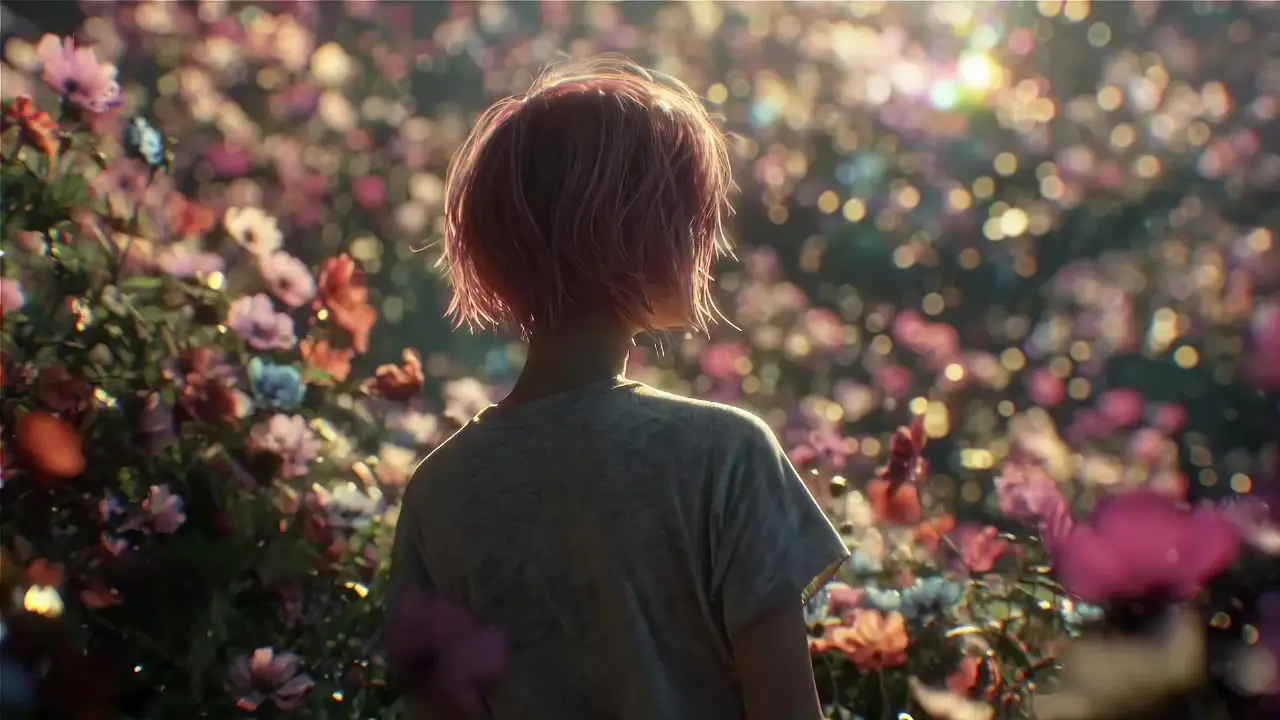
seedance-1-0/pro/image-to-video
Create fluid, expressive animations with multi-shot storytelling features.
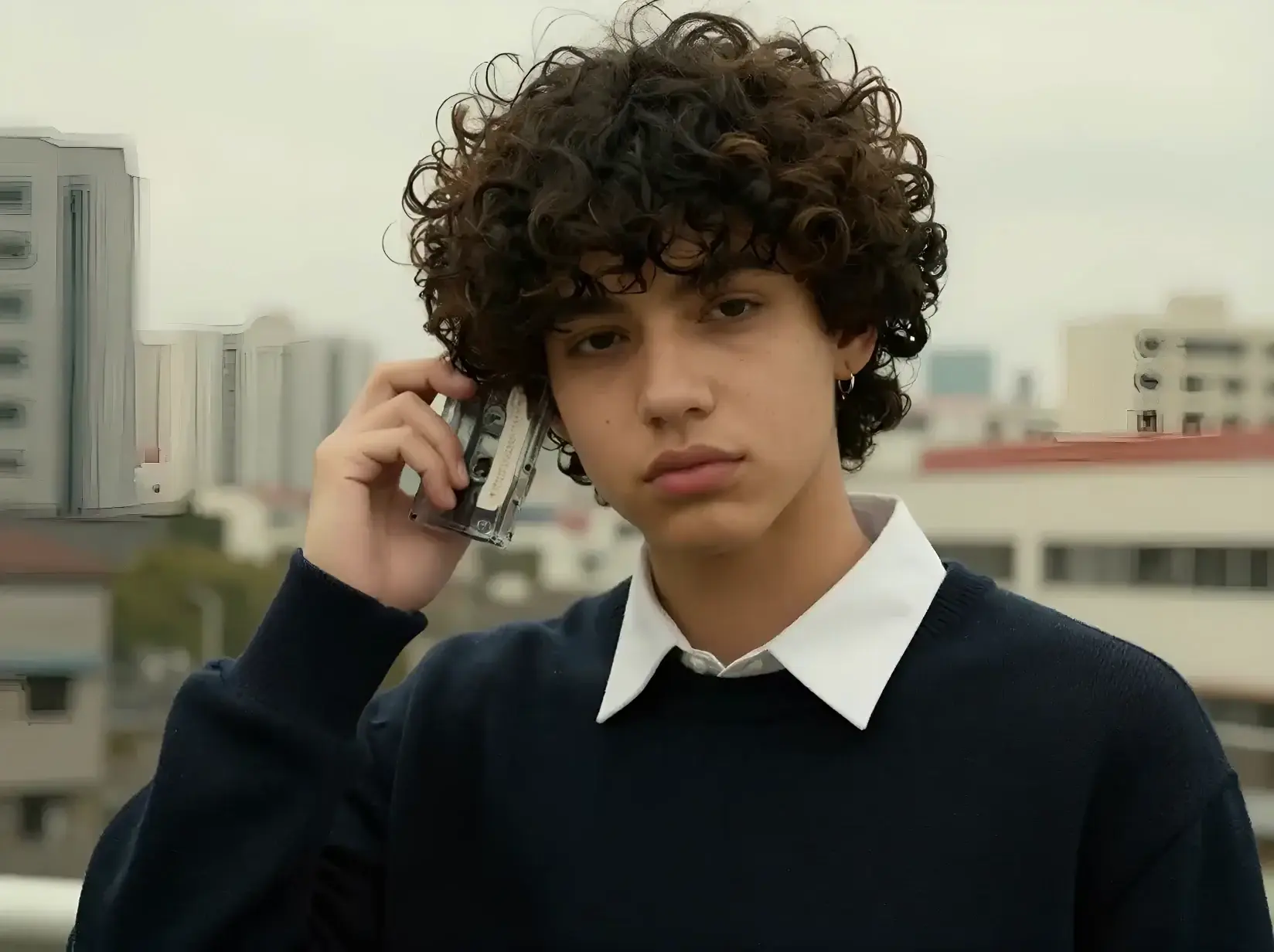
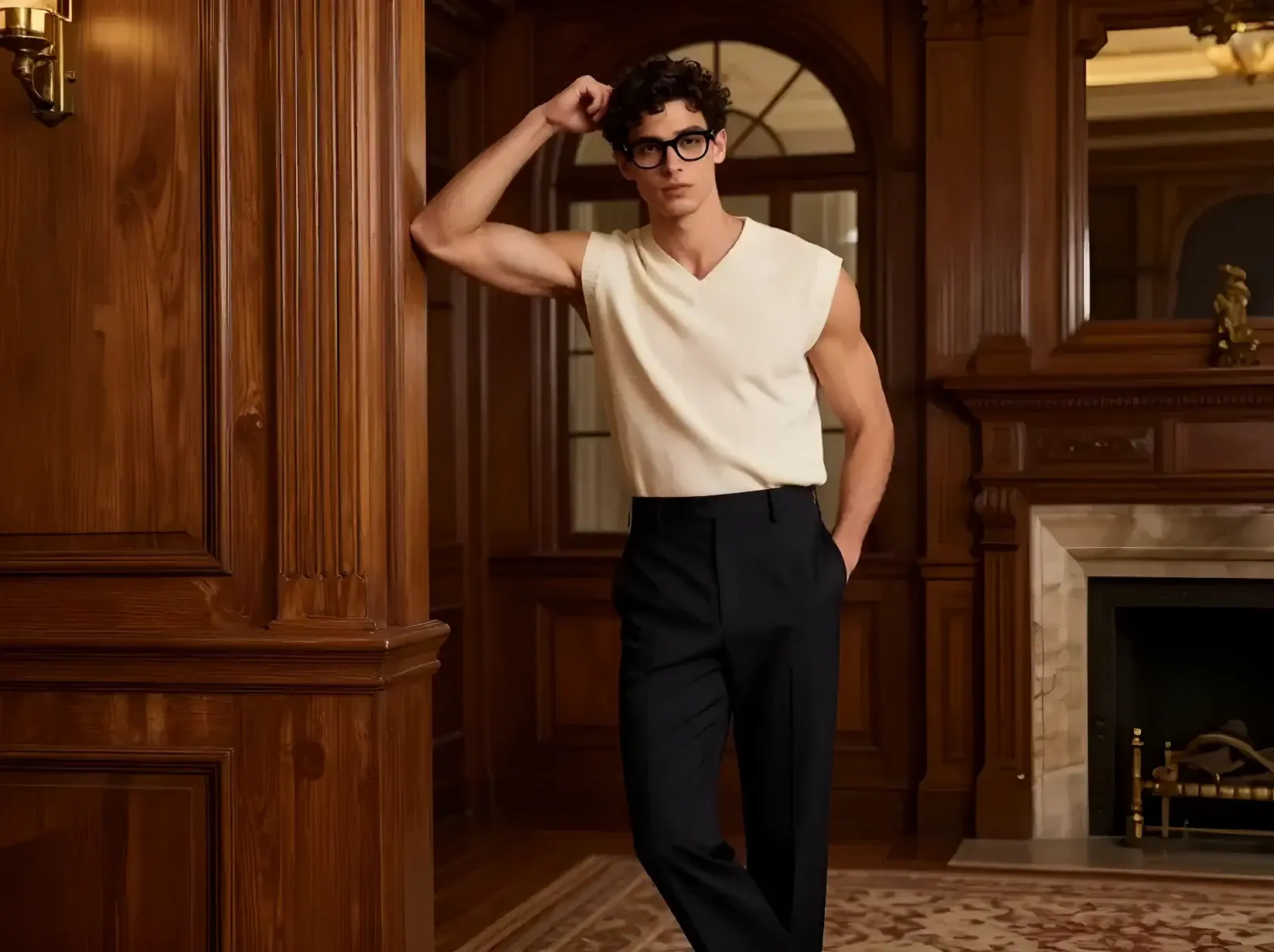
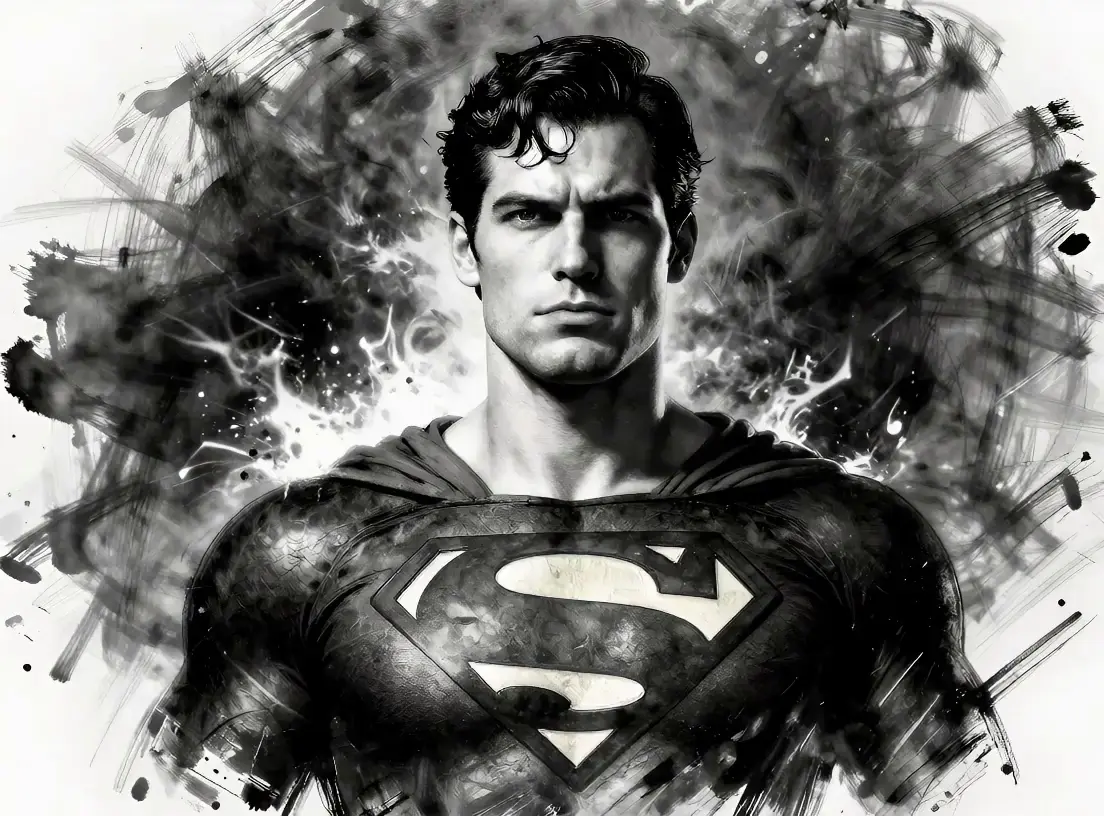
Provide an image_url for the subject, an audio_url to pair the soundtrack, and a concise prompt describing motion, camera behavior, duration, and style. State what to preserve to avoid unintended changes. For precise results, guide framing and trajectory, for example: slow push-in from chest up, keep face sharp. Kling AI Avatar V2 Pro interprets spatial verbs and timing cues reliably while respecting composition. Use short, declarative directions and avoid conflicting adjectives. For cinematic looks or anime render, specify tone, color, and line density. Kling AI Avatar V2 Pro favors concrete directions over abstract mood words. When refining, iterate with small deltas so Kling AI Avatar V2 Pro can adjust without drifting.
Examples:
Pro tips:
Note: You can also try the Kling AI Avatar Standard playground for image-to-video.
Create fluid, expressive animations with multi-shot storytelling features.

Delivers consistent face animation from a single image using motion-driven synthesis for design and game visualization.

Transform stills into narrative clips with synced audio and fluid camera motion.

First-frame restyle locks cinematic look across full AI video.
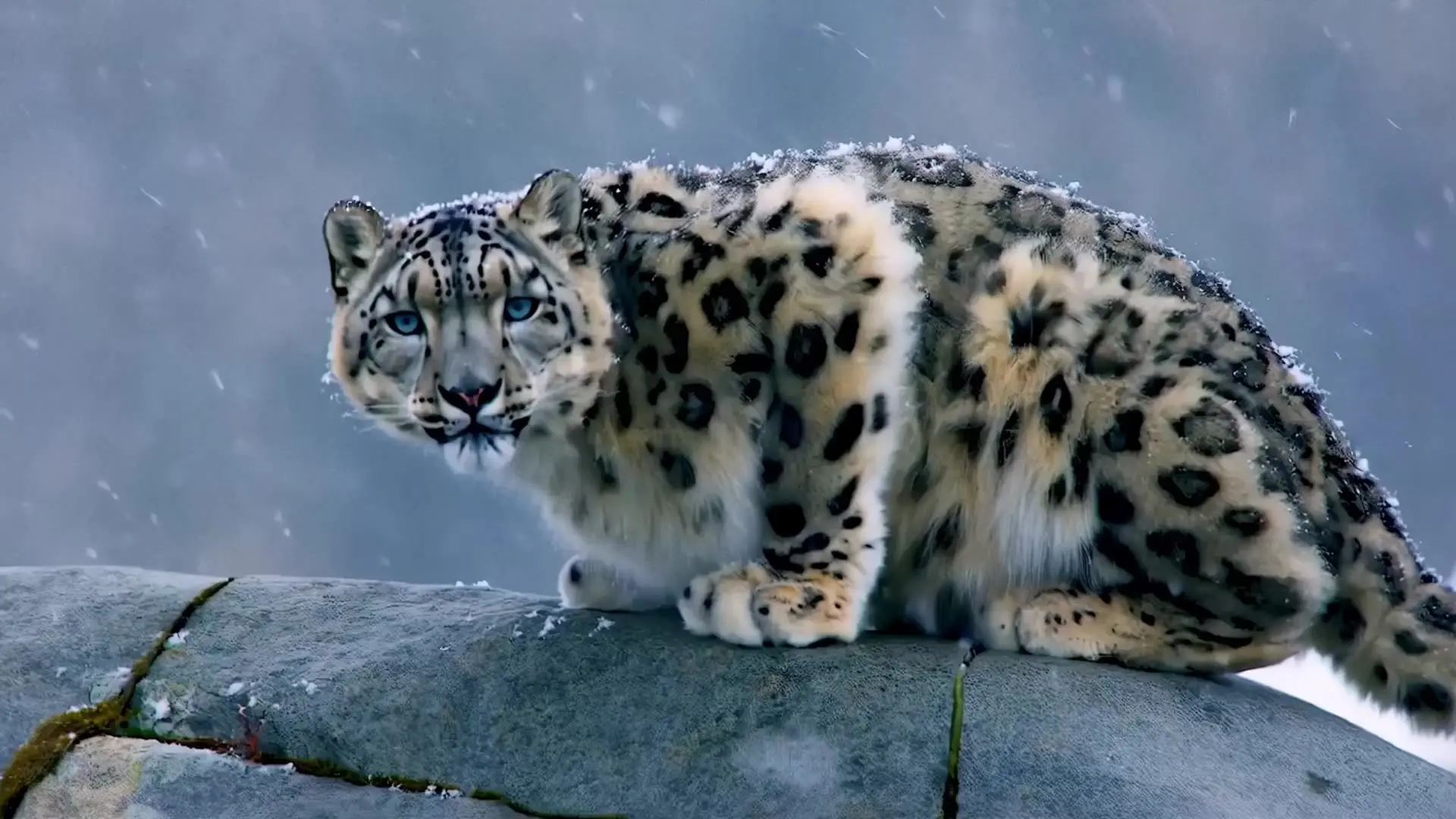
Lifelike characters, realistic physics, and stunning effects.

Lightning-fast video creation with lifelike and smooth kinetics.
Kling AI Avatar Pro is a generative AI video tool created by Kuaishou Technology. Its image-to-video capability allows users to turn static photos or artwork into animated video sequences using AI-driven motion, camera angles, and expressive detail.
Kling AI Avatar Pro stands out through its advanced motion realism, support for high-definition output, and smooth temporal consistency. Compared with typical image-to-video generators, it offers better control over camera movement, aspect ratio, and overall animation precision.
Kling AI Avatar Pro includes both free and paid options. A free tier with limited duration and quality is available, while the Pro and Master image-to-video modes require credits, which can be purchased or earned through the Runcomfy platform.
Kling AI Avatar Pro is best suited for content creators, marketers, educators, and social media influencers interested in quickly producing dynamic visuals. The image-to-video feature is ideal for animating portraits, product demos, or storytelling visuals with minimal technical effort.
Kling AI Avatar Pro can output smooth videos up to 1080p resolution at around 30 frames per second. The image-to-video results feature good facial coherence and motion realism, though minor face drift or framing issues may occur depending on input quality.
Users can access Kling AI Avatar Pro through the Runcomfy AI Playground website. The image-to-video feature functions well in web browsers, including mobile, without needing separate installs.
While Kling AI Avatar Pro produces impressive results, some users may notice minor inconsistencies in complex motions or face alignment. The image-to-video output may vary depending on input image quality, aspect ratio, and prompt accuracy.
Yes, Kling AI Avatar Pro supports lip-sync and certain voice features in select modes. When used with image-to-video, users can generate videos where the avatar’s mouth movement roughly matches added audio tracks.
Kling AI Avatar Pro lets users choose aspect ratios like 16:9, 9:16, or 1:1. The image-to-video tool offers motion control and styling options such as cinematic, anime, or realistic render modes for flexible creative output.
RunComfy is the premier ComfyUI platform, offering ComfyUI online environment and services, along with ComfyUI workflows featuring stunning visuals. RunComfy also provides AI Models, enabling artists to harness the latest AI tools to create incredible art.