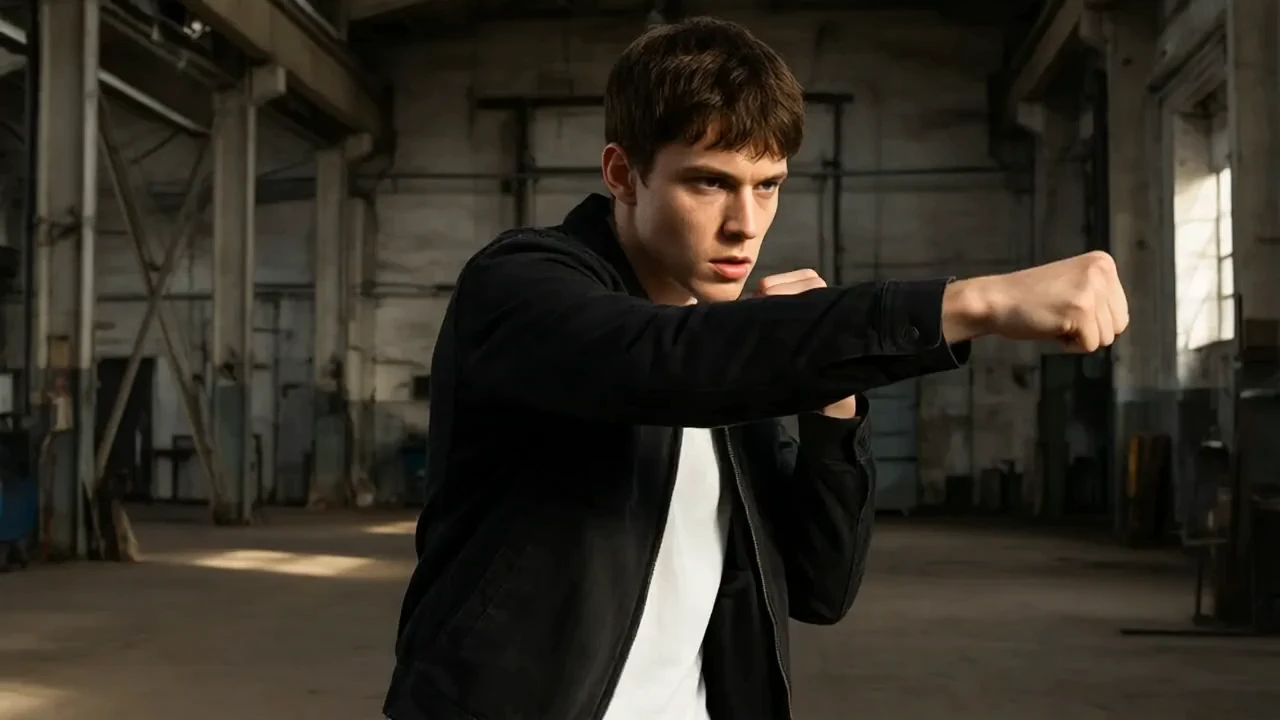
Hailuo Video 01 Director
Создавайте кинематографичные сцены с движением камеры и шаблонами
Координатор текст-в-видео, изображение-в-видео, переходов и создания по образцу PixVerse C1 от PixVerse. Вместо ручного покадрового редактирования PixVerse C1 использует направленную генерацию, помогая режиссерам, дизайнерам и продуктовым командам создавать производство фильмов, дизайн кампаний и визуальную разработку. Для разработчиков PixVerse C1 на RunComfy можно использовать как в браузере, так и через HTTP API, поэтому вам не нужно самим размещать или масштабировать модель.
Идеально подходит для: предварительная визуализация фильмов | видео для кампаний | рассказывание о продукте
PixVerse C1 превращает текст, изображения, парные кадры и ссылки в ориентированное на фильм видео. Он поддерживает клипы длиной до 15 секунд, четыре уровня разрешения через 1080p и необязательный нативный звук, предоставляя креативным командам единый путь от черновых тестов движения до завершенного короткометражного продукта.
Более широкая семья PixVerse C1 охватывает преобразование текста в видео, изображения в видео, переходы от первого до последнего кадра и слияние с референсами. PixVerse C1 предназначена для кинематографистов, дизайнеров, агентств и команд по продукту, которым требуется контролируемая визуальная разработка без необходимости поддерживать инфраструктуру для генерации видео.
| Parameter | Required | Type | Default | Range / Options | Description |
|---|---|---|---|---|---|
| image* | Yes (*) | string | https://playgrounds-storage-public.runcomfy.net/tools/7440/media-files/input.webp | URI | Starting image that anchors the generated shot. |
| prompt* | Yes (*) | string | A lone cyclist crosses a rain-swept bridge at blue hour as the camera tracks alongside, reflected city lights shimmering below, cinematic lighting, natural motion. | Free input | Describe the subject motion, camera behavior, lighting, and scene progression. |
| resolution | No | string | 720p | 360p, 540p, 720p, 1080p | Output quality tier shown as video resolution. |
| duration | No | integer | 5 | 1-15 | Requested output duration in seconds, from 1 through 15. |
| generate_audio_switch | No | boolean | false | Free input | Generate an optional native audio track with the video. |
| seed | No | integer | 0 | Free input | Seed used to reproduce or vary a generation. |
Списание идёт за каждую сгенерированную секунду.
| Разрешение | Без аудио | С аудио |
|---|---|---|
| 360p | $0.029/с | $0.039/с |
| 540p | $0.039/с | $0.049/с |
| 720p | $0.049/с | $0.064/с |
| 1080p | $0.094/с | $0.119/с |
Создавайте кинематографичные сцены с движением камеры и шаблонами

Превратите одно референсное изображение в 5- или 10-секундное видео с дополнительным негативным промптом и созданием нативного аудио.

Создавайте видео по обязательным референсным изображениям и описаниям элементов. Ссылайтесь на них токенами @Image и @Element в порядке массивов и точно задавайте длительность и соотношение сторон.

Анимируйте изображение эталонного персонажа с помощью движения из управляющее видео, используя положительные и отрицательные подсказки, а также настраиваемые настройки генерации.
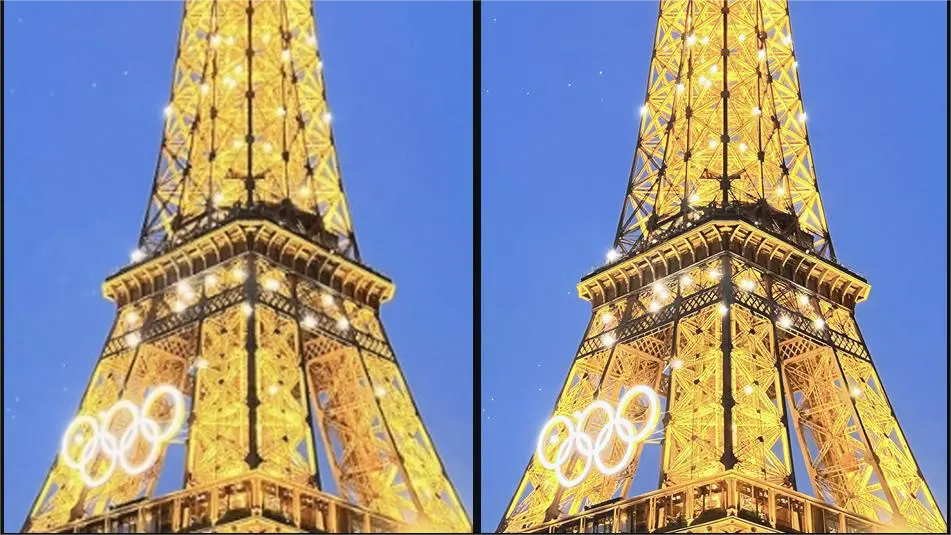
Восстановите и масштабируйте одно необходимое видео. Управляйте шириной вывода, пределом кадров, скоростью воспроизведения, сидом, рекомендациями по восстановлению и размером пакета.

Делает из портрета и аудио говорящее видео аватара длиной до 5 минут.
PixVerse C1 поддерживает преобразование текста в видео, изображений в видео, переходы и генерацию с использованием ссылок. Текущая форма использует изображение и запрос, в то время как связанные режимы предоставляют другие рабочие процессы. Длительность выходного видео может составлять от 1 до 15 секунд при 360p, 540p, 720p или 1080p.
PixVerse C1 подходит для кинематографистов, технических художников, дизайнеров, агентств и продуктовых команд, которые создают концепции кадров, материалы для кампаний, продуктовую анимацию или социальное видео. Он особенно полезен, когда важны указания на уровне подсказки и повторяемые параметры.
Дайте PixVerse C1 отдельных инструкций для действий объекта и движения камеры, затем добавьте кадрирование, освещение, атмосферу и темп. Поддерживайте реалистичность запрошенного действия для выбранной продолжительности от 1 до 15 секунд.
PixVerse C1 включает опцию generate_audio_switch, которая по умолчанию выключена. Включение запрашивает нативное аудио и меняет ставку за секунду.
PixVerse C1 показывает 360p, 540p, 720p и 1080p с целочисленной продолжительностью от 1 до 15 секунд. Доступный контроль соотношения сторон зависит от формы задания.
PixVerse C1 включает параметр seed для управляемой итерации. Те же seed и входные данные могут повысить повторяемость, хотя системы генерации видео всё равно могут показывать некоторые вариации.
Да. Команды могут тестировать PixVerse C1 в пользовательском интерфейсе модели RunComfy, а затем отправлять те же открытые параметры через HTTP API. Это поддерживает перенос проверенного запроса в приложение или рабочий процесс автоматизации.
PixVerse C1 списывается за каждую сгенерированную секунду. Без аудио: 360p $0.029/с, 540p $0.039/с, 720p $0.049/с и 1080p $0.094/с. С аудио: 360p $0.039/с, 540p $0.049/с, 720p $0.064/с и 1080p $0.119/с. Итог зависит от длительности.
RunComfy - ведущая ComfyUI платформа, предлагающая ComfyUI онлайн среду и услуги, а также рабочие процессы ComfyUI с потрясающей визуализацией. RunComfy также предоставляет AI Models, позволяя художникам использовать новейшие инструменты AI для создания невероятного искусства.