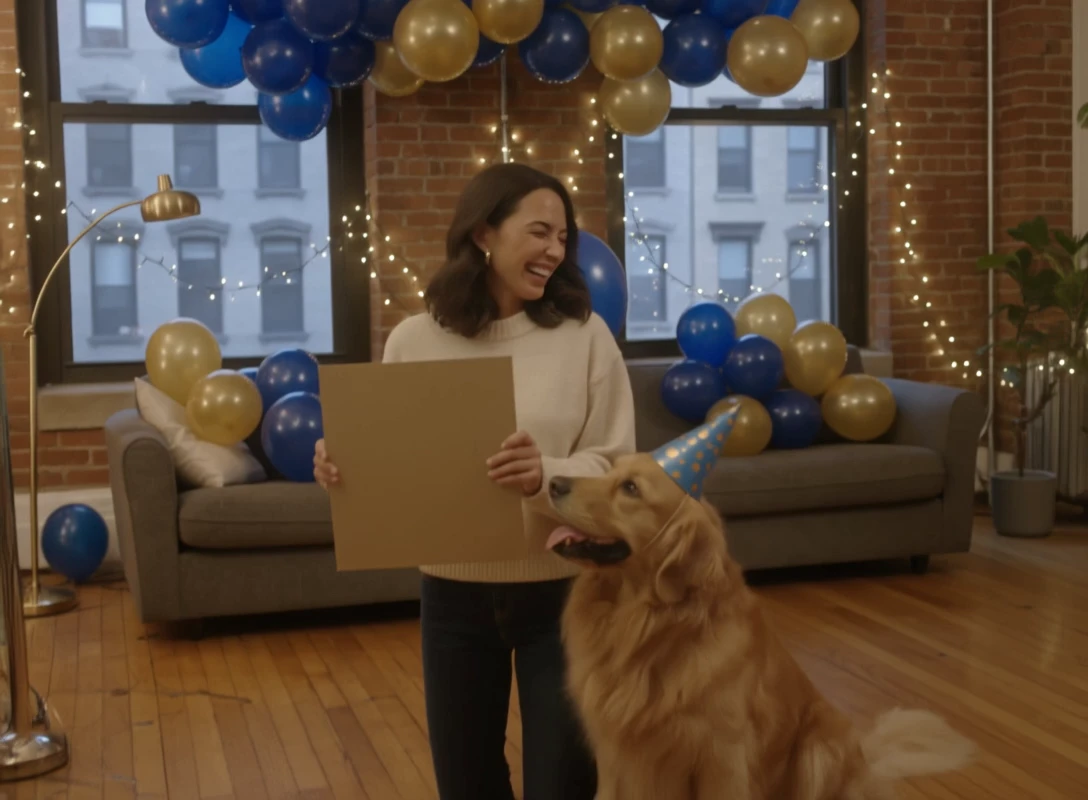
veo-3-1/extend-video
Seamlessly lengthen shots with frame-consistent context control and audio blending for refined video creation.
Only the prompt is required. FLUX 3 Max Text To Video invents the shot from that text. There is no start image on this page, and auto aspect ratio uses 16:9.
| Parameter | Required | Type | Default | Range / Options | Description |
|---|---|---|---|---|---|
| prompt* | Yes (*) | string | — | Text | Subject, action, camera, light, and sound for FLUX 3 Max Text To Video. |
| aspect_ratio | No | string | auto | auto, 21:9, 2:1, 16:9, 4:3, 1:1, 3:4, 9:16 | auto uses 16:9 on this text-only page. |
| resolution | No | string | 720p | 720p, 1080p | Output resolution for FLUX 3 Max Text To Video. |
| duration | No | integer | 5 | 5-20 | Length in seconds. |
| generate_audio | No | boolean | true | true, false | Create an audio track with the video. |
| reasoning_level | No | string | high | low, high | high spends longer on the prompt for FLUX 3 Max Text To Video. |
| seed | No | integer | Empty | Integer or empty | Empty means a random seed. |
The rate is $0.05 per second at 720p and $0.08 per second at 1080p. FLUX 3 Max Text To Video bills the generated clip length.
| Resolution | Rate |
|---|---|
| 720p | $0.05 per second |
| 1080p | $0.08 per second |
| Duration | 720p | 1080p |
|---|---|---|
| 5 s | $0.25 | $0.40 |
| 10 s | $0.50 | $0.80 |
| 20 s | $1.00 | $1.60 |
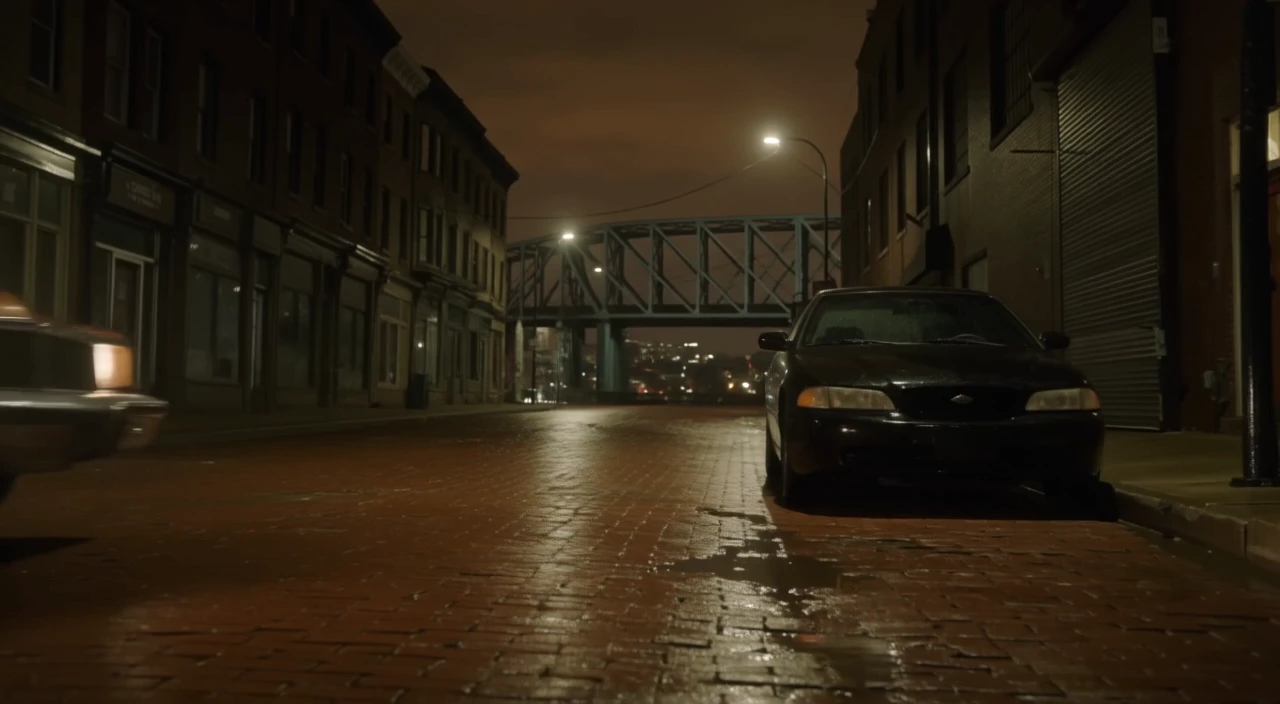
Seamlessly lengthen shots with frame-consistent context control and audio blending for refined video creation.

Transfer dance and pose motion from video onto a still image.

Create structured cinematic clips with audio, scene links, and prompt accuracy

Open-weights image-to-video with optional last frame and native stereo audio.
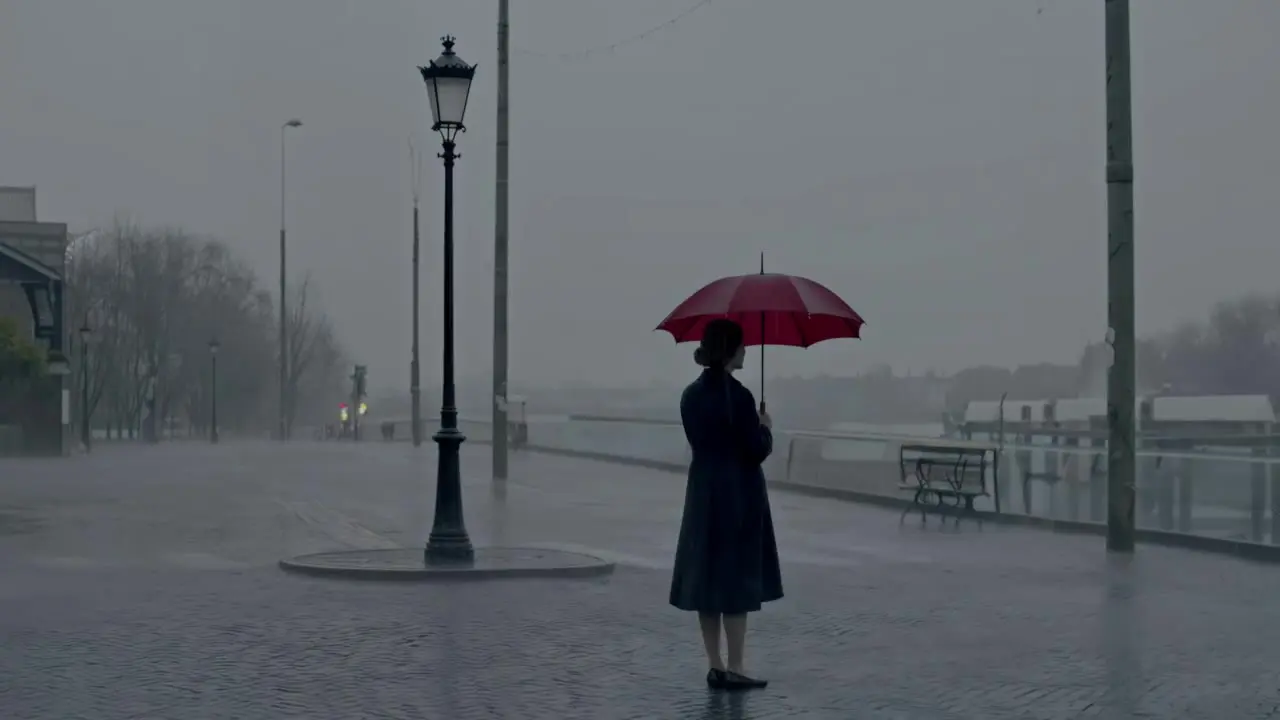
Turn text prompts into high quality videos with Tencent Hunyuan Video.
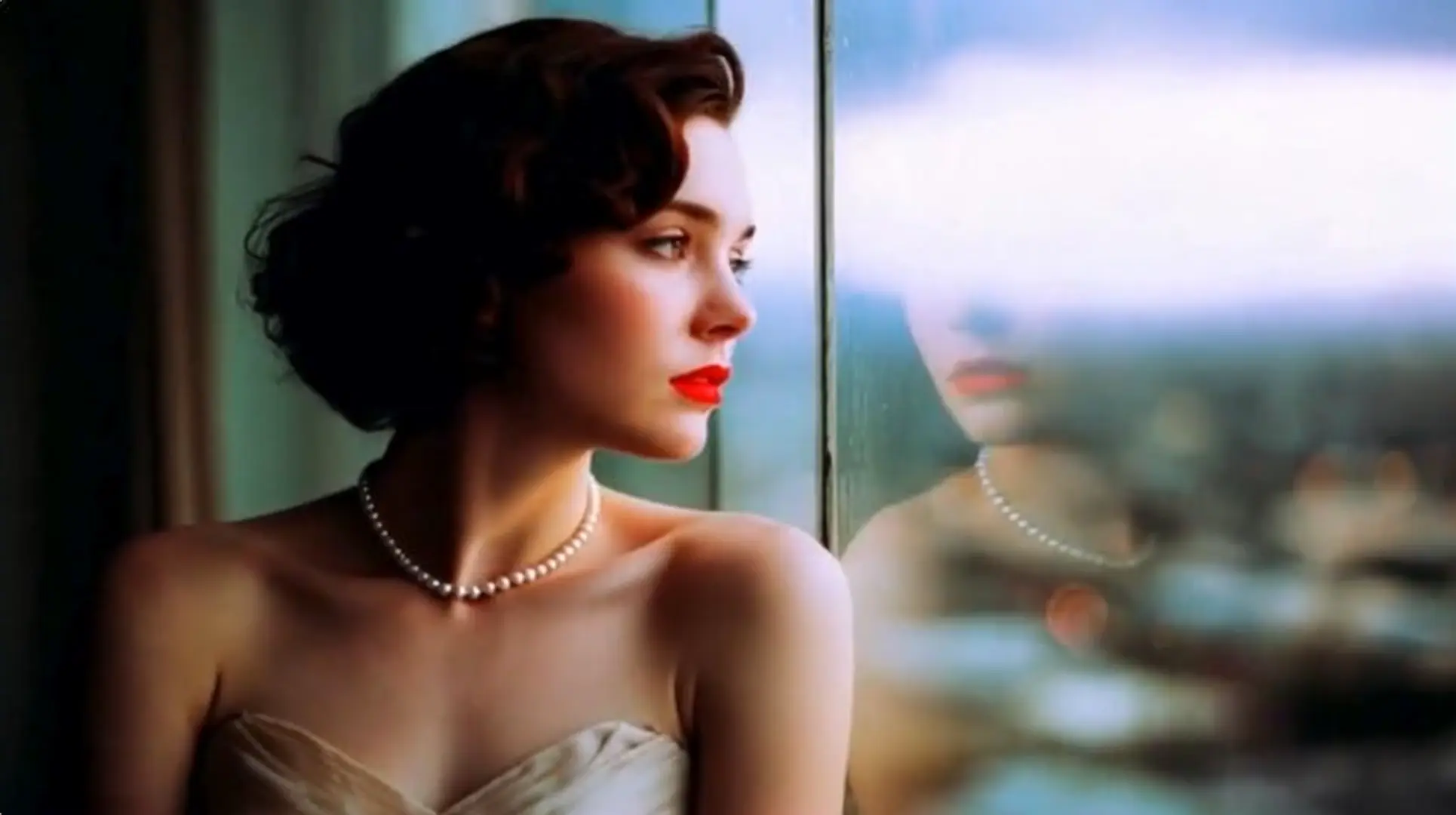
Transform images into motion-rich clips with Hailuo 2.3's precise control and realistic visuals.
FLUX 3 Max Text To Video turns a written prompt into a short clip when you do not have a start image. It fits ad drafts, establishing shots, and short narrative beats.
FLUX 3 Max Text To Video uses a whole-second length from 5 to 20. The default is 5 seconds. There is no auto-length option on this page.
FLUX 3 Max Text To Video outputs 720p by default or 1080p. Aspect ratio can be auto, 21:9, 2:1, 16:9, 4:3, 1:1, 3:4, or 9:16. auto uses 16:9 on this text-only page.
Yes. Generate Audio is on by default, so FLUX 3 Max Text To Video can return a soundtrack with the picture. Turn it off when you need a silent file.
FLUX 3 Max Text To Video offers low and high. high is the default and spends more time on the prompt, so the wait is longer. Use low when you want a faster pass.
Name one camera move, the action in order, a small bit of secondary motion, and the sounds you want. FLUX 3 Max Text To Video has no start image, so the prompt has to carry the subject and the setting.
Set seed when you want a closer repeat from FLUX 3 Max Text To Video. Leave seed empty and the model picks a random value.
Prototype FLUX 3 Max Text To Video in the RunComfy Playground Web UI, then call the same model through the RunComfy API with the same prompt, duration, resolution, and other fields. Jobs spend usd or credits. New accounts usually start with a trial balance.
FLUX 3 Max Text To Video costs $0.05 per second at 720p and $0.08 per second at 1080p, based on the generated clip length. A 5-second 720p clip is $0.25. A 20-second 1080p clip is $1.60.
RunComfy is the premier ComfyUI platform, offering ComfyUI online environment and services, along with ComfyUI workflows featuring stunning visuals. RunComfy also provides AI Models, enabling artists to harness the latest AI tools to create incredible art.