pixverse-c1/text-to-video
Turn written scenes into cinematic clips with optional native audio.
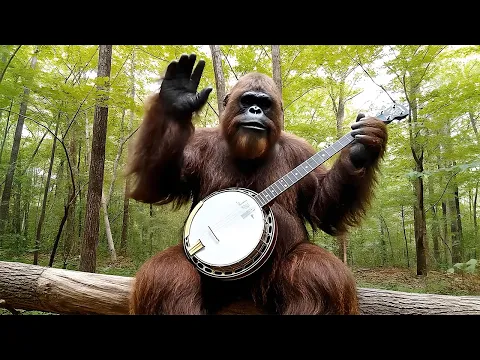


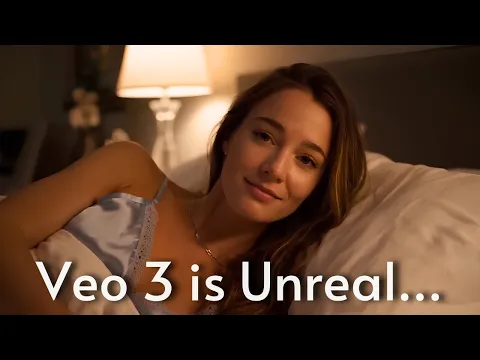

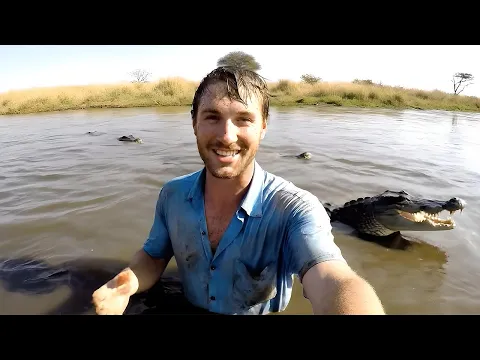


Turn written scenes into cinematic clips with optional native audio.

Turn still visuals into motion-synced, high-detail video content with flexible control.

AI tool for story-rich text-driven videos with scene control and audio sync.

LTX 2 retake video modifie the video by the prompt.

Create lifelike videos from voices with accurate sync and adaptive dubbing.
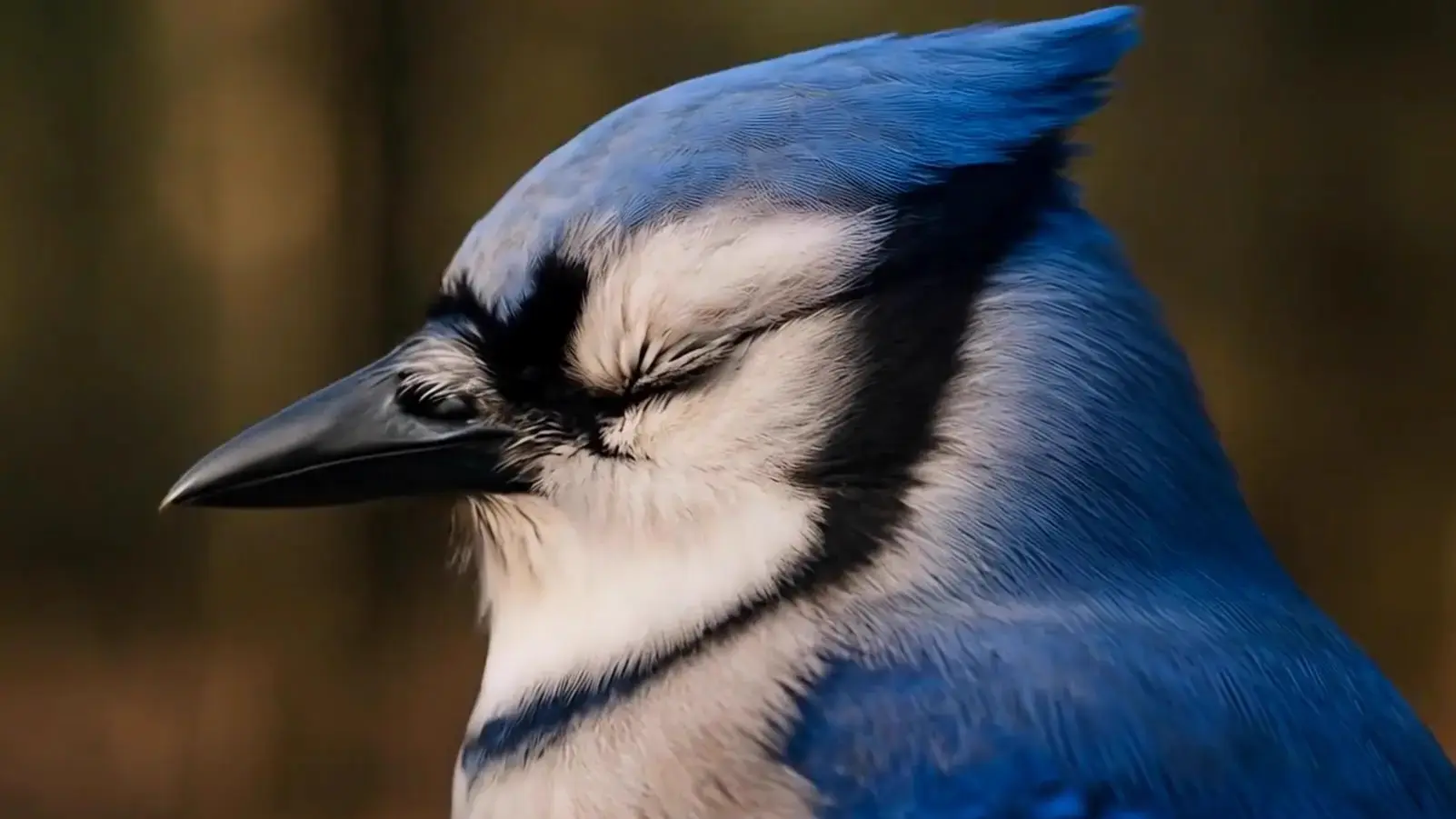
Enhanced 1080p image motion conversion for expressive, fluid video creation
Veo 3.1 is a generative AI model created by Google DeepMind that converts text and images into realistic video clips. Its image-to-video capability lets users upload reference images to guide visual style or scene composition, producing high-quality, coherent clips with synchronized sound.
Veo 3.1 introduces multi-scene sequencing, longer clip durations up to 60 seconds, stronger scene consistency, and improved adherence to visual prompts. The image-to-video process also benefits from new cinematic presets and higher 1080p output quality compared to Veo 3.
Access to Veo 3.1 is available through platforms like Vertex AI, Google AI Studio, and Runcomfy’s playground on a credit-based system. While some free trial credits are offered to new users, extended image-to-video generation may require purchasing additional credits or using a paid plan.
Veo 3.1 is ideal for content creators, educators, and marketing professionals who need to quickly produce cinematic, story-driven videos. Its accurate image-to-video output makes it especially useful for brand storytelling, explainer clips, and social media productions that demand high fidelity and narrative control.
Videos generated with Veo 3.1 can reach up to full HD (1080p) resolution with synchronized audio and consistent visuals. The image-to-video model ensures strong continuity across scenes, delivering cinematic motion, lighting coherence, and professional-grade realism in each output.
Yes. Veo 3.1 includes native audio generation, combining music, ambient sounds, and dialogue synchronization along with visual content. This makes the image-to-video process more immersive and helps deliver complete sequences ready for direct use in creative projects.
Users can access Veo 3.1 via the Gemini API, Google AI Studio, Vertex AI, and Runcomfy’s AI playground at runcomfy.com. After logging in, you can generate clips using the image-to-video module and spend credits according to the selected video duration and resolution.
Veo 3.1 performs best with well-structured prompts and high-quality reference images. However, extended scenes beyond 60 seconds or highly complex multi-character interactions may need separate generation passes. The image-to-video results are realistic but might still require post-editing for fine-tuning color or timing.
RunComfy is the premier ComfyUI platform, offering ComfyUI online environment and services, along with ComfyUI workflows featuring stunning visuals. RunComfy also provides AI Models, enabling artists to harness the latest AI tools to create incredible art.