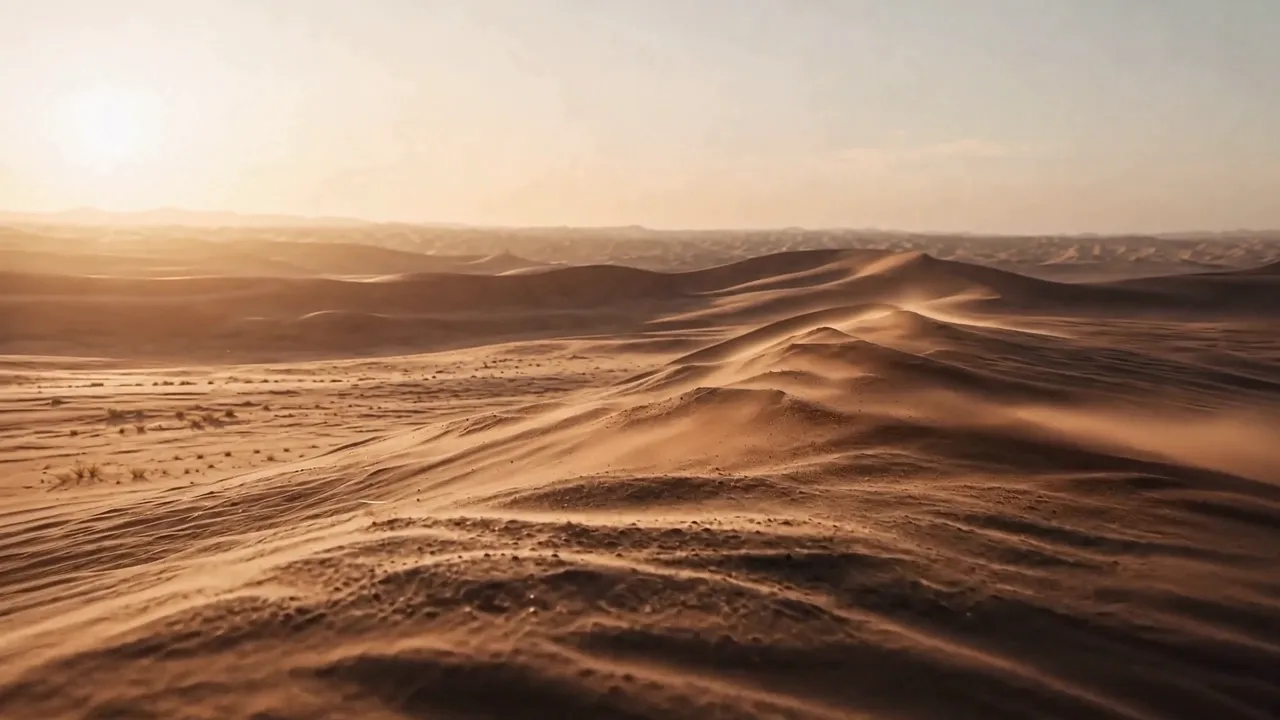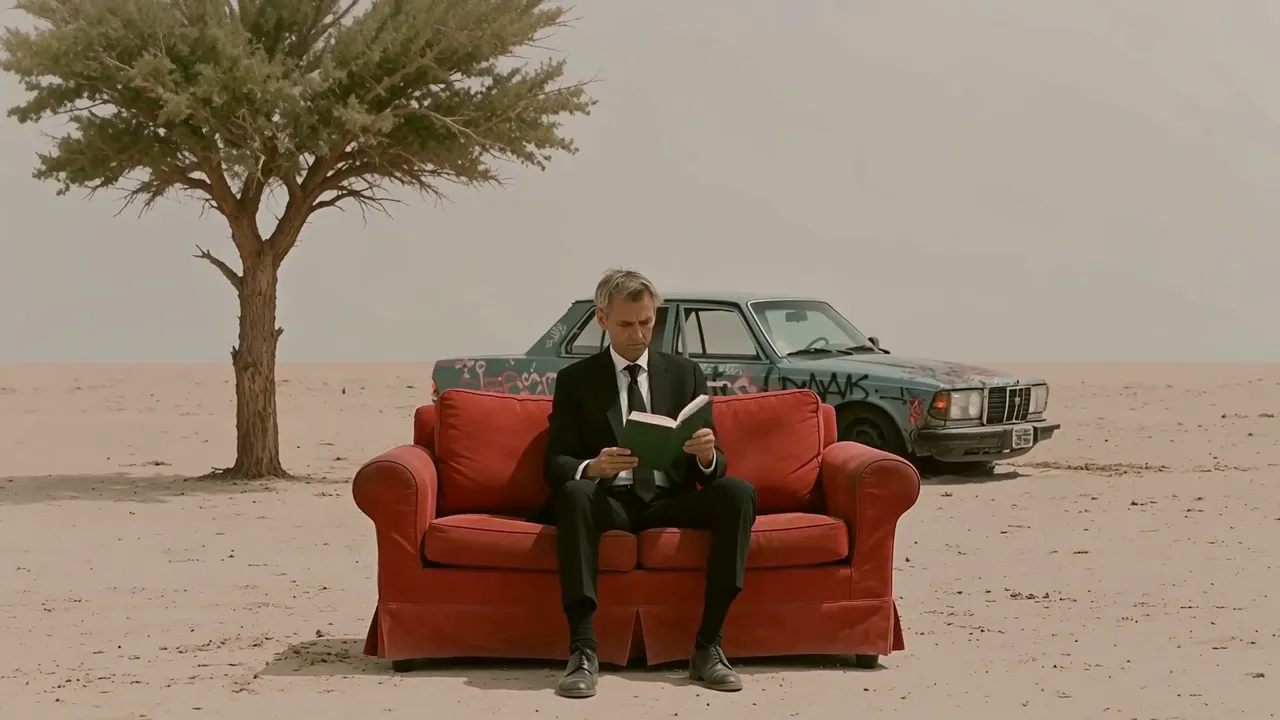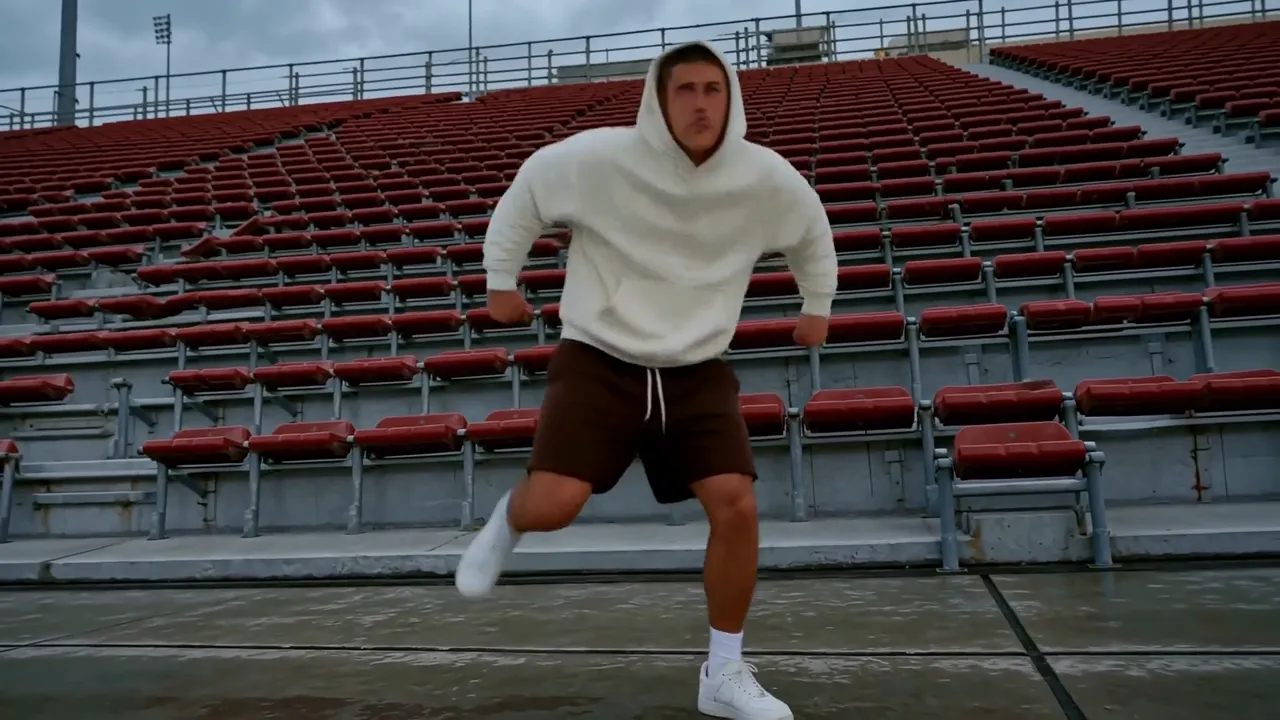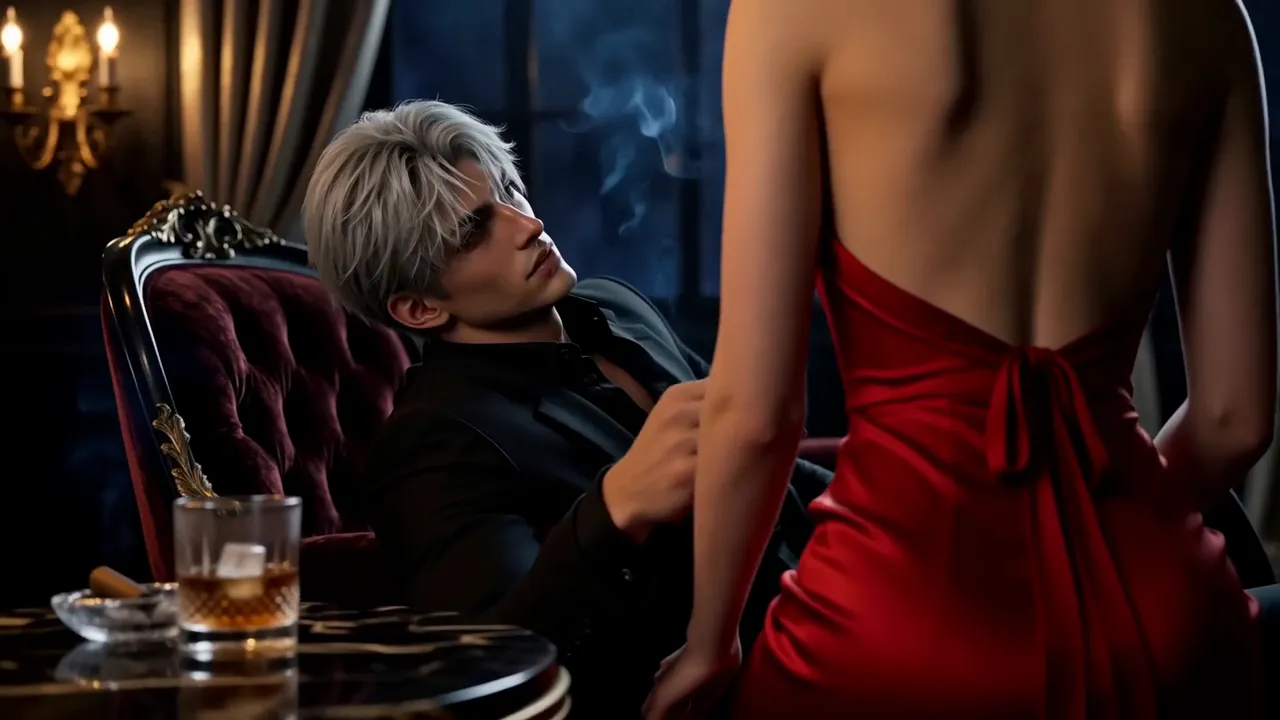
wan-2-1/text-to-video
Wan 2.1でテキストプロンプトから動画を生成し、解像度、アスペクト比、フレーム数、フレームレートなどを設定します。
MiniMax H3 is MiniMax's multimodal model family for generating and editing images, video, and audio through natural-language instructions. This page provides MiniMax H3 Text-to-Video: turn one written prompt into a 4–15-second video at 24 FPS, at either 768p or 2K, with native stereo audio generated with the picture. It accepts text only; use the linked H3 workflows when you need image, video, or audio references.
| MiniMax H3 advantage | What it means for you |
|---|---|
| Selectable 768p or 2K with native stereo audio | Draft faster at 768p, or generate detailed visuals, dialogue, effects, ambience, and music in one pass at 2K—reducing separate upscaling, sound-design, and synchronization stages. |
| Language-directed Omni-Reference | Across MiniMax H3 workflows, assign images, video, and audio different roles—such as identity, product appearance, motion, camera style, voice, or music—so several sources can guide one coherent result. |
| V2V transfer and targeted editing | MiniMax H3 can carry over motion or camera language and revise selected visual or audio elements while preserving the rest, giving production teams a path beyond regenerating a shot from scratch. |
| Delivery-ready timing and framing | Generate 4–15 seconds at 24 FPS in six aspect ratios, so hooks, product reveals, and multi-beat scenes fit cinematic, web, feed, portrait, or vertical placements with less recutting and recropping. |
9:16 Shorts, Reels, and Stories or 1:1 feed assets with a clear opening hook and platform-ready framing.768p or 2k resolution.The first table lists the controls exposed by the MiniMax H3 Text-to-Video tool on this page.
| Parameter | Required | Type | Default | Range / Options | How to choose |
|---|---|---|---|---|---|
prompt* | Yes (*) | String | Example prompt | 1–7,000 characters | Give MiniMax H3 a structured brief covering the subject, one main action, camera, setting and lighting, visual style, audio, and intended ending. Clear structure matters more than using the full limit. |
aspect_ratio | No | String | 16:9 | 21:9, 16:9, 4:3, 1:1, 3:4, 9:16 | Match MiniMax H3 output to the destination: 21:9 for ultra-wide cinematic shots, 16:9 for general video and ads, 4:3 for editorial or retro framing, 1:1 for feeds, 3:4 for portrait products, and 9:16 for vertical social video. |
resolution | No | String | 768p | 768p, 2k | Use 768p for cheaper drafts and faster iteration; use 2k when the shot needs higher detail for large placements or crops. |
duration | No | Integer | 5 | 4–15 seconds, in 1-second steps | Use 4–7-second MiniMax H3 clips for one action or fast iteration, 8–10 seconds for a simple change, and 11–15 seconds only when the prompt defines a clear beginning, development, and ending. |
The following table summarizes the wider MiniMax H3 model family. Inputs described for first/last-frame and Omni-Reference modes are available through separate workflows, not as controls on this Text-to-Video page.
| Core dimension | MiniMax H3 |
|---|---|
| Model | MiniMax-H3 |
| Output duration | MiniMax H3 outputs 4–15 seconds. |
| Output aspect ratio | First/last-frame mode: follows the original aspect ratio of the input image.<br>Text-to-Video mode: follows the user-selected 21:9, 16:9, 4:3, 1:1, 3:4, or 9:16 ratio.<br>Omni-Reference mode: uses one of those six ratios or Auto, which lets MiniMax H3 choose the output ratio. |
| Resolution | MiniMax H3 supports two tiers. 768p: for aspect ratios from 16:9 through 9:16, the short side is 768 pixels; for wider output, total resolution is about 1 MP—for example, 21:9 is 1536×672.<br>1440p / 2K: for aspect ratios from 16:9 through 9:16, the short side is 1440 pixels; for wider output, total resolution is about 3.7 MP—for example, 21:9 is 2976×1248. |
| Output frame rate | MiniMax H3 outputs at 24 FPS. |
| Output audio | Every MiniMax H3 result includes native stereo audio. |
| First/last-frame input | Images: 0, 1, or 2; width and height each 256–5760 pixels; aspect ratio from 5:2 to 2:5 (0.4–2.5). With no image input, MiniMax H3 runs in Text-to-Video mode—the tool provided on this page. |
| Omni-Reference input | Images: up to 9; width and height each 256–5760 pixels.<br>Videos: up to 3; each 2–15 seconds; combined video duration up to 15 seconds; width and height each 256–5760 pixels; aspect ratio from 5:2 to 2:5 (0.4–2.5).<br>Audio: up to 3 clips; each 2–15 seconds; combined audio duration up to 15 seconds. Audio must accompany an image or video and cannot be the only reference.<br>Mixed input: up to 12 files total. With no image, video, or audio input, the workflow becomes Text-to-Video. |
| Supported input formats | MiniMax H3 accepts video: H.264/AVC or H.265/HEVC; embedded audio: AAC or MP3.<br>Image: JPG, JPEG, PNG, WEBP, HEIC, or HEIF.<br>Audio: WAV or MP3. |
| Input size limits | Each video: 50 MB; each image: 30 MB; each audio file: 15 MB. There is no separate combined-media limit beyond the per-file limits, but the API request body is limited to 64 MB; URL-based media input is recommended. |
| Prompt limit | The MiniMax H3 product guide allows up to 7,000 characters. This Text-to-Video deployment currently accepts 1–7,000 characters, as shown in the page-control table above. |
MiniMax H3 Text-to-Video pricing depends on resolution and duration:
| Resolution | Price per second | 5s | 10s | 15s |
|---|---|---|---|---|
| 768p | $0.09 | $0.45 | $0.90 | $1.35 |
| 2K | $0.145 | $0.725 | $1.45 | $2.175 |
For batches of 1–4 outputs, calculate the total as duration × per-second rate × output count.
Use this reusable MiniMax H3 prompt structure:
[subject + defining details] + [one action over time] + [camera framing and movement] + [setting + lighting] + [visual treatment] + [dialogue / effects / ambience / music] + [ending frame or constraint]
Weak prompt
> A luxury watch ad, cinematic and dynamic, with music.
Improved MiniMax H3 prompt
> A brushed-steel automatic watch rests on black volcanic stone. A narrow studio light sweeps across the sapphire crystal as the second hand moves and condensation beads on the case. Begin with an extreme macro, then make a slow 30-degree orbit, ending on the watch face. High-contrast luxury commercial, deep black background. Audio: soft mechanical ticking and one low cinematic pulse; no dialogue.
The improved version gives MiniMax H3 an identifiable subject, timed action, separate camera direction, lighting, finish, sound sources, and a final frame that can be reviewed.
Use this MiniMax H3 comparison as a model-family guide; maximum resolution and duration may not be available together, and RunComfy workflows can expose different inputs, resolution tiers, and audio controls.
| Model | Resolution | Max duration | Audio | Standout |
|---|---|---|---|---|
| MiniMax H3 | 768p or 2K | 15s | Native stereo (voice, SFX, music) | Relates text, image, video, and audio references through language for V2V motion transfer and production editing; public weights are planned but have not yet been released. |
| Hailuo 02 | 1080p | ~10s | None | Strong prompt adherence and physics-focused motion suit gymnastics, dance, product movement, and other silent action shots that will receive audio later in production. |
| Kling 3.0 | Up to 4K | 15s | Native audio with lip-sync | Coordinates multi-shot camera changes with multilingual, speaker-assigned dialogue and lip-sync—useful for scripted ads, storyboards, and character-led scenes. |
| Seedance 2.0 | 1080p | 15s | Joint audio and video | Combines dense image, video, and audio references with joint audiovisual generation and precise lip-sync for identity-sensitive ads, branded stories, and reference-heavy edits. |
| Veo 3.1 | 4K | 8s | Native dialogue and effects | Pairs prompted dialogue and effects with first/last-frame, reference-image, and scene-extension controls—suited to cinematic transitions and assembled sequences. |
For Hailuo 02, the listed maxima are mode-specific: 1080p output is limited to 6 seconds, while 10-second output is available at 512p or 768p.
For MiniMax H3, Omni-Reference and V2V capabilities belong to sibling workflows; the Text-to-Video tool on this page remains prompt-only.
What sets MiniMax H3 apart is the combination: one general-purpose model family that relates text, image, video, and audio, generates native stereo sound, and offers both 768p ($0.09/s) and 2K ($0.145/s). Choose MiniMax H3 when you want to start from a text brief and keep a path to reference-guided creation or editing in sibling workflows. Based on publicly available information, run the same brief through each model before committing a pipeline.
If MiniMax H3 is not the right starting point for a project, compare these focused workflows on RunComfy:
Wan 2.1でテキストプロンプトから動画を生成し、解像度、アスペクト比、フレーム数、フレームレートなどを設定します。
静止画像をリアルな1080p動画に変換。Hailuo 2.3 Fast Proでデザイン表現を一段と上へ。
必須プロンプトから5秒または10秒の動画を生成します。任意のWAV/MP3音声、ネガティブプロンプト、13種類の出力サイズを設定できます。

テキストから映画的なプロ品質動画を生成。出力1秒あたり$0.112。

必須の開始画像と終了画像の間をつなぐ 5 秒または 10 秒の動画を生成します。プロンプト内では @Image1 と @Image2 で両画像を参照します。

最初のフレームの画像を最長 15 秒の 768p または 2K ビデオにアニメーション化します。
はい。 MiniMax H3 Text-to-Video は、ブラウザーで、またはアカウント クレジットを使用して RunComfy API を通じて利用できます。
MiniMax H3 は、MiniMax の汎用マルチモーダル生成および編集モデル ファミリです。その広範なタスク設計はテキスト、画像、ビデオ、オーディオをカバーし、個々のワークフローはさまざまな入力を公開します。このページでは、プロンプトのみの Text-to-Video ワークフローを提供します。
MiniMax は、H3 を広告、ブランディング、電子商取引、映画、タイトル デザイン、アニメーション ポスター、短編ストーリーテリング、製品および UI コンセプト、ゲーム、仮想キャラクター、様式化されたアニメーションに位置付けています。現在の Text-to-Video ワークフローは、書面によるプロンプトから指示できる短いコンセプトに最適です。
このページでは、MiniMax H3 は「768p」および「2k」解像度をサポートしています。 4 ~ 15 秒の整数秒の長さを選択します。デフォルトは 5 秒です。安価なドラフトには 768p を使用し、より詳細なディテールが必要な場合には 2K を使用します。
はい。この Text-to-Video ワークフローは、ビデオとともにネイティブ ステレオ オーディオを生成します。プロンプト内の会話、雰囲気、効果音、または音楽について説明します。個別のオーディオ切り替えはありません。結果は異なる場合があるため、リップシンクと音声のタイミングを確認してください。
いいえ。このページはプロンプトのみの MiniMax H3 Text-to-Video ワークフローであり、その API は「prompt」、「aspect_ratio」、「resolution」、「duration」のみを受け入れます。ソース メディアの場合は、別の H3 Image-to-Video または Reference-to-Video ワークフローを使用します。
参照対応の H3 ワークフローでは、自然言語によってテキスト、画像、ビデオ、オーディオにさまざまな役割を割り当てることができます。たとえば、あるソースではカメラの動きを定義し、別のソースではキャラクターを定義し、別のソースでは音声を定義する場合があります。これはモデル ファミリの機能であり、現在のページのメディア アップロード機能ではありません。
いいえ、RunComfy はブラウザーと HTTP API を通じて MiniMax H3 を提供するため、モデルを自分でホストしたりスケールしたりする必要はありません。 MiniMax の 7 月 31 日の発表記事では、モデルの重みをリリースするための条件付きプランについて説明しました。セルフホスティングを計画する前に、現在の可用性とライセンス条項を確認してください。
MiniMax H3 Text-to-Video の料金は、768p で生成 1 秒あたり 0.09 ドル、2K で生成 1 秒あたり 0.145 ドルです。 768p では、5 秒のビデオの料金は 0.45 ドル、10 秒のビデオの料金は 0.90 ドル、15 秒のビデオの料金は 1.35 ドルです。 2K では、これらの長さの料金は 0.725 ドル、1.45 ドル、2.175 ドルです。バッチ生成では、期間ベースのコストに出力数が乗算されます。
MiniMax は、Hailuo 02 はアーキテクチャ、データ、スケールに重点を置いているのに対し、MiniMax H3 はタスクとモダリティの一般化に重点を置いていると説明しています。 H3 はまた、ネイティブ ステレオ オーディオと選択可能な 768p または 2K 出力を Text-to-Video ワークフローに追加します。
RunComfy でプロンプト、アスペクト比、解像度、継続時間をテストします。次に、prompt (必須)、aspect_ratio、resolution (768p または 2k)、および duration (4 ~ 15) を指定して、API 経由で同じ MiniMax H3 Text-to-Video テンプレートを呼び出します。このワークフローにはメディア アップロード フィールドがありません。
RunComfyは最高の ComfyUI プラットフォームです。次のものを提供しています: ComfyUIオンライン 環境とサービス、および ComfyUIワークフロー 魅力的なビジュアルが特徴です。 RunComfyはまた提供します AI Models, アーティストが最新のAIツールを活用して素晴らしいアートを作成できるようにする。