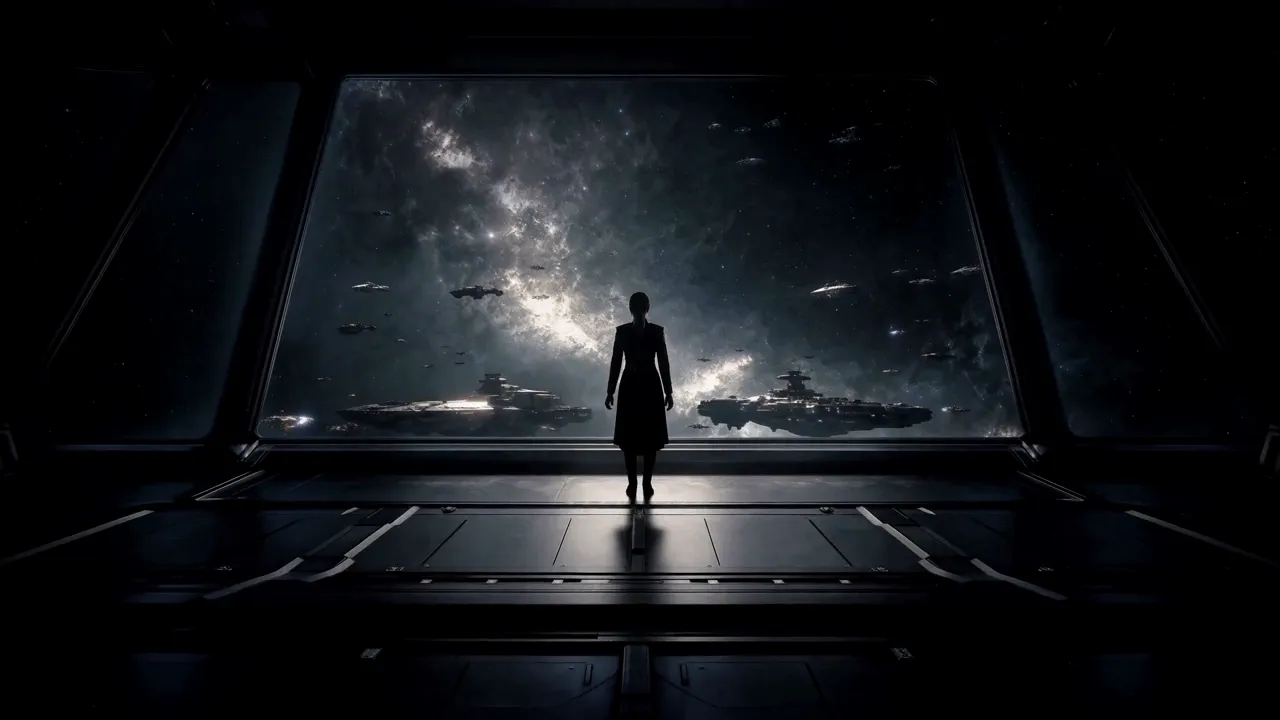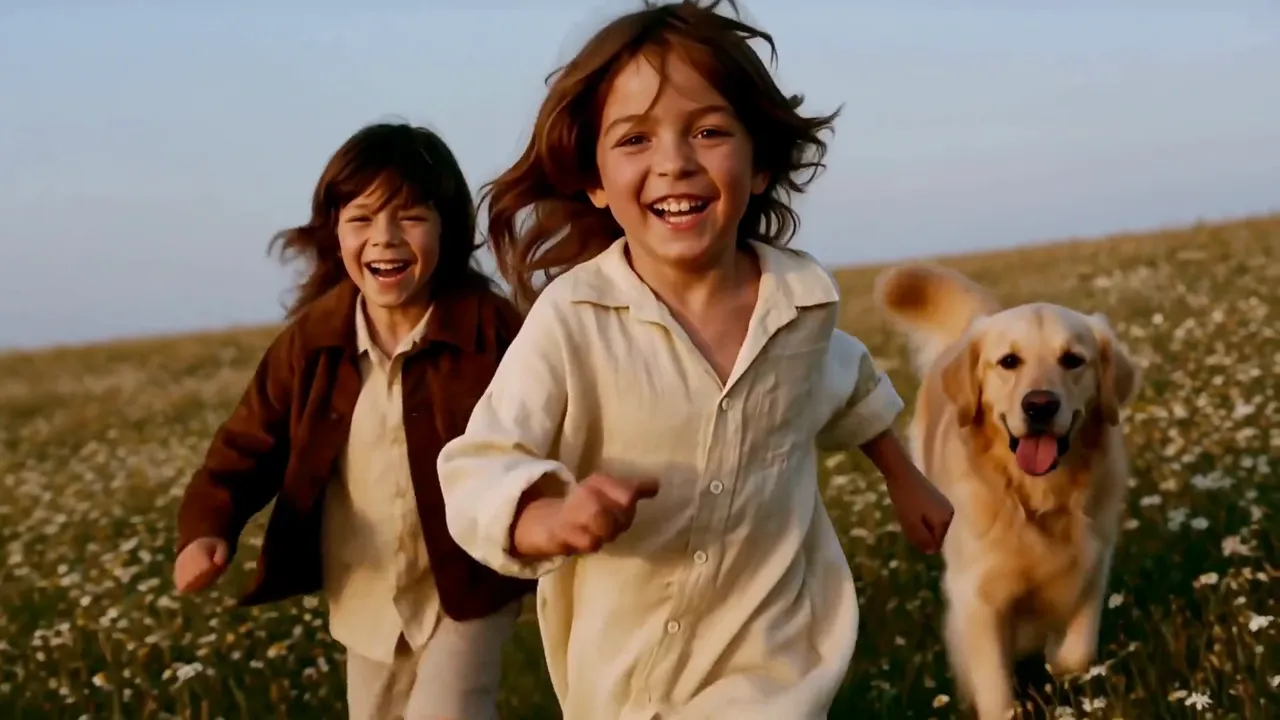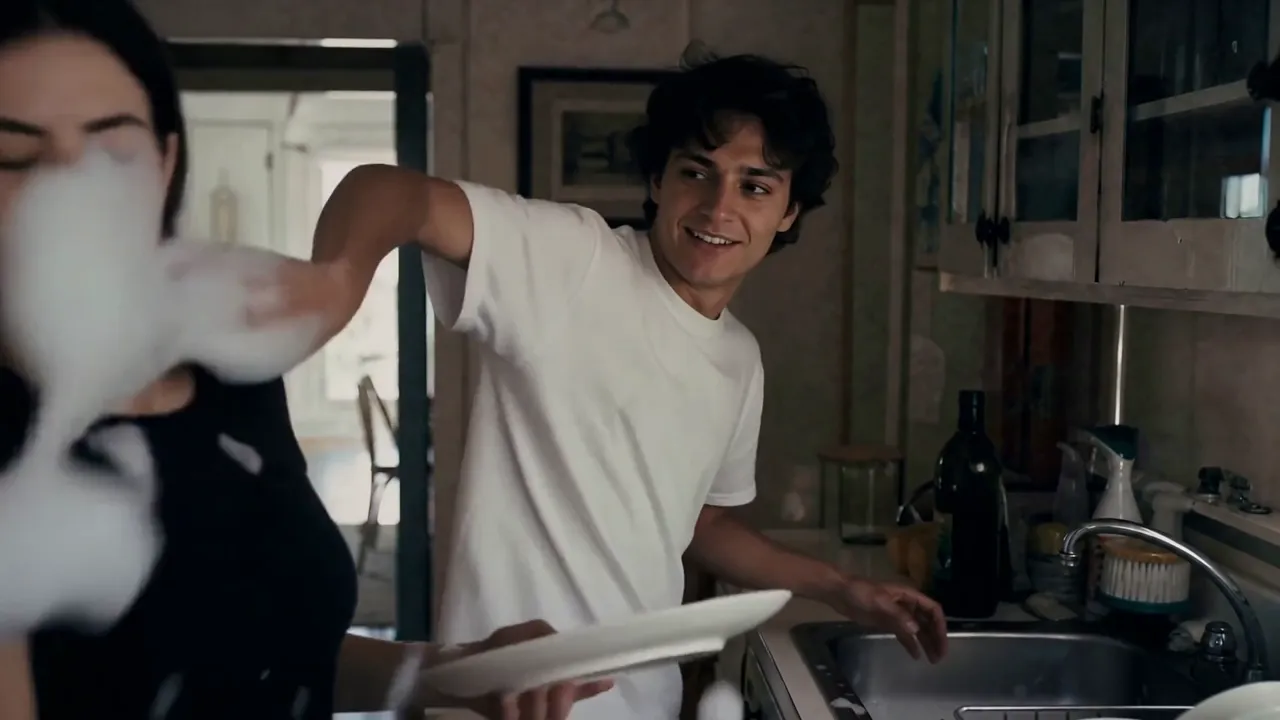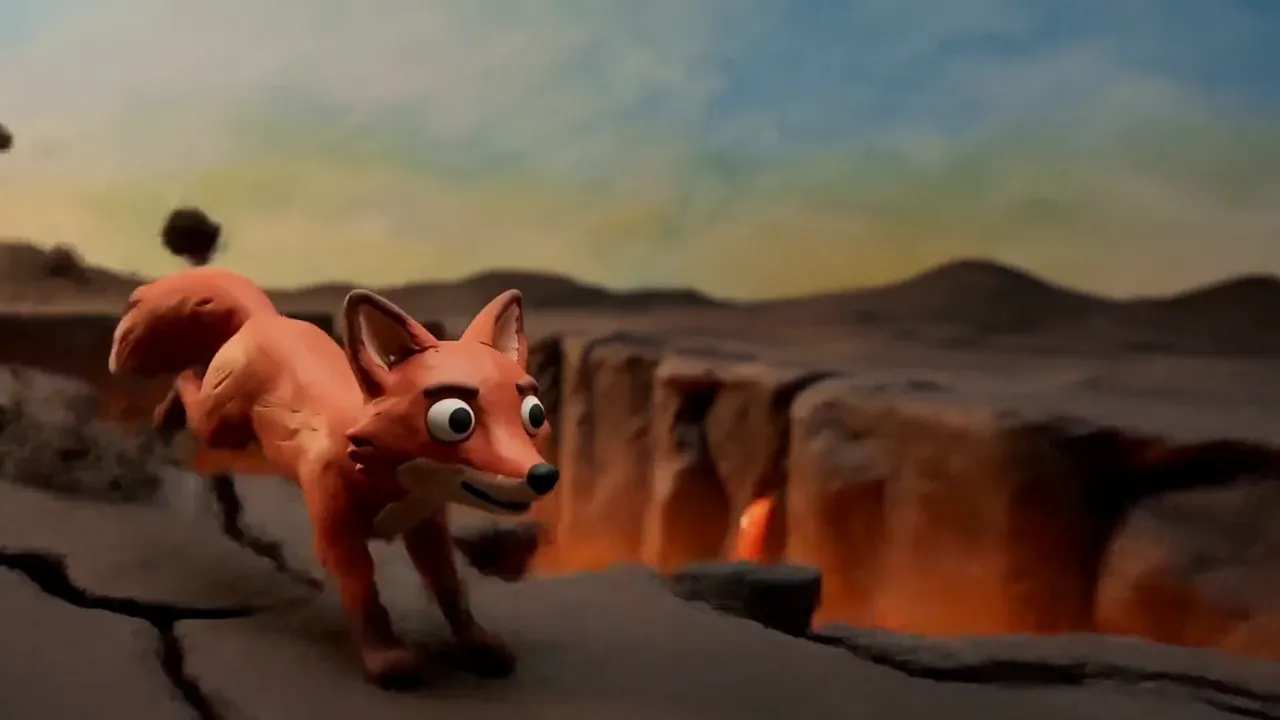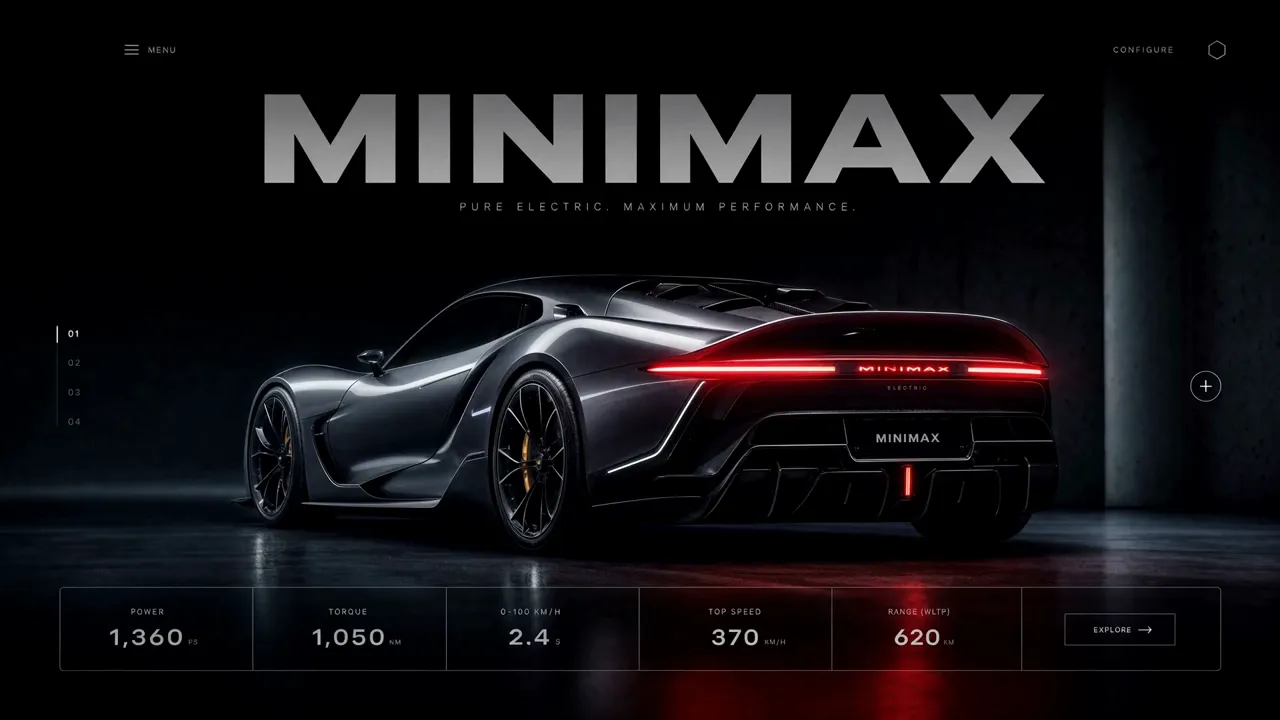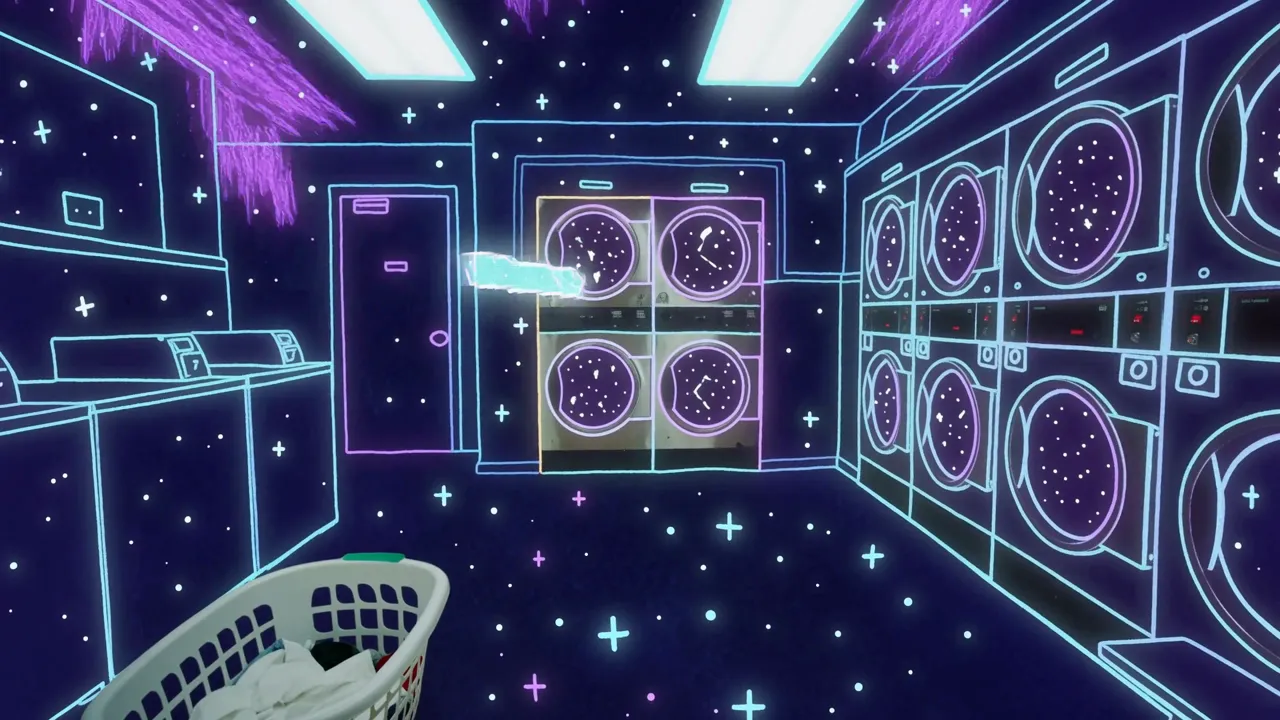
kling-1-6/pro/image-to-video
Transformez vos images en vidéos fluides et réalistes grâce à l'IA.
MiniMax H3 is MiniMax's multimodal model family for generating and editing images, video, and audio through natural-language instructions. This page provides MiniMax H3 Text-to-Video: turn one written prompt into a 4–15-second video at 24 FPS, at either 768p or 2K, with native stereo audio generated with the picture. It accepts text only; use the linked H3 workflows when you need image, video, or audio references.
| MiniMax H3 advantage | What it means for you |
|---|---|
| Selectable 768p or 2K with native stereo audio | Draft faster at 768p, or generate detailed visuals, dialogue, effects, ambience, and music in one pass at 2K—reducing separate upscaling, sound-design, and synchronization stages. |
| Language-directed Omni-Reference | Across MiniMax H3 workflows, assign images, video, and audio different roles—such as identity, product appearance, motion, camera style, voice, or music—so several sources can guide one coherent result. |
| V2V transfer and targeted editing | MiniMax H3 can carry over motion or camera language and revise selected visual or audio elements while preserving the rest, giving production teams a path beyond regenerating a shot from scratch. |
| Delivery-ready timing and framing | Generate 4–15 seconds at 24 FPS in six aspect ratios, so hooks, product reveals, and multi-beat scenes fit cinematic, web, feed, portrait, or vertical placements with less recutting and recropping. |
9:16 Shorts, Reels, and Stories or 1:1 feed assets with a clear opening hook and platform-ready framing.768p or 2k resolution.The first table lists the controls exposed by the MiniMax H3 Text-to-Video tool on this page.
| Parameter | Required | Type | Default | Range / Options | How to choose |
|---|---|---|---|---|---|
prompt* | Yes (*) | String | Example prompt | 1–7,000 characters | Give MiniMax H3 a structured brief covering the subject, one main action, camera, setting and lighting, visual style, audio, and intended ending. Clear structure matters more than using the full limit. |
aspect_ratio | No | String | 16:9 | 21:9, 16:9, 4:3, 1:1, 3:4, 9:16 | Match MiniMax H3 output to the destination: 21:9 for ultra-wide cinematic shots, 16:9 for general video and ads, 4:3 for editorial or retro framing, 1:1 for feeds, 3:4 for portrait products, and 9:16 for vertical social video. |
resolution | No | String | 768p | 768p, 2k | Use 768p for cheaper drafts and faster iteration; use 2k when the shot needs higher detail for large placements or crops. |
duration | No | Integer | 5 | 4–15 seconds, in 1-second steps | Use 4–7-second MiniMax H3 clips for one action or fast iteration, 8–10 seconds for a simple change, and 11–15 seconds only when the prompt defines a clear beginning, development, and ending. |
The following table summarizes the wider MiniMax H3 model family. Inputs described for first/last-frame and Omni-Reference modes are available through separate workflows, not as controls on this Text-to-Video page.
| Core dimension | MiniMax H3 |
|---|---|
| Model | MiniMax-H3 |
| Output duration | MiniMax H3 outputs 4–15 seconds. |
| Output aspect ratio | First/last-frame mode: follows the original aspect ratio of the input image.<br>Text-to-Video mode: follows the user-selected 21:9, 16:9, 4:3, 1:1, 3:4, or 9:16 ratio.<br>Omni-Reference mode: uses one of those six ratios or Auto, which lets MiniMax H3 choose the output ratio. |
| Resolution | MiniMax H3 supports two tiers. 768p: for aspect ratios from 16:9 through 9:16, the short side is 768 pixels; for wider output, total resolution is about 1 MP—for example, 21:9 is 1536×672.<br>1440p / 2K: for aspect ratios from 16:9 through 9:16, the short side is 1440 pixels; for wider output, total resolution is about 3.7 MP—for example, 21:9 is 2976×1248. |
| Output frame rate | MiniMax H3 outputs at 24 FPS. |
| Output audio | Every MiniMax H3 result includes native stereo audio. |
| First/last-frame input | Images: 0, 1, or 2; width and height each 256–5760 pixels; aspect ratio from 5:2 to 2:5 (0.4–2.5). With no image input, MiniMax H3 runs in Text-to-Video mode—the tool provided on this page. |
| Omni-Reference input | Images: up to 9; width and height each 256–5760 pixels.<br>Videos: up to 3; each 2–15 seconds; combined video duration up to 15 seconds; width and height each 256–5760 pixels; aspect ratio from 5:2 to 2:5 (0.4–2.5).<br>Audio: up to 3 clips; each 2–15 seconds; combined audio duration up to 15 seconds. Audio must accompany an image or video and cannot be the only reference.<br>Mixed input: up to 12 files total. With no image, video, or audio input, the workflow becomes Text-to-Video. |
| Supported input formats | MiniMax H3 accepts video: H.264/AVC or H.265/HEVC; embedded audio: AAC or MP3.<br>Image: JPG, JPEG, PNG, WEBP, HEIC, or HEIF.<br>Audio: WAV or MP3. |
| Input size limits | Each video: 50 MB; each image: 30 MB; each audio file: 15 MB. There is no separate combined-media limit beyond the per-file limits, but the API request body is limited to 64 MB; URL-based media input is recommended. |
| Prompt limit | The MiniMax H3 product guide allows up to 7,000 characters. This Text-to-Video deployment currently accepts 1–7,000 characters, as shown in the page-control table above. |
MiniMax H3 Text-to-Video pricing depends on resolution and duration:
| Resolution | Price per second | 5s | 10s | 15s |
|---|---|---|---|---|
| 768p | $0.09 | $0.45 | $0.90 | $1.35 |
| 2K | $0.145 | $0.725 | $1.45 | $2.175 |
For batches of 1–4 outputs, calculate the total as duration × per-second rate × output count.
Use this reusable MiniMax H3 prompt structure:
[subject + defining details] + [one action over time] + [camera framing and movement] + [setting + lighting] + [visual treatment] + [dialogue / effects / ambience / music] + [ending frame or constraint]
Weak prompt
> A luxury watch ad, cinematic and dynamic, with music.
Improved MiniMax H3 prompt
> A brushed-steel automatic watch rests on black volcanic stone. A narrow studio light sweeps across the sapphire crystal as the second hand moves and condensation beads on the case. Begin with an extreme macro, then make a slow 30-degree orbit, ending on the watch face. High-contrast luxury commercial, deep black background. Audio: soft mechanical ticking and one low cinematic pulse; no dialogue.
The improved version gives MiniMax H3 an identifiable subject, timed action, separate camera direction, lighting, finish, sound sources, and a final frame that can be reviewed.
Use this MiniMax H3 comparison as a model-family guide; maximum resolution and duration may not be available together, and RunComfy workflows can expose different inputs, resolution tiers, and audio controls.
| Model | Resolution | Max duration | Audio | Standout |
|---|---|---|---|---|
| MiniMax H3 | 768p or 2K | 15s | Native stereo (voice, SFX, music) | Relates text, image, video, and audio references through language for V2V motion transfer and production editing; public weights are planned but have not yet been released. |
| Hailuo 02 | 1080p | ~10s | None | Strong prompt adherence and physics-focused motion suit gymnastics, dance, product movement, and other silent action shots that will receive audio later in production. |
| Kling 3.0 | Up to 4K | 15s | Native audio with lip-sync | Coordinates multi-shot camera changes with multilingual, speaker-assigned dialogue and lip-sync—useful for scripted ads, storyboards, and character-led scenes. |
| Seedance 2.0 | 1080p | 15s | Joint audio and video | Combines dense image, video, and audio references with joint audiovisual generation and precise lip-sync for identity-sensitive ads, branded stories, and reference-heavy edits. |
| Veo 3.1 | 4K | 8s | Native dialogue and effects | Pairs prompted dialogue and effects with first/last-frame, reference-image, and scene-extension controls—suited to cinematic transitions and assembled sequences. |
For Hailuo 02, the listed maxima are mode-specific: 1080p output is limited to 6 seconds, while 10-second output is available at 512p or 768p.
For MiniMax H3, Omni-Reference and V2V capabilities belong to sibling workflows; the Text-to-Video tool on this page remains prompt-only.
What sets MiniMax H3 apart is the combination: one general-purpose model family that relates text, image, video, and audio, generates native stereo sound, and offers both 768p ($0.09/s) and 2K ($0.145/s). Choose MiniMax H3 when you want to start from a text brief and keep a path to reference-guided creation or editing in sibling workflows. Based on publicly available information, run the same brief through each model before committing a pipeline.
If MiniMax H3 is not the right starting point for a project, compare these focused workflows on RunComfy:
Transformez vos images en vidéos fluides et réalistes grâce à l'IA.

Synchronisez une piste audio avec une vidéo existante à l’aide de deux URL obligatoires.
Transformez vos images en vidéos cinématiques fluides avec Veo 3.1 Fast.

Anime une photo fixe en vidéo fluide 720P ou 1080P à partir d’un seul prompt.

Wan 3.0 Prime anime rapidement une image de la première image en vidéo
Animez avec Pikaframes la transition entre une image de début et une image de fin.
Oui. MiniMax H3 Text-to-Video est disponible dans le navigateur et via l'API RunComfy en utilisant les crédits de votre compte.
MiniMax H3 est la famille de modèles de génération et d'édition multimodales à usage général de MiniMax. Sa conception de tâches plus large couvre le texte, l'image, la vidéo et l'audio, tandis que les flux de travail individuels exposent différentes entrées. Cette page fournit le flux de travail Texte-Vidéo avec invite uniquement.
MiniMax positionne H3 pour la publicité, l'image de marque, le commerce électronique, le cinéma, la conception de titres, les affiches animées, la narration courte, les concepts de produits et d'interface utilisateur, les jeux, les personnages virtuels et l'animation stylisée. Le flux de travail texte-vidéo actuel est idéal pour les concepts courts pouvant être dirigés à partir d’une invite écrite.
Sur cette page, MiniMax H3 prend en charge les résolutions « 768p » et « 2k ». Choisissez n’importe quelle durée d’une seconde entière comprise entre 4 et 15 secondes ; la valeur par défaut est de 5 secondes. Utilisez 768p pour des brouillons moins chers et 2K lorsque vous avez besoin de plus de détails.
Oui. Ce flux de travail Text-to-Video génère un son stéréo natif avec la vidéo. Décrivez le dialogue, l'ambiance, les effets sonores ou la musique dans l'invite ; il n’y a pas de bascule audio séparée. Les résultats peuvent varier, alors vérifiez la synchronisation labiale et le timing audio.
Non. Cette page est le flux de travail texte-vidéo MiniMax H3 à invite uniquement, et son API n'accepte que « invite », « aspect_ratio », « résolution » et « durée ». Pour le média source, utilisez un flux de travail image-vers-vidéo ou référence-vidéo H3 distinct.
Dans les flux de travail H3 prenant en charge les références, le langage naturel peut attribuer différents rôles au texte, aux images, à la vidéo et à l'audio. Par exemple, une source peut définir le mouvement de la caméra, une autre le personnage et une autre la voix. Il s'agit d'une fonctionnalité de famille de modèles et non d'une fonctionnalité de téléchargement multimédia sur la page actuelle.
Non. RunComfy fournit MiniMax H3 via le navigateur et une API HTTP, vous n'avez donc pas besoin d'héberger ou de mettre à l'échelle le modèle vous-même. Le message de lancement de MiniMax du 31 juillet décrivait un plan conditionnel pour publier les poids des modèles ; vérifiez la disponibilité actuelle et les conditions de licence avant de planifier l’auto-hébergement.
La conversion texte-vidéo MiniMax H3 coûte 0,09 $ par seconde générée à 768p et 0,145 $ par seconde générée à 2K. À 768p, une vidéo de 5 secondes coûte 0,45 $, une vidéo de 10 secondes coûte 0,90 $ et une vidéo de 15 secondes coûte 1,35 $. À 2K, ces longueurs coûtent 0,725 $, 1,45 $ et 2,175 $. La génération par lots multiplie le coût basé sur la durée par le nombre de sorties.
MiniMax décrit Hailuo 02 comme se concentrant sur l'architecture, les données et l'échelle, tandis que MiniMax H3 se concentre sur la généralisation des tâches et des modalités. H3 ajoute également un audio stéréo natif et une sortie sélectionnable 768p ou 2K à son flux de travail texte-vidéo.
Testez l'invite, le rapport hauteur/largeur, la résolution et la durée dans RunComfy. Appelez ensuite le même modèle Text-to-Video MiniMax H3 via l'API avec « invite » (obligatoire), « aspect_ratio », « résolution » ( « 768p » ou « 2k ») et « durée » (4-15). Ce flux de travail ne comporte aucun champ de téléchargement de média.
RunComfy est la première ComfyUI plateforme, offrant des ComfyUI en ligne environnement et services, ainsi que des workflows ComfyUI proposant des visuels époustouflants. RunComfy propose également AI Models, permettant aux artistes d'utiliser les derniers outils d'IA pour créer des œuvres d'art incroyables.