elevenlabs/music-generation
透過提示詞創作歌曲,支援 44.1 kHz WAV 輸出與分段編輯。
MiniMax H3 is MiniMax's multimodal model family for generating and editing images, video, and audio through natural-language instructions. This page provides MiniMax H3 Text-to-Video: turn one written prompt into a 4–15-second video at 24 FPS, at either 768p or 2K, with native stereo audio generated with the picture. It accepts text only; use the linked H3 workflows when you need image, video, or audio references.
| MiniMax H3 advantage | What it means for you |
|---|---|
| Selectable 768p or 2K with native stereo audio | Draft faster at 768p, or generate detailed visuals, dialogue, effects, ambience, and music in one pass at 2K—reducing separate upscaling, sound-design, and synchronization stages. |
| Language-directed Omni-Reference | Across MiniMax H3 workflows, assign images, video, and audio different roles—such as identity, product appearance, motion, camera style, voice, or music—so several sources can guide one coherent result. |
| V2V transfer and targeted editing | MiniMax H3 can carry over motion or camera language and revise selected visual or audio elements while preserving the rest, giving production teams a path beyond regenerating a shot from scratch. |
| Delivery-ready timing and framing | Generate 4–15 seconds at 24 FPS in six aspect ratios, so hooks, product reveals, and multi-beat scenes fit cinematic, web, feed, portrait, or vertical placements with less recutting and recropping. |
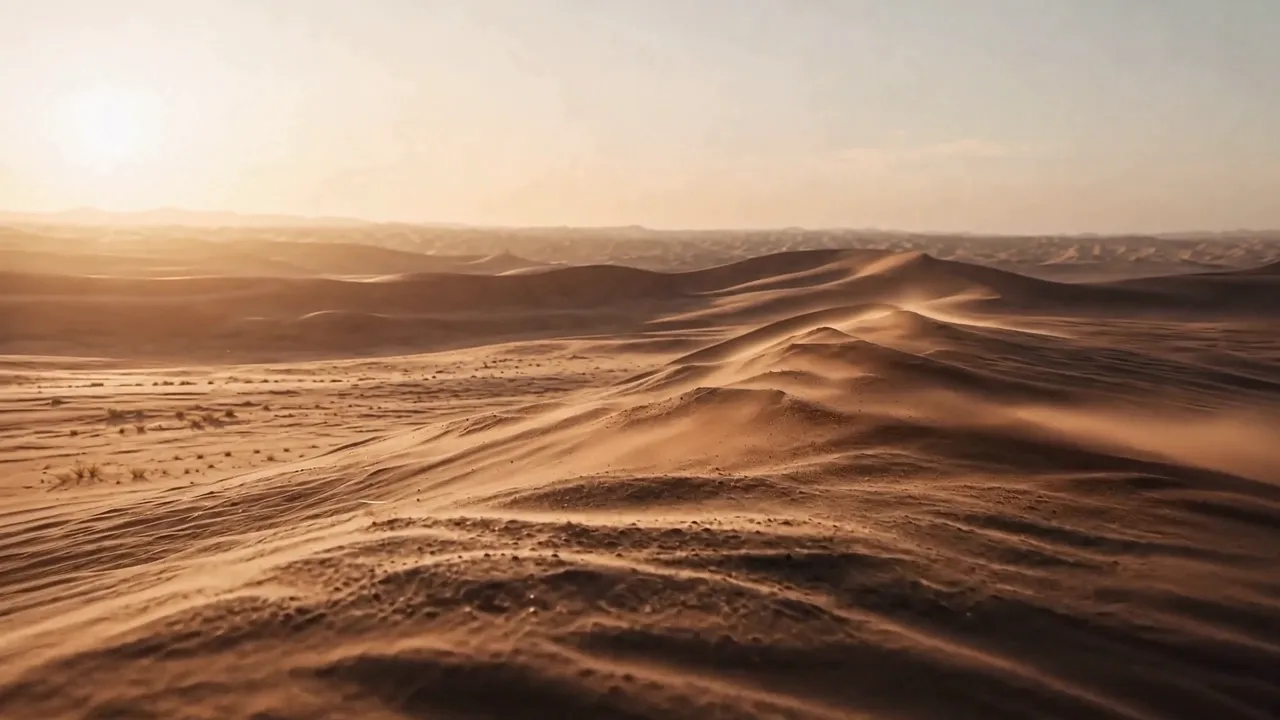
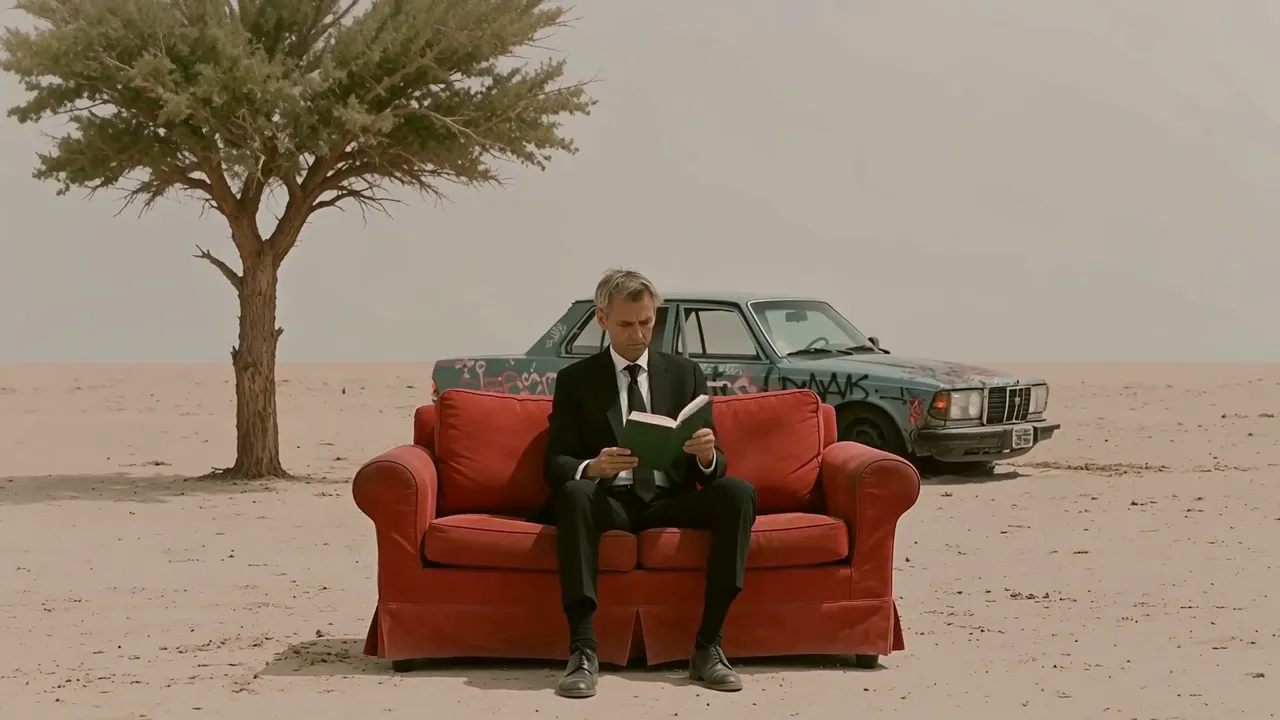
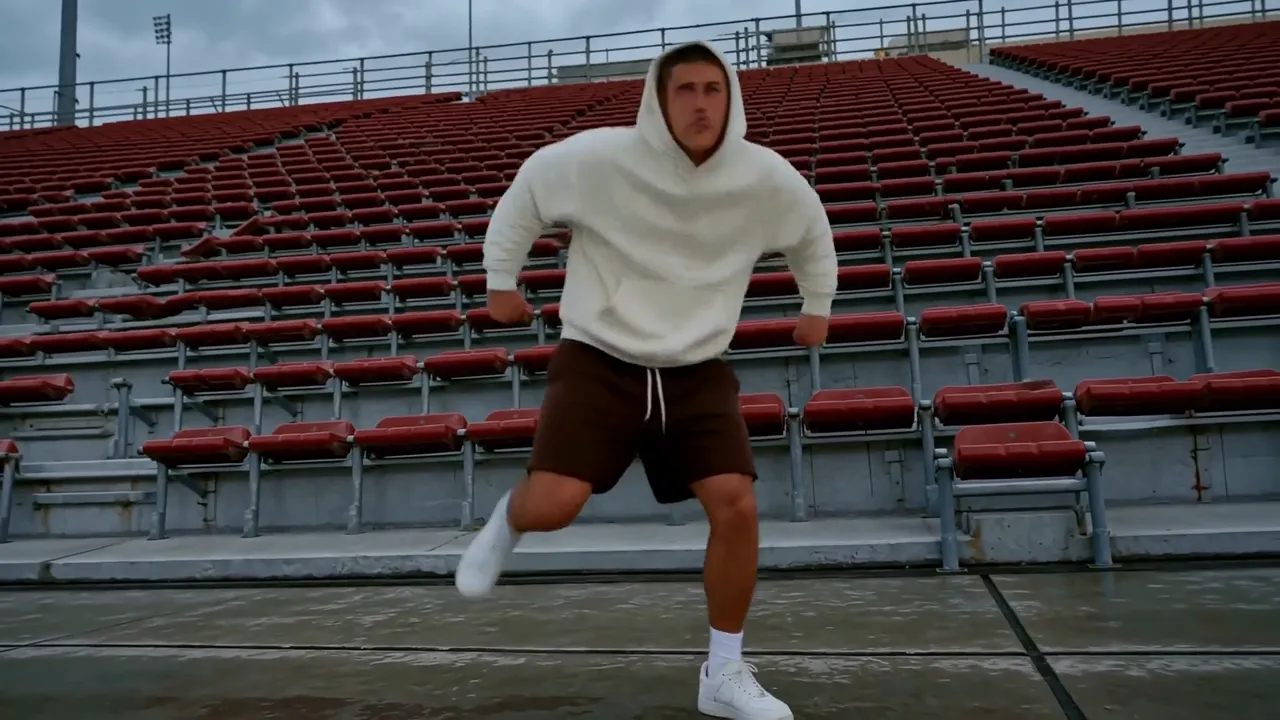
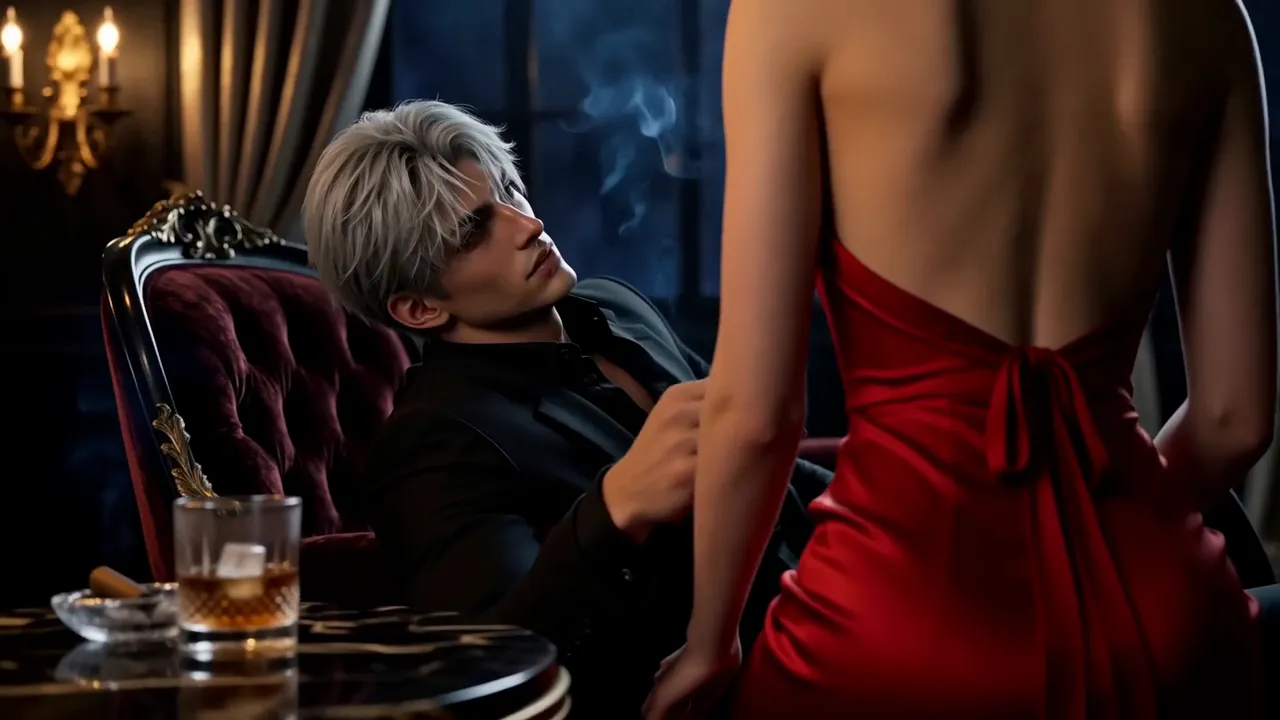
9:16 Shorts, Reels, and Stories or 1:1 feed assets with a clear opening hook and platform-ready framing.768p or 2k resolution.The first table lists the controls exposed by the MiniMax H3 Text-to-Video tool on this page.
| Parameter | Required | Type | Default | Range / Options | How to choose |
|---|---|---|---|---|---|
prompt* | Yes (*) | String | Example prompt | 1–7,000 characters | Give MiniMax H3 a structured brief covering the subject, one main action, camera, setting and lighting, visual style, audio, and intended ending. Clear structure matters more than using the full limit. |
aspect_ratio | No | String | 16:9 | 21:9, 16:9, 4:3, 1:1, 3:4, 9:16 | Match MiniMax H3 output to the destination: 21:9 for ultra-wide cinematic shots, 16:9 for general video and ads, 4:3 for editorial or retro framing, 1:1 for feeds, 3:4 for portrait products, and 9:16 for vertical social video. |
resolution | No | String | 768p | 768p, 2k | Use 768p for cheaper drafts and faster iteration; use 2k when the shot needs higher detail for large placements or crops. |
duration | No | Integer | 5 | 4–15 seconds, in 1-second steps | Use 4–7-second MiniMax H3 clips for one action or fast iteration, 8–10 seconds for a simple change, and 11–15 seconds only when the prompt defines a clear beginning, development, and ending. |
The following table summarizes the wider MiniMax H3 model family. Inputs described for first/last-frame and Omni-Reference modes are available through separate workflows, not as controls on this Text-to-Video page.
| Core dimension | MiniMax H3 |
|---|---|
| Model | MiniMax-H3 |
| Output duration | MiniMax H3 outputs 4–15 seconds. |
| Output aspect ratio | First/last-frame mode: follows the original aspect ratio of the input image.<br>Text-to-Video mode: follows the user-selected 21:9, 16:9, 4:3, 1:1, 3:4, or 9:16 ratio.<br>Omni-Reference mode: uses one of those six ratios or Auto, which lets MiniMax H3 choose the output ratio. |
| Resolution | MiniMax H3 supports two tiers. 768p: for aspect ratios from 16:9 through 9:16, the short side is 768 pixels; for wider output, total resolution is about 1 MP—for example, 21:9 is 1536×672.<br>1440p / 2K: for aspect ratios from 16:9 through 9:16, the short side is 1440 pixels; for wider output, total resolution is about 3.7 MP—for example, 21:9 is 2976×1248. |
| Output frame rate | MiniMax H3 outputs at 24 FPS. |
| Output audio | Every MiniMax H3 result includes native stereo audio. |
| First/last-frame input | Images: 0, 1, or 2; width and height each 256–5760 pixels; aspect ratio from 5:2 to 2:5 (0.4–2.5). With no image input, MiniMax H3 runs in Text-to-Video mode—the tool provided on this page. |
| Omni-Reference input | Images: up to 9; width and height each 256–5760 pixels.<br>Videos: up to 3; each 2–15 seconds; combined video duration up to 15 seconds; width and height each 256–5760 pixels; aspect ratio from 5:2 to 2:5 (0.4–2.5).<br>Audio: up to 3 clips; each 2–15 seconds; combined audio duration up to 15 seconds. Audio must accompany an image or video and cannot be the only reference.<br>Mixed input: up to 12 files total. With no image, video, or audio input, the workflow becomes Text-to-Video. |
| Supported input formats | MiniMax H3 accepts video: H.264/AVC or H.265/HEVC; embedded audio: AAC or MP3.<br>Image: JPG, JPEG, PNG, WEBP, HEIC, or HEIF.<br>Audio: WAV or MP3. |
| Input size limits | Each video: 50 MB; each image: 30 MB; each audio file: 15 MB. There is no separate combined-media limit beyond the per-file limits, but the API request body is limited to 64 MB; URL-based media input is recommended. |
| Prompt limit | The MiniMax H3 product guide allows up to 7,000 characters. This Text-to-Video deployment currently accepts 1–7,000 characters, as shown in the page-control table above. |
MiniMax H3 Text-to-Video pricing depends on resolution and duration:
| Resolution | Price per second | 5s | 10s | 15s |
|---|---|---|---|---|
| 768p | $0.09 | $0.45 | $0.90 | $1.35 |
| 2K | $0.145 | $0.725 | $1.45 | $2.175 |
For batches of 1–4 outputs, calculate the total as duration × per-second rate × output count.
Use this reusable MiniMax H3 prompt structure:
[subject + defining details] + [one action over time] + [camera framing and movement] + [setting + lighting] + [visual treatment] + [dialogue / effects / ambience / music] + [ending frame or constraint]
Weak prompt
> A luxury watch ad, cinematic and dynamic, with music.
Improved MiniMax H3 prompt
> A brushed-steel automatic watch rests on black volcanic stone. A narrow studio light sweeps across the sapphire crystal as the second hand moves and condensation beads on the case. Begin with an extreme macro, then make a slow 30-degree orbit, ending on the watch face. High-contrast luxury commercial, deep black background. Audio: soft mechanical ticking and one low cinematic pulse; no dialogue.
The improved version gives MiniMax H3 an identifiable subject, timed action, separate camera direction, lighting, finish, sound sources, and a final frame that can be reviewed.
Use this MiniMax H3 comparison as a model-family guide; maximum resolution and duration may not be available together, and RunComfy workflows can expose different inputs, resolution tiers, and audio controls.
| Model | Resolution | Max duration | Audio | Standout |
|---|---|---|---|---|
| MiniMax H3 | 768p or 2K | 15s | Native stereo (voice, SFX, music) | Relates text, image, video, and audio references through language for V2V motion transfer and production editing; public weights are planned but have not yet been released. |
| Hailuo 02 | 1080p | ~10s | None | Strong prompt adherence and physics-focused motion suit gymnastics, dance, product movement, and other silent action shots that will receive audio later in production. |
| Kling 3.0 | Up to 4K | 15s | Native audio with lip-sync | Coordinates multi-shot camera changes with multilingual, speaker-assigned dialogue and lip-sync—useful for scripted ads, storyboards, and character-led scenes. |
| Seedance 2.0 | 1080p | 15s | Joint audio and video | Combines dense image, video, and audio references with joint audiovisual generation and precise lip-sync for identity-sensitive ads, branded stories, and reference-heavy edits. |
| Veo 3.1 | 4K | 8s | Native dialogue and effects | Pairs prompted dialogue and effects with first/last-frame, reference-image, and scene-extension controls—suited to cinematic transitions and assembled sequences. |
For Hailuo 02, the listed maxima are mode-specific: 1080p output is limited to 6 seconds, while 10-second output is available at 512p or 768p.
For MiniMax H3, Omni-Reference and V2V capabilities belong to sibling workflows; the Text-to-Video tool on this page remains prompt-only.
What sets MiniMax H3 apart is the combination: one general-purpose model family that relates text, image, video, and audio, generates native stereo sound, and offers both 768p ($0.09/s) and 2K ($0.145/s). Choose MiniMax H3 when you want to start from a text brief and keep a path to reference-guided creation or editing in sibling workflows. Based on publicly available information, run the same brief through each model before committing a pipeline.
If MiniMax H3 is not the right starting point for a project, compare these focused workflows on RunComfy:
透過提示詞創作歌曲,支援 44.1 kHz WAV 輸出與分段編輯。
使用 Kling 2.1 Master 依提示詞生成影片,並設定時長、長寬比、負面提示詞與提示詞強度。
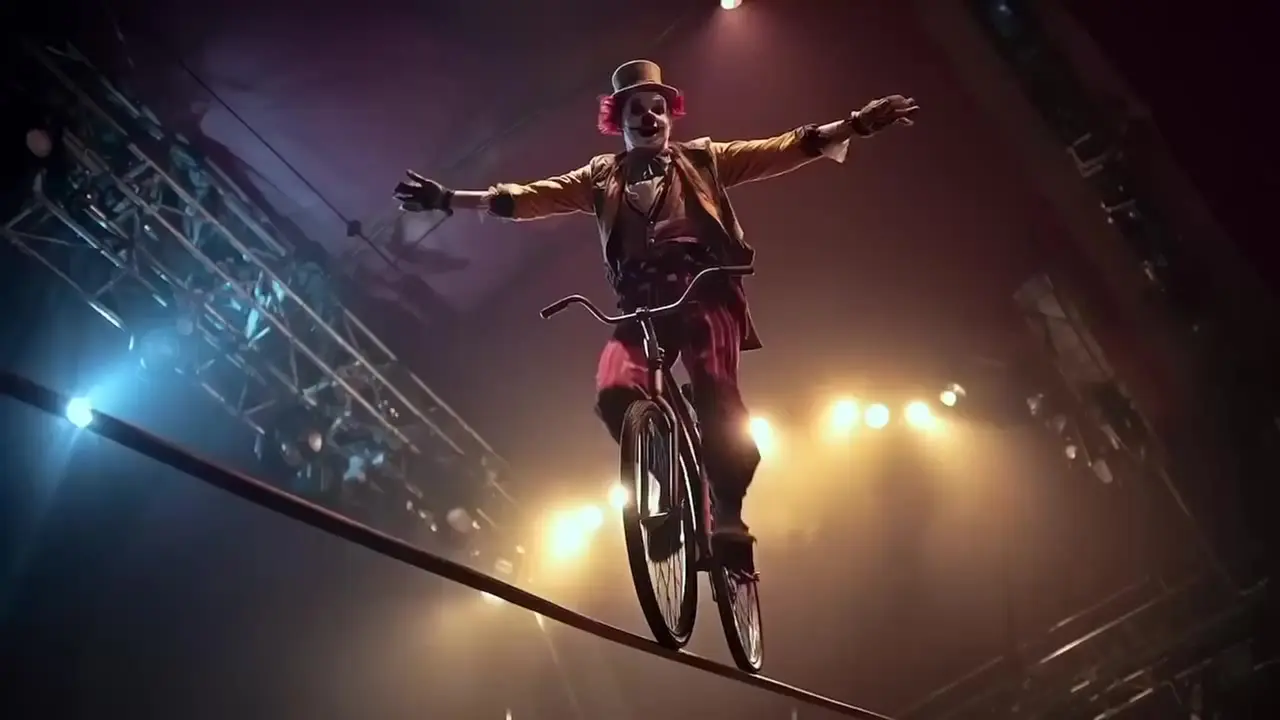
使用 Hailuo 02 Pro 依提示詞讓起始圖像動起來,生成 6 秒影片。

根據參考影像和提示詞生成含同步音訊的短影片。

使用 Pika 2.2 根據文字提示詞生成高品質影片。

只要一段提示詞,即可將靜態照片變成流暢的 720P 或 1080P 影片。
是的。 MiniMax H3 文字轉影片可在瀏覽器中使用,並可使用您的帳戶積分透過 RunComfy API 使用。
MiniMax H3 是 MiniMax 的通用多模式產生和編輯模型系列。其更廣泛的任務設計涵蓋文字、圖像、視訊和音頻,而各個工作流程則公開不同的輸入。此頁面提供僅提示的文字轉影片工作流程。
MiniMax 將 H3 定位於廣告、品牌、電子商務、電影、標題設計、動畫海報、短片故事、產品和 UI 概念、遊戲、虛擬角色和風格化動畫。目前的文字到視訊工作流程最適合可以透過書面提示指導的簡短概念。
在此頁面上,MiniMax H3 支援「768p」和「2k」解析度。選擇 4 到 15 秒之間的任何整秒持續時間;預設值為 5 秒。對於更便宜的草稿,請使用 768p;當您需要更高的細節時,請使用 2K。
是的。此文字到視訊工作流程會隨視訊生成本機立體聲音訊。描述提示中的對話、氛圍、音效或音樂;沒有單獨的音訊切換。結果可能會有所不同,因此請檢查口型同步和音訊時序。
不可以。此頁面是僅提示的 MiniMax H3 文字轉視訊工作流程,其 API 僅接受「提示」、「寬高比」、「解析度」和「持續時間」。對於來源媒體,請使用單獨的 H3 影像到影片或參考到視訊工作流程。
在支援參考的 H3 工作流程中,自然語言可以為文字、圖像、視訊和音訊分配不同的角色。例如,一個來源可能定義攝影機運動,另一個來源定義角色,另一個來源定義聲音。這是模型系列功能,而不是目前頁面上的媒體上傳功能。
不需要。 RunComfy 透過瀏覽器和 HTTP API 提供 MiniMax H3,因此您無需自行託管或擴充模型。 MiniMax 在 7 月 31 日發布的帖子中描述了一項有條件的發布模型權重的計劃;在規劃自託管之前驗證當前的可用性和許可條款。
MiniMax H3 文字轉影片在 768p 下每產生一秒鐘的成本為 0.09 美元,在 2K 下每產生一秒的成本為 0.145 美元。在 768p 下,5 秒影片的成本為 0.45 美元,10 秒影片的成本為 0.90 美元,15 秒影片的成本為 1.35 美元。在 2K 時,這些長度的價格為 0.725 美元、1.45 美元和 2.175 美元。批量產生將基於持續時間的成本乘以輸出數量。
MiniMax 將 Hailuo 02 描述為專注於架構、資料和規模,而 MiniMax H3 則專注於泛化任務和模式。 H3 還在其文字轉視訊工作流程中加入了原生立體聲音訊和可選擇的 768p 或 2K 輸出。
在 RunComfy 中測試提示、寬高比、解析度和持續時間。然後透過 API 使用「提示」(必需)、「寬高比」、「解析度」(「768p」或「2k」)和「持續時間」(4-15)呼叫相同的 MiniMax H3 文字到視訊範本。此工作流程沒有媒體上傳欄位。
RunComfy 是首選的 ComfyUI 平台,提供 ComfyUI 在線 環境和服務,以及 ComfyUI 工作流程 具有驚豔的視覺效果。 RunComfy還提供 AI Models, 幫助藝術家利用最新的AI工具創作出令人驚艷的藝術作品。