logo
RunComfy
  • ComfyUI
  • TrainerNew
  • Models
  • API
  • Pricing
discord logo
MODELS
Explore
All Models
LIBRARY
Generations
MODEL APIS
API Docs
API Keys
ACCOUNT
Usage

Wan 2.7 by Alibaba: 1080p AI Video Model with Audio | RunComfy

wan-ai/wan-2.7/text-to-video

Wan 2.7 is a high-quality AI video model for generating short 720p and 1080p videos from text prompts, with optional audio guidance, flexible aspect ratios, controllable duration, and reproducible seed-based iteration on RunComfy.

URL of driving audio. Supports WAV and MP3. Duration: 3–30s. Max 15 MB. If empty, background music will be auto-generated.
Aspect ratio of the generated video.
Output video resolution tier.
Output video duration in seconds.
Content to avoid in the video.
Enable intelligent prompt rewriting.
Idle
The rate is $0.09 per second for 720p, $0.13 per second for 1080p.

Introduction to Wan 2.7

Wan 2.7 is Alibaba's AI video model for creating short, high-quality videos from natural language prompts. On RunComfy, this Wan 2.7 page focuses on text-to-video generation, giving creators and teams a simple way to produce 720p or 1080p clips with optional audio guidance, flexible aspect ratios, controllable duration, negative prompts, prompt expansion, and seed-based iteration. Whether you are making ad creatives, social media videos, product demos, concept shots, or rapid visual prototypes, Wan 2.7 helps turn written ideas into polished video outputs without managing model hosting or infrastructure.
Ideal for: AI Video Generation | Short-Form Marketing Videos | Product Demos and Social Content

Wan (Alibaba) / Wan 2.7#


Wan 2.7 is an AI video generation model from Alibaba designed for creating short videos from natural language prompts. On this RunComfy page, Wan 2.7 is available as a text-to-video workflow that lets you generate 720p or 1080p clips with optional audio guidance, adjustable aspect ratios, controllable duration, negative prompts, prompt expansion, and seed control.


If you are searching for Wan 2.7 for AI video generation, this page covers the practical text-to-video use case on RunComfy. It is built for creators, marketers, developers, and teams who want to turn written ideas into short-form videos in the browser or through API access, without setting up their own inference stack.


Typical uses for Wan 2.7 include product videos, social media clips, ad concepts, brand visuals, visual storytelling tests, and fast creative prototyping.


Output format: 720p or 1080p / FPS: varies by provider / 2–15 s / 16:9, 9:16, 1:1, 4:3, 3:4 / Audio: optional audio_url or auto-generated background music


Why Use Wan 2.7#


  • Strong short-form video generation: Wan 2.7 is well suited to short clips for social content, product storytelling, concept visualization, and ad creative testing.
  • 1080p output option: Generate crisp video outputs with support for 720p and 1080p resolution tiers.
  • Audio-guided workflow: Provide an audio_url when you want sound-driven generation, or let the workflow create matching background music automatically.
  • Flexible framing: Choose from 16:9, 9:16, 1:1, 4:3, and 3:4 to fit different platforms and creative needs.
  • Prompt control: Use a main prompt, negative prompt, and optional prompt expansion to shape the final output more precisely.
  • Easy iteration: Seed control helps you reproduce a result and compare prompt changes in a more structured way.

Wan 2.7 Features on RunComfy#


This Wan 2.7 page supports the following text-to-video inputs on RunComfy:


ParameterRequiredTypeDefaultRange / OptionsDescription
prompt*Yes (*)string—Max 5000 charsText prompt describing the desired video.
audio_urlNostring—WAV/MP3, 3–30 s, ≤15 MBURL of driving audio; if omitted, matching background music is auto-generated.
aspect_ratioNoAspectRatioEnum"16:9"16:9, 9:16, 1:1, 4:3, 3:4Aspect ratio of the generated video.
resolutionNoResolutionEnum"1080p"720p, 1080pOutput video resolution tier.
durationNoDurationEnum"5"2–15 (seconds)Output video duration in seconds.
negative_promptNostring—Max 500 charsContent to avoid in the video.
enable_prompt_expansionNobooleantruetrue/falseEnable intelligent prompt rewriting.
seedNointeger—0–2147483647Random seed for reproducibility.

(*) Required


Wan 2.7 Pricing#


ResolutionRate (per second)Example 5 sExample 10 sExample 15 s
720p$0.09$0.45$0.90$1.35
1080p$0.13$0.65$1.30$1.95

Pricing shown is from RunComfy: $0.09 per second for 720p and $0.13 per second for 1080p.


How to Use Wan 2.7#


  1. Write a clear prompt: Describe the subject, action, camera movement, scene, lighting, and overall mood you want Wan 2.7 to generate.
  2. Add optional audio guidance: Provide audio_url (3–30 s, WAV/MP3, ≤15 MB) if you want sound-driven generation; otherwise, background music can be auto-generated.
  3. Choose aspect ratio: Select 16:9, 9:16, 1:1, 4:3, or 3:4 depending on where the video will be published.
  4. Set resolution and duration: Pick 720p or 1080p, then choose a video length from 2 to 15 seconds.
  5. Use negative prompts when needed: Exclude unwanted content or artifacts with concise instructions such as "no text overlays" or "no extra limbs."
  6. Decide on prompt expansion: Keep Magic Prompt enabled when you want help refining the prompt, or disable it when you want tighter manual control.
  7. Iterate with seed values: Fix a seed to compare wording changes more consistently, or change the seed when you want more variation.
  8. Generate and review: Run Wan 2.7 on RunComfy, preview the video, and refine the prompt or settings based on the result.

Wan 2.7 Prompt Tips#


  • Be explicit about motion: Combine subject action with camera direction, such as "slow dolly in," "locked tripod shot," or "handheld follow shot."
  • Define the look: Mention lighting, environment, mood, color palette, lens feel, or composition to get more stable visual style.
  • Keep prompts focused: One primary action and one clear scene usually works better than many competing actions in a short clip.
  • Use negative prompts carefully: Target concrete problems like "no subtitles," "no flicker," or "no distorted hands" instead of overloading the instruction.
  • Match format to platform: 9:16 is often better for short-form vertical platforms, while 16:9 is better for landscape video.
  • Test multiple seeds: When a concept is good but the motion or composition is off, changing the seed can help without rewriting everything.
  • Align audio and duration: If you use audio_url, keep the audio length within the supported range and choose a clip duration that fits your intended result.

Wan 2.7 for Different Use Cases#


Wan 2.7 can be used across a wide range of video workflows on RunComfy, including:

  • Product showcase videos for e-commerce and landing pages
  • Short-form ad creatives for testing hooks and visual directions
  • Social media content for Reels, Shorts, and vertical campaigns
  • Concept videos for storyboarding, mood tests, and style exploration
  • Brand visuals and promotional clips for marketing teams
  • Fast browser-based experiments or API-driven generation for developers

More Models to Try#


If you like Wan 2.7, explore these related options on RunComfy:

  • Wan 2.6 Text to Video — earlier generation for baseline comparisons and style tests.
  • Kling Video 2.6 — alternative short-form generator with different motion and style priors.
  • Seedance 2.0 — strong realism model for brief, lifelike moments.
  • Gen-3 Alpha (Video) — generalist video model suited to cinematic experiments.
  • Pika 1.0 (Video) — quick iteration model for playful motion and stylized looks.

Related Models

veo-3-1/fast/image-to-video

Create rich cinematic clips from images or text with Veo 3.1 Fast.

ltx-2/fast/text-to-video

Next-gen tool turning prompts into cinematic 4K video clips with audio

cinematic-video-generator

Film-quality Seedance 2.0 grade video generation with stunning visual fidelity and cinematic motion

kling-2-1/standard/image-to-video

Animate a single image into a smooth video with Kling 2.1 Standard.

hailuo-02/pro/image-to-video

Animate an image into a smooth 6s video with Hailuo 02 Pro.

kling-2-6/motion-control-standard

AI-driven motion conversion tool enabling precise, stable animation creation

Frequently Asked Questions

What are the main output limitations of Wan 2.7 in text-to-video generation?

Wan 2.7 currently produces native 1080p videos lasting between 2 and 15 seconds. The text-to-video model caps reference inputs at five media sources (image or video, plus optional voice input). There are prompt size constraints around 1,500 tokens to ensure generation stability.

Does Wan 2.7 support ultra-wide or 4K aspect ratios in its text-to-video generation mode?

By default, Wan 2.7 outputs only standard 1080p resolutions in 16:9, 9:16, and 1:1 aspect ratios. While text-to-video workflows can simulate higher ratios through cropping or post-scaling, true 4K generation is not yet supported.

How can I move from testing Wan 2.7 in RunComfy Model to using it in production via the API?

To migrate from the RunComfy Model prototype to production, first verify your Wan 2.7 settings inside the Model. Then, use the RunComfy API, which mirrors the Model’s text-to-video endpoints. Generate an API key, ensure usd credits for production are funded, and map your prompt and media parameters as per API documentation.

What’s new in Wan 2.7 compared to Wan 2.6 for text-to-video creation?

Wan 2.7 improves visual sharpness, motion smoothness, and style fidelity relative to Wan 2.6. It introduces start/end-frame control, 9-grid image inputs, and subject plus voice references, which make the text-to-video process more structured and identity-consistent.

How does Wan 2.7 differ from Seedance or Kling in its text-to-video results?

Unlike Seedance or Kling, Wan 2.7 emphasizes multi-reference conditioning and fine-grained control, allowing precise style retention and motion continuity. In text-to-video tasks, users often report smoother transitions and more accurate lip synchronization.

What is the best use case for Wan 2.7 when leveraging its text-to-video capabilities?

Wan 2.7 excels at short-form creative content such as narrative clips, product reels, and character storytelling. Its text-to-video mode is optimized for workflows requiring high fidelity, subject identity consistency, and integrated voice or sound.

Can Wan 2.7 generate videos with built-in audio and speech in text-to-video mode?

Yes, Wan 2.7 automatically includes synchronized audio, including speech and environmental sound. In text-to-video generation, it can also use optional voice references for better vocal style matching and lip-sync accuracy.

In what scenarios does Wan 2.7 outperform older versions in text-to-video projects?

Wan 2.7 outperforms older versions when projects demand subject stability, natural motion, or stylistic precision. Its text-to-video generation engine minimizes visual drift and improves texture detailing through upgraded consistency models.

What kind of input references can Wan 2.7 use when performing text-to-video generation?

The model accepts up to five media references, including images or videos, and an optional voice file. When performing text-to-video creation, this enables direct control of visual style, motion cues, and identity consistency.

How does licensing work if I want to use Wan 2.7 outputs commercially in text-to-video production?

For commercial use of Wan 2.7, check the official Wan AI license terms and RunComfy’s usage policies. The text-to-video outputs can often be used in monetized content, but always verify rights for any included references or likenesses.

Follow us
  • LinkedIn
  • Facebook
  • Instagram
  • Twitter
Support
  • Discord
  • Email
  • System Status
  • Affiliate
Video Models
  • Seedance 1.0 Pro Fast
  • Hailuo 2.3 Fast Standard
  • Wan 2.2
  • Seedance 1.5 Pro
  • Seedance 1.0
  • Veo 3.1 Fast
  • View All Models →
Image Models
  • Wan 2.6 Image to Image
  • Nano Banana 2 Edit
  • Nano Banana Pro
  • seedream 4.0
  • nano banana
  • Seedream 4.0 sequential
  • View All Models →
Legal
  • Terms of Service
  • Privacy Policy
  • Cookie Policy
RunComfy
Copyright 2026 RunComfy. All Rights Reserved.

RunComfy is the premier ComfyUI platform, offering ComfyUI online environment and services, along with ComfyUI workflows featuring stunning visuals. RunComfy also provides AI Models, enabling artists to harness the latest AI tools to create incredible art.
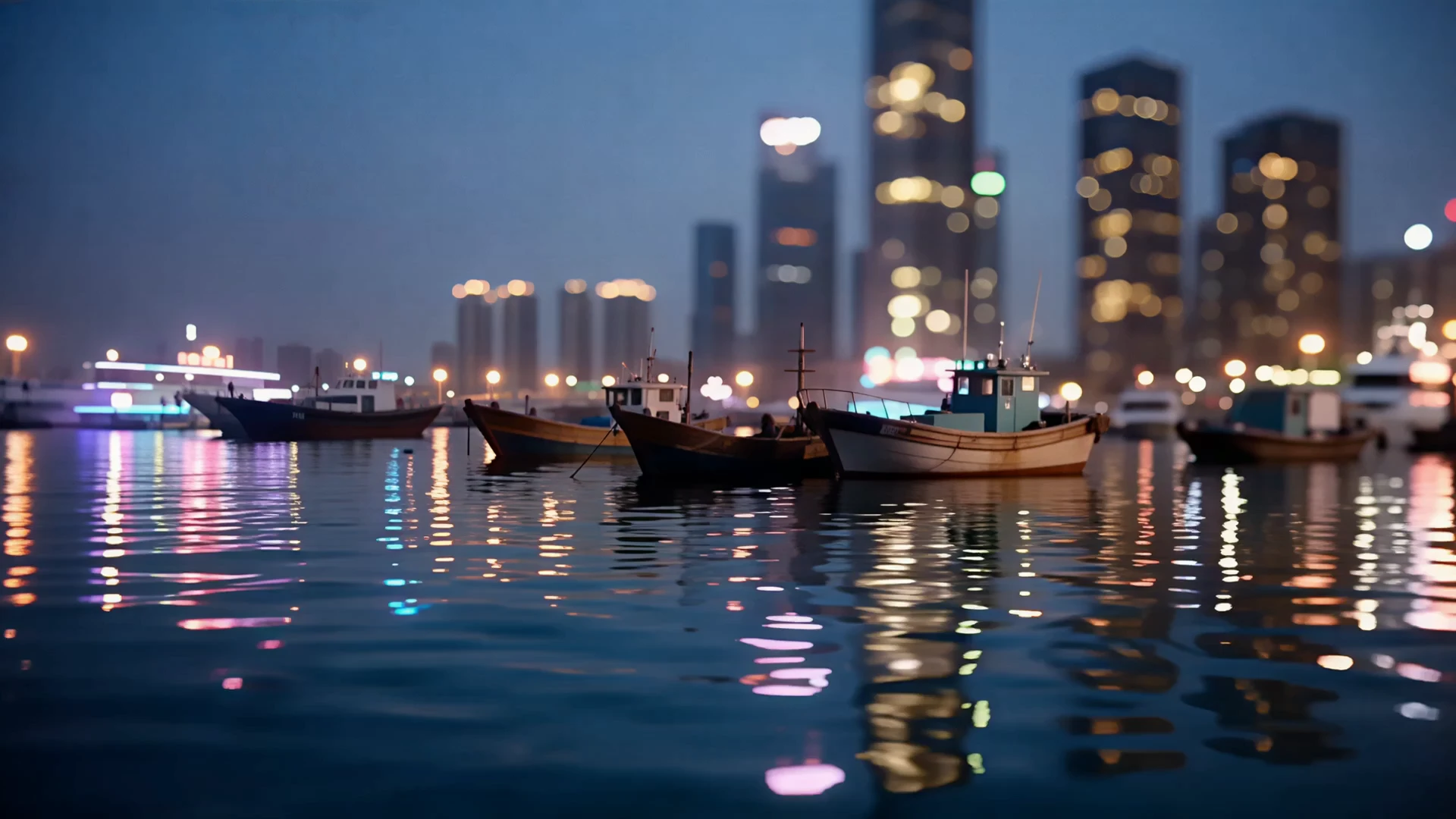

Wan 2.7 Examples

Video thumbnail
Loading...
Video thumbnail
Loading...
Video thumbnail
Loading...
Video thumbnail
Loading...
Video thumbnail
Loading...
Video thumbnail
Loading...