logo
RunComfy
  • ComfyUI
  • TrainerNew
  • Models
  • API
  • Pricing
discord logo
MODELS
Explore
All Models
LIBRARY
Generations
MODEL APIS
API Docs
API Keys
ACCOUNT
Usage

PixVerse C1 Text To Video: Text To Video Generation on Models and API | RunComfy

pixverse/pixverse-c1/text-to-video

PixVerse C1 Text To Video turns task-specific prompts and source media into directed video with 1-15 second timing, resolution controls, and optional native audio.

Describe the scene, subject, action, camera movement, lighting, and motion.
Frame shape for the generated video.
Output quality tier shown as video resolution.
Requested output duration in seconds, from 1 through 15.
Generate an optional native audio track with the video.
Seed used to reproduce or vary a generation.
Idle
[Launch Offer] Half price for two weeks, with audio and 1080p included at no extra cost. Every generated second costs $0.015 at 360p, $0.020 at 540p, and $0.025 at 720p or 1080p, with or without audio. Regular rates resume after the launch period: 720p from $0.049/s and 1080p from $0.094/s.

Introduction To PixVerse C1 Text To Video

PixVerse's PixVerse C1 Text To Video handles text to video with 1-15 second duration, 360p-1080p output, and optional native audio. Trading manual frame-by-frame iteration for guided generation, PixVerse C1 Text To Video helps filmmakers, designers, and product teams build directed shots, motion studies, and production prototypes. For developers, PixVerse C1 Text To Video on RunComfy can be used both in the browser and via an HTTP API, so you don't need to host or scale the model yourself.
Ideal for: Film Previsualization | Campaign Video | Product Storytelling

PixVerse / PixVerse C1#


PixVerse C1 Text To Video turns written prompts into directed video shots. It supports clips up to 15 seconds, four resolution tiers through 1080p, and optional native audio, giving creative teams a single route from rough motion tests to polished short-form output.


The broader PixVerse C1 family covers text-driven clips for concept films, advertisements, social stories, and production previsualization. PixVerse C1 Text To Video is designed for filmmakers, designers, agencies, and product teams that need controllable visual development without maintaining video-generation infrastructure.


Highlights#


  • Flexible starting points: Use PixVerse C1 Text To Video to begin with text while related PixVerse C1 modes handle images, transitions, and references.

  • Production framing: Choose PixVerse C1 Text To Video resolutions from 360p to 1080p and set duration from 1 to 15 seconds.

  • Audio option: Add a generated soundtrack with PixVerse C1 Text To Video when picture and sound should be explored together.

  • Repeatable iteration: Reuse a seed while refining prompts, framing, motion, and timing with PixVerse C1 Text To Video.

  • Cinematic direction: Direct PixVerse C1 Text To Video with lens behavior, blocking, atmosphere, pacing, and subject motion instead of a generic style label.

Parameters#


ParameterRequiredTypeDefaultRange / OptionsDescription
prompt*Yes (*)stringA lone cyclist crosses a rain-swept bridge at blue hour as the camera tracks alongside, reflected city lights shimmering below, cinematic lighting, natural motion.Free inputDescribe the scene, subject, action, camera movement, lighting, and motion.
aspect_ratioNostring16:916:9, 4:3, 1:1, 3:4, 9:16, 2:3, 3:2, 21:9Frame shape for the generated video.
resolutionNostring720p360p, 540p, 720p, 1080pOutput quality tier shown as video resolution.
durationNointeger51-15Requested output duration in seconds, from 1 through 15.
generate_audio_switchNobooleanfalseFree inputGenerate an optional native audio track with the video.
seedNointeger0Free inputSeed used to reproduce or vary a generation.

Pricing#


[Limited Time Offer] Half price. Audio and 1080p are included at no extra cost. Billing is per generated second.


ResolutionPrice
360p$0.015/s
540p$0.020/s
720p$0.025/s
1080p$0.025/s

Turning audio on does not change the rate. After this Limited Time Offer ends, regular rates start at $0.049/s for 720p and $0.094/s for 1080p.


How to Use#


  1. Open PixVerse C1 Text To Video and choose the text-driven form for your shot idea. PixVerse C1 Text To Video works best when the request establishes one readable scene.

  1. Add the required prompt and upload the starting image when the current mode needs one.

  1. Write the visible subject, action, camera path, environment, and lighting in concrete terms.

  1. Select an aspect ratio when offered, then choose a resolution and duration.

  1. Turn audio on only when you want sound generated with the clip.

  1. Keep the default seed for exploration, or record a seed for controlled revisions.

  1. Generate a draft, review motion continuity and composition, then adjust one instruction at a time.

  1. Move the validated request to the HTTP API when your application needs repeatable generation.

Prompt & Reference Tips#


  • Direct the camera: Phrases such as slow dolly-in, locked tripod, overhead orbit, or handheld follow give PixVerse C1 Text To Video a clearer movement target.

  • Separate motions: State what the subject does and what the camera does so the model does not merge both actions.

  • Preserve composition: For image-led work, start with clean edges, readable silhouettes, and enough space for the intended movement.

  • Plan the beat: Match the amount of action to the selected duration; PixVerse C1 Text To Video often reads one clear event better than several competing events.

  • Name the atmosphere: Add time of day, key light, weather, color temperature, and material response where they matter.

  • Iterate deliberately: Hold the seed while testing a prompt change, then vary it after the direction is stable.

How PixVerse C1 compares to other models#


  • Task coverage: Based on publicly available information, PixVerse C1 combines several video workflows under one model family, while some alternatives focus on a narrower input type.

  • Duration control: The 1-15 second range makes PixVerse C1 Text To Video suitable for both quick motion studies and complete short shots.

  • Resolution choices: Four output tiers let teams use PixVerse C1 Text To Video for both drafting and 1080p delivery.

  • Sound workflow: Optional generated audio lets PixVerse C1 Text To Video support an early audiovisual cut.

More Models to Try#


  • PixVerse C1 Image To Video for animating a composed still.

  • PixVerse C1 Transition for connecting specified opening and closing frames.

  • PixVerse C1 Reference To Video for identity or appearance guidance.

  • PixVerse V6 Extend for continuing an existing clip.

Official Resources#


  • Official site: https://pixverse.ai

  • Official API documentation: https://docs.platform.pixverse.ai/c1-2067883m0

PixVerse C1 Text To Video applies the selected tier to every generated second.


Related Models

veo-3-1/fast/text-to-video

Create cinematic clips in seconds with Veo 3.1 Fast, built for instant text-driven motion and creative control.

wan-2-2/fun-control

First-frame restyle locks cinematic look across full AI video.

lucy-edit/restyle

Transform existing footage with fast, identity-safe restyling for precise, text-guided video edits.

fantasy-portrait/image-to-video

Cinematic portrait video maker with prompt control and emotion-rich motion

hailuo-02/image-to-video

Produces crisp 1080p AI videos with smart motion logic and speed

sora-2/text-to-video

Generate realistic videos with synced audio from text using OpenAI Sora 2.

Frequently Asked Questions

What can PixVerse C1 Text To Video create?

PixVerse C1 Text To Video is configured for text to video generation with prompt direction, output controls, and an optional audio track. Outputs can run from 1 to 15 seconds at 360p, 540p, 720p, or 1080p.

Who should use PixVerse C1 Text To Video?

PixVerse C1 Text To Video fits filmmakers, technical artists, designers, agencies, and product teams creating shot concepts, campaign assets, product motion, or social video. It is especially useful when prompt-level direction and repeatable parameters matter.

How do I get better motion from PixVerse C1 Text To Video?

Give PixVerse C1 Text To Video separate instructions for subject action and camera movement, then add framing, lighting, atmosphere, and pacing. Keep the requested action realistic for the selected 1-15 second duration.

Does PixVerse C1 Text To Video generate audio?

PixVerse C1 Text To Video includes a generate_audio_switch option that is off by default. Turning it on requests native audio and does not change the per-second rate.

What resolution and duration limits apply to PixVerse C1 Text To Video?

PixVerse C1 Text To Video exposes 360p, 540p, 720p, and 1080p, with an integer duration from 1 through 15 seconds. Available aspect-ratio control depends on the task form.

Can I reproduce results from PixVerse C1 Text To Video?

PixVerse C1 Text To Video includes a seed parameter for controlled iteration. The same seed and inputs can improve repeatability, although generated-video systems may still show some variation.

Can developers call PixVerse C1 Text To Video through the RunComfy API?

Yes. Teams can test PixVerse C1 Text To Video in the RunComfy model UI and then send the same exposed parameters through the HTTP API. This supports moving a validated request into an application or automation workflow.

How much does PixVerse C1 Text To Video cost on RunComfy?

PixVerse C1 Text To Video is billed per generated second. Limited Time Offer rates are $0.015/s at 360p, $0.020/s at 540p, and $0.025/s at 720p or 1080p, with or without audio. Your total depends on duration.

Follow us
  • LinkedIn
  • Facebook
  • Instagram
  • Twitter
Support
  • Discord
  • Email
  • System Status
  • Affiliate
Video Models
  • Runway Aleph 2
  • Wan 2.5
  • Wan 2.6 Flash
  • MiniMax H3 Max
  • Wan 3.0 Reference To Video
  • Seedance 2.5 Reference to Video 480p
  • View All Models →
Image Models
  • Wan 2.6 Image to Image
  • Seedream 5.0 Pro
  • Flux 2 Klein 9B
  • Nano Banana Pro
  • Nano Banana 2 Edit
  • Z Image Turbo LoRA
  • View All Models →
Legal
  • Terms of Service
  • Privacy Policy
  • Cookie Policy
RunComfy
Copyright 2026 RunComfy. All Rights Reserved.

RunComfy is the premier ComfyUI platform, offering ComfyUI online environment and services, along with ComfyUI workflows featuring stunning visuals. RunComfy also provides AI Models, enabling artists to harness the latest AI tools to create incredible art.

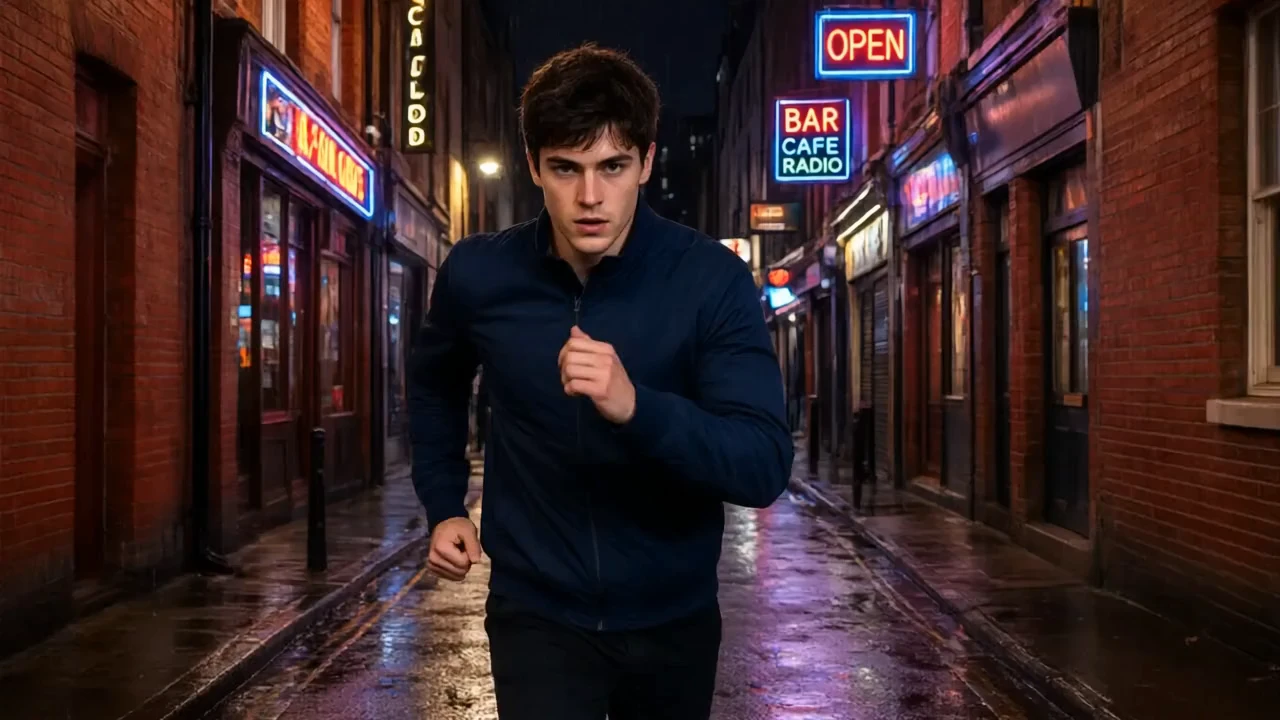
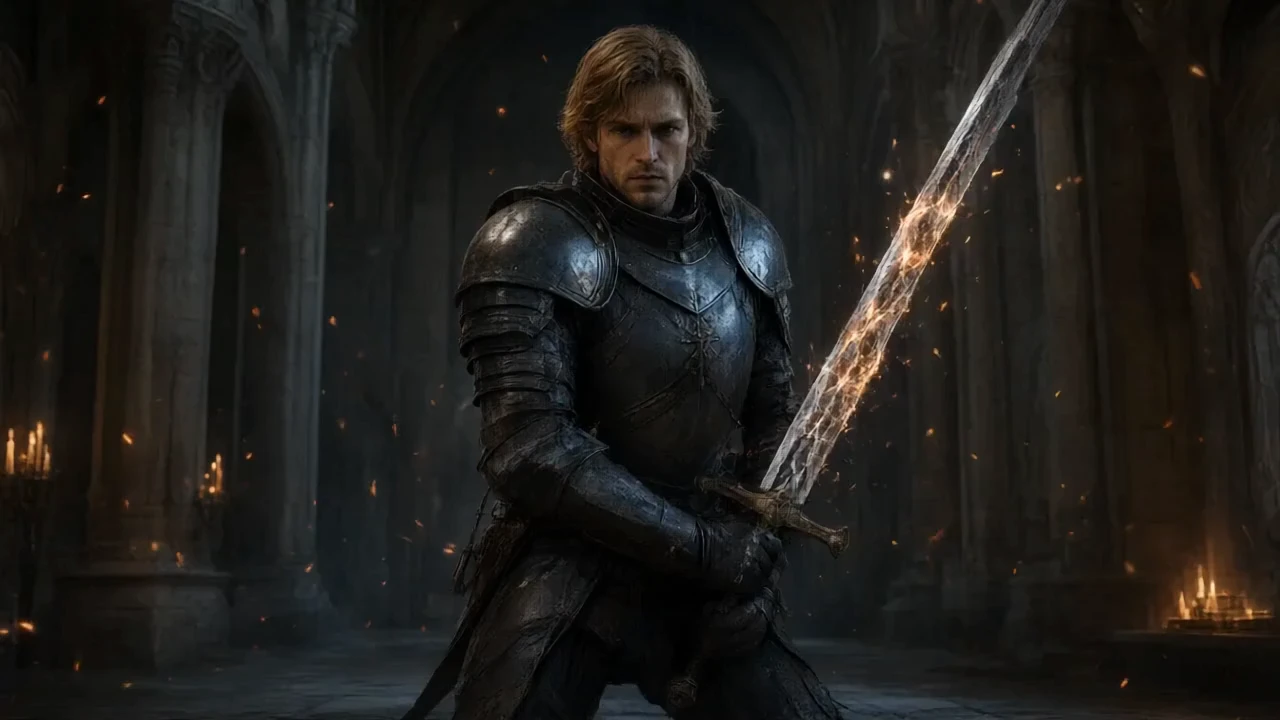
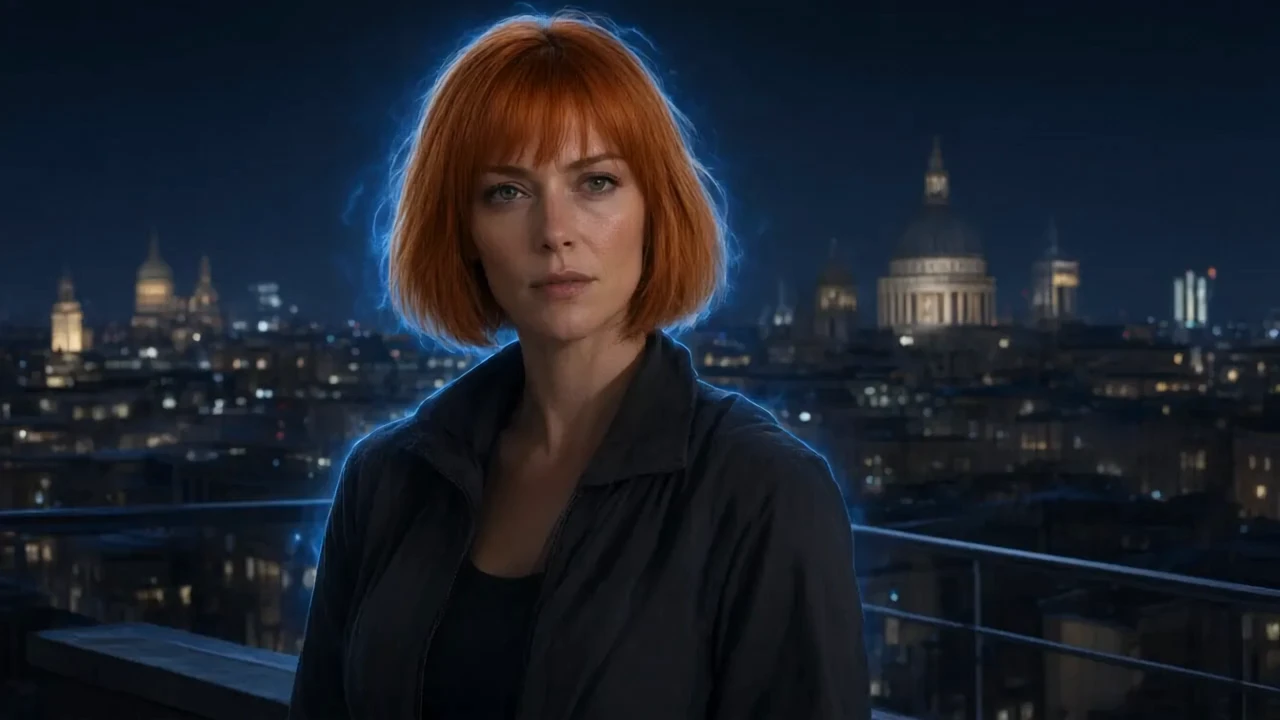
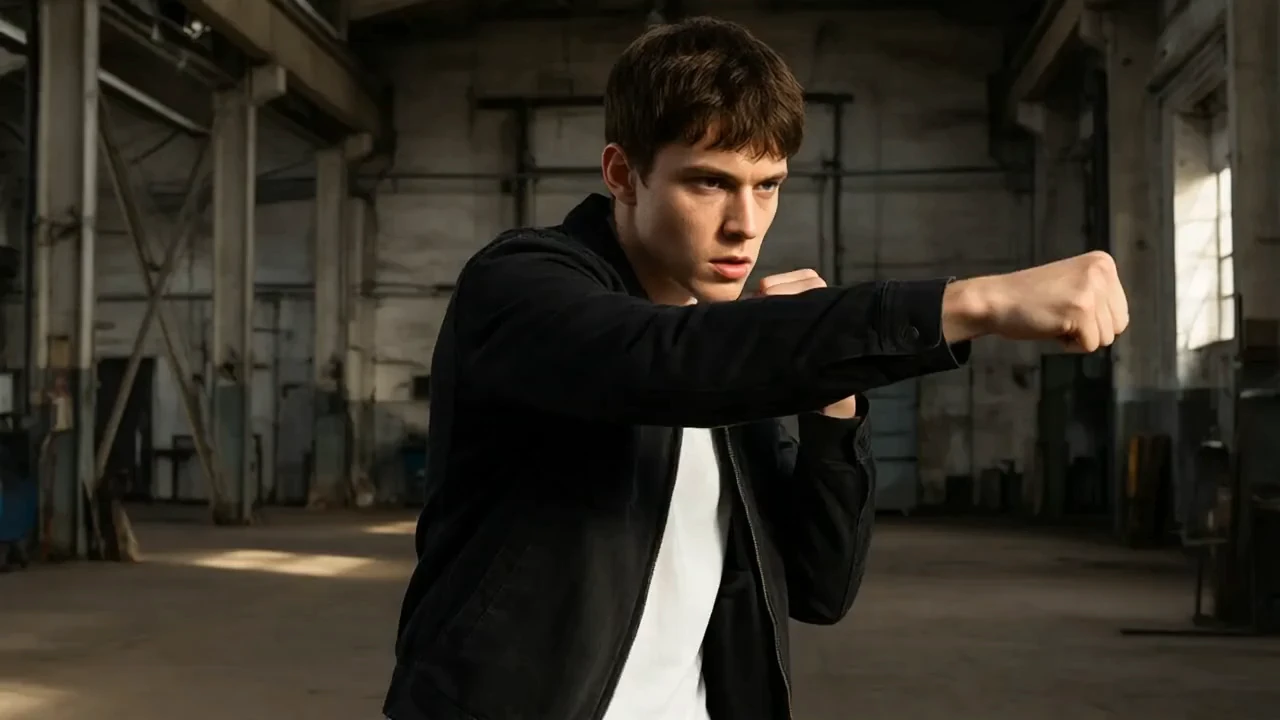
Examples Of PixVerse C1 Text To Video

Video thumbnail
Loading...
Video thumbnail
Loading...
Video thumbnail
Loading...
Video thumbnail
Loading...
Video thumbnail
Loading...
Video thumbnail
Loading...