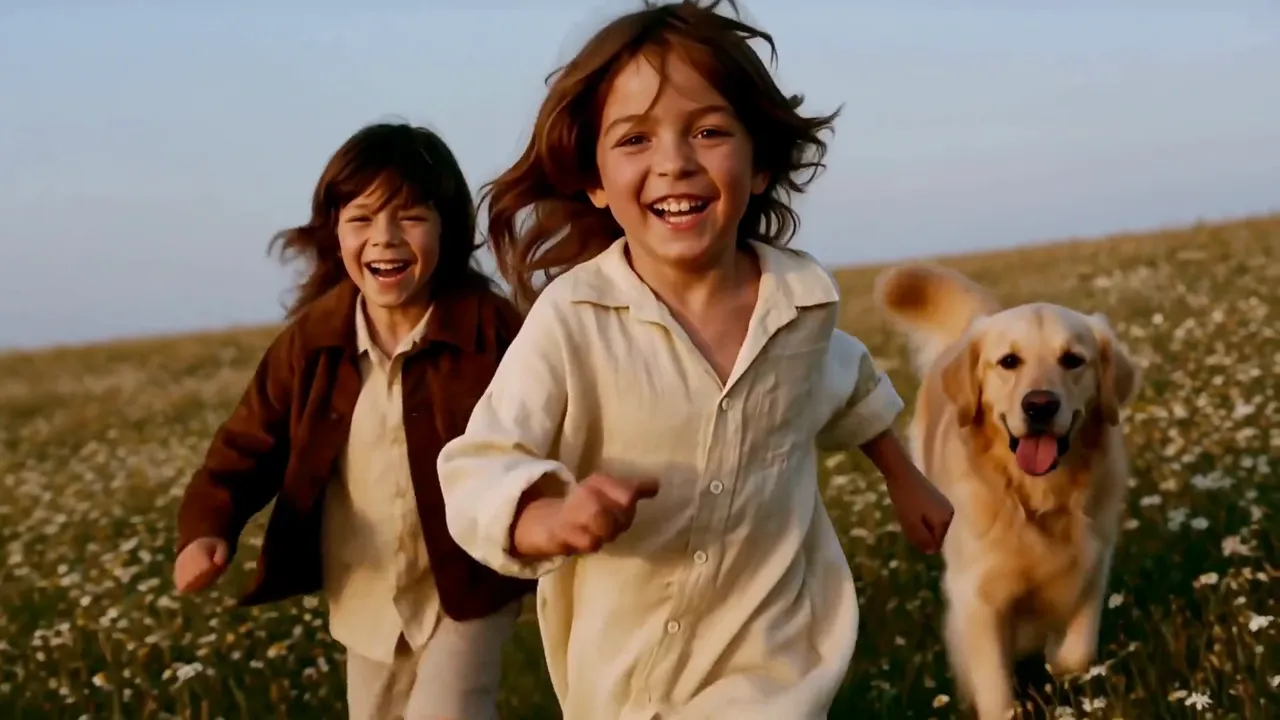
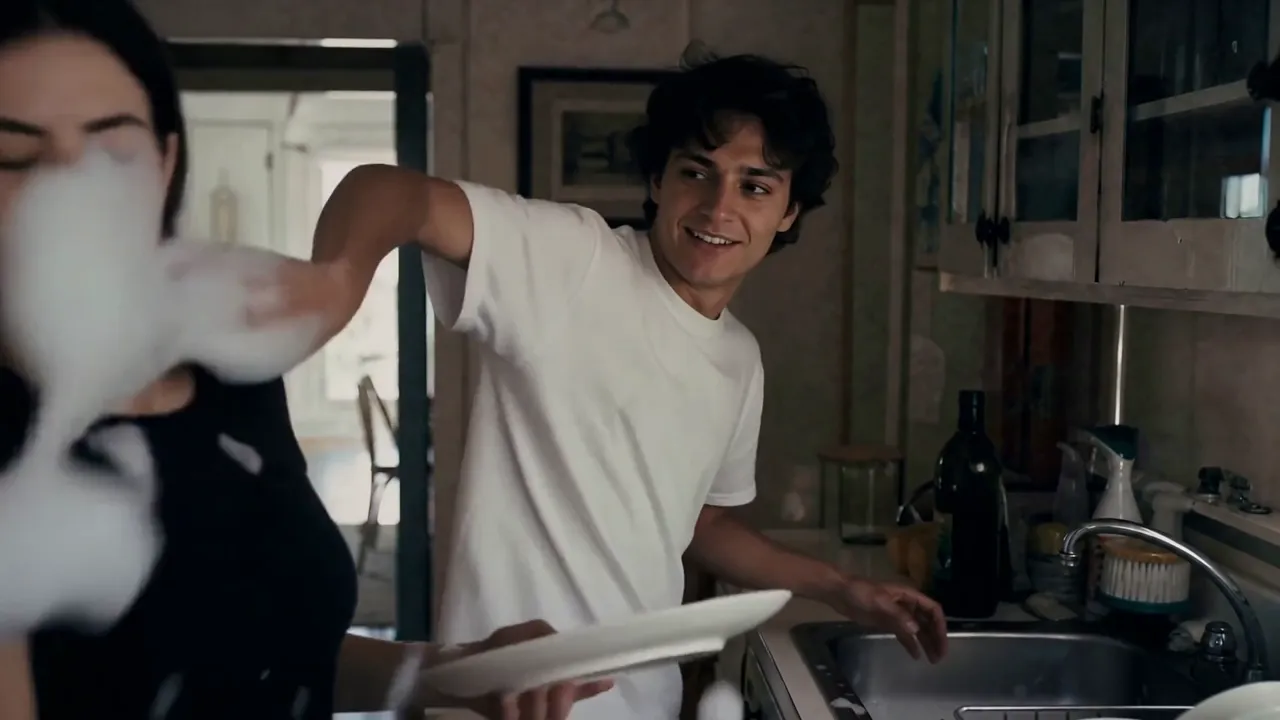
happyhorse-1.0/image-to-video
HappyHorse 1.0 I2V on Alibaba animates a still image into native 1080p video with physics-accurate motion and identity-stable subjects.
This page covers the open-weights image-to-video path in the MiniMax H3 family. Upload a first frame, describe the motion and soundtrack, and optionally add a last frame to lock the ending; the model returns an MP4 with native stereo audio at 480p or 768p.
The output canvas follows the input image's aspect ratio, so start with a clear, well-lit still. Iterate MiniMax H3 Open Image to Video at 5 seconds, then extend once identity and camera feel right. For the official MiniMax H3 image-to-video endpoint with different resolution tiers, see the related MiniMax H3 models on RunComfy.
MiniMax H3 Open Image to Video is billed per second of generated video.
| Resolution | Rate |
|---|---|
| 480p | $0.039/s |
| 768p | $0.079/s |
A 5-second 480p clip costs $0.195. A 5-second 768p clip costs $0.395. Cost scales linearly with duration and resolution.
HappyHorse 1.0 I2V on Alibaba animates a still image into native 1080p video with physics-accurate motion and identity-stable subjects.
Master complex motion, physics, and cinematic effects.
Generate cinematic videos from text prompts with Wan 2.1.

Lengthen existing clips beyond the final frame with scene-consistent motion

Swap regions in a video using a mask, text, or reference image.

Extend an audio track at the start, end, or both with matching style
MiniMax H3 Open Image to Video animates a first-frame still into a short clip with native stereo audio, optionally guided by a last-frame image. It fits product reveals, character moments, and still-to-clip ads when identity should stay locked to the upload.
MiniMax H3 Open Image to Video is the open-weights path with 480p and 768p output. The official MiniMax H3 image-to-video model on RunComfy uses a different resolution ladder (such as 768p and 2K). Choose MiniMax H3 Open Image to Video for the open-weights route and pricing tiers on this page.
MiniMax H3 Open Image to Video requires a first-frame image and a prompt that describes motion, camera, and sound. An optional last_image can lock the ending pose. Resolution is 480p or 768p; duration is 5–15 seconds. Output framing follows the input image's aspect ratio.
MiniMax H3 Open Image to Video anchors appearance to the first-frame image. Write motion verbs and camera moves in the prompt, and state what must not change (face, outfit, background). Clear, well-lit uploads give more stable identity than soft or heavily cropped stills.
Yes. MiniMax H3 Open Image to Video generates native stereo audio with the picture. Add an Audio: line with entrance cues for ambience, dialogue, or effects; otherwise the model supplies a soundtrack that fits the scene.
Yes. Prototype in the RunComfy model UI, then call the same MiniMax H3 Open Image to Video template through the RunComfy API with identical parameters. Generations consume usd / credits on both paths.
MiniMax H3 Open Image to Video is billed per second of generated video: $0.039 per second at 480p and $0.079 per second at 768p. A 5-second 480p clip costs about $0.195; cost scales with duration and resolution.
Add a last_image on MiniMax H3 Open Image to Video when you need a controlled ending—such as a smile, product hold, or pose change—while keeping the opening look from the first frame. Leave it empty when you only want free motion from a single still.
RunComfy is the premier ComfyUI platform, offering ComfyUI online environment and services, along with ComfyUI workflows featuring stunning visuals. RunComfy also provides AI Models, enabling artists to harness the latest AI tools to create incredible art.