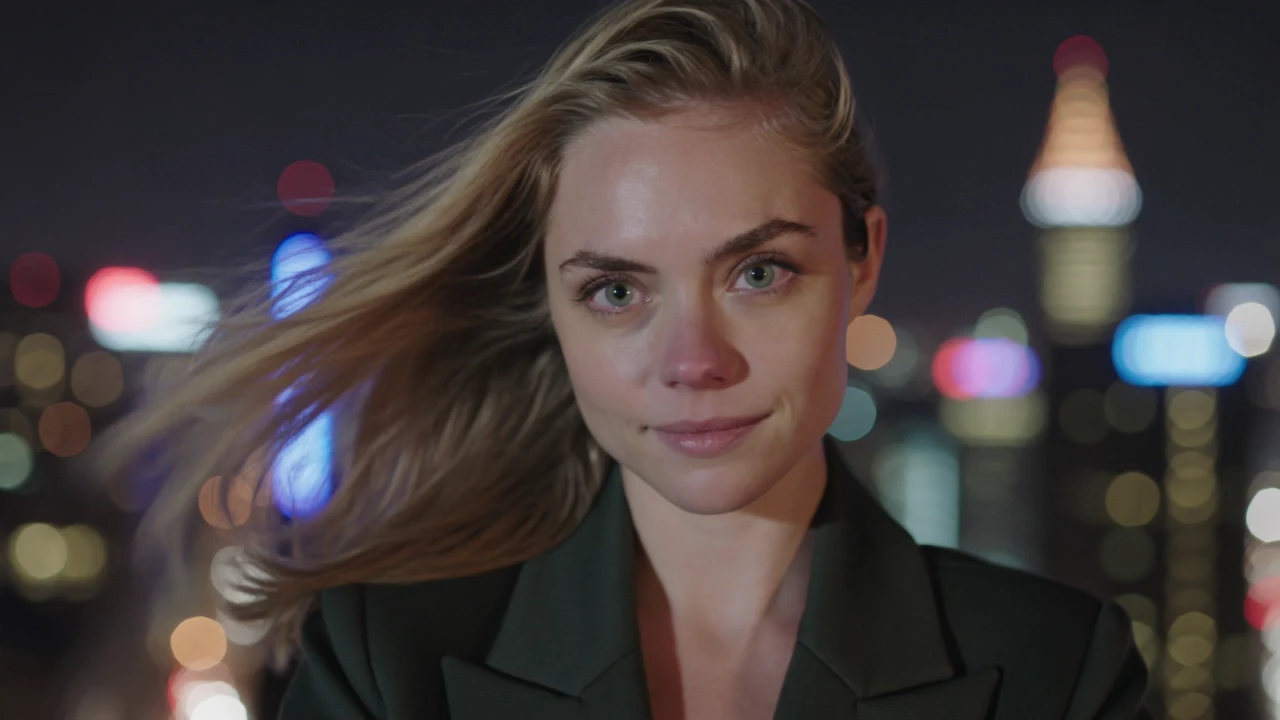
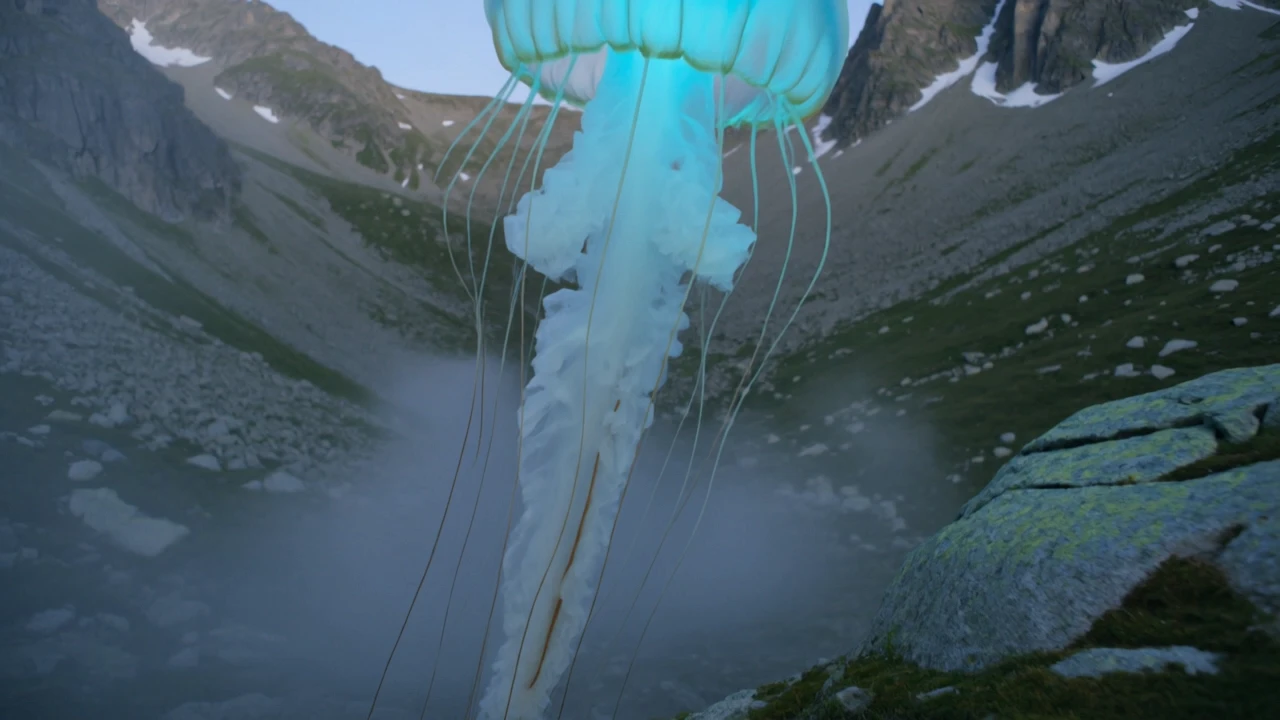
dreamina-3-0/pro/text-to-video
Turn text into detailed cinematic scenes with Dreamina 3.0 precision.
This is the cost-efficient image-to-video member of the O3 family from Kuaishou, designed to animate a reference frame while preserving the subject and scene from the source image. The Standard tier balances strong visual quality against an accessible per-second rate across the full 3 to 15 second range.
It fits teams that need short-form motion content from existing photos, renders, or concept art — without a shoot, manual keyframing, or post-production rotoscoping.
| Parameter | Required | Type | Default | Range / Options | Description |
|---|---|---|---|---|---|
| image* | Yes (*) | string | — | Public URL | Start frame to animate. |
| prompt* | Yes (*) | string | — | Free text | Describe motion, camera, lighting, and action. |
| end_image | No | string | — | Public URL | Optional end frame for guided two-frame transitions. |
| duration | No | integer | 5 | 3 – 15 | Clip length in seconds. |
| sound | No | boolean | false | true / false | Synthesize synchronized audio (adds ~33% to the rate). |
| shot_type | No | string | customize | customize, intelligent | Editing scope; intelligent auto-decides, customize follows the prompt. |
The model bills per second of generated output on RunComfy. Enabling sound adds about 33% to the base rate, applied across the entire clip duration.
| Output mode | Rate per second |
|---|---|
| Video without sound | $0.083 |
| Video with sound | $0.111 |
Estimated cost examples
| Duration | Without sound | With sound |
|---|---|---|
| 3 s | ~$0.249 | ~$0.333 |
| 5 s (default) | ~$0.415 | ~$0.555 |
| 10 s | ~$0.830 | ~$1.110 |
| 15 s | ~$1.245 | ~$1.845 |
Turn text into detailed cinematic scenes with Dreamina 3.0 precision.
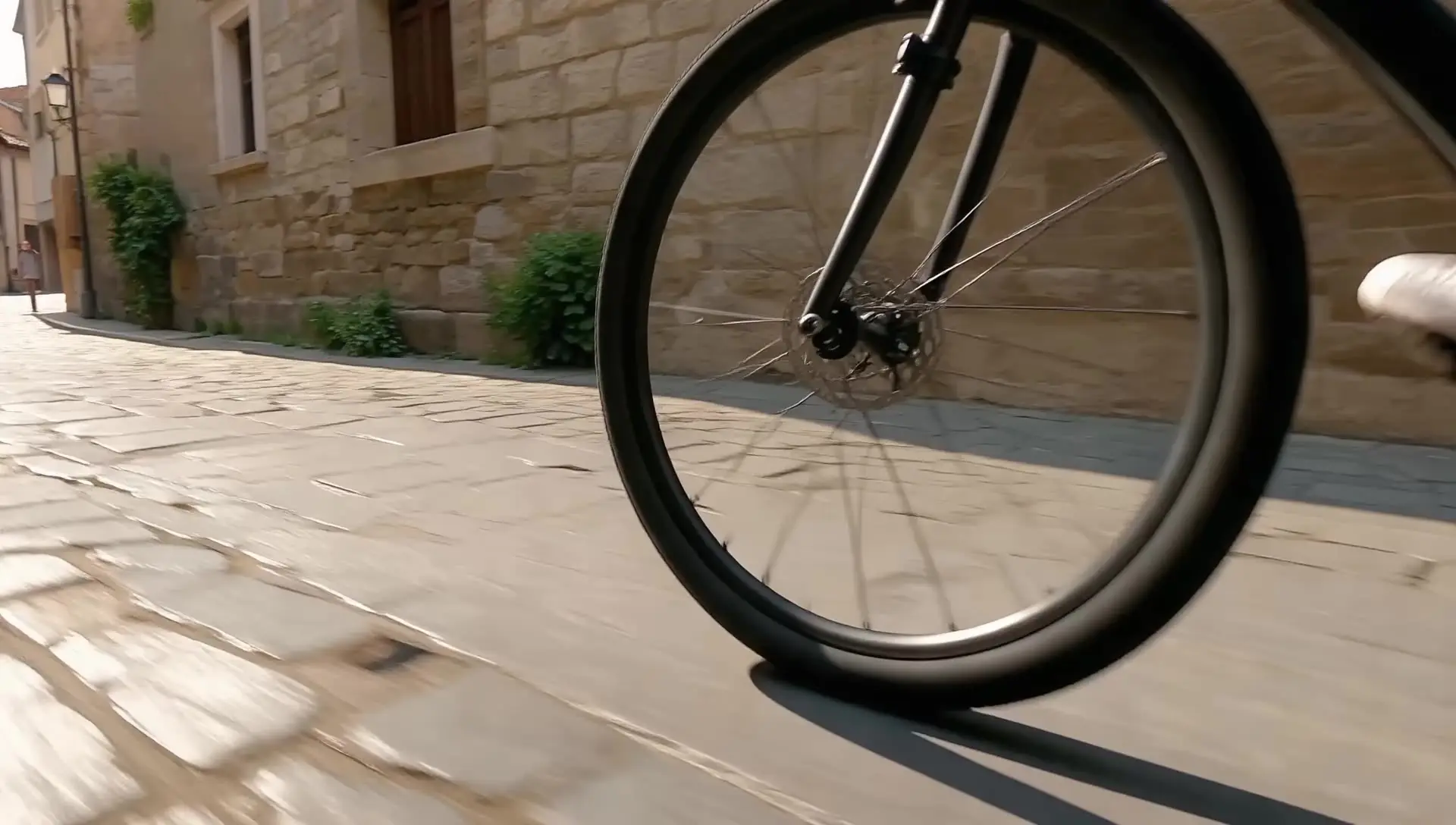
Generate cinematic videos from text prompts with Seedance 1.0.

Transform existing footage with fast, identity-safe restyling for precise, text-guided video edits.

Animate static portraits with smooth, identity-true motion using Steady Dancer's video-driven generation.

Turn static images into vivid motion with precise text and 2K detail.

Empowers precise tracking and seamless object edits across video scenes.
Kling Video O3 Standard Image To Video is Kuaishou's cost-efficient entry in the O3 generation for image-to-video. It animates a single reference image into a 3 to 15 second clip guided by your text prompt, with optional end-frame guidance and synchronized sound. The model preserves subject identity from the input frame while adding natural motion, camera movement, and scene dynamics.
Both share the O3 visual language, but Kling Video O3 Standard Image To Video targets a lower per-second rate, making it well suited to iteration, drafts, and high-volume social or marketing work. The Pro tier is positioned for top-end fidelity on final renders based on available provider information. Prompt structure, duration range, sound options, and shot type controls behave the same way, so prompts transfer cleanly between tiers.
You provide a start frame image and a prompt describing motion, camera, and action. Optional controls include an end frame image for guided two-frame transitions, a duration between 3 and 15 seconds, a sound toggle for synchronized audio, a shot_type of customize or intelligent, and a multi_prompt list for chaining scene segments. This gives Kling Video O3 Standard Image To Video flexible control over pacing, narrative beats, and audio without leaving a single generation.
Social creators, ad and marketing teams, e-commerce video producers, and product designers use Kling Video O3 Standard Image To Video to turn product shots, portraits, or concept art into short cinematic clips. It also fits prototyping passes before committing to higher-cost finals, and start-to-end frame transitions for storyboard-style sequences. Developers integrate it into automated pipelines that turn an image plus a brief into a finished short video.
Both image and prompt are required. Duration is an integer between 3 and 15 seconds with a default of 5, sound is a boolean (off by default), and shot_type accepts customize or intelligent. The multi_prompt parameter is an optional list for guiding scene transitions, and end_image is an optional URL. For other constraints such as resolution or supported file formats, check the current RunComfy parameter panel for the exact limits, since they may vary by provider settings.
Yes. You can prototype Kling Video O3 Standard Image To Video in the RunComfy AI Playground Web UI — dialing in the start image, prompt, duration, audio, and shot type — and then call the same model via the RunComfy API with identical parameters. This keeps creative iteration in the browser while production runs in code, with the same model behavior in both surfaces.
Generations consume usd / credits from your RunComfy balance. Kling Video O3 Standard Image To Video bills $0.083 per second without sound and $0.111 per second with sound based on available provider information. As examples, 5 seconds without sound is around $0.415, 10 seconds with sound is around $1.110, and 15 seconds without sound is around $1.245. New users typically get a free trial usd amount; refer to the Generation section of the model page for the latest rates.
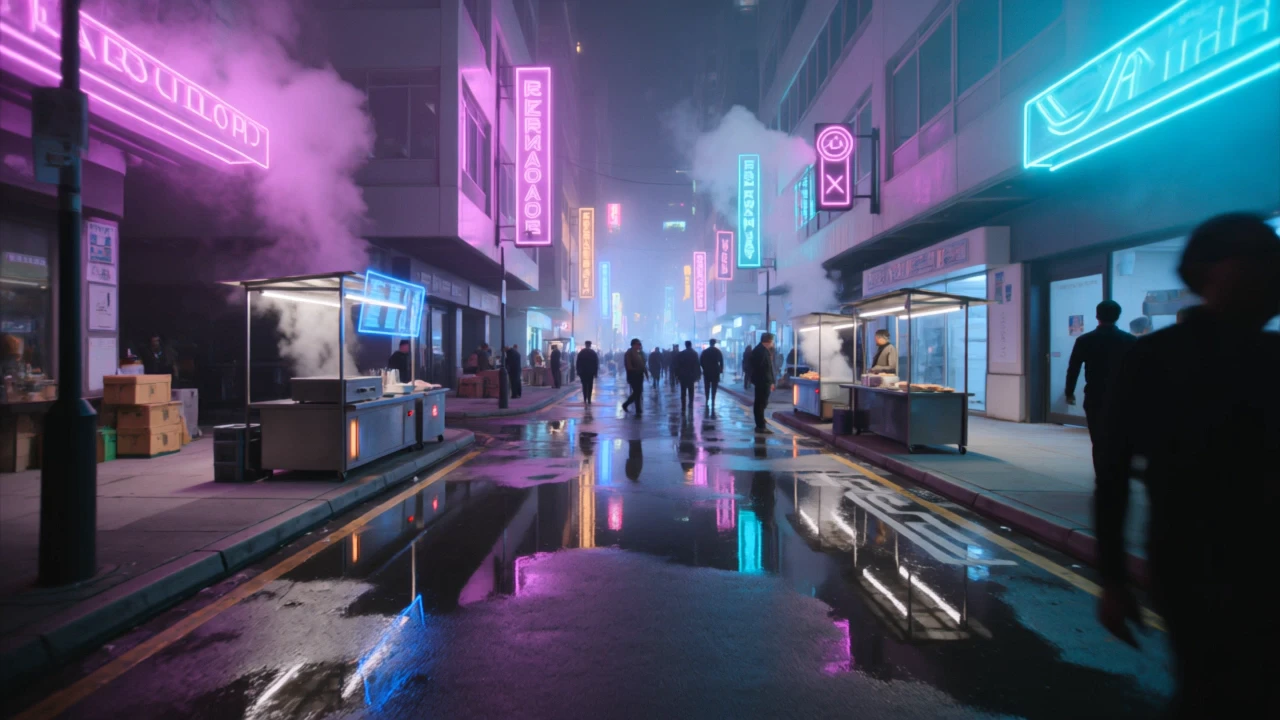
Kling Video O3 Standard Image To Video responds best to clear, cinematic prompts that describe motion, camera, lighting, and environment. Concrete cues like "slow tracking shot", "golden hour rim light", or "rain on neon-lit street" anchor look and motion better than vague mood words. For complex scenes, use multi_prompt segments to separate beats so transitions stay clean within a single clip, and set an end_image when you want a controlled two-frame arc.
RunComfy is the premier ComfyUI platform, offering ComfyUI online environment and services, along with ComfyUI workflows featuring stunning visuals. RunComfy also provides AI Models, enabling artists to harness the latest AI tools to create incredible art.