seedance-2.5/first-last-frame/720p
Bridge start and end stills into smooth cinematic video
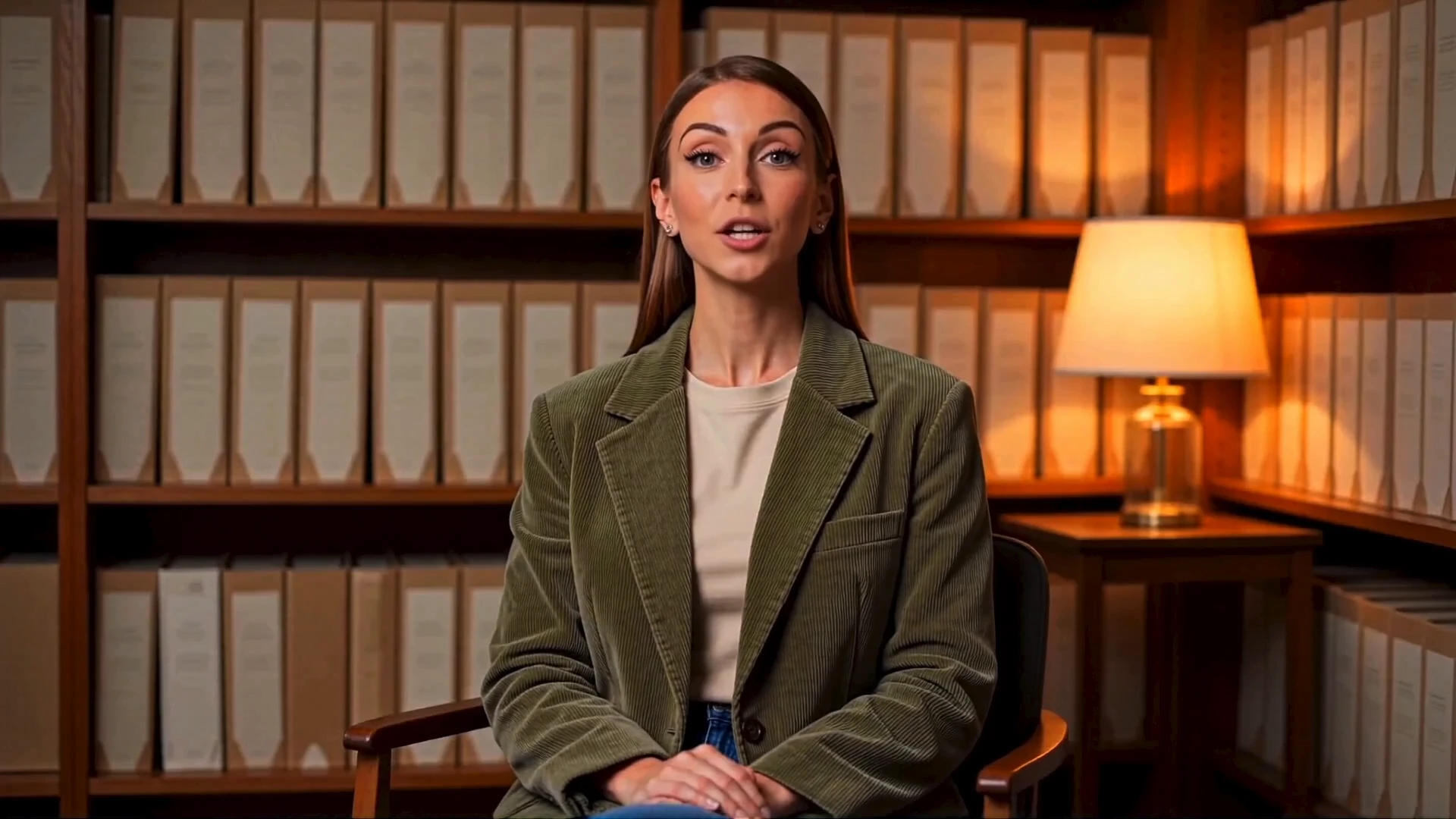
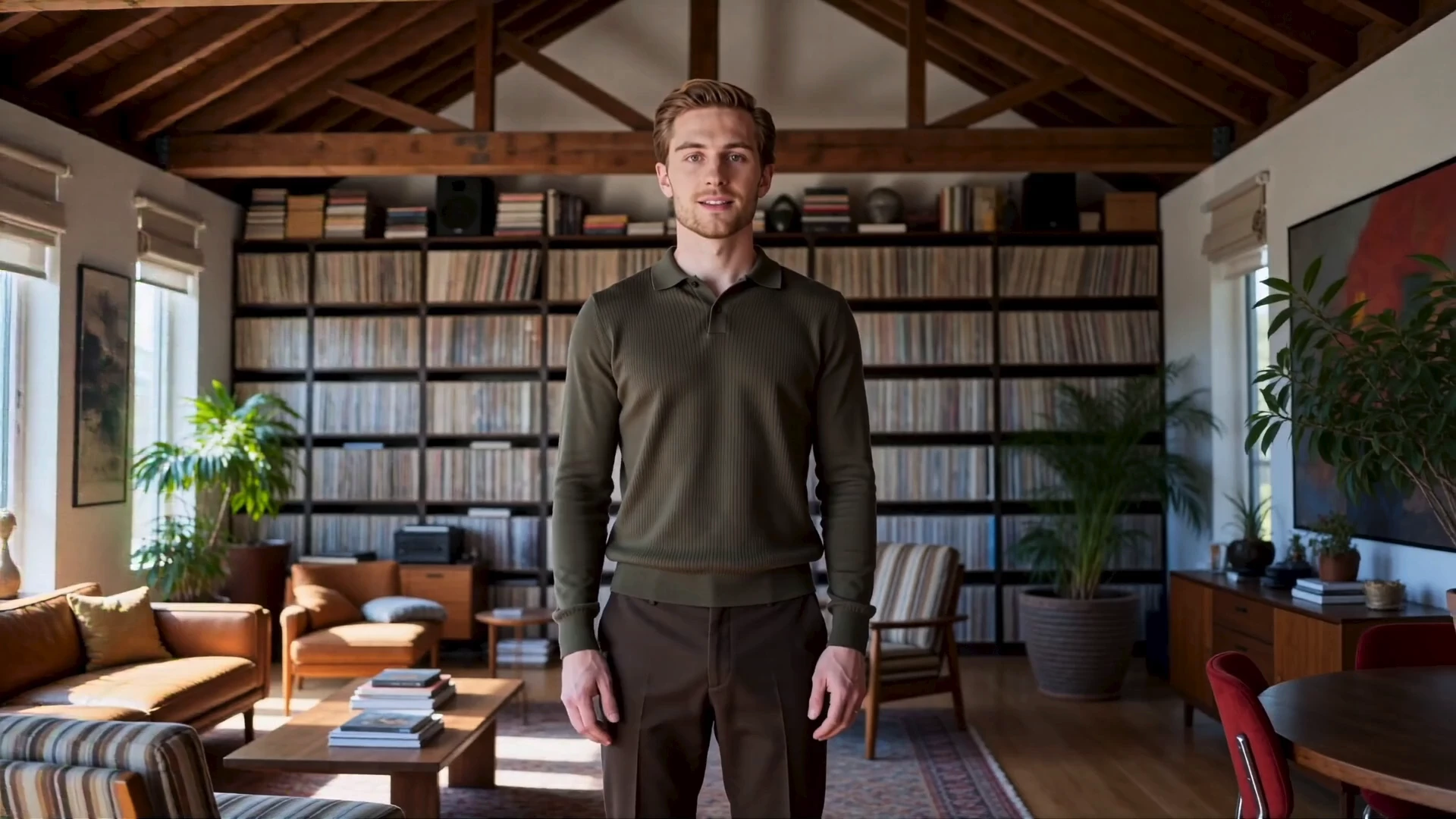
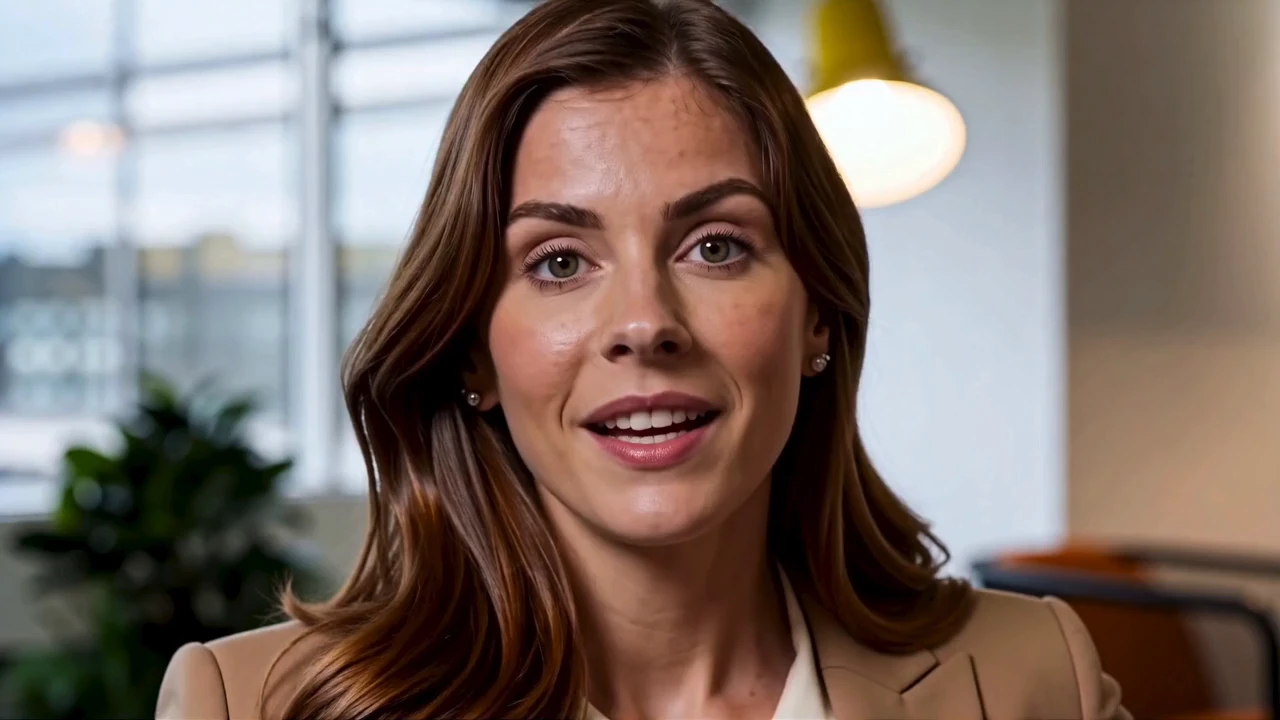
A portrait shows a face. The line you type has to become a performance. Avatar V times the mouth to that script and adds a small nod or a quieter hand when you ask.
| Advantage | What you get |
|---|---|
| Script-led speech | The mouth follows the words you submit. |
| A reusable look | One public person can carry a whole series of Avatar V clips. |
| Optional motion | A short note can request a nod. Skip it and the Avatar V line still leads. |
| One rate | 720p and 1080p share the same price per second. |
You pick a voice on this page. You do not upload a recording. Camera directions will not rebuild the Avatar V room, because the look already has its set.
On RunComfy, try a line in the model UI, then repeat the same look, voice, and script through the HTTP API.
avatar_id, voice_id, script, resolution, and optional motion_prompt.These are the only controls on this page.
| Parameter | Required | Type | Default | Range / Options | Description |
|---|---|---|---|---|---|
avatar_id* | Yes (*) | String | Elise | Eight public looks | Person on camera. |
voice_id* | Yes (*) | String | Match look | Match look, or eight voices | Voice for the script. |
script* | Yes (*) | String | Harbor market line | Up to 5000 characters | Words to speak. Length sets the clip. |
resolution | No | String | 1080p | 720p, 1080p | Frame size. Same per-second rate. |
motion_prompt | No | String | Empty | Short text | Optional nod or hand note. |
There is no duration slider. The spoken line sets the length.
Avatar V bills $0.11 per second of the finished clip. Both frame sizes use that rate.
| Clip length | Price |
|---|---|
| 5s | $0.55 |
| 10s | $1.10 |
| 20s | $2.20 |
| 30s | $3.30 |
A longer script costs more only because the video is longer. The look and the voice do not add a fee.
script. Do not describe the room there.Bridge start and end stills into smooth cinematic video
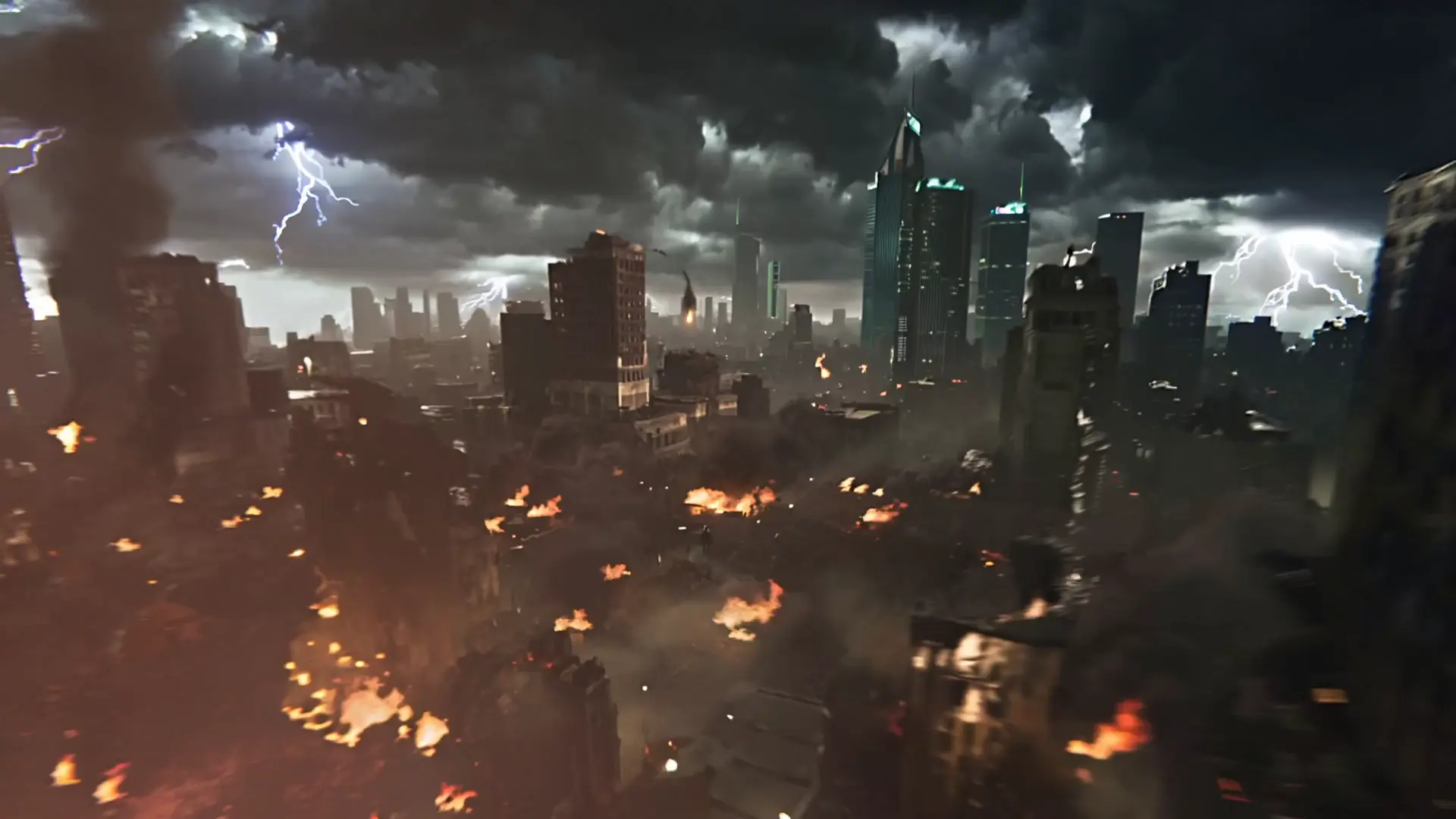
Generate fast, high quality videos from text with Kling 2.5 Turbo.

Generate cinematic shots guided by reference images with unified control and realistic motion.

FLUX 3 Max makes clips from text, a still, or keyframes.
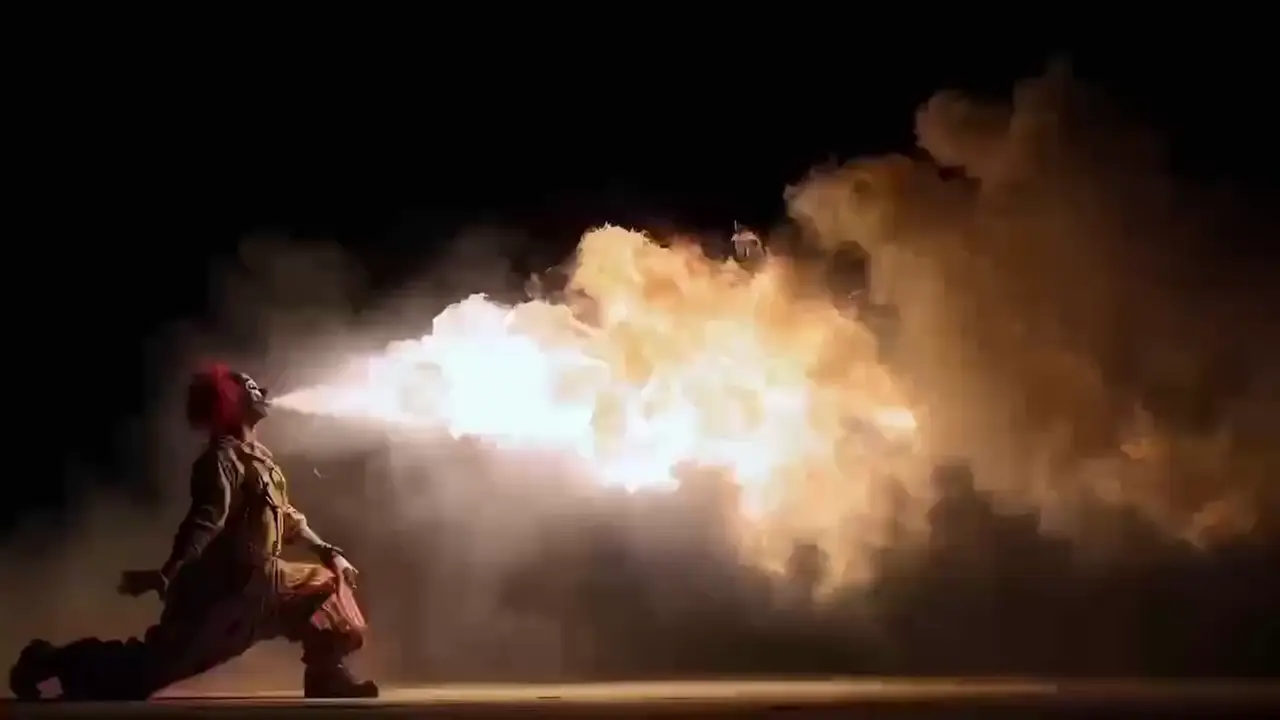
Generate sharp HD videos from text with Minimax Hailuo 02.

MiniMax H3 Fast: video held between a first and last frame
Avatar V turns a written script and a public look into a lip-synced talking clip. The mouth follows the words you submit, and an optional motion note can ask for a nod or a quieter hand. It fits product hosts, lesson intros, and short founder updates.
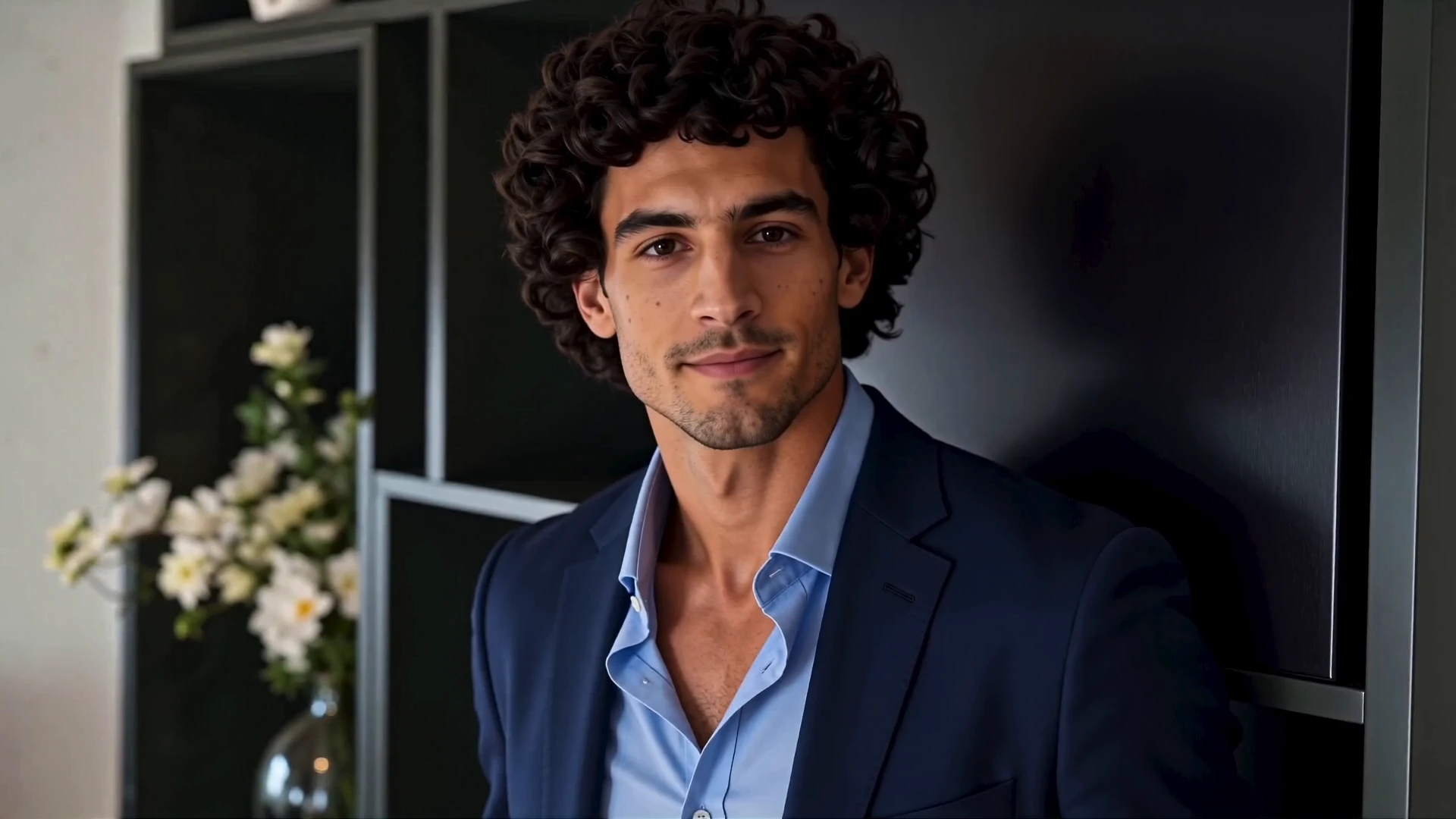
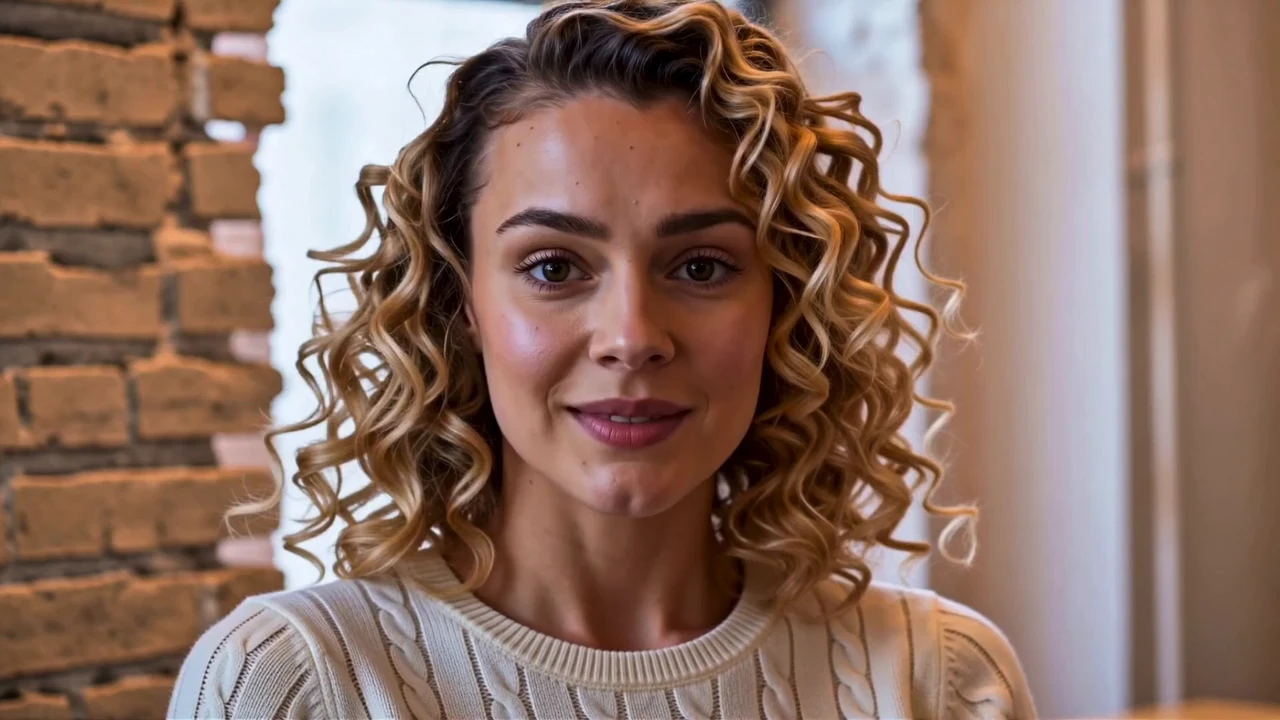
Avatar V offers eight public looks, each with a paired voice, plus eight named public voices. Choose Match look to keep the voice that belongs to the selected person, or pick a named voice when you want a different read. You do not upload a recording on this page.
Avatar V accepts a script of up to 5000 characters, and the spoken line sets the length. There is no duration slider. A longer script costs more only because the finished video is longer.
No. Avatar V bills $0.11 per second of the finished clip at both 720p and 1080p. The look and the voice do not add a separate fee. Read the line once if you want a rough length before you generate.
Use the Avatar V motion note for one small gesture, such as a nod or an open hand. Opposite moods in the same note fight each other. Leave it empty when you only want the words spoken.
Avatar V needs a public look, a voice, and a script. Resolution is 720p or 1080p. The motion note is optional, and the script must stay within 5000 characters. These looks are not a title tool, so add captions afterward.
Yes. Prototype Avatar V in the Playground Web UI, then send the same look, voice, script, resolution, and optional motion note through the RunComfy API. The API uses the same model. It does not promise a fixed turnaround or unlimited concurrency.
Avatar V costs $0.11 per second of the finished video. A 10-second clip is $1.10 and a 30-second clip is $3.30. Generations consume usd credits, and new accounts typically start with a trial balance.
RunComfy is the premier ComfyUI platform, offering ComfyUI online environment and services, along with ComfyUI workflows featuring stunning visuals. RunComfy also provides AI Models, enabling artists to harness the latest AI tools to create incredible art.