logo
RunComfy
  • ComfyUI
  • Trainer
  • Models
  • MCPNew
  • Pricing
  • Seedance 2.5Hot
  • Seedream 5.5New

Workflows by Model

HotMiniMax H3Video with audio from text, images or referencesHotQwen Image 2.1Create images and edit photos with referencesWanVideo from text or images, motion transferFLUXImage generation, editing and character variationsLTXVideo with synced audio from text or imagesQwen Image EditPhoto editing with text and image referencesKrea 2Image creation, style transfer and reference editsZ-ImageFast portraits and concepts from text

Popular & New Workflows

NewMiniMax H3 Character Swap V1.5Swap video characters, keep the original audioNewP-H3-Image Reference EditEdit a photo guided by a reference imageHotMiniMax H3 Image-to-VideoOne image to cinematic video with synced audioHotLTX 2.5 Image-to-VideoOne frame to sharp video with synced audioHotMiniMax H3 Character Swap (SAM3)Swap video characters while following the motionQwen Image 2.1 Multi-Image EditingPrecise scenes from up to 10 reference imagesFLUX Klein Face SwapNatural, lifelike face swapsSeedVR2 Video UpscalerSharp, smooth video upscaling
View More Workflows

Train a Model

NewMOSS-Image BaseImage generation, newly supportedNewFLUX.3 KleinImage generation, newly supportedHotKrea 2The most-trained image modelHotKrea 2 TurboFew-step image generationHotQwen Image 2.1Image generation and editingZ-Image TurboFast portraits and concept imagesMiniMax H3Video with synchronized audio

Train & Deploy

Getting StartedYour first training job with Ostris AI ToolkitDatasetsUpload and manage training datasetsInferenceRun your trained models in a playground or via APIDeploymentsServe your trained models as dedicated endpoints
Train More Models

Image Models

NewGPT Image 2.65% OFF · Detailed text to image, GIF and SVG, up to 4KNewSeedream 5.510% OFF · Text to image up to 2K, with transparent PNGsNewMiniMax H3 Image10% OFF · Text or references to a still up to 4KNewFLUX 3 Image Klein10% OFF · Text or references to a still from 768 to 4KHotSeedream 5.0 Pro20% OFF · Reference edits with multilingual textHotSeedream 4.520% OFF · Photoreal edits with brand consistencyHotWan 2.6 ImageInstruction-based image editingNano Banana Pro77% OFF · Precise 2K to 4K visuals from sketches

Video Models

NewSeedance 2.5 Flash34% OFF · Text, image, or reference to videoNewKling 4.09% OFF · Animate a still into a 3 to 30s clipHotWan 3.0 Prime13% OFF · Fast clips from reference videosHotSeedance 2.535% OFF · Longer, more consistent cinematic videoHotWan 3.0Clips from image, video and audio referencesHotMiniMax H3Animate a first frame into a 5 to 15s clipWan 2.510% OFF · Fluid motion with native audioFLUX 3 MaxClips from text, a still, or keyframes
View More Models

API

Serverless (ComfyUI)Deploy ComfyUI workflows as serverless endpoints.Serverless (LoRA)Deploy LoRAs as serverless endpoints.Model APIRun hosted models on-demand with no deployment.Trainer APITrain, manage, and retrieve LoRAs via API.CLIRun RunComfy models from your terminal.
MODELS
Explore
All Models
LIBRARY
Generations
MODEL APIS
API Docs
API Keys
ACCOUNT
Usage

Wan 2.7 Pro:高品質なAI画像編集 | RunComfy

wan-ai/wan-2.7/pro/edit

Wan 2.7 Pro image editを細かく制御。順序付き参照画像を最大4枚、negative_prompt、サイズプリセット、任意のプロンプト拡張、複数出力に対応し、RunComfyでは画像1枚あたり約**$0.075**です。

Image 1
編集に使う参照画像を1~4枚指定します。並び順が重要です。プロンプト内ではimage 1、image 2、image 3、image 4として参照してください。
希望する画像編集を記述するテキストプロンプトです。中国語と英語に対応します。
生成画像に含めたくない内容です。最大500文字。
出力画像サイズのプリセットです。プロバイダー内部のサイズ形式に変換されます。
生成する画像の枚数です(1~4)。デフォルトは1。
画像編集向けのDashScopeプロンプト拡張を有効にします。デフォルトはtrue。
結果を再現するためのランダムシードです(0~2147483647)。
Idle
The rate is $0.075 per image.

Wan 2.7 Pro画像編集の概要

Wan 2.7 Pro画像編集は、順序付きの参照画像、日英プロンプト、任意の自動プロンプト拡張という標準版と同じ指示ベースの流れを採用しながら、印刷向けの商品制作や細かなスタイル変換に適した、より高品質な出力を狙うモデルです。標準のWan 2.7画像編集より高い解像感や丁寧な仕上がりが必要な場合にProを選んでください。RunComfyでは非Pro版と同じ入力(image_urlsは1~4件、prompt、negative_prompt、image_size、num_images、enable_prompt_expansion、seed、enable_safety_checker)を使用します。

おすすめの用途:高解像度レタッチ | 高品質なルックブック | パッケージ案の編集 | 標準版では仕上がりが物足りない複雑な複数参照の合成

Wan 2.7 Pro 画像編集#


概要#


RunComfyのWan 2.7 Pro画像編集は、Standard版と同じリクエスト形式を使いながら、よりシャープで高精細な結果を目指す上位版です。その分、表示価格も高くなります。出力上限は現在のRunComfy環境で確認してください。


返却フィールド#


レスポンスにはimagesとseedが含まれ、Standard版と同じ形式で返されます。


主な機能#


  • Pro品質: Standard版のWan 2.7編集では最終納品に十分でない場合に適しています。
  • 1~4件のimage_urls: プロンプト内で「image 1」「image 2」のように明示します。
  • enable_prompt_expansion: 短いプロンプトの補足に便利です。簡潔な指示を厳密に反映したい場合はオフにします。
  • 安全性と2言語対応: Standard版と同じです。

パラメーター#

パラメーター必須型デフォルト範囲・選択肢説明
image_urls*はいarraysample URI1–4参照画像の順序が結果に影響します。
prompt*はいstring——変更内容と維持する要素を記述します。
negative_promptいいえstring""≤500 chars生成結果から除外する内容です。
image_sizeいいえstringsquare_hdpresets出力の画角です。
num_imagesいいえinteger11–4生成する候補数です。
enable_prompt_expansionいいえbooleantrueon / offプロンプトを自動で補足します。
seedいいえinteger—0–2147483647同じ条件の結果を再現しやすくします。

料金#

課金単位料金
生成画像1枚あたり$0.075

合計料金はnum_imagesに応じて増えます。


使い方#


  1. プロンプトを書く前に、参照画像を意図した順序に並べます。
  2. 「変更する内容」と「変更せず残す内容」を分けて記述します。
  3. Standard版のWan 2.7編集で手早く試し、採用したプロンプトをPro版で仕上げます。
  4. 簡潔なクリエイティブ指示を厳密に反映したい場合は、enable_prompt_expansionをオフにします。
  5. seedを固定し、プロンプトを少しずつ変えると結果を比較しやすくなります。

プロンプトのコツ#


  • 色を移す場合は、参照元と適用先の領域をそれぞれ具体的に説明します。
  • 文字やロゴを編集するときは、「文字の形を歪めない」と明記します。
  • 質感がぼやける場合は、ヘアライン加工の金属や艶消し塗装など、素材を具体的に指定します。

関連するWan 2.7モデル#


  • RunComfyのWan 2.7 Image Edit(Standard) — 低コストでの反復編集向けです。
  • RunComfyのWan 2.7 Pro Text-to-Image — Pro品質の静止画をテキストだけで生成します。

関連モデル

wan-2.7/edit

WAN 2.7画像編集は、1~4枚の参照画像を使った指示ベースの編集に対応。日英の指示、任意のプロンプト拡張、出力サイズのプリセットを利用できます。

flux-3-image-klein/edit

指示に沿って、1 枚から 10 枚の画像を最大 4K まで直します。

flux-3/image-edit

文章による指示で最大10枚の画像を編集し、1K、2K、または4Kで出力します。

Frequently Asked Questions

標準版ではなくWan 2.7 Pro image editを選ぶべきなのはどのような場合ですか?

大判印刷、難しい複数参照の合成、クライアントへの最終納品など、標準版より高い品質が必要な場合はWan 2.7 Pro image editが適しています。RunComfy では出力画像1枚あたり**$0.075**です。

RunComfy でのWan 2.7 Pro image editの料金はいくらですか?

Wan 2.7 Pro image editは画像1枚あたり**$0.075**です。1つのジョブで複数案を指定した場合は、num_imagesの数を掛けた料金になります。

Wan 2.7 Pro image editと標準版の入力項目は同じですか?

はい。RunComfy 上のWan 2.7 Pro image editと標準版は、image_urls、prompt、negative_prompt、image_size、num_images、enable_prompt_expansion、seedを共通で使用します。フォームが同じため、標準版で検証したプロンプトをそのままProへ移せます。異なるのは出力品質と料金です。

Wan 2.7 Pro image editを標準版より選ぶ利点は何ですか?

Wan 2.7 Pro image editは、大判印刷、参照画像間の複雑な色合わせ、最終納品など、細部を最大限に残したい場面に向いています。すばやく低コストで方向性を探る段階には標準版が適しています。

Wan 2.7 Pro image editで使える参照画像の上限は?

Wan 2.7 Pro image editのimage_urlsには、1~4件を指定する必要があります。この範囲を外れるとリクエストエラーになる可能性があります。

Wan 2.7 Pro image editで顔やロゴが意図せず変わるのを防ぐには?

Wan 2.7 Pro image editのプロンプトに「顔立ちは変えない」「ロゴを鮮明に保つ」など、維持したい点を明記してください。編集が強すぎる場合はプロンプトを短くし、文言を詰める間はseedを固定すると比較しやすくなります。

Follow us
  • LinkedIn
  • Facebook
  • Instagram
  • Twitter
Support
  • Discord
  • Email
  • System Status
  • Affiliate
Video Models
  • Seedance 2.5 Flash Text To Video
  • Seedance 2.5 Flash
  • Seedance 2.5 Flash Reference to Video
  • Wan 3.0
  • MiniMax H3 Fast
  • Wan 2.5
  • View All Models →
Image Models
  • Seedream 5.5
  • Seedream 5.5 Edit
  • Seedream 5.5 Layer Decomposition
  • Wan 2.6 Image to Image
  • Nano Banana Pro
  • Seedream 5.0 Pro
  • View All Models →
Legal
  • Terms of Service
  • Privacy Policy
  • Cookie Policy
RunComfy
Copyright 2026 RunComfy. All Rights Reserved.

RunComfy is the premier ComfyUI platform, offering ComfyUI online environment and services, along with ComfyUI workflows featuring stunning visuals. RunComfy also provides AI Models, enabling artists to harness the latest AI tools to create incredible art.


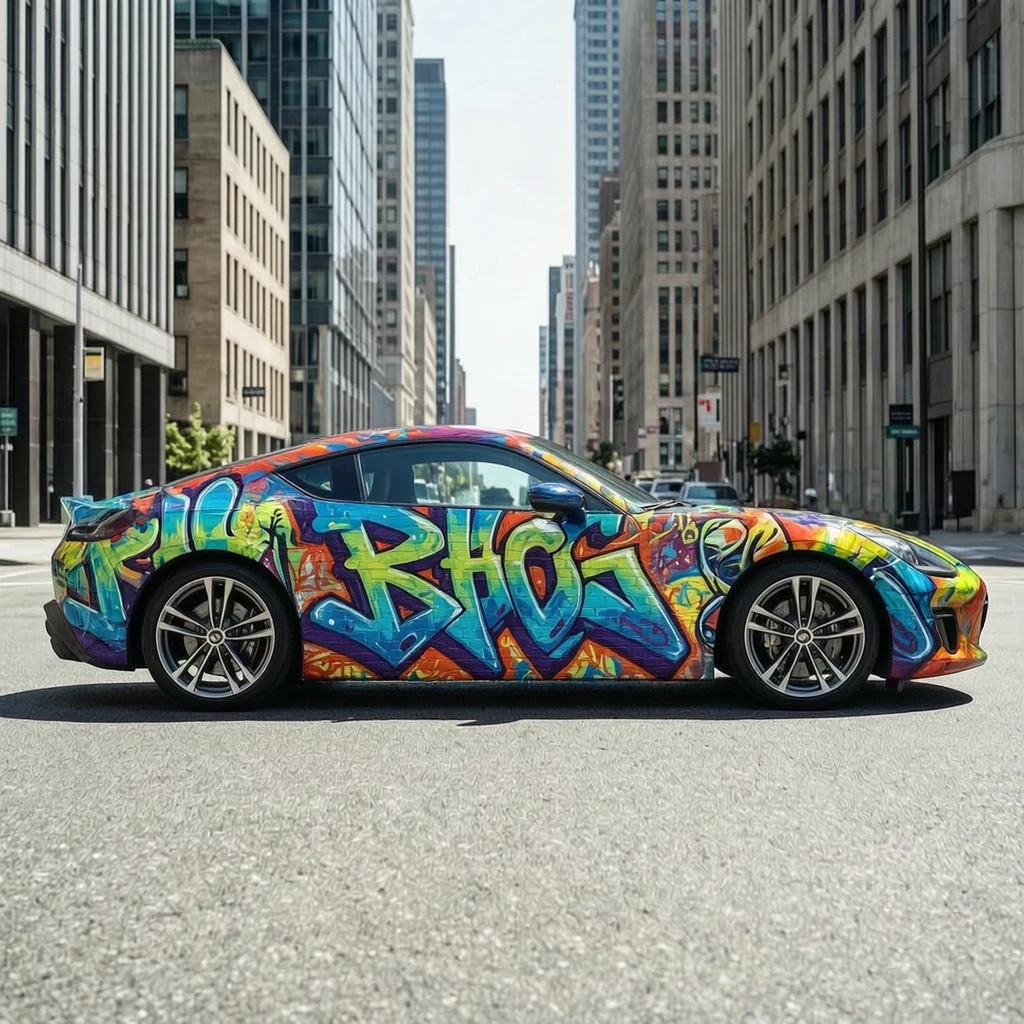
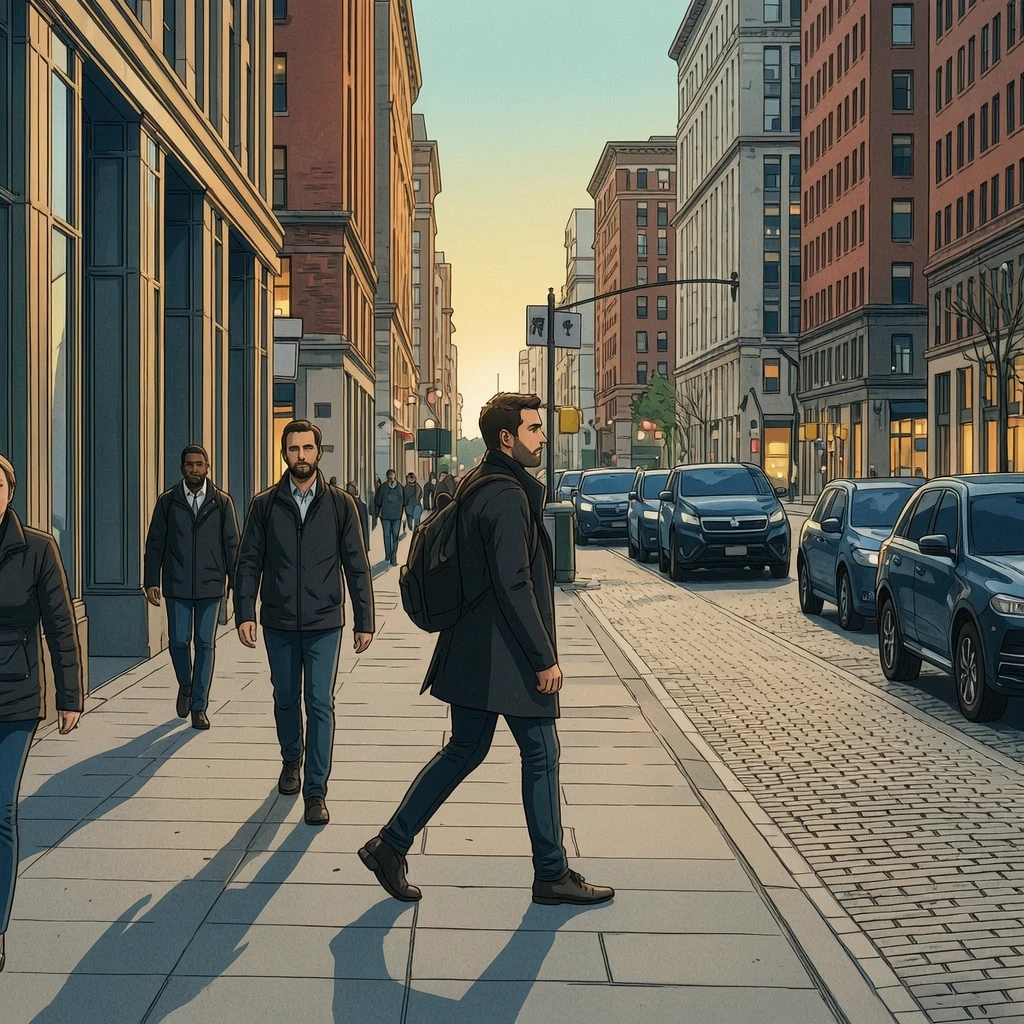
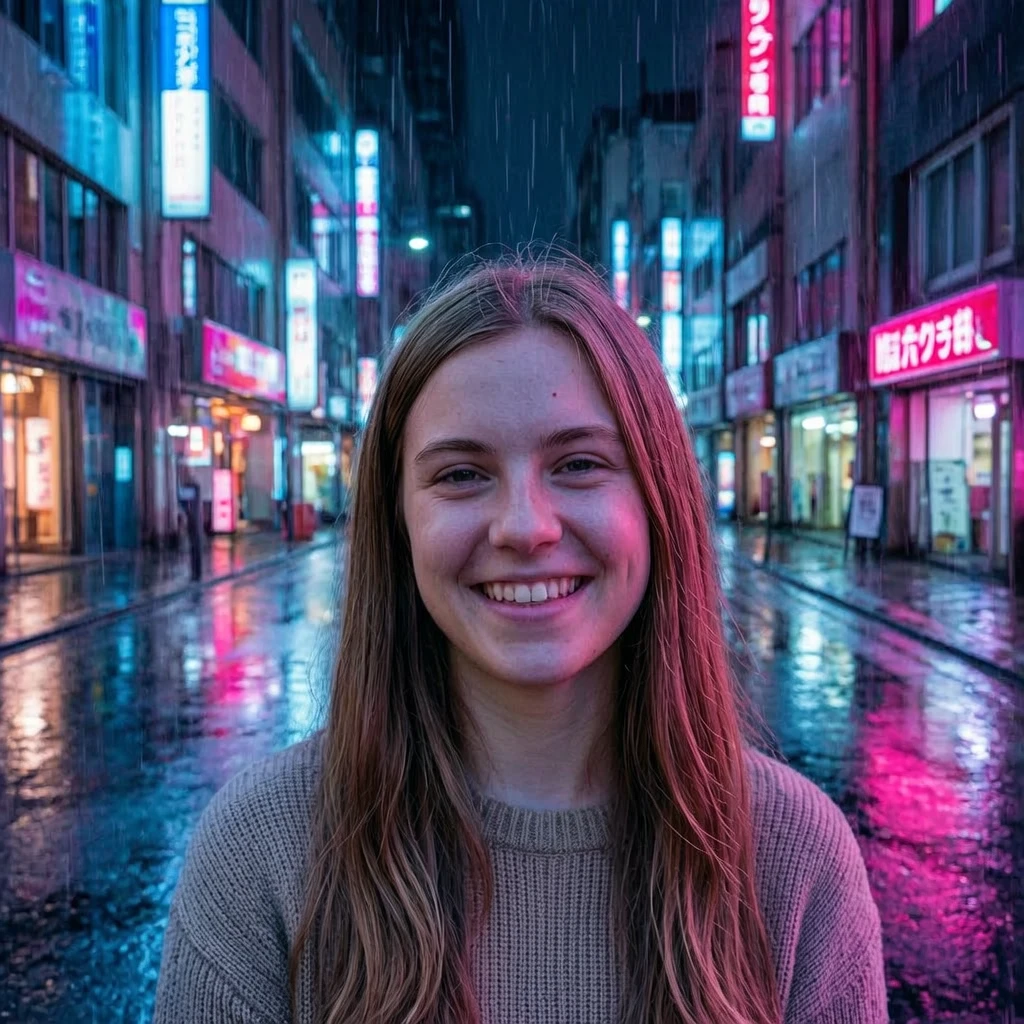
Wan 2.7 Pro画像編集の例