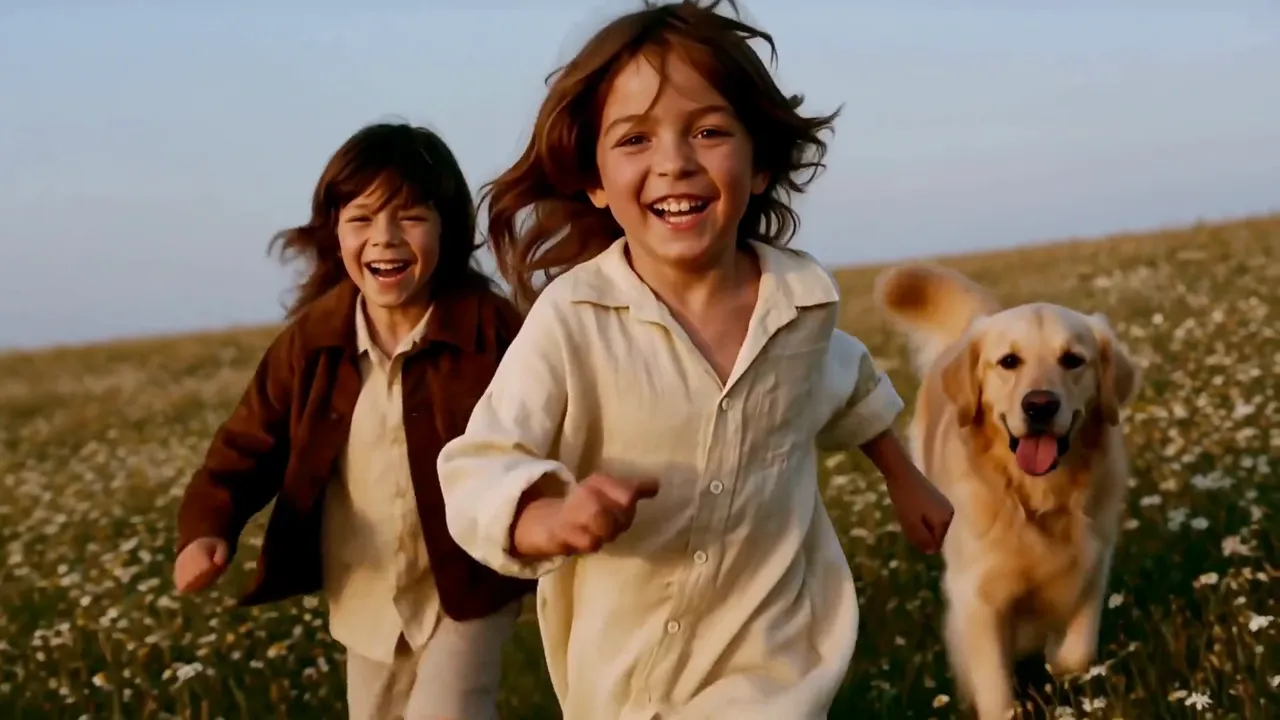
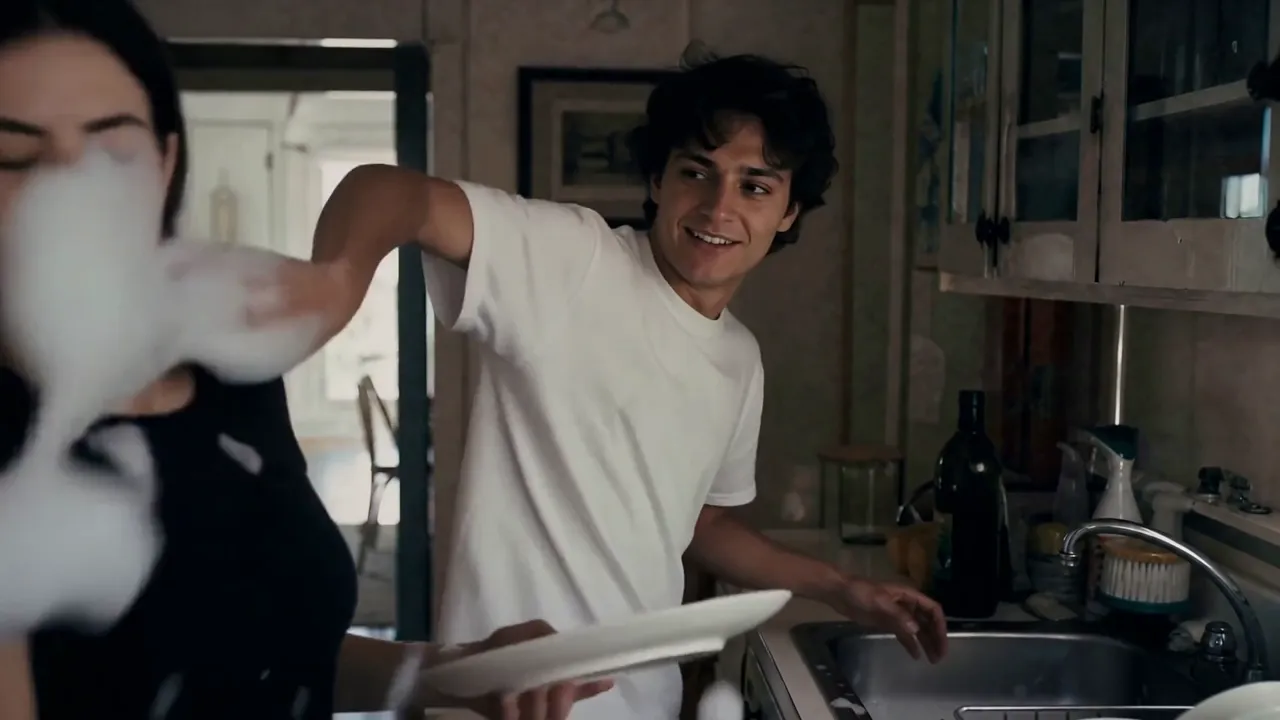
pixverse-v6/text-to-video
從提示生成帶有可選音頻的定向多片段影片。
Minimax H3 Image to Video is MiniMax's H3-series model for turning one picture into moving footage. You hand it the opening frame and describe what should happen; the model resolves motion, camera behavior, and scene development, then renders at 768p or 2K.
Because the first frame is pinned by your upload, subject identity, wardrobe, palette, and framing carry through the clip. Minimax H3 Image to Video therefore fits work where the look is settled and only movement is missing.
768p for cheaper drafts or 2k when faces, packaging text, and fine texture need to survive a full-screen crop.These are the live fields for Minimax H3 Image to Video on this page.
| Parameter | Required | Type | Default | Range / Options | Description |
|---|---|---|---|---|---|
| image * | Yes (*) | string (URL) | Sample first frame | 256-5760 px per side, aspect ratio 0.4-2.5 | Opening frame that anchors subject, composition, and style. |
| prompt * | Yes (*) | string | Sample motion brief | 1-7000 characters | What should move, how the camera behaves, how the scene develops. |
| last_image | No | string (URL) | None | Same image constraints as image | Closing frame used to steer where the clip ends. |
| duration * | Yes (*) | integer | 5 | 4-15 | Clip length in whole seconds. |
| resolution * | Yes (*) | string | 768p | 768p, 2k | Output resolution tier. |
Minimax H3 Image to Video bills on resolution and the length of the finished clip:
| Resolution | Price per second | 5s | 10s | 15s |
|---|---|---|---|---|
| 768p | $0.09 | $0.45 | $0.90 | $1.35 |
| 2K | $0.145 | $0.725 | $1.45 | $2.175 |
1) Upload the opening frame — Pick an image where the subject reads clearly and the composition matches the shot you want.
2) Write the motion brief — Say what moves, how fast, and what the camera does. Minimax H3 Image to Video answers to verbs and camera language, not adjective lists.
3) Add a closing frame (optional) — Supply a last image when the ending matters, and keep it compatible with the first frame.
4) Set the length — Start at 5 seconds while tuning wording, then extend toward 15 once the motion behaves.
5) Choose the resolution — Use 768p for drafts; switch to 2k for final deliveries that need more detail.
6) Generate — Submit and review the Minimax H3 Image to Video result at full size.
7) Iterate one variable at a time — Swap the prompt, image, duration, or resolution separately so you can tell what changed the take.
When Minimax H3 Image to Video is not the right fit, these are worth a pass:
從提示生成帶有可選音頻的定向多片段影片。

依文字生成語音並與影片同步,可選擇音色、語言與語速。

Wan 3.0 Prime Reference To Video 根據參考快速建立剪輯

Seedance 2.5 1080p:把靜態圖做成銳利、自然的 1080p 影片

使用多達七張圖片和精確提示指導電影片段。

輸入文字即可產生短影片,並可設定時長、長寬比與是否產生音訊。
Minimax H3 影像轉影片會拍攝靜態影像和書面動作簡介,並傳回 768p 或 2K 影片剪輯。它專為將藝術作品、產品攝影或渲染幀轉變為移動鏡頭而無需在 3D 或合成工具中重建場景。上傳的圖像固定了開頭框架,因此您已經批准的主題和框架會帶入剪輯中。
除了所需的第一幀之外,Minimax H3 影像到影片還接受可選的最後一個影像,用於指導剪輯如何結束。該模型計算出兩個靜止圖像之間的運動,而不是漂移到任意的最終狀態。保持兩個影像在燈光、調色板和取景方面在視覺上相容,否則過渡看起來會很強制。
輸出解析度可選擇“768p”或“2k”,持續時間可選擇 4 至 15 秒(整秒)。當您仍在使用 Minimax H3 Image to Video 測試提示措辭時,較短的剪輯是實用的選擇,而較長的剪輯則為場景提供了發展空間。檢查此頁面上的參數面板以取得目前公開的確切值。
來源影像每邊的尺寸應在 256 到 5760 像素之間,長寬比在 0.4 到 2.5 之間,提示接受 1 到 4000 個字元。 Minimax H3 影像轉影片不會重新組合裁切不當的主題,因此請提供已與您的預期取景相符的影像。限制可能會因模式或提供者設定而異,因此請根據即時面板進行確認。
首先描述什麼物理移動,然後描述相機的行為,然後描述燈光和情緒。 Minimax H3 影像到影片對特定動詞和命名相機移動(例如緩慢推入或軌道)的反應比對堆疊形容詞的反應更好。避免在一個提示中混合兩種相互競爭的視覺風格,因為結果往往會將它們平均化。
文字到影片從頭開始決定主題、構圖和風格,這使得很難兩次獲得認可的外觀。 Minimax H3 影像轉影片透過將開頭框架鎖定到上傳內容來刪除該變量,這適合藝術指導已簽署的產品鏡頭、角色作品和活動材料。它在設計上是一個更窄的工具,具有較短的輸入列表和快速的迭代循環。
是的。在 RunComfy AI Playground Web UI 中進行原型設計,確定圖像、提示、解析度和持續時間,然後透過 RunComfy API 使用相同的參數呼叫相同的模型。這使您可以在自己的應用程式中的手動探索和批次或規劃作業之間保持 Minimax H3 影像到影片設定的一致。
一代又一代地消耗您的 RunComfy 餘額中的美元或積分。 768p 的速率為每秒 0.09 美元,2K 的速率為每秒 0.145 美元。因此,一段 5 秒的剪輯在 768p 下售價為 0.45 美元,在 2K 下售價為 0.725 美元; 10 秒費用為 0.90 美元或 1.45 美元; 15 秒的費用為 1.35 美元或 2.175 美元。新用戶通常會收到免費試用金額進行測試;有關計費問題,請聯絡 hi@runcomfy.com。
RunComfy 是首選的 ComfyUI 平台,提供 ComfyUI 在線 環境和服務,以及 ComfyUI 工作流程 具有驚豔的視覺效果。 RunComfy還提供 AI Models, 幫助藝術家利用最新的AI工具創作出令人驚艷的藝術作品。