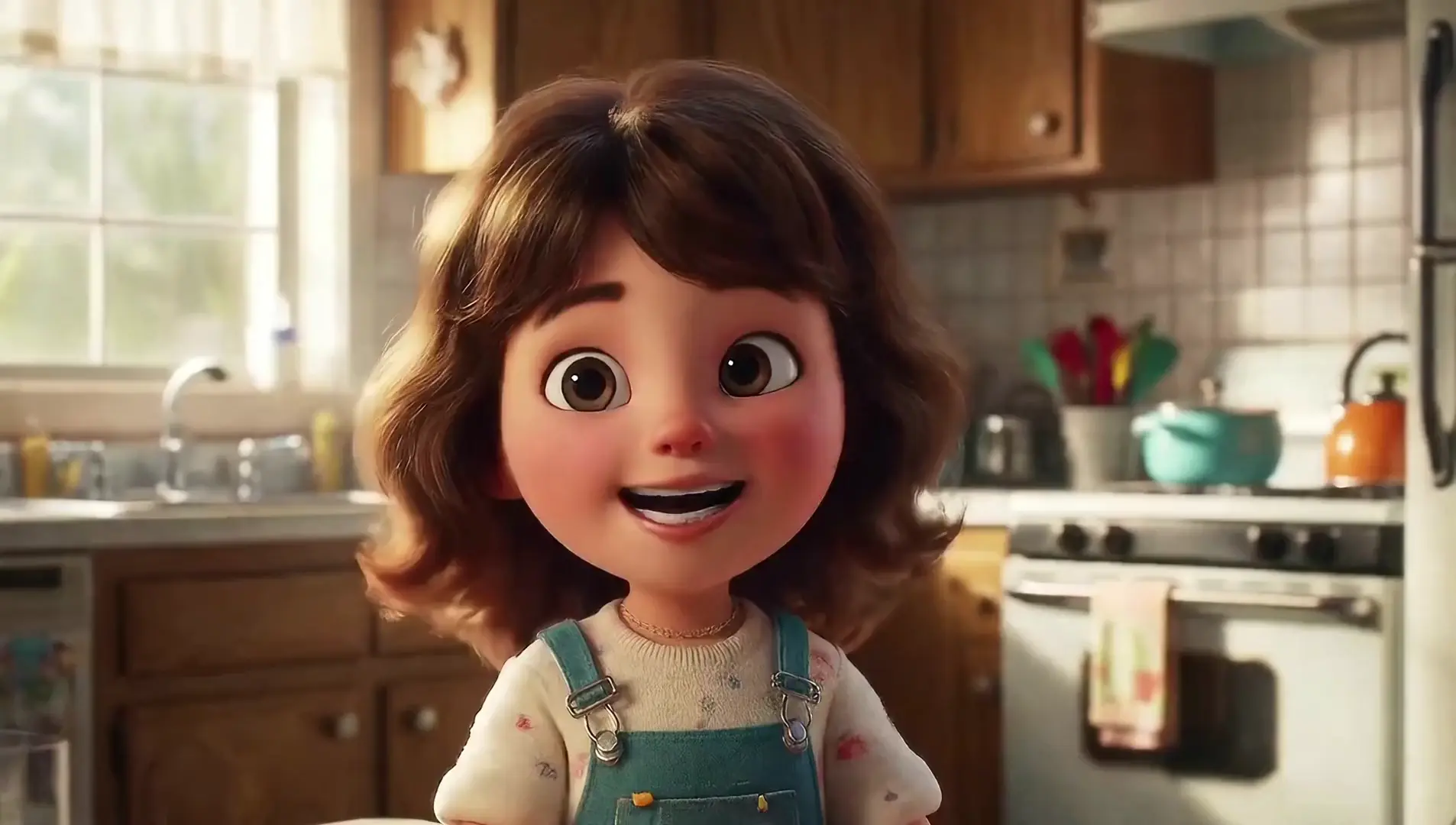
seedance-1-0/pro/fast/text-to-video
高效AI文本转视频工具,轻松将创意脚本变为生动影片,助力设计师快速呈现视觉故事。
Minimax H3 Reference to Video generates a 768p, 2K clip from a text prompt and the reference media you attach. Supply at least one reference image or video, describe the scene you want, and the model works out how your references should behave on screen.
The split is simple. Images pin what things look like; videos pin how things move. Minimax H3 Reference to Video reads both against your prompt rather than treating either as a fixed template.
768p for cheaper drafts or 2k when detail needs to hold up in large placements.The live Minimax H3 Reference to Video fields on this page.
| Parameter | Required | Type | Default | Range / Options | Description |
|---|---|---|---|---|---|
| prompt * | Yes (*) | string | Sample brief | 1-4000 characters | Scene, motion, camera work, visual style. |
| reference_images * | Yes (*) | array (URLs) | Sample reference | Up to 9 | Images guiding subject, style, composition. |
| reference_videos | No | array (URLs) | None | Up to 3 | Clips guiding movement, pacing, or interaction. |
| reference_audios | No | array (URLs) | None | Up to 3 | Audio guidance; needs an image or video too. |
| aspect_ratio * | Yes (*) | string | 16:9 | 21:9, 16:9, 4:3, 1:1, 3:4, 9:16 | Output framing. |
| duration * | Yes (*) | integer | 5 | 4-15 | Clip length in whole seconds. |
| resolution * | Yes (*) | string | 768p | 768p, 2k | Output resolution tier. |
At least one reference image or video is required.
Minimax H3 Reference to Video bills by resolution on counted seconds: the finished clip plus the combined length of any reference videos attached. Reference images and audio are not billed by duration.
| Resolution | Price per counted second |
|---|---|
| 768p | $0.10 |
| 2K | $0.16 |
| Output | Reference video | Counted seconds | Cost at 768p | Cost at 2K | Cost at |
|---|---|---|---|---|---|
| 5s | none | 5 | $0.50 | $0.80 | $0.88 |
| 10s | none | 10 | $1.00 | $1.60 | $1.76 |
| 15s | none | 15 | $1.50 | $2.40 | $2.64 |
| 10s | 5s | 15 | $1.50 | $2.40 | $2.64 |
Reference clips are measured after the job runs, so the figure shown before you submit is an estimate and the final charge reflects the real counted seconds.
1) Attach your references — Add images that define the subject and, if movement matters, clips that define it. Minimax H3 Reference to Video needs at least one of the two.
2) Write the brief — Describe the action, camera work, lighting, and mood.
3) Say how the references relate — Name which one supplies the subject and which supplies the motion. Minimax H3 Reference to Video follows an explicit relationship far better than an implied one.
4) Add reference audio (optional) — Only alongside an image or video reference in Minimax H3 Reference to Video.
5) Pick the aspect ratio — 16:9 widescreen, 9:16 vertical, 1:1 square, 21:9 wide cinematic.
6) Choose resolution and length — Start at 768p and a short duration while testing, then switch to 2k and extend toward 15 seconds once Minimax H3 Reference to Video is behaving.
7) Generate and refine — Change one reference or clause at a time so you can attribute the difference in the Minimax H3 Reference to Video output.
高效AI文本转视频工具,轻松将创意脚本变为生动影片,助力设计师快速呈现视觉故事。

从图像轻松生成高质量视频,支持风格控制与镜头运动。

LTX 2.5 Pro 赛道计时 1080p 决赛的音频转视频

生成带同步对白和一致角色的原生 4K 电影感文生视频。

使用 Pikaframes 为起始图片与结束图片之间的变化生成流畅动画。

根据起始图片和提示词生成 16:9 视频,可选择时长、分辨率、帧率以及是否生成音频。
Minimax H3 视频参考根据书面提示和您提供的参考媒体生成 768p 或 2K 视频。它专为主题必须在镜头中保持可识别性的工作而设计,例如重复出现的角色、产品或品牌外观。您至少附加一个参考图像或视频,描述场景,然后模型会解析这些参考在屏幕上的表现方式。
您最多可以附加 9 个参考图像、最多 3 个参考视频和最多 3 个参考音频文件。在 Minimax H3 视频参考中,图像指导身份、风格和构图,而视频则指导运动、节奏和摄像机行为。音频不能单独提交;它必须附有图像或视频参考。
图像到视频固定剪辑的第一帧,因此开头构图是固定的。相反,Minimax H3 参考视频将您的媒体视为指导,这使得取景和相机移动更加自由,同时仍然保持主题一致。当您更关心出现的人物或事物而不是确切的开场框架时,请选择它。
输出分辨率可选择“768p”、“2k”或“”,持续时间可选择 4 至 15 秒(整秒)。 Minimax H3 Reference to Video 支持六种宽高比:21:9、16:9、4:3、1:1、3:4 和 9:16,因此宽屏、方形和垂直可交付成果均来自同一型号。检查此页面上的参数面板中当前公开的值。
该提示接受 1 到 7000 个字符,并且必须至少存在一个参考图像或视频才能运行请求。引用计数上限为 9 个图像、3 个视频和 3 个音频文件。限制可能会因模式或提供商设置而异,因此在围绕它们进行构建之前,请先根据实时面板进行确认。
明确说明参考文献之间的关系:哪一个是主题,哪一个提供动议。 Minimax H3 对视频的引用遵循命名关系比隐含关系要好得多,并且冲突的引用往往会相互平均。描述可见的动作和相机行为,而不是抽象的情绪词。
是的。在 RunComfy AI Playground Web UI 中进行原型设计,直到引用、提示、分辨率和持续时间正确,然后通过 RunComfy API 使用相同的参数调用相同的模型。这使得 Minimax H3 Reference to Video 在您自己的管道中的手动探索和自动化作业之间保持相同的行为。
费用从 RunComfy 余额中扣除:768p 为每计费秒 $0.10,2K 为 $0.16为 。计费秒数 = 成片时长 + 参考视频总时长;例如 10 秒 768p 成片加 5 秒参考视频按 15 秒计费,约 $1.50。提交前显示的是预估,最终以实际计费秒数为准;账单问题请联系 hi@runcomfy.com。
RunComfy 是首选的 ComfyUI 平台,提供 ComfyUI 在线 环境和服务,以及 ComfyUI 工作流 具有惊艳的视觉效果。 RunComfy还提供 AI Models, 帮助艺术家利用最新的AI工具创作出令人惊叹的艺术作品。