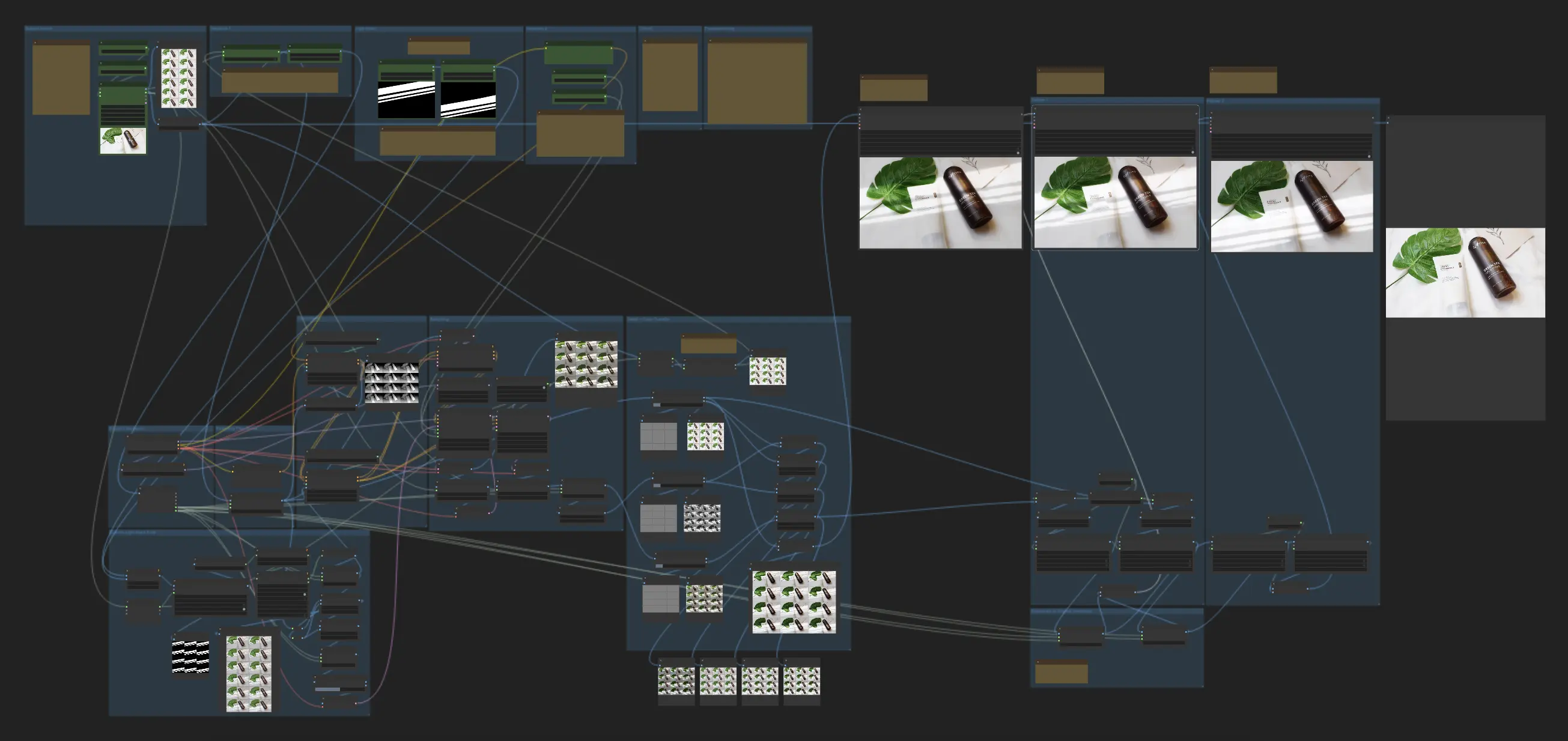
Overview of the Product Relighting Video Workflow#
This workflow allows you to input a video and one or more light masks to generate a relighting video. It supports three scenarios:
- Moving subject with a moving light mask
- Still subject with a moving light mask
- Moving subject with a still light mask
While this relighting video workflow is experimental and may not produce perfect results, it represents a significant step towards non-AnimateDiff pipelines that prioritize product fidelity over perfect frame merging in the video relighting process.
Inputs and Variables for Relighting Video#
To run the workflow and achieve the desired video relighting effects, you must provide the following inputs and variables:
- Source Video: The input video to be relit
- Number of frames: The total number of frames to process
- Number of initial frames to skip: The number of frames to skip from the beginning of the video
- Still or Moving Subject: A boolean switch to indicate whether the subject is still or moving
- Size of the longer side (resize): The size to which the frames will be resized based on the longer side
- Two Light Masks: Either the initial and final light mask positions (for a moving light mask) or the same light mask (for a still light mask)
- Light prompt: A text prompt describing the desired lighting
- CFG: A value between 1.05 and 3 to control the strength of the lighting changes (higher values lead to more noticeable changes but a higher chance of artifacts)
- Denoise: A value between 0.3 and 0.6 to control the denoising strength (higher values result in less flickering but may make the light mask look more like a filter)
How the Video Relighting Workflow Works#
- The workflow uses IC-Light to relight each frame independently.
- For each frame, a latent is generated based on a blend of the subject frame and the corresponding light mask frame.
- The latent is generated at a low denoise value to force the light mask onto the final output.
- Since IC-Light may lose details at low denoising, the details and original colors are transferred back using Frequency Separation at the end of the workflow to maintain video quality after relighting.