logo
RunComfy
  • ComfyUI
  • TrainerNew
  • Models
  • API
  • Pricing
discord logo
MODELS
Explore
All Models
LIBRARY
Generations
MODEL APIS
API Docs
API Keys
ACCOUNT
Usage

Seedream 5.0 Lite: Context-Aware Image Editing & Style Transfer | RunComfy

bytedance/seedream-5/lite/edit

Transform images and text prompts into on-brand edits, style transfers, and precise layouts with real-time visual search, context-aware design, and cost-efficient production at just $0.028 per image.

The recommended length is no more than 600 English words. If the prompt is too long, the information may become scattered. The model might ignore details and only concentrate on the main points, resulting in a image with missing elements.
Image 1
Upload 1~14 images. The format must be jpeg, png, WEBP, BMP, TIFF or GIF formats
For 2K and 3K options, it will let the model determine the width and height. you should describe its aspect ratio, shape, or purpose in the prompt using natural language. For other options, you can choose the width and height you want.
Enable this option to generate images sequentially.
The maximum number of images to generate. Only effective when sequential_image_generation is set to auto.
The format of the output images. This will determine the format of the output images.
Set the mode for the prompt optimization feature. standard: Higher quality, longer generation time. fast: Faster but at a more average quality.
Idle
The rate is $0.028 per image.

Introduction To Seedream 5.0 Lite

Seedream 5.0 Lite is ByteDance's latest image creation model. It is the first to feature real-time web search, integrating live web information to keep generated images timely and relevant. The model's intelligence has been further upgraded, enabling precise parsing of complex instructions and visual content. It also offers enhanced world knowledge breadth, stronger reference consistency, and improved professional scene generation quality—better meeting enterprise-level visual creation needs. For developers, Seedream 5.0 Lite on RunComfy can be used both in the browser and via an HTTP API, so you don't need to host or scale the model yourself.
Ideal for: Consistent Product Image Sets | Data-Accurate Infographics and Diagrams | Brand-Safe Poster and Packaging Layouts

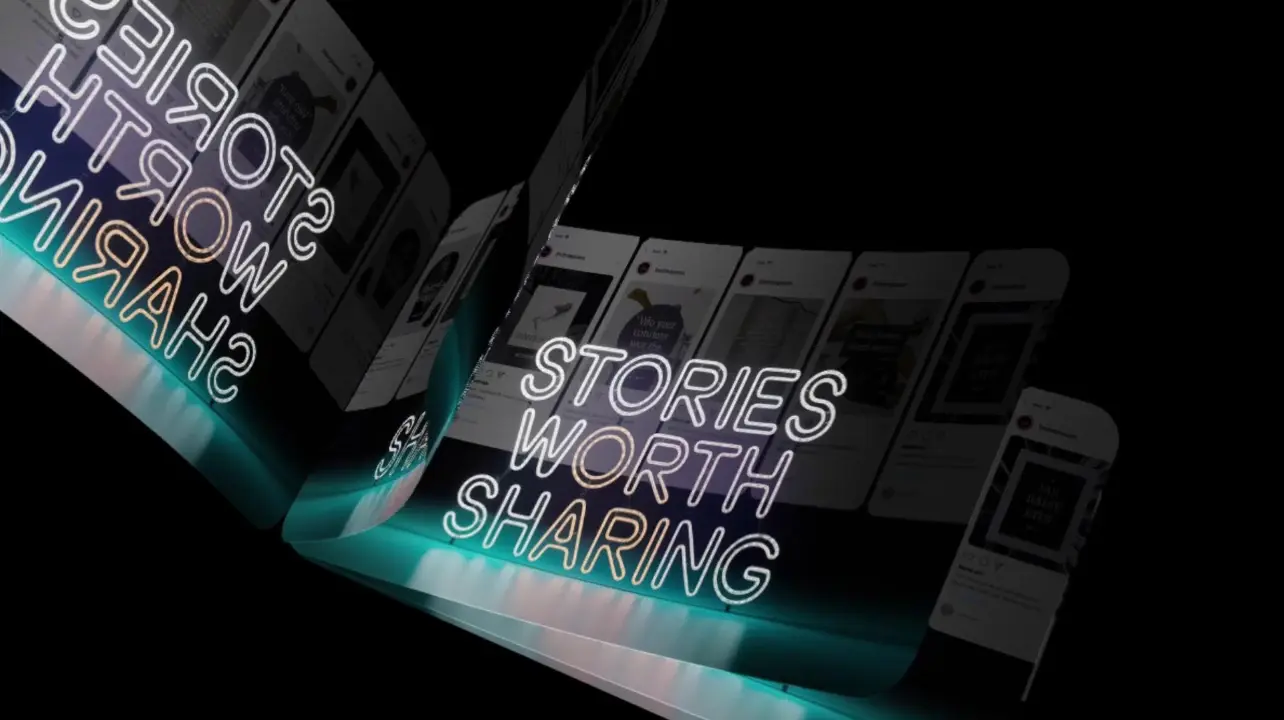
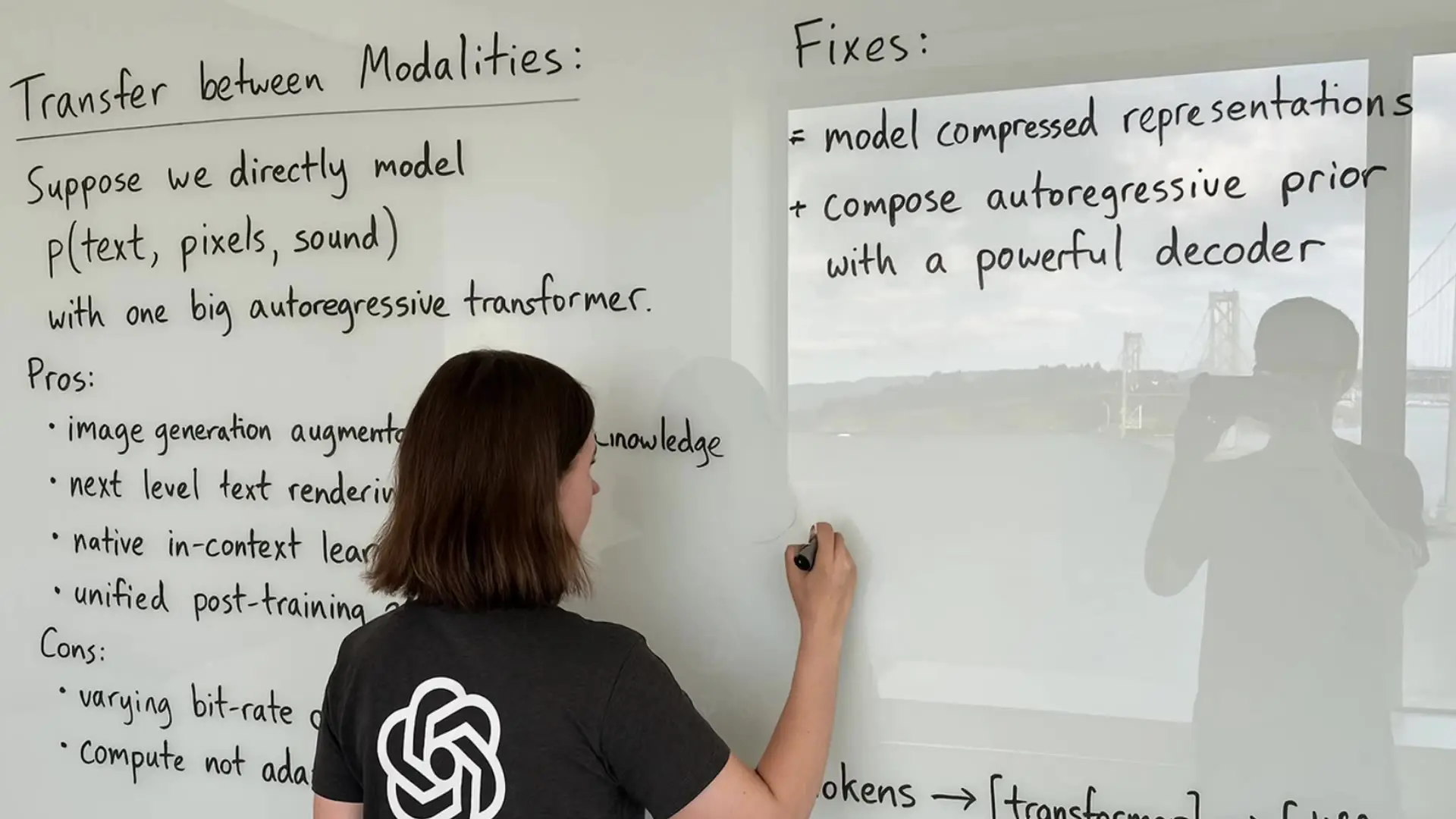
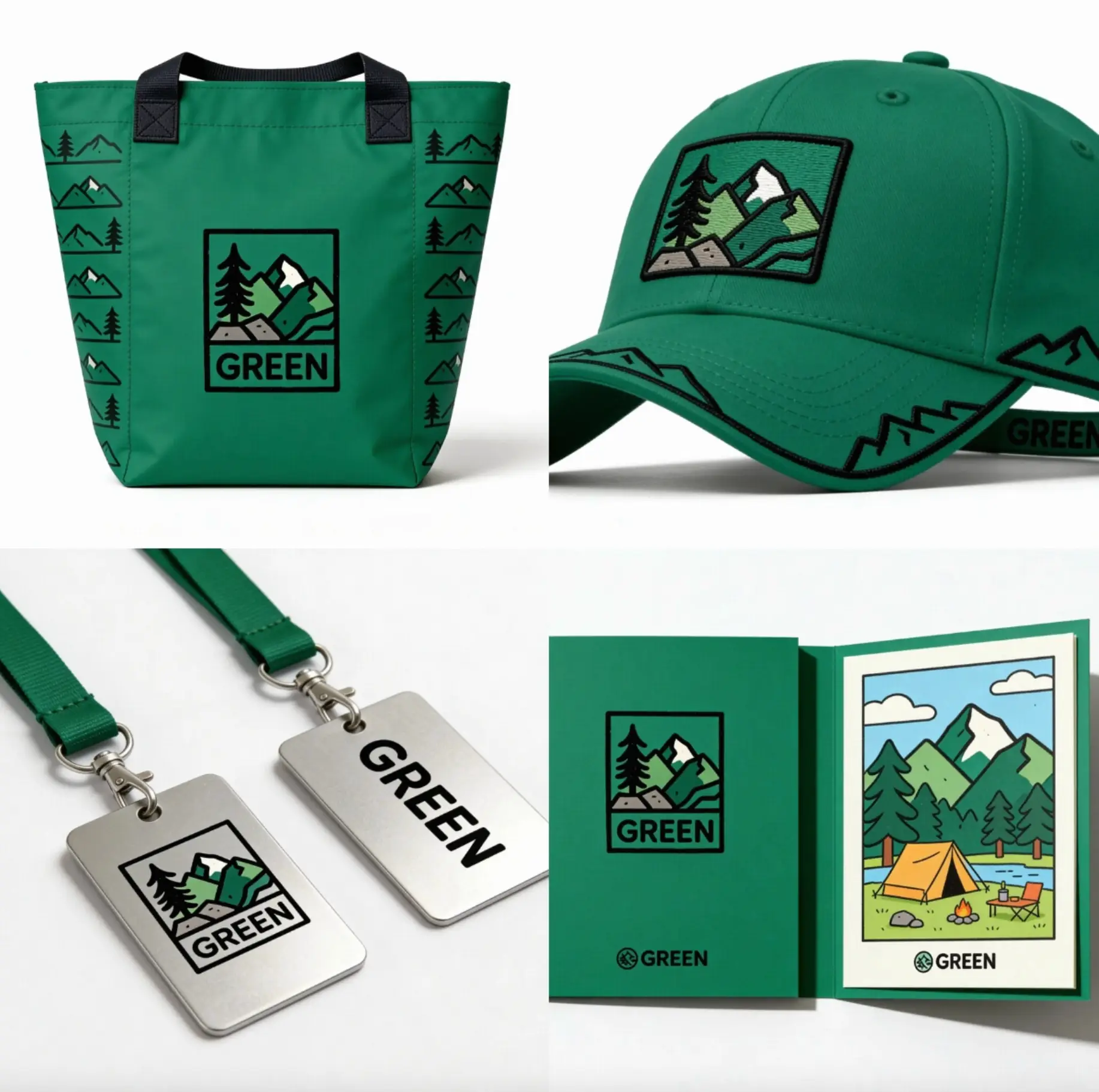
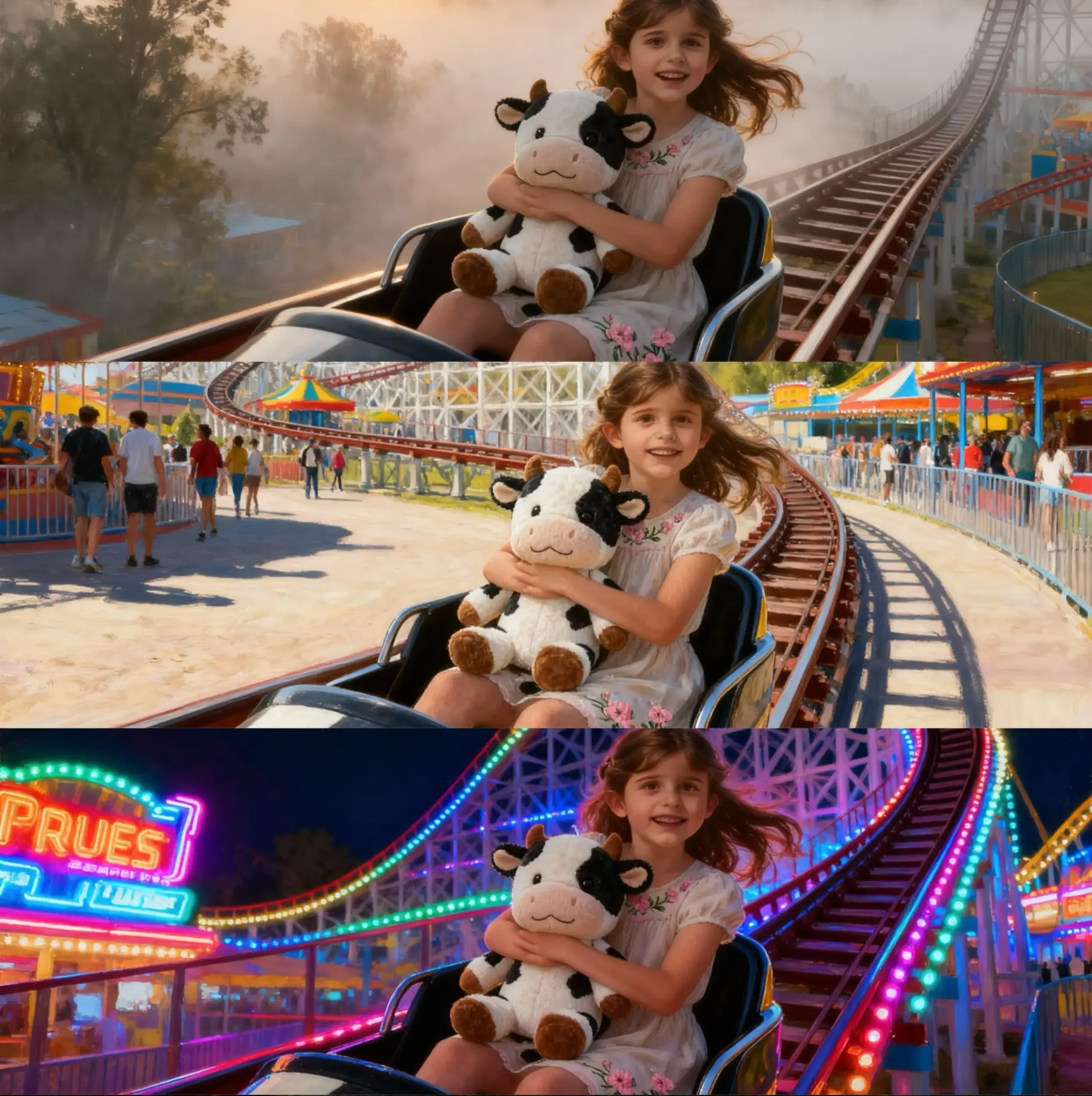
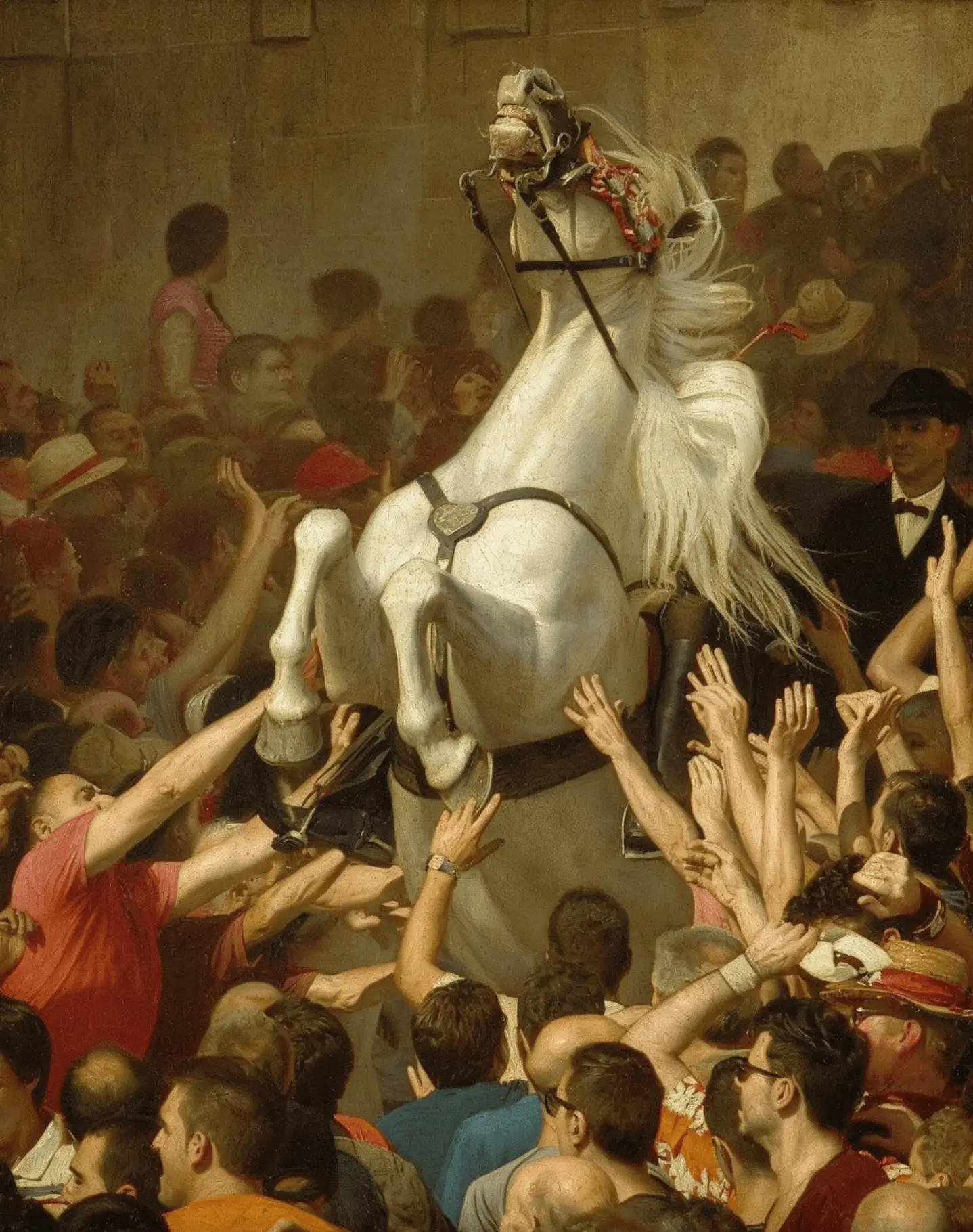
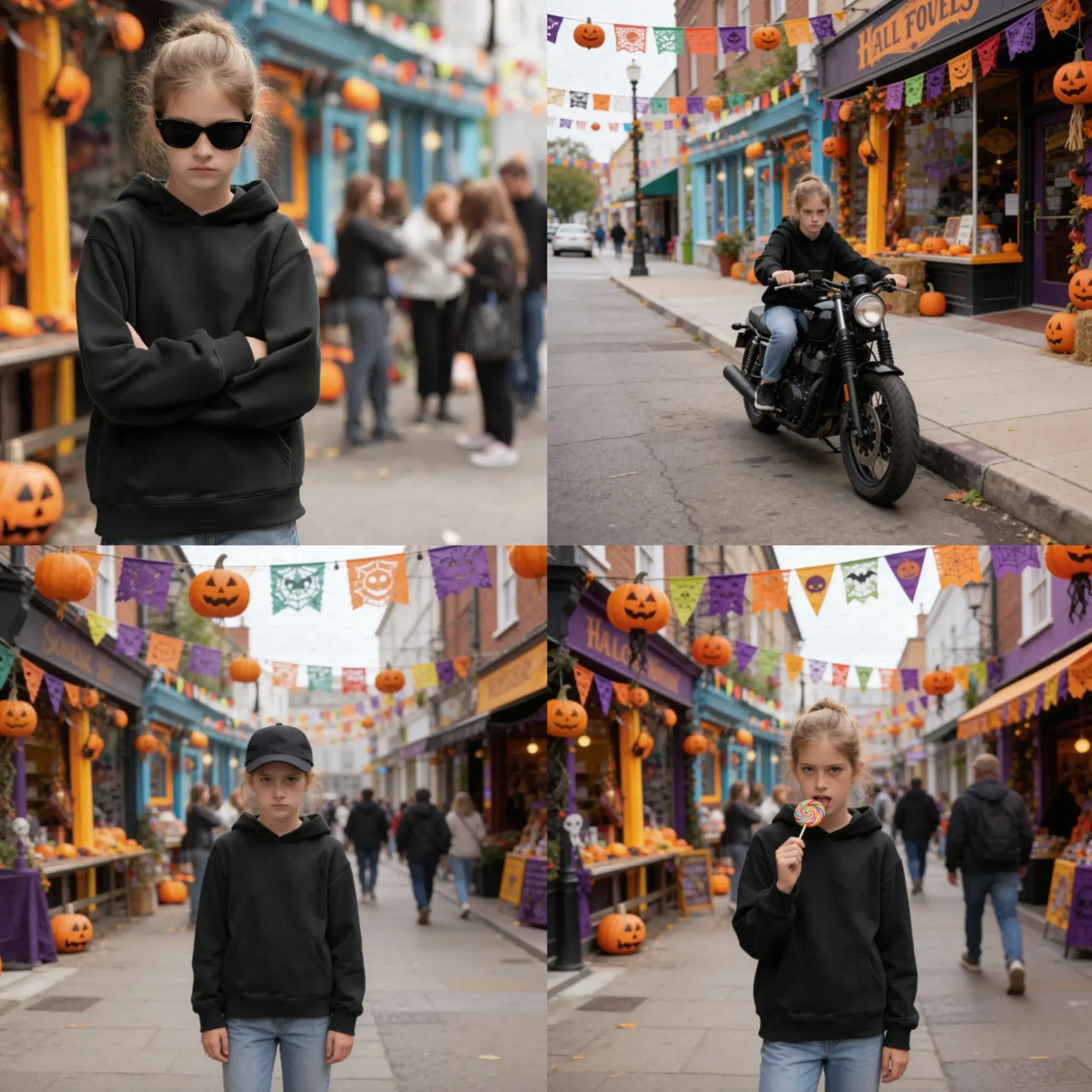
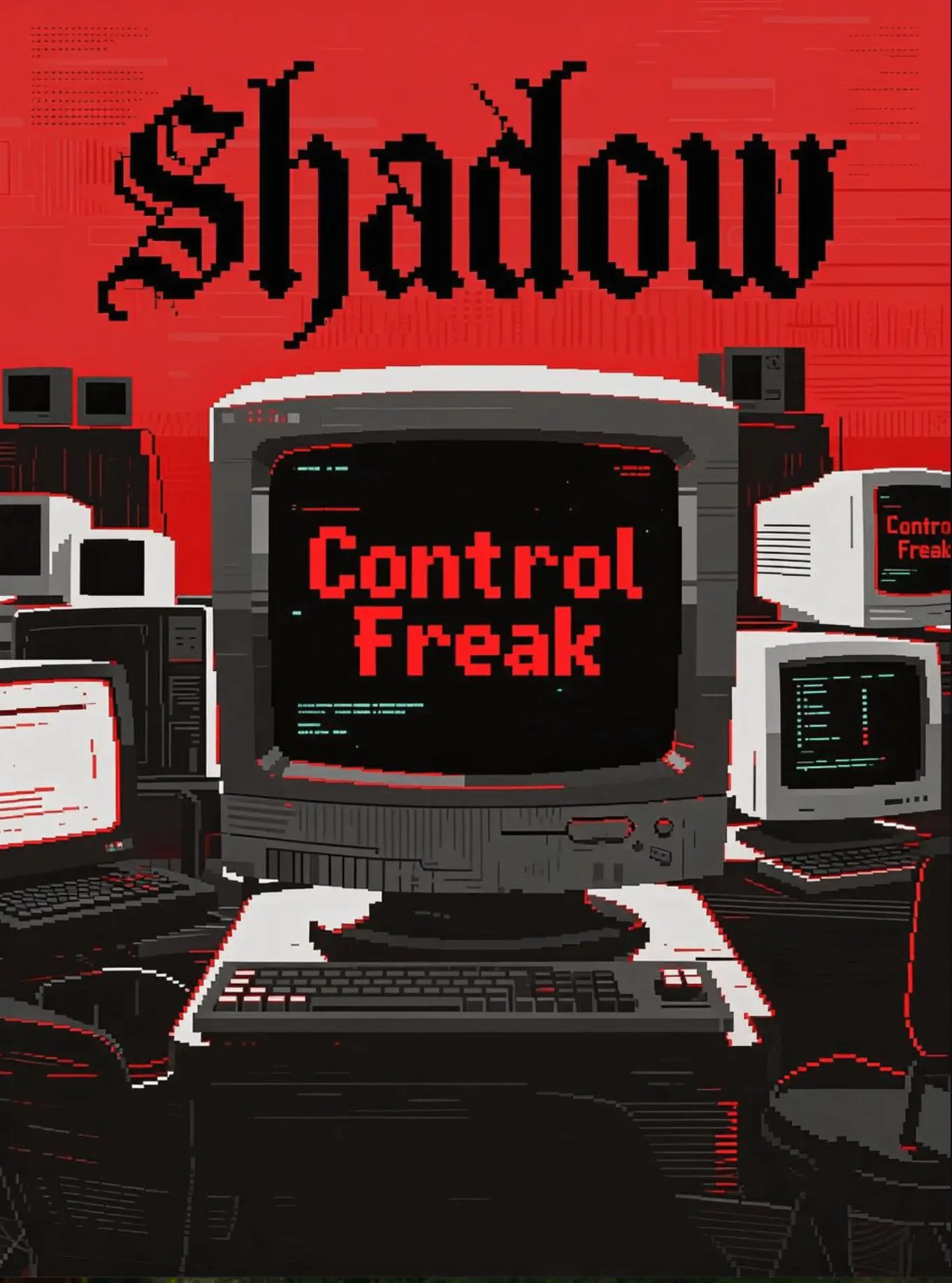
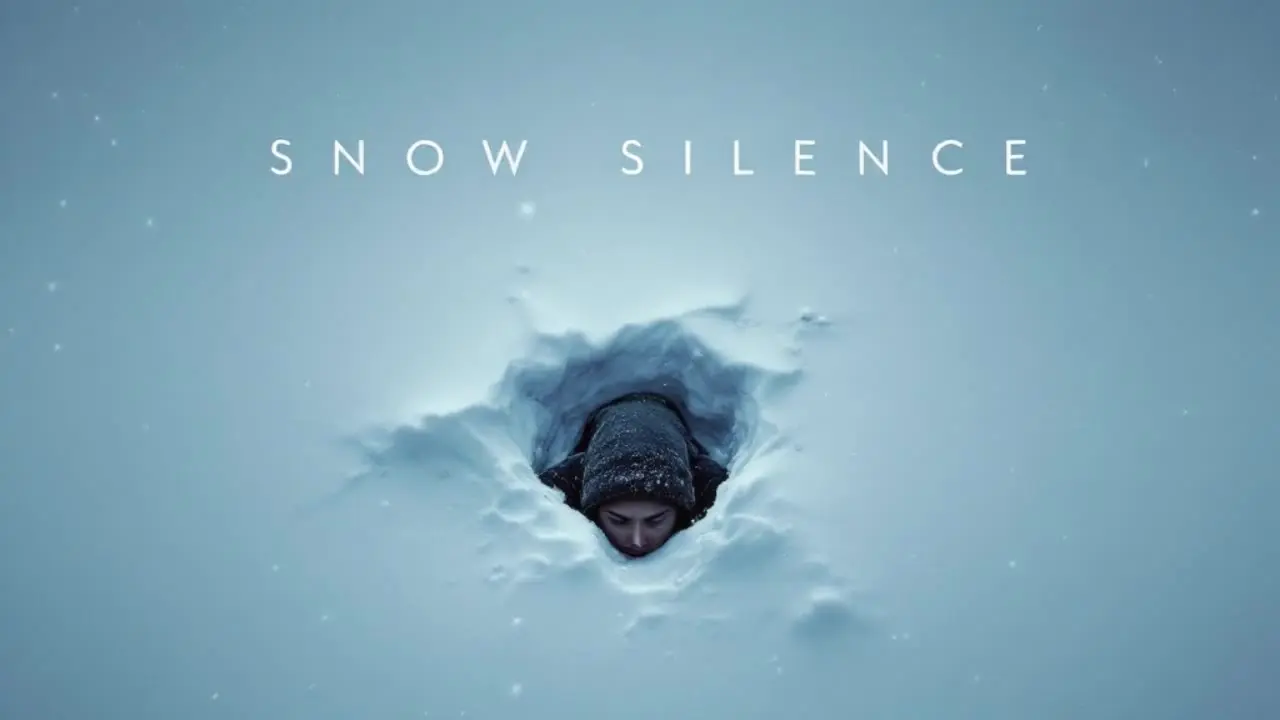
Seedream 5.0 Lite Image Examples

Seedream 5.0 Lite Tweets

Seedream 5.0 lite


Seedream 5.0 Lite is a unified multimodal image-generation and editing model on RunComfy that accepts a text prompt plus 1–14 reference images to produce high-quality still images. It suits style transfer, precise layout and typography, product shots, and knowledge-aligned visuals for designers, marketers, and educators.


Output format: Seedream 5.0 Lite outputs still images; Resolution: 2K, 3K, or fixed sizes listed below.


Highlights

  • Cross‑modal reasoning: Seedream 5.0 Lite interprets text plus references to keep subjects, styles, and intent aligned.
  • Real‑time search option: When available, the model can incorporate recent facts to guide content and reduce outdated details.
  • Robust image editing: Seedream 5.0 Lite performs local edits and style transfer while preserving unedited regions for stability.
  • Typographic accuracy: It renders letters, numbers, and multilingual text with clear structure and fewer omissions.
  • Multi‑shot consistency: Seedream 5.0 Lite helps maintain identity and attributes across a batch of related images.
  • Vague‑to‑specific: It expands short or ambiguous prompts into coherent compositions with clear subject hierarchy.

Parameters

RunComfy exposes the following controls for Seedream 5.0 Lite.


ParameterRequiredTypeDefaultRange / OptionsDescription
prompt*Yes (*)string (str)The man is riding a motor cycle on the road—The recommended length is up to ~600 English words; overly long prompts may dilute details and cause missing elements.
images*Yes (*)array (image_uris)[example URIs prefilled]1–14 images; jpeg, png, webp, bmp, tiff, gif; <10 MB each; min 15×15 px; aspect ratio 1:16–16:1Upload 1–14 reference images for style, layout, or multi‑shot consistency.
resolutionNostring2048x2048 (1:1)2K, 3K, or fixed sizes (1:1, 4:3, 3:4, 16:9, 9:16, 3:2, 2:3, 21:9 variants)For 2K/3K, width/height are auto; describe aspect ratio or target use in the prompt.
sequential_image_generationNostringdisabledauto, disabledEnable sequential generation when producing multiple images for steadier results.
max_imagesNoint151–15Applies only when sequential_image_generation = auto; caps the number of outputs.
output_formatNostringpngpng, jpegSelect the file format for exported images.
optimize_prompt_optionsNostringstandardstandard, fastPrompt optimization mode: standard for quality; fast for speed.

Pricing

Billing on RunComfy applies per image from Seedream 5.0 Lite.


Billing unitPriceNotes
Per image$0.028Billed per generated image; resolution is user‑selectable within model limits.

How to Use

1) Prepare your prompt: Outline subject, composition, and intended aspect ratio; Seedream 5.0 Lite benefits from clear constraints plus desired style cues.

2) Add reference images (optional): Upload 1–14 images (<=10 MB each) for style, layout, or identity guidance; ensure they meet aspect ratio and pixel minimums.

3) Choose resolution: For 2K/3K, let the model infer exact size; Seedream 5.0 Lite respects aspect hints like “square poster” or “21:9 banner.”

4) Set generation mode: Keep sequential_image_generation disabled for single outputs; switch to auto for series, then set max_images.

5) Select output_format: png for lossless graphics or jpeg for smaller files; Seedream 5.0 Lite supports either.

6) Pick prompt optimization: standard improves quality; fast reduces latency for drafts or quick iterations.

7) Run generation: Monitor for warnings about input size or aspect ratio; adjust references or prompt if alignment drifts.

8) Review and download: Inspect text legibility, brand colors, and subject attributes; re‑run with refined prompts to iterate with Seedream 5.0 Lite.


Prompt & Reference Tips

  • Start with structure: Seedream 5.0 Lite responds well to clear subject, scene, lighting, and camera language.
  • Calibrate references: Use on‑style images for style transfer and on‑model images for identity; mix only when relationships are explicit.
  • Edit locally with clarity: Specify region, attribute, or substitution; avoid overloading one instruction with many unrelated edits.
  • Keep typography explicit: Include exact words, casing, and placement cues (e.g., “centered H1, small caption bottom‑right”).
  • Balance constraints: Seedream 5.0 Lite handles vague prompts but benefits from 1–2 nonnegotiable requirements to anchor the output.
  • Avoid conflict: Don’t ask for mutually exclusive styles (e.g., “flat vector” and “ultra‑photoreal”) in the same instruction.
  • Match aspect to use: Choose square for avatars, 21:9 for hero banners, and 4:3/3:4 for print layouts.
  • Troubleshoot quickly: If elements go missing, reduce prompt length, clarify priorities, or supply a tighter reference set.

Core Highlights

  • Real‑Time Search: Draws on live web information so generated images stay timely, relevant, and connected to the world.
  • Smarter, More Controllable Creation: Supports complex reasoning and thinking, moving from simple recognition to true understanding—what you envision is what you get.
  • Stronger Consistency: Maintains high consistency of character features, style, and fine details across images, delivering stable and reliable results.
  • Richer World Knowledge: Further expanded world knowledge mastery, making it a more versatile and capable image generation expert.

In short, Seedream 5.0 Lite is a practical choice for design, marketing, and educational visuals that must stay consistent and fact‑aware.


Official Resources

  • Official website (ByteDance Seed): https://seed.bytedance.com/en/seedream5_0_lite

Related Models

flux-2/max/edit

Precision visual editing tool for consistent, photorealistic brand assets

seedream-4-0/sequential

Create cohesive story visuals with sequenced, style-stable image generation.

dreamina-4-0/edit

Generate 4K visuals with precise edits and style control for designers.

wan-2-2/flash/text-to-image

Generate images fast from text prompts with Wan 2.2 Flash.

qwen-image/edit

Edit images with AI for precise text and visuals.

flux-2/flex/text-to-image

Generate accurate brand visuals with high-fidelity text-to-image control.

Frequently Asked Questions

What is the maximum supported resolution and aspect ratio in Seedream 5.0 Lite generation?

Seedream 5.0 Lite generation supports output resolutions up to 3K with flexible aspect ratios such as 1:1, 16:9, and 9:16. Its maximum resolution is slightly below that of the Seedream 5.0 Pro variant, favoring semantic consistency and reasoning accuracy over raw pixel count.

How many reference images inputs can Seedream 5.0 Lite handle in a single prompt?

Seedream 5.0 Lite currently accommodates up to 14 reference images, including style or layout inputs, and a limited number of auxiliary control maps like depth or segmentation layers. This design ensures balanced reasoning performance without overloading the multimodal encoder.

What advantages does Seedream 5.0 Lite offer compared to older versions like Seedream 4.5?

Seedream 5.0 Lite delivers significant improvements in reasoning, style alignment, and real-time search understanding. Compared to Seedream 4.5, it better handles vague prompts, maintains higher cross-image subject consistency, and reduces hallucinated features through enhanced semantic encoding.

How does Seedream 5.0 Lite differ from competitors like Flux 2 or Nano Banana Pro?

Seedream 5.0 Lite emphasizes world knowledge, factual accuracy, and semantic reasoning, enriched by real-time search. In contrast, Flux 2 and Nano Banana Pro generally produce higher micro-level realism and texture fidelity. For projects requiring data accuracy and reasoning-driven layout generation, Lite provides a more stable alignment layer.

Can Seedream 5.0 Lite generate commercial-quality typography or text-rich layouts?

Yes. Seedream 5.0 Lite excels at accurate text rendering, including multilingual scripts, labels, and layout design for posters or packaging. It interprets abstract or mixed-language prompts effectively, ensuring legible, properly spaced results suitable for commercial or educational materials—subject to license confirmation.

Follow us
  • LinkedIn
  • Facebook
  • Instagram
  • Twitter
Support
  • Discord
  • Email
  • System Status
  • Affiliate
Video Models
  • Seedance 1.0
  • Wan 2.6
  • Wan 2.6 Flash
  • Wan 2.2
  • Seedance 1.5 Pro
  • Hailuo 02
  • View All Models →
Image Models
  • Seedream 5.0 Lite
  • Seedream 5.0 Lite text to image
  • Wan 2.6 Image to Image
  • Nano Banana Pro
  • seedream 4.0
  • Flux 2 Dev
  • View All Models →
Legal
  • Terms of Service
  • Privacy Policy
  • Cookie Policy
RunComfy
Copyright 2026 RunComfy. All Rights Reserved.

RunComfy is the premier ComfyUI platform, offering ComfyUI online environment and services, along with ComfyUI workflows featuring stunning visuals. RunComfy also provides AI Models, enabling artists to harness the latest AI tools to create incredible art.