logo
RunComfy
  • ComfyUI
  • TrainerNew
  • Models
  • API
  • Pricing
discord logo
MODELS
Explore
All Models
LIBRARY
Generations
MODEL APIS
API Docs
API Keys
ACCOUNT
Usage

Flux 2 Klein 4B: 4 ステップのサブ秒テキストから画像への生成 |ランコンフィ | Models and API | RunComfy

blackforestlabs/flux-2-klein/4b/text-to-image

電子商取引、デザイン、製品マーケティング向けに、テキストから高品質の画像を 1 秒未満の速度、正確なマルチリファレンス合成、最大 1024x1024 の解像度で生成および編集します。

Idle
[Super Limited Time Offer] The rate is $0.003 per image.

Flux 2 Klein 4B の紹介

Black Forest Labs の Flux 2 Klein 4B Text to Image は、テキストから画像を生成し、画像あたり 0.003 ドルで 1 秒未満のレイテンシーと最大 1024x1024 の出力でマルチリファレンス編集を実行し、超高速で統合されたテキストから画像への編集と画像編集を実現します。 Flux 2 Klein 4B は、手動マスキング、遅いアップスケール、4 ステップのプロンプト忠実なマルチリファレンス合成のための GPU ラングリングを処理し、RunComfy 上の e コマース チーム、デザイナー、製品マーケティング担当者向けのクリエイティブな反復とブランドセーフな編集を合理化します。開発者にとって、RunComfy 上の Flux 2 Klein 4B はブラウザーと HTTP API 経由の両方で使用できるため、モデルを自分でホストしたりスケーリングしたりする必要はありません。
最適な用途: 迅速なクリエイティブ プロトタイピング |ブランドキャンペーンビジュアル |マルチリファレンス製品のモックアップ

Black Forest Labs / Flux 2 Klein 4B Text to Image#


Flux 2 Klein 4B is a compact, open-weight text-to-image and image-editing model built by Black Forest Labs, optimized for speed and responsive creative iteration. It accepts a text prompt (and optionally one or more reference images for editing) and returns a single image suitable for concepting, mockups, and fast visual experiments.


Output format: up to ~1024×1024 resolution (commonly used), fps: n/a, duration: n/a, aspect ratio: flexible, audio: none


Highlights#


  • Distilled, fast sampling: Flux 2 Klein 4B commonly reaches interactive latency with very few steps, enabling quick prompt iteration.
  • Unified generate + edit: One model for text-to-image and image-to-image, with optional multi-reference guidance for consistent edits.
  • Open and integration-friendly: Apache 2.0 open weights and support across popular tooling make deployment flexible.
  • Efficient by design: Flux 2 Klein 4B typically runs on consumer-grade GPUs or cloud instances without heavy VRAM needs.
  • Strong prompt adherence: Good control via descriptive prompts, camera terms, and style cues, with reliable reproducibility via seeds (when exposed by the platform).


Parameters#


ParameterRequiredTypeDefaultRange / OptionsDescription
multipart*Yes (*)objectNonen/aContainer for form-data fields; typically includes prompt text and generation options.
bodyNoobjectNonen/aThe multipart body payload; commonly includes fields such as prompt, steps, width, height, and optional references (varies by provider).
contentTypeNostringNonen/aContent type for multipart submissions; set by the client or SDK.


Pricing#


UnitPrice
Per image$0.003


How to Use#


1) Choose このモデル in RunComfy: select Flux 2 Klein 4B Text to Image for generation or editing workflows.

2) Prepare your input:

- Text-to-image: write a concise prompt with subject, style, lighting, and camera terms.

- Image editing: upload one or more reference images (if your workflow supports multi-reference editing) to guide style or identity.

3) Set image size and aspect ratio:

- Start with 1024×1024 for quality and speed; adjust aspect ratio to fit your composition.

4) Configure steps and quality:

- Fewer steps are faster; more steps can refine detail. Typical ranges vary by provider.

5) Use a seed if available:

- Fix a seed to reproduce results; change it to explore new variations around the same prompt.

6) Run the job and review outputs:

- Iterate by adjusting style tokens, composition terms, or references; save preferred seeds and prompts.

7) API usage (no self-hosting required):

- Submit a multipart POST with fields like prompt, steps, width, and height to the platform endpoint; Flux 2 Klein 4B is also compatible with common AI-inference APIs that accept multipart form data.


Prompt & Reference Tips#


  • Use structured prompts: subject + style + medium + lighting + lens/camera + mood; Flux 2 Klein 4B responds well to concrete, visual language.
  • Keep references consistent: if editing, align angle, lighting, and scale between reference(s) and the target description.
  • “Follow the reference but change X”: be explicit (e.g., “same outfit and pose, new background: rainy neon city”).
  • Iterate thoughtfully: lock a good seed, then vary one factor at a time (lighting, aspect ratio, or adjective set).
  • Mind resolution trade-offs: very high resolutions can be slower or less stable; upscale externally if needed after Flux 2 Klein 4B generation.
  • Avoid conflicting terms: remove redundant style tags that point in different directions (e.g., “soft cinematic” vs “harsh studio flash”).
  • Fix common errors: if uploads fail, ensure multipart content type; if compositions clip, choose a matching aspect ratio or reduce subject count.


How Flux 2 Klein 4B Text to Image compares to other models#


  • Compared to Nano Banana Pro, Flux 2 Klein 4B delivers much faster generation and open-weight flexibility, while high-end 4K detail and advanced multilingual text rendering are stronger on the competitor (based on publicly available information).
  • Key improvements versus larger, slower setups: Flux 2 Klein 4B emphasizes low-latency 4-step inference, prompt adherence, and unified generate/edit workflows on modest hardware.
  • Ideal use case: choose Flux 2 Klein 4B when rapid creative iteration, multi-reference editing, and open licensing matter more than extreme photorealism or native 4K output.

In short, Flux 2 Klein 4B offers one of the best speed-to-quality trade-offs in its family for agile image creation.


More Models to Try#


  • Flux 2 Klein 9B Text to Image — higher fidelity and texture richness; use when you outgrow Flux 2 Klein 4B for fine detail.
  • Flux 2 Flex Text to Image — a higher-quality sibling oriented toward premium outputs on stronger hardware.
  • Flux 2 Dev Text to Image — developer-focused variant for advanced control and research-style workflows.
  • Seedream 4.5 — photorealism-focused alternative for complex scenes and high-resolution demands.
  • Z-Image-Turbo — a low-latency alternative with competitive detail at moderate resolutions.


関連機種

gpt-image-2/text-to-image

画像内の正確なテキストとロゴでブランド向けビジュアルを生成。

gpt-4o-image/image-to-image

GPT-4o Imageで写真やイラストをもとに新しい画像を自在に生成・編集。

nano-banana-2/edit

Nano Banana 2 Edit によるプロンプト主導の画像編集。複数画像入力に対応し、アスペクト比・解像度・安全性許容度・出力を細かくコントロールできます。

flux-1-kontext/pro/text-to-image

文章から高精度な画像を素早く生成。直感操作でデザイン制作を革新。

seedream-5/lite/edit

Seedream 5.0 Lite は参照ビジュアルを、レイアウト精度とスタイル一貫性を保ったデザインに変換し、クリエイティブ制作を加速します。

seedream-4-0/edit-sequential

連続性とスタイルを保ちながら画像を自然に変換できるクリエイティブAIツール。

Frequently Asked Questions

テキストから画像へのアプリケーションにおける Flux 2 Klein 4B の主な機能は何ですか?

Flux 2 Klein 4B は、テキストから画像への生成、画像から画像への編集、および複数参照入力のブレンディングに優れており、これらすべてが 1 つの統合モデル内で行われます。クリーンなテキスト レンダリング、フォトリアリスティックな画像、UI モックアップやブランドの一貫性に適した高速出力を、低レイテンシ (多くの場合コンシューマ GPU では 1 秒未満) で提供します。

Flux 2 Klein 4B のテキストから画像への変換は、Seedream 4.5 や Nano Banana Pro などのモデルとどう異なりますか?

Flux 2 Klein 4B のテキストから画像への変換は速度、ローカル実行、オープンソースの可用性を重視していますが、Seedream 4.5 と Nano Banana Pro はより高い計算コストで極めて詳細な表現と忠実性を目指しています。 Flux 2 Klein 4B は、限られたリソースに対する迅速な反復と強力な即時遵守が必要な場合に引き続き最優先の選択肢です。

RunComfy の Flux 2 Klein 4B のテキストから画像への変換でサポートされる最大出力解像度はどれくらいですか?

Flux 2 Klein 4B text-to-image は現在、アスペクト比設定に応じて最大約 2048×2048 ピクセル (約 4 メガピクセル) の画像解像度をサポートしています。この制限により、約 13 GB のメモリを搭載した GPU で VRAM 要件を超過することなく高速生成が保証されます。

Flux 2 Klein 4B のテキストから画像への生成にアスペクト比やプロンプト トークンの制限はありますか?

Flux 2 Klein 4B のテキストから画像への変換は、段階的に 128×128 から 2048×2048 までの柔軟なアスペクト比をサポートし、通常は最高の明瞭さのために最大 512 トークンのプロンプトを許可します。推論中に一貫したパフォーマンスを維持するために、長いプロンプトは自動的に切り詰められます。

RunComfy Playground での Flux 2 Klein 4B text-to-image のテストから運用 API の使用に移行するにはどうすればよいですか?

RunComfy API を使用して、RunComfy Playground (Web UI) から運用環境に移行できます。この API は、Flux 2 Klein 4B text-to-image のプレイグラウンド モデル設定をミラーリングし、生成を自動化したり、バックエンド ワークフローに統合したりすることができます。 API ドキュメントに従って API キーを確保し、使用料金を確認し、生成設定を構成してください。

スタイルや文字の一貫性を保つために、Flux 2 Klein 4B のテキストから画像への変換は何枚の参照画像を処理できますか?

Flux 2 Klein 4B のテキストから画像への変換は、マルチリファレンス モードを通じて複数のリファレンス入力をサポートします。効率性を重視して設計されていますが、ほとんどの導入では 2 ~ 3 個の参照を同時に実行できるため、コンシューマー ハードウェア構成での再現性と速度のバランスが保たれます。

Flux 2 Klein 4B のテキストから画像への変換は、Flux 1 またはそれ以上の Flux 2 バリアントに対してどのような改善をもたらしますか?

FLUX.1 およびより大きな Flux 2 モデルと比較して、Flux 2 Klein 4B のテキストから画像への変換では、わずか 4 つの推論ステップに蒸留された整流フロー変換器が使用され、忠実度を維持しながら 1 秒未満の画像作成を実現します。小さな GPU での速度とアクセシビリティのために、いくつかの微細なディテールを犠牲にします。

Flux 2 Klein 4B のテキストから画像へのテキスト レンダリングと多言語プロンプトはどのように機能しますか?

Flux 2 Klein 4B のテキストから画像への変換は、正確な英語テキストのレンダリングと、UI やブランドのモックアップなどの構造化された構成向けに最適化されています。多言語入力も可能ですが、最良の結果は英語で得られます。バイリンガルのタスクの場合は、さらに微調整すると有益な場合があります。

Follow us
  • LinkedIn
  • Facebook
  • Instagram
  • Twitter
Support
  • Discord
  • Email
  • System Status
  • Affiliate
Video Models
  • Wan 2.6 Flash
  • Wan 2.7 Reference to Video
  • Seedance 1.0
  • Seedance 1.0 Pro Fast
  • Seedance 2.0 Pro
  • Hailuo 2.3 Fast Standard
  • View All Models →
Image Models
  • Ideogram V4
  • Wan 2.6 Image to Image
  • Nano Banana 2 Edit
  • Flux 2 Dev
  • Nano Banana Pro
  • Qwen Image Edit 2511 LoRA
  • View All Models →
Legal
  • Terms of Service
  • Privacy Policy
  • Cookie Policy
RunComfy
Copyright 2026 RunComfy. All Rights Reserved.

RunComfy is the premier ComfyUI platform, offering ComfyUI online environment and services, along with ComfyUI workflows featuring stunning visuals. RunComfy also provides AI Models, enabling artists to harness the latest AI tools to create incredible art.

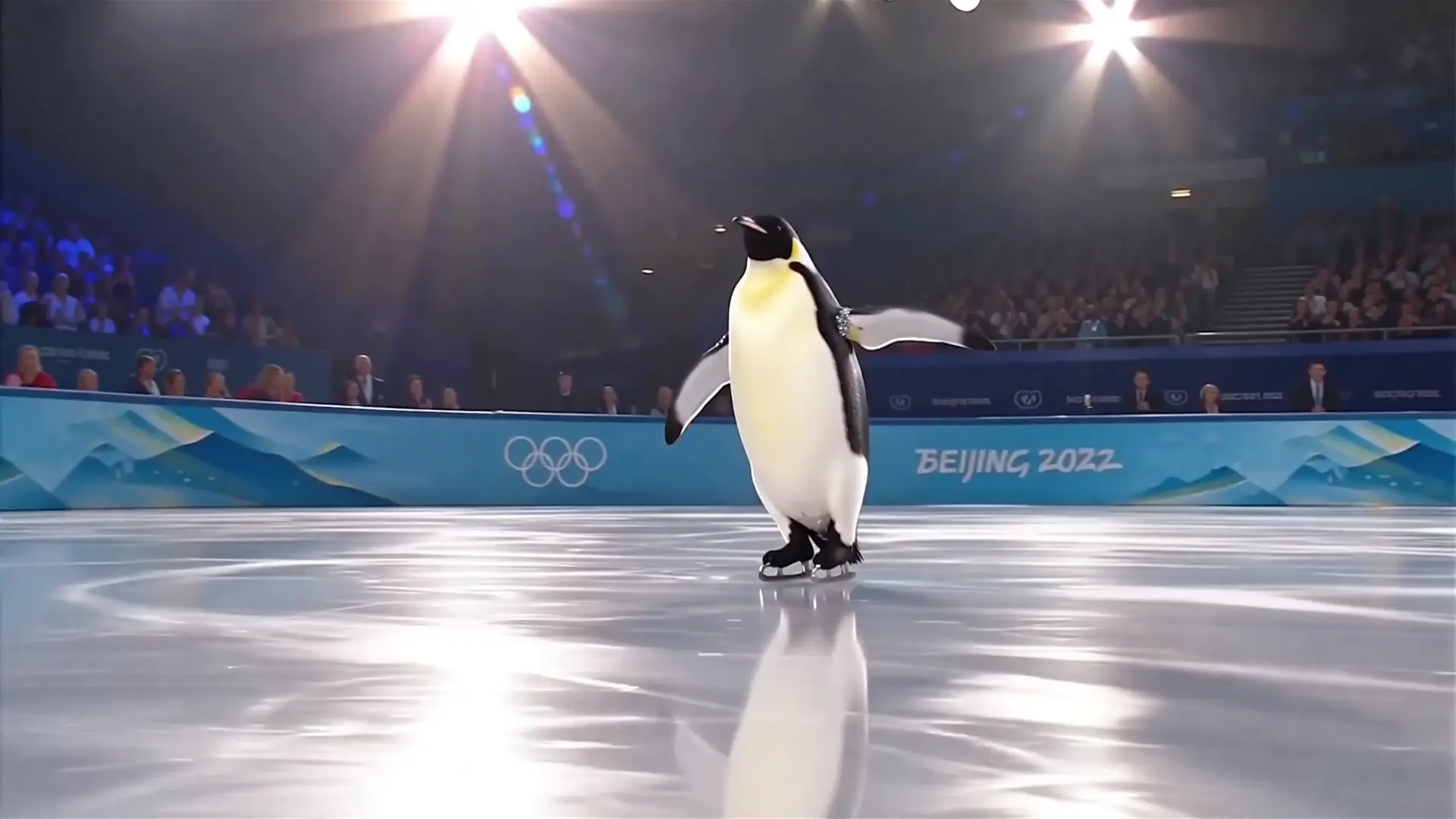
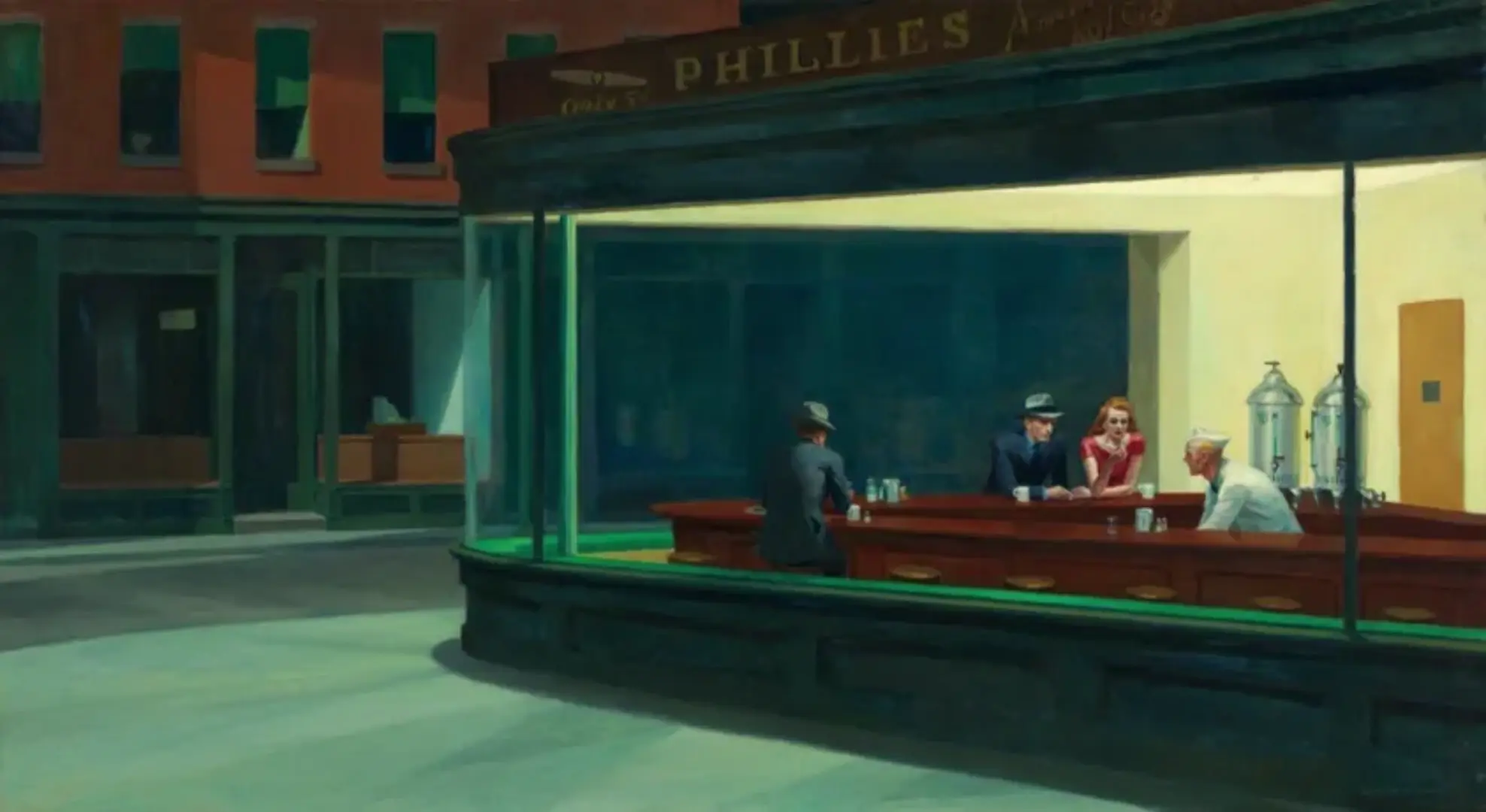
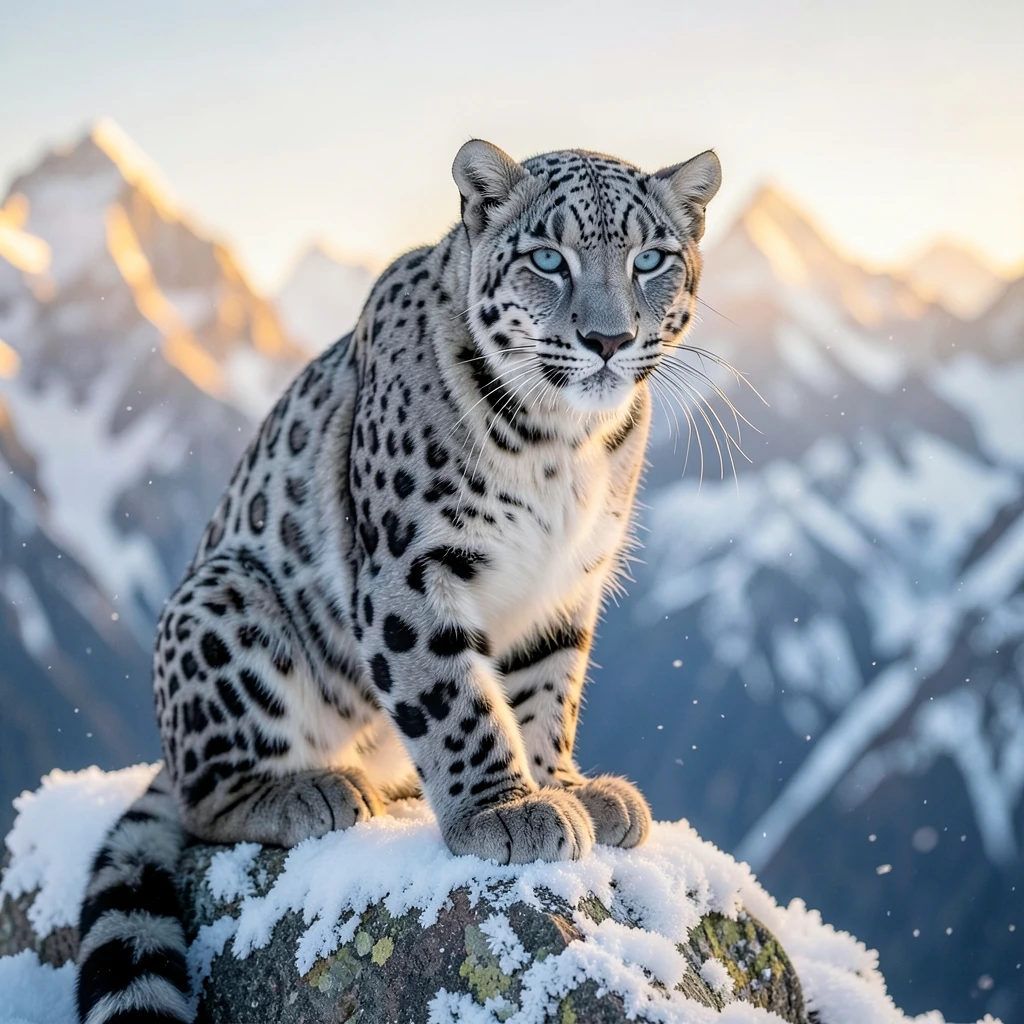
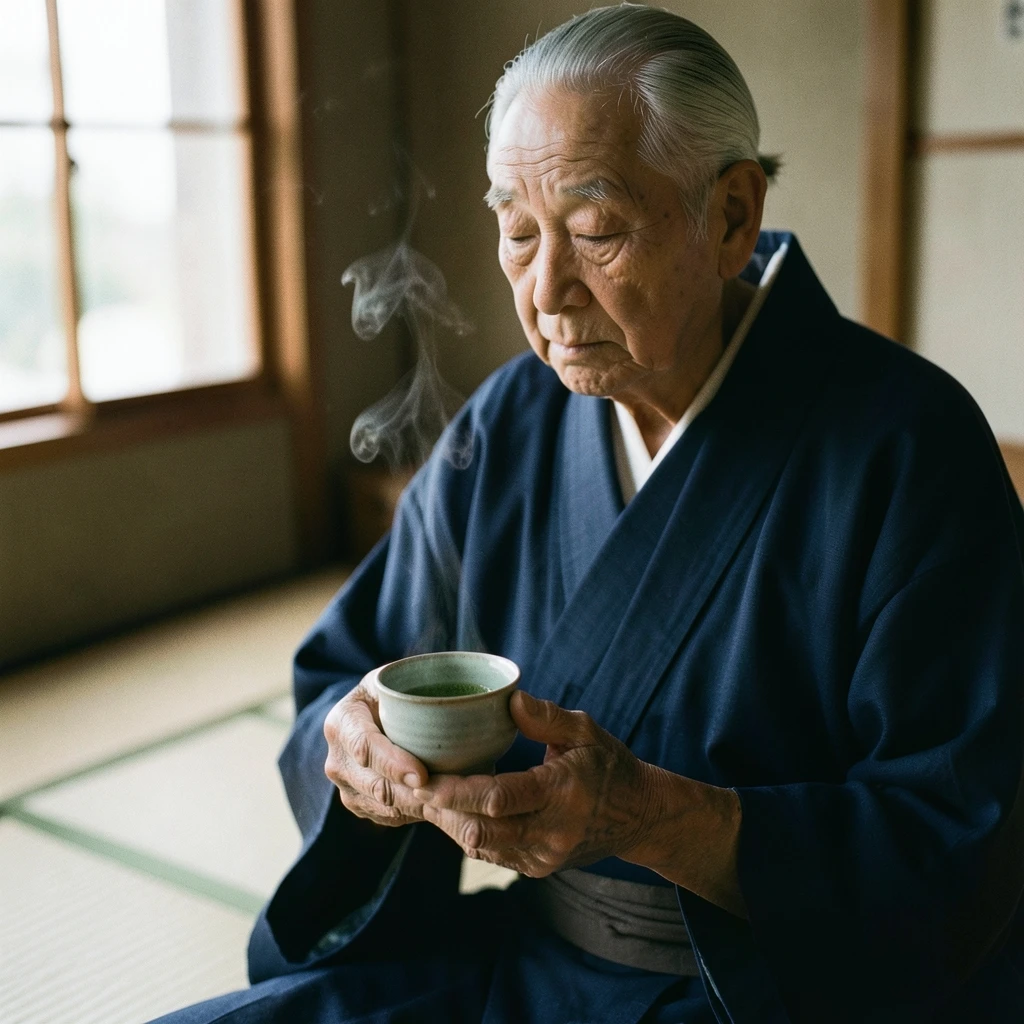
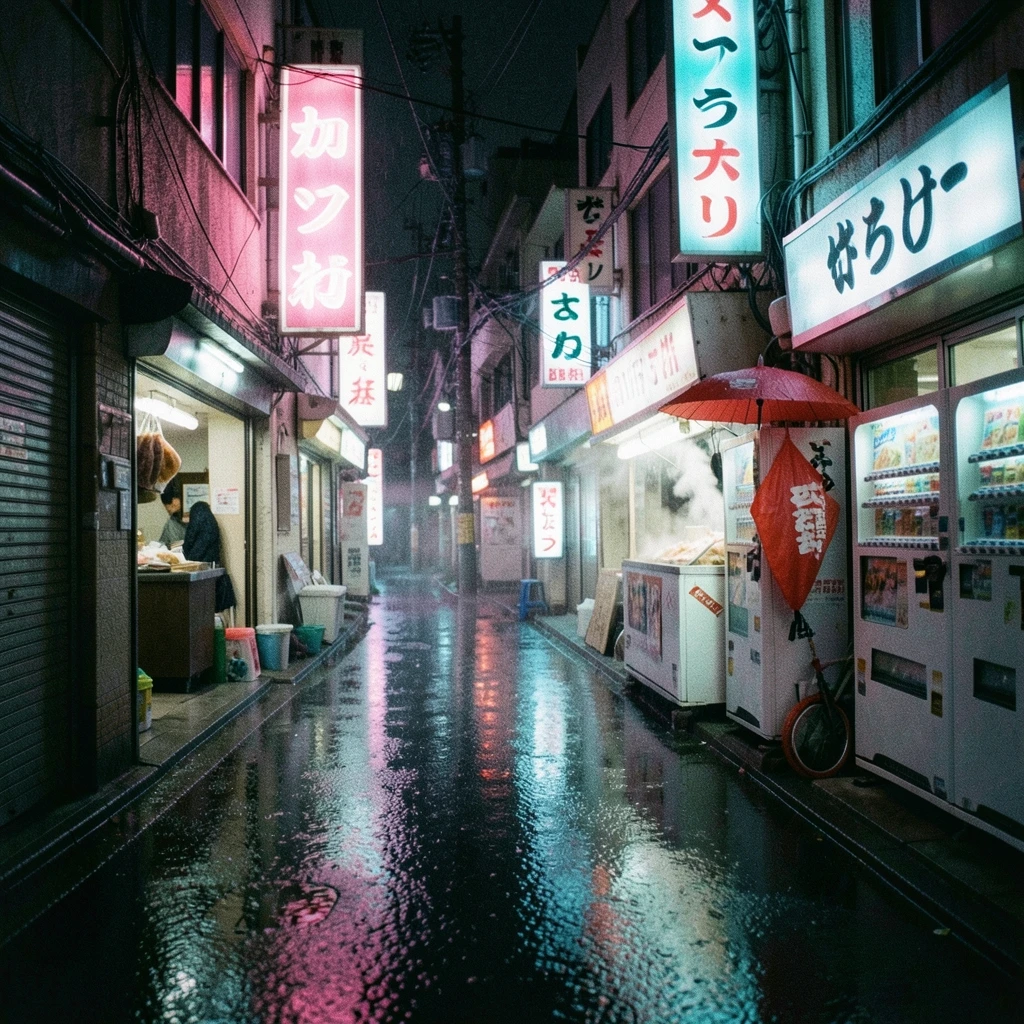
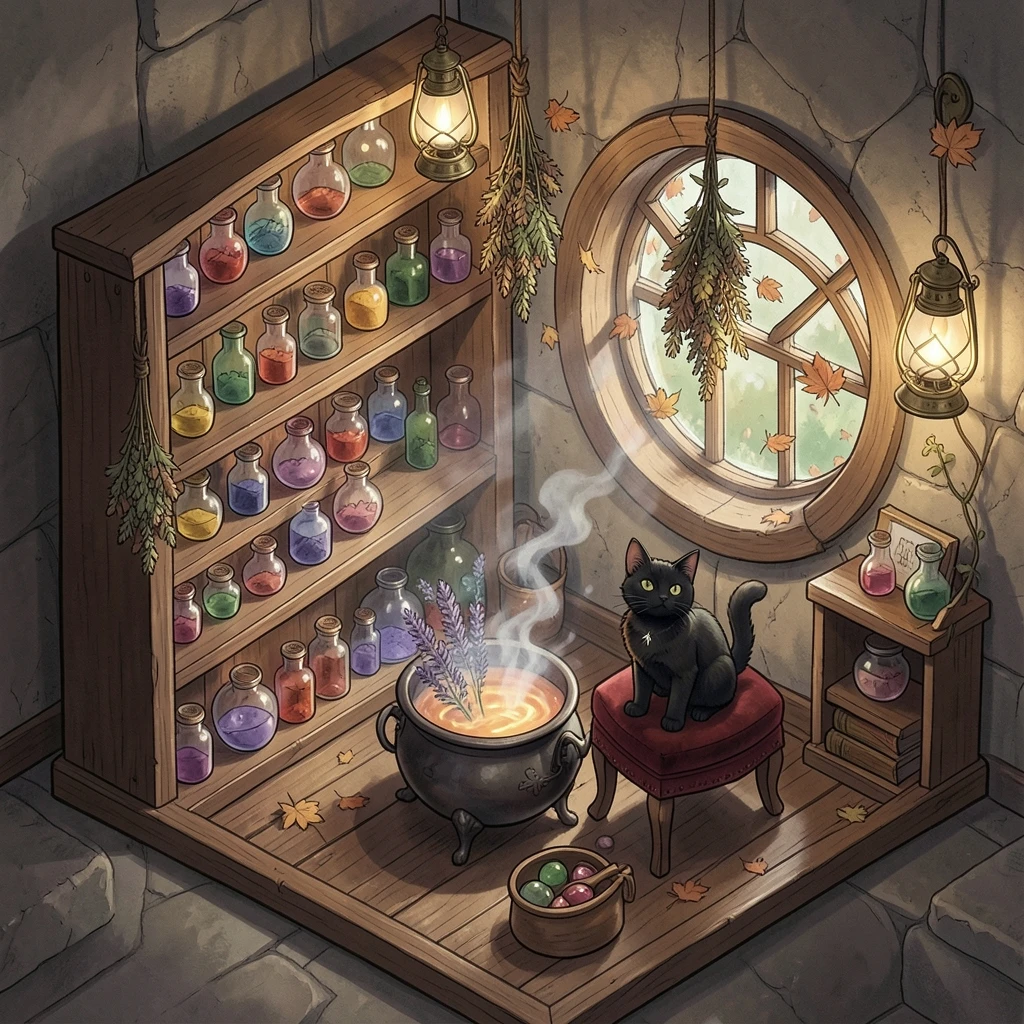
Flux 2 Klein 4B の画像例