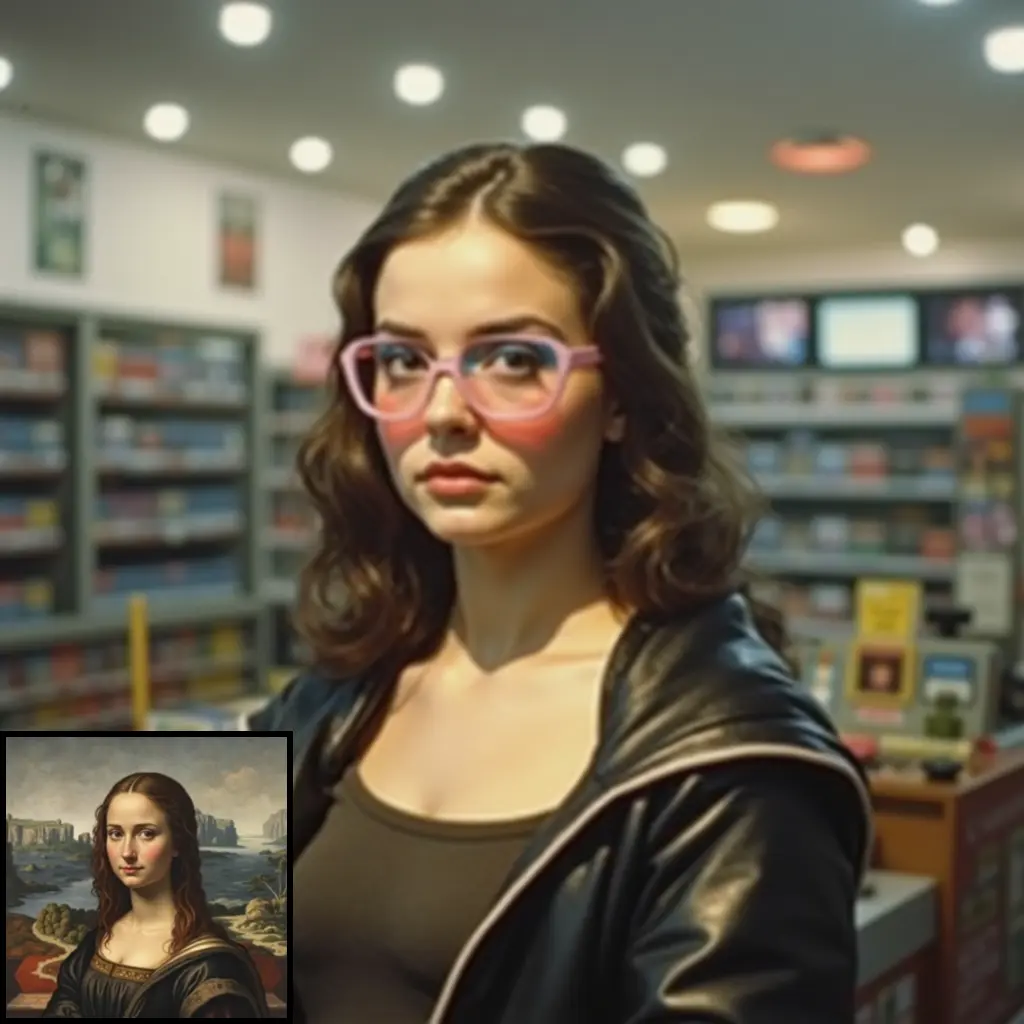
ComfyUI-H3-IMG-Gen-SatoDive Introduction
ComfyUI-H3-IMG-Gen-SatoDive is an extension designed to enhance the image generation capabilities of the MiniMax H3 model within the ComfyUI framework. This extension provides a streamlined and predictable approach to creating high-quality images by offering a single main node that consolidates various settings and controls. It is particularly beneficial for AI artists who seek precise control over image resolution and quality without the complexity of multiple processing passes. By using this extension, you can achieve exactly the image size and quality you desire, making it an ideal tool for artists who value precision and efficiency in their creative workflows.
How ComfyUI-H3-IMG-Gen-SatoDive Works
At its core, ComfyUI-H3-IMG-Gen-SatoDive simplifies the image generation process by integrating key functionalities into a single node. This node allows you to input prompts, reference images, and specify image dimensions, all in one place. The extension operates on the principle of "what you set is what you get," meaning that the output image will match the exact specifications you provide. This is achieved by using the MiniMax H3 model's capabilities to generate images based on your inputs, with options to include reference images for more nuanced results. The extension eliminates unnecessary processing steps, such as automatic refinement or upscaling, ensuring that the image generation process is both efficient and transparent.
ComfyUI-H3-IMG-Gen-SatoDive Features
- Main Node (H3 Image Simple): This feature consolidates all essential settings, including prompts, reference images, and size specifications, into a single node. You can input up to nine reference images and use them in your prompts to influence the generated image.
- Exact Resolution Control: You can choose an aspect ratio and megapixels or specify custom dimensions for your image. The
exact_sizeoption ensures that the output matches your specified dimensions precisely. - No Hidden Passes: The extension avoids automatic refinement and upscaling, giving you full control over the image generation process.
- Multi-Reference Support: Connect up to nine reference images and use them in your prompts to guide the image generation process.
- Optional Detail Pass: Enhance image details using an upscale model without altering the original resolution. The
detail_strengthsetting allows you to control the level of detail added. - Faster Iteration: The extension reuses prompt and reference encoding when only the seed or sampling settings change, speeding up the iteration process.
- Final Size Node (Optional): This node allows for exact resizing, scaling, cropping, or padding of the image, with an optional upscale model for added detail.
ComfyUI-H3-IMG-Gen-SatoDive Models
The extension utilizes the MiniMax H3 model, along with a text encoder and VAE. Optional models include a turbo LoRA for faster processing and an upscale model for enhancing image details. These models work together to provide a flexible and powerful image generation experience, allowing you to tailor the output to your specific artistic needs.
Troubleshooting ComfyUI-H3-IMG-Gen-SatoDive
If you encounter issues while using the extension, consider the following troubleshooting steps:
- Image Size Mismatch: Ensure that the
exact_sizeoption is enabled if you require precise dimensions. - Slow Performance: Check your VRAM usage and consider reducing the image resolution or disabling the detail pass if performance is an issue.
- Unexpected Image Output: Verify that your prompts and reference images are correctly configured and that the appropriate models are loaded. For additional support, refer to the YouTube tutorial for a step-by-step walkthrough of the extension's features and usage.
Learn More about ComfyUI-H3-IMG-Gen-SatoDive
To further explore the capabilities of ComfyUI-H3-IMG-Gen-SatoDive, you can access additional resources such as tutorials and community forums. The YouTube tutorial provides a comprehensive guide to using the extension. Additionally, you can download workflows from SatoDive's Patreon to see practical examples of the extension in action. Engaging with the community through forums can also provide valuable insights and support from fellow AI artists.