kling-3.0/pro/image-to-video
Image-to-video premium con la massima fedeltà visiva e il movimento più realistico della famiglia Kling V3.0.
La transizione PixVerse V6 di PixVerse gestisce la transizione con una durata di 1-15 secondi, 360p-1080p output e audio nativo opzionale. Sfruttando l'iterazione manuale fotogramma per fotogramma per la generazione guidata, PixVerse V6 Transition aiuta registi, designer e team di prodotto a realizzare riprese dirette, studi di movimento e prototipi di produzione. Per gli sviluppatori, PixVerse V6 Transition on RunComfy può essere utilizzato sia nel browser che tramite HTTP API, quindi non è necessario ospitare o ridimensionare il modello manualmente.
Ideale per: Previsualizzazione di film | Video della campagna | Narrazione del prodotto
| Parametro | Obbligatorio | Digitare | Predefinito | Gamma / Opzioni | Descrizione |
|---|---|---|---|---|---|
| richiesta* | Sì (*) | stringa | Un ciclista solitario attraversa un ponte spazzato dalla pioggia all'ora blu mentre la telecamera lo segue, le luci della città riflesse scintillano sotto, l'illuminazione cinematografica, il movimento naturale. | Ingresso libero | Descrivi il movimento e il cambiamento visivo tra i due fotogrammi. |
| immagine* | Sì (*) | stringa | https://playgrounds-storage-public.runcomfy.net/tools/7446/media-files/input.webp | URI | Immagine utilizzata come primo fotogramma della transizione. |
| end_image* | Sì (*) | stringa | https://playgrounds-storage-public.runcomfy.net/tools/7446/media-files/end-input.webp | URI | Immagine utilizzata come fotogramma finale della transizione. |
| risoluzione | No | stringa | 720p | 360p, 540p, 720p, 1080p | Livello di qualità di output mostrato come risoluzione video. |
| durata | No | intero | 5 | 1-15 | Durata dell'output richiesta in secondi, da 1 a 15. |
| generate_audio_switch | No | booleano | falso | Ingresso libero | Genera una traccia audio nativa opzionale con il video. |
| seme | No | intero | 0 | Ingresso libero | Seme utilizzato per riprodurre o variare una generazione. |
La fatturazione è per secondo generato.
| Risoluzione | Senza audio | Con audio |
|---|---|---|
| 360p | $0,024/s | $0,034/s |
| 540p | $0,034/s | $0,044/s |
| 720p | $0,044/s | $0,059/s |
| 1080p | $0,089/s | $0,114/s |
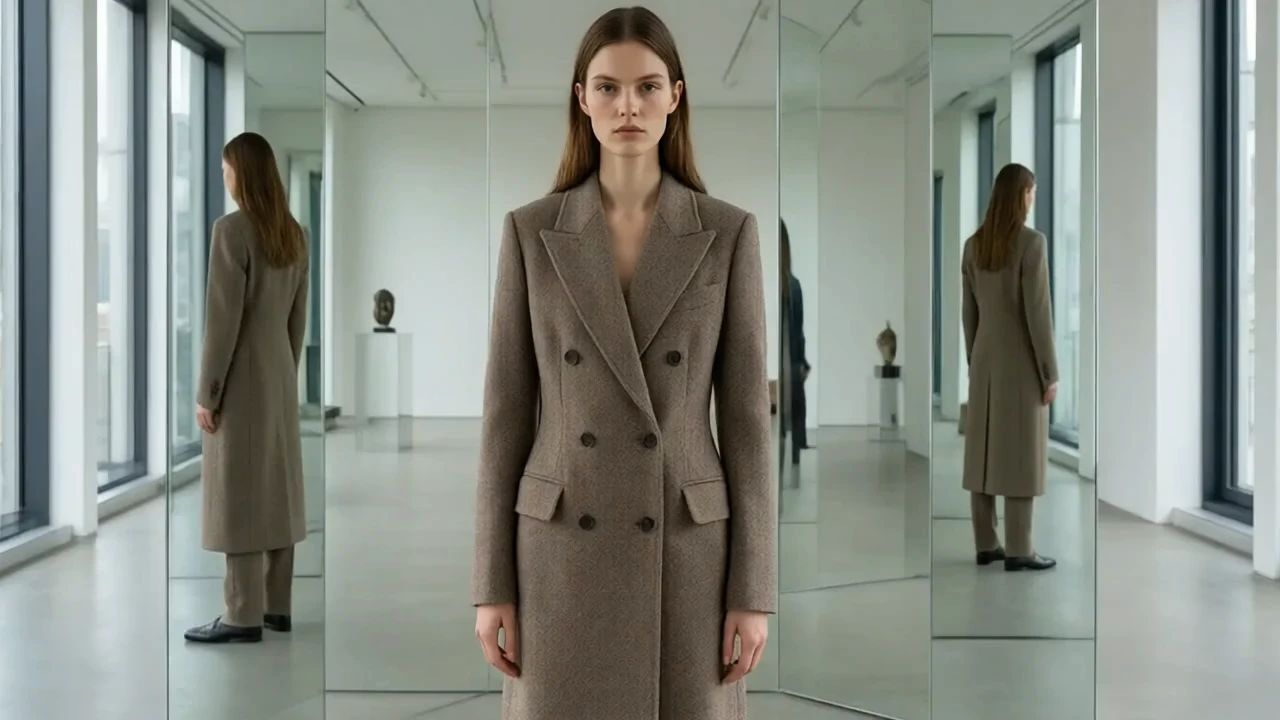
Image-to-video premium con la massima fedeltà visiva e il movimento più realistico della famiglia Kling V3.0.

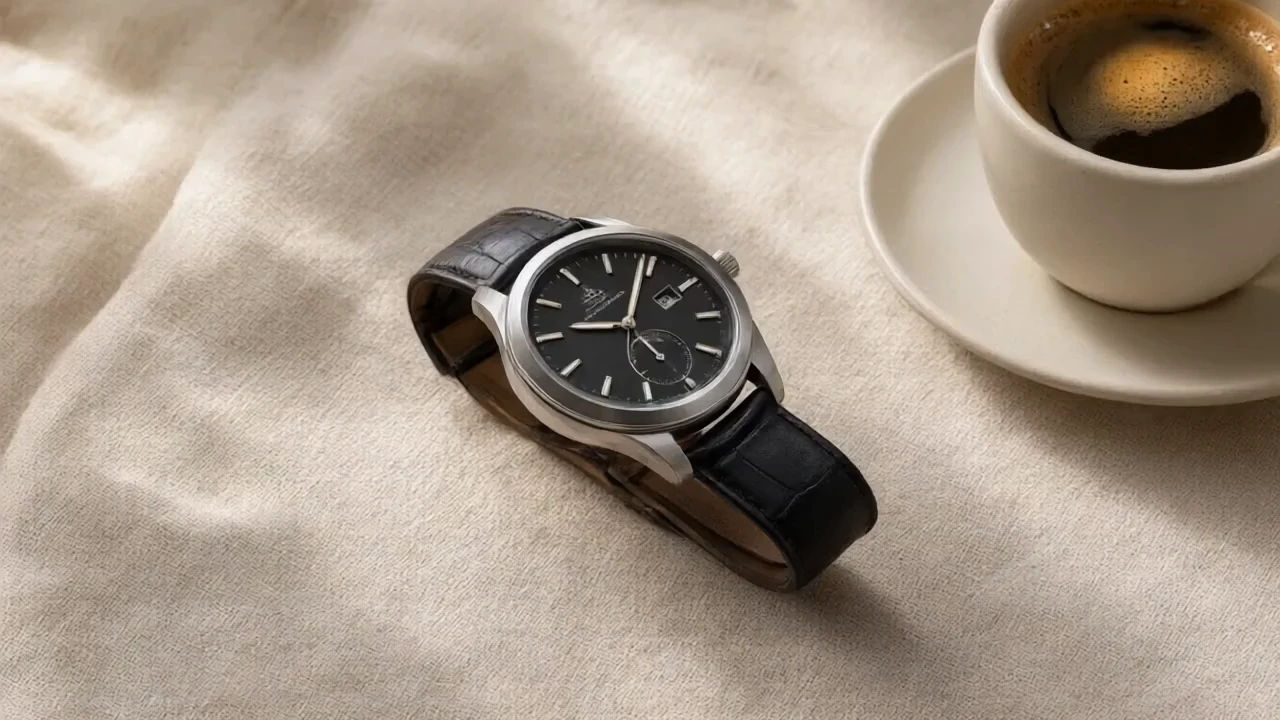
Anima una transizione controllata tra il primo e l'ultimo fotogramma scelti.

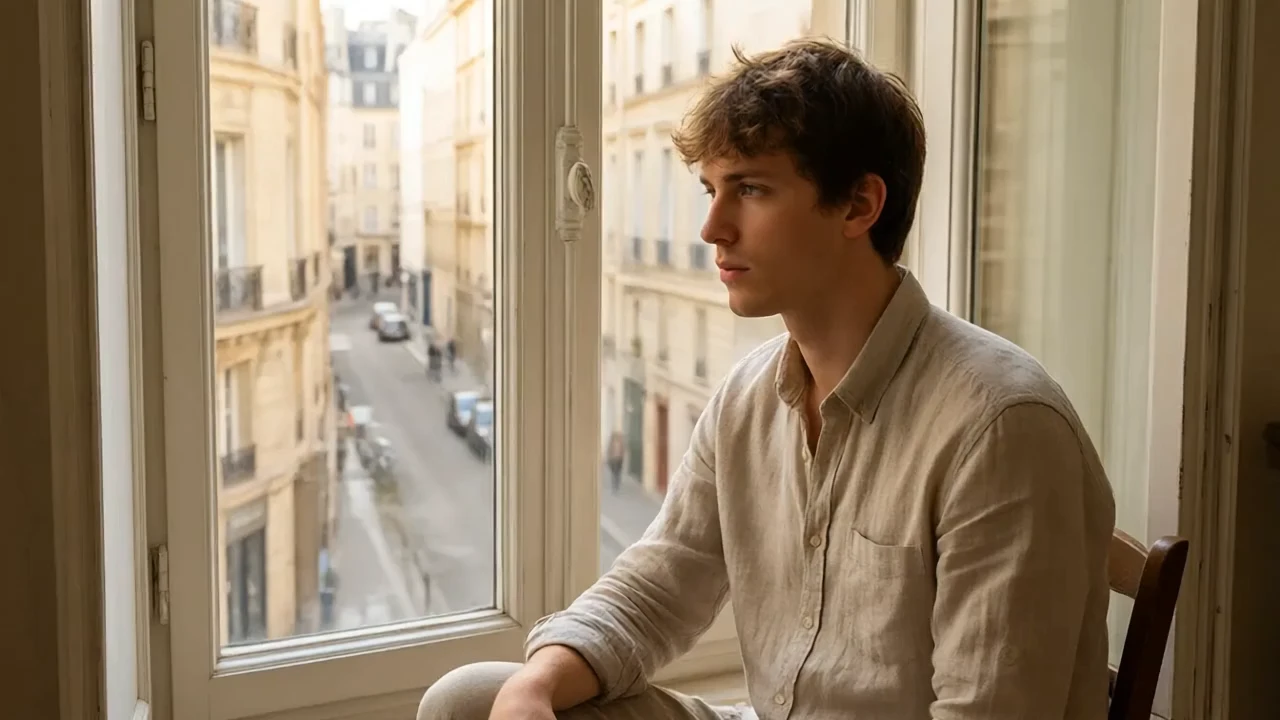
Seedance 2.5 Reference to Video 4K: clip 4K multiriferimento

Genera dal testo video cinematografici di 3–15 s con audio opzionale.

Generazione video di qualità cinematografica, al livello di Seedance 2.0, con grande fedeltà visiva e movimenti naturali
Crea video realistici da immagini con audio sincronizzato e movimenti fluidi
PixVerse V6 Transizione è configurato per la generazione di transizioni con direzione immediata, controlli di output e una traccia audio opzionale. Gli output possono durare da 1 a 15 secondi a 360p, 540p, 720p o 1080p.
PixVerse V6 Transition è adatto a registi, artisti tecnici, designer, agenzie e team di prodotto che creano concetti di ripresa, risorse di campagna, animazione del prodotto o video social. È particolarmente utile quando contano la direzione a livello di prompt e i parametri ripetibili.
Fornisci a PixVerse V6 istruzioni separate sulla transizione per l'azione del soggetto e il movimento della fotocamera, quindi aggiungi inquadratura, illuminazione, atmosfera e ritmo. Mantieni realistica l'azione richiesta per la durata selezionata di 1-15 secondi.
PixVerse V6 La transizione include un'opzione generate_audio_switch che è disattivata per impostazione predefinita. Attivarla richiede l'audio nativo e cambia la tariffa per secondo.
PixVerse V6 La transizione espone 360p, 540p, 720p e 1080p, con una durata intera compresa tra 1 e 15 secondi. Il controllo delle proporzioni disponibile dipende dal modulo dell'attività.
PixVerse V6 La transizione include un parametro seed per l'iterazione controllata. Lo stesso seed e gli stessi input possono migliorare la ripetibilità, sebbene i sistemi video generati possano ancora mostrare alcune variazioni.
Sì. I team possono testare PixVerse V6 Transizione nell'interfaccia utente del modello RunComfy e quindi inviare gli stessi parametri esposti tramite HTTP API. Ciò supporta lo spostamento di una richiesta convalidata in un'applicazione o in un flusso di lavoro di automazione.
PixVerse V6 La transizione viene fatturato per secondo generato. Senza audio: 360p $0,024/s, 540p $0,034/s, 720p $0,044/s e 1080p $0,089/s. Con audio: 360p $0,034/s, 540p $0,044/s, 720p $0,059/s e 1080p $0,114/s. Il totale dipende dalla durata.
RunComfy è la piattaforma principale ComfyUI che offre ComfyUI online ambiente e servizi, insieme a workflow di ComfyUI con visuali mozzafiato. RunComfy offre anche AI Models, consentire agli artisti di sfruttare gli ultimi strumenti di AI per creare arte incredibile.