kling-3.0/4k/text-to-video
Generate native 4K cinematic text-to-video with synchronized dialogue and consistent characters.
PixVerse 5.5 text to video pairs a diffusion-transformer video engine with pragmatic controls to turn concise prompts into cinematic, coherent clips. It prioritizes temporal consistency, multi-shot composition, synchronized audio, and structure preservation for believable motion. Flexible aspect ratios, resolutions, and durations make it adaptable to delivery needs, with explicit 1080p limits enabling predictable planning and throughput.
Key capabilities:
Start by defining subject, setting, actions, camera moves, and desired style; then set aspect_ratio, resolution, and duration. With PixVerse 5.5 text to video, enable multi-clip for shot changes and generate audio to request BGM, SFX, or dialogue. Use negative_prompt to exclude elements, pick a style preset for aesthetics, set a seed for repeatability, and choose prompt optimization mode set to auto, enabled, or disabled.
Examples:
Pro tips:
- Note: If you requires generating video through image, please use the PixVerse 5.5 Image-to-Video model, which is specifically optimized for instruction-based image manipulation.
Generate native 4K cinematic text-to-video with synchronized dialogue and consistent characters.

Create lifelike 1080p clips from text with synced audio and flexible ratios.
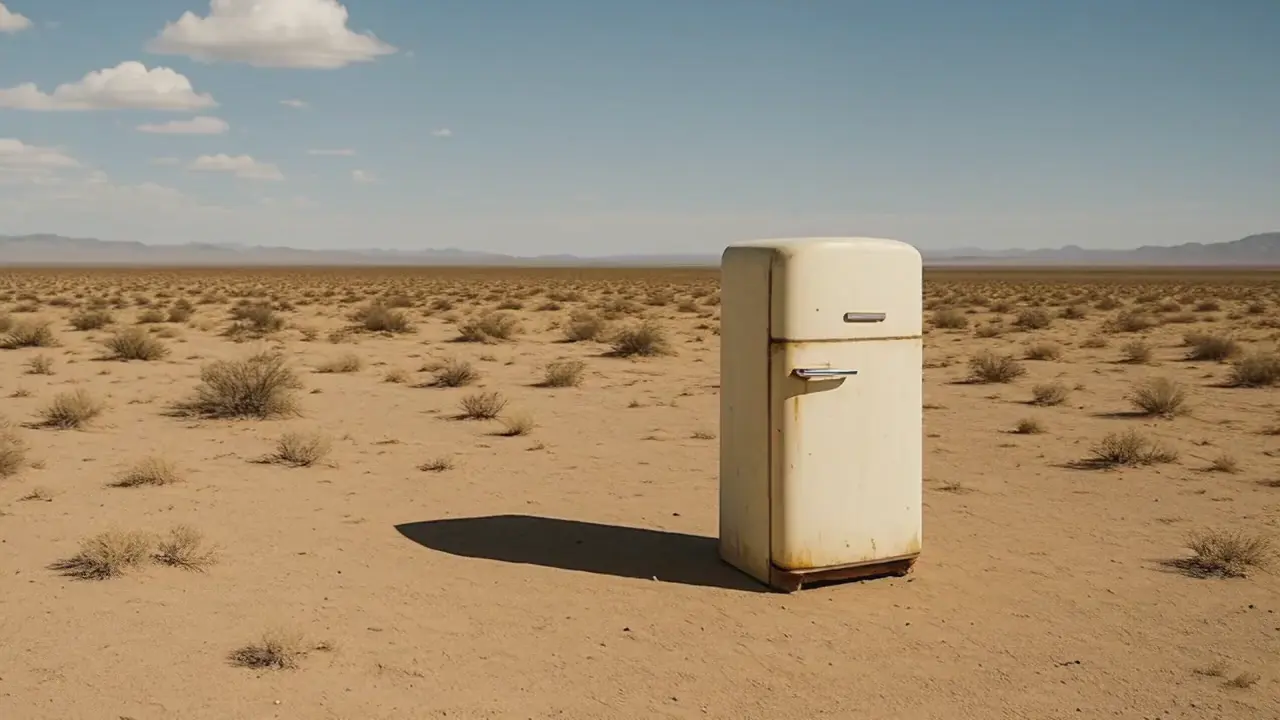
Generate premium videos with synced audio from text using OpenAI Sora 2 Pro.

Swap regions in a video using a mask, text, or reference image.
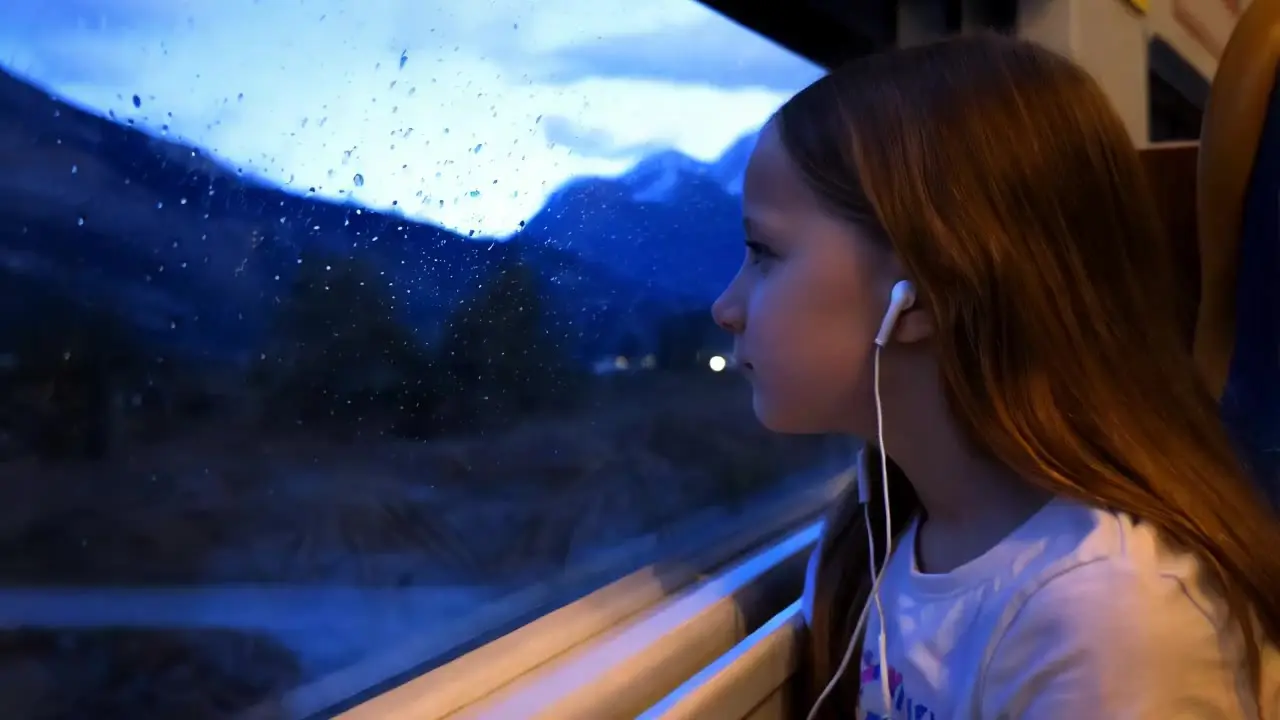
Generate high quality videos from text prompts using Kling 1.6 Pro.

FLUX 3 Draft Extend: Fast low-cost clip continuation drafts at 720p
PixVerse 5.5 text to video is an AI-powered generator that converts a simple text prompt into a short cinematic video. Using advanced text-to-video technology, it synchronizes visuals and audio automatically to create a cohesive narrative clip.
PixVerse 5.5 text to video includes multi-shot scene generation, automatic audio synthesis with lip-syncing, visual continuity across frames, and support for both text-to-video and image-to-video inputs. These features make it ideal for storytellers seeking higher realism and narrative flow.
PixVerse 5.5 text to video can be accessed through Runcomfy’s AI playground using a credit-based system. New users typically receive some free credits to test the text-to-video functionality before purchasing additional usage credits.
PixVerse 5.5 text to video is designed for creators, marketers, teachers, and short-form video storytellers who want to produce visually consistent, audio-synced narratives in seconds without manual editing. The text-to-video model fits well for TikTok, Reels, and promotional content.
Compared to earlier versions, PixVerse 5.5 text to video introduces multi-shot orchestration, improved lip-syncing, coherent transitions, and stronger character consistency. Its upgraded text-to-video engine uses AiShi’s new MVL architecture for faster, higher-quality results.
Yes. PixVerse 5.5 text to video automatically generates synchronized voiceovers, ambient audio, and background music using its built-in text-to-video sound engine, ensuring realistic audio-visual experiences.
PixVerse 5.5 text to video currently supports short clips of 5, 8, or 10 seconds, optimized for social media use. The text-to-video output includes both visuals and synchronized audio in a ready-to-publish format.
Users can access PixVerse 5.5 text to video through Runcomfy’s official AI playground website by logging in and using credits. The text-to-video generator works smoothly on both desktop and mobile browsers.
While PixVerse 5.5 text to video is powerful, it currently supports short scenes only and requires credits for extended use. The text-to-video output works best with concise prompts rather than long scripts.
RunComfy is the premier ComfyUI platform, offering ComfyUI online environment and services, along with ComfyUI workflows featuring stunning visuals. RunComfy also provides AI Models, enabling artists to harness the latest AI tools to create incredible art.