

ai-avatar/v2/pro
Turn static photos into lifelike videos with style, motion, and full creative control.
PixVerse's PixVerse V6 Reference To Video handles reference to video with 1-15 second duration, 360p-1080p output, and optional native audio. Trading manual frame-by-frame iteration for guided generation, PixVerse V6 Reference To Video helps filmmakers, designers, and product teams build directed shots, motion studies, and production prototypes. For developers, PixVerse V6 Reference To Video on RunComfy can be used both in the browser and via an HTTP API, so you don't need to host or scale the model yourself.
Ideal for: Film Previsualization | Campaign Video | Product Storytelling
| Parameter | Required | Type | Default | Range / Options | Description |
|---|---|---|---|---|---|
| prompt* | Yes (*) | string | A lone cyclist crosses a rain-swept bridge at blue hour as the camera tracks alongside, reflected city lights shimmering below, cinematic lighting, natural motion. | Free input | Describe the scene, action, camera movement, and how references should guide the result. |
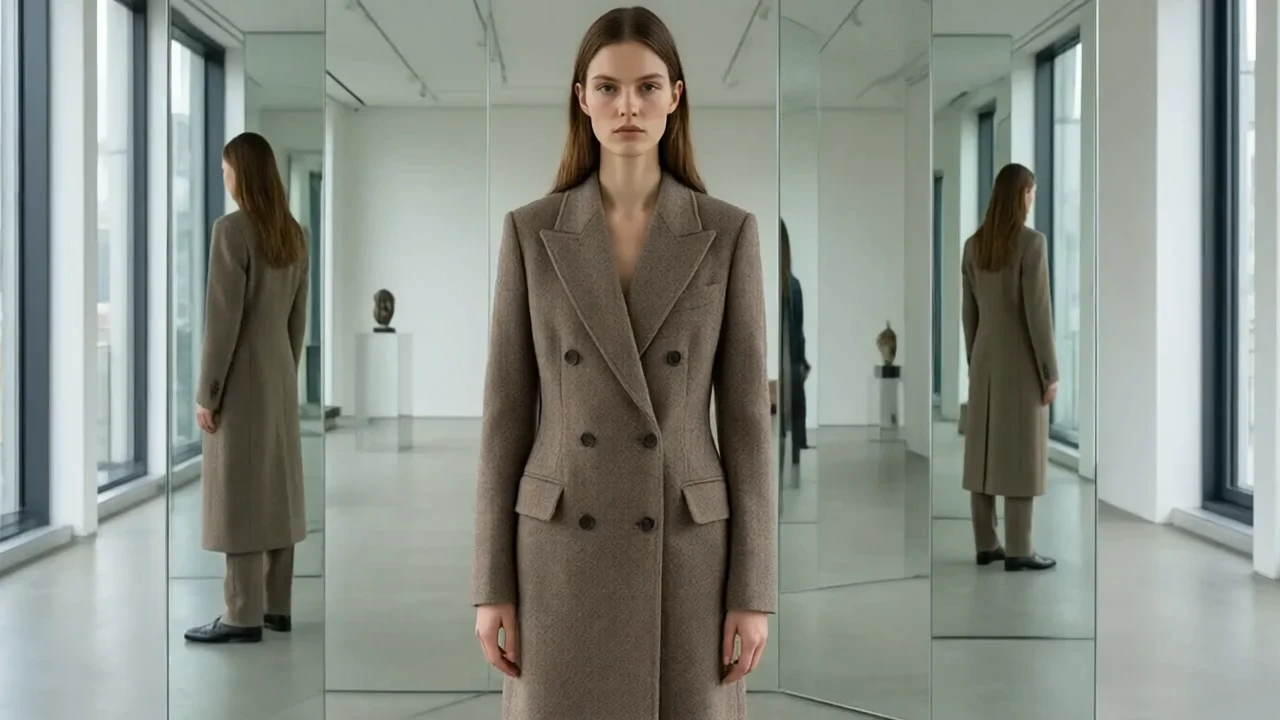
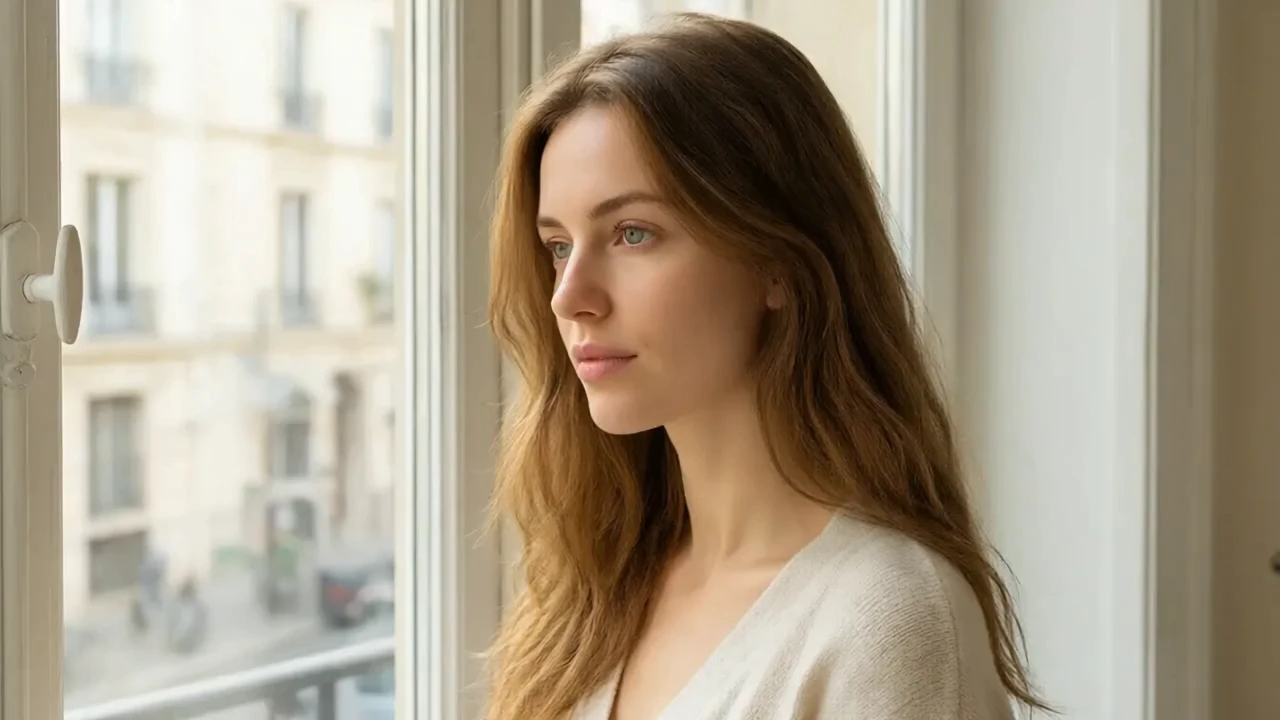
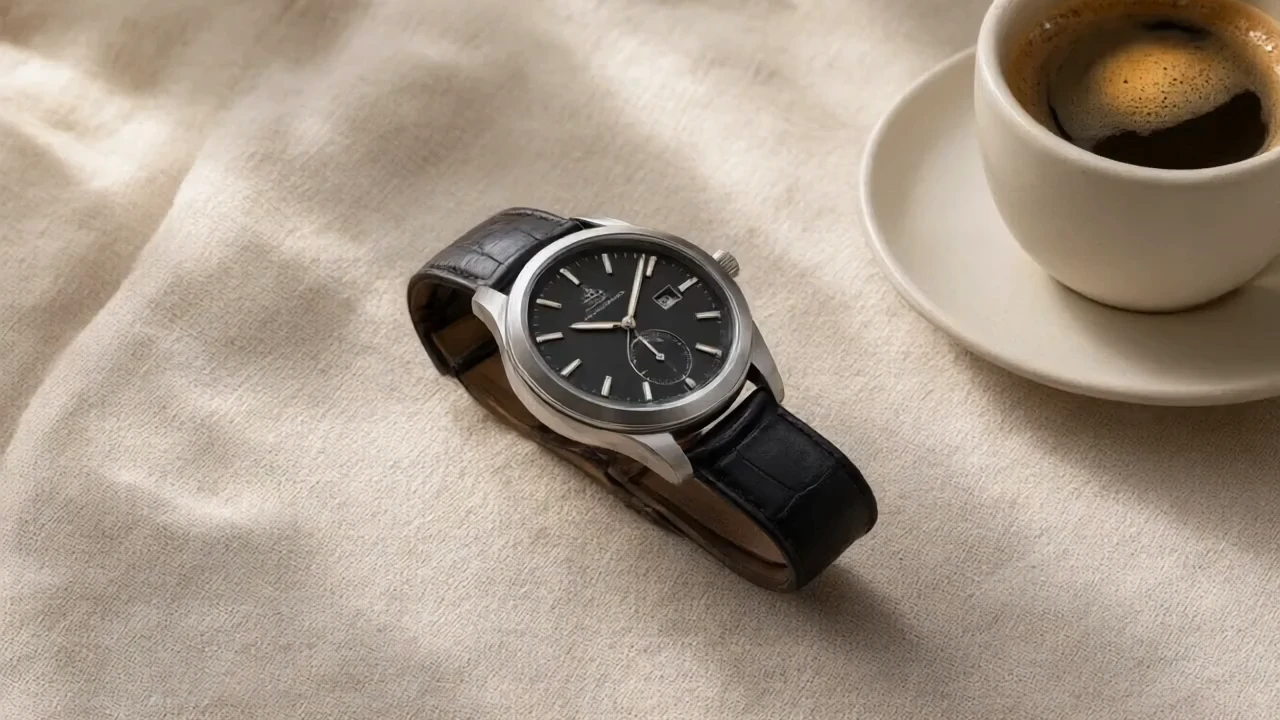
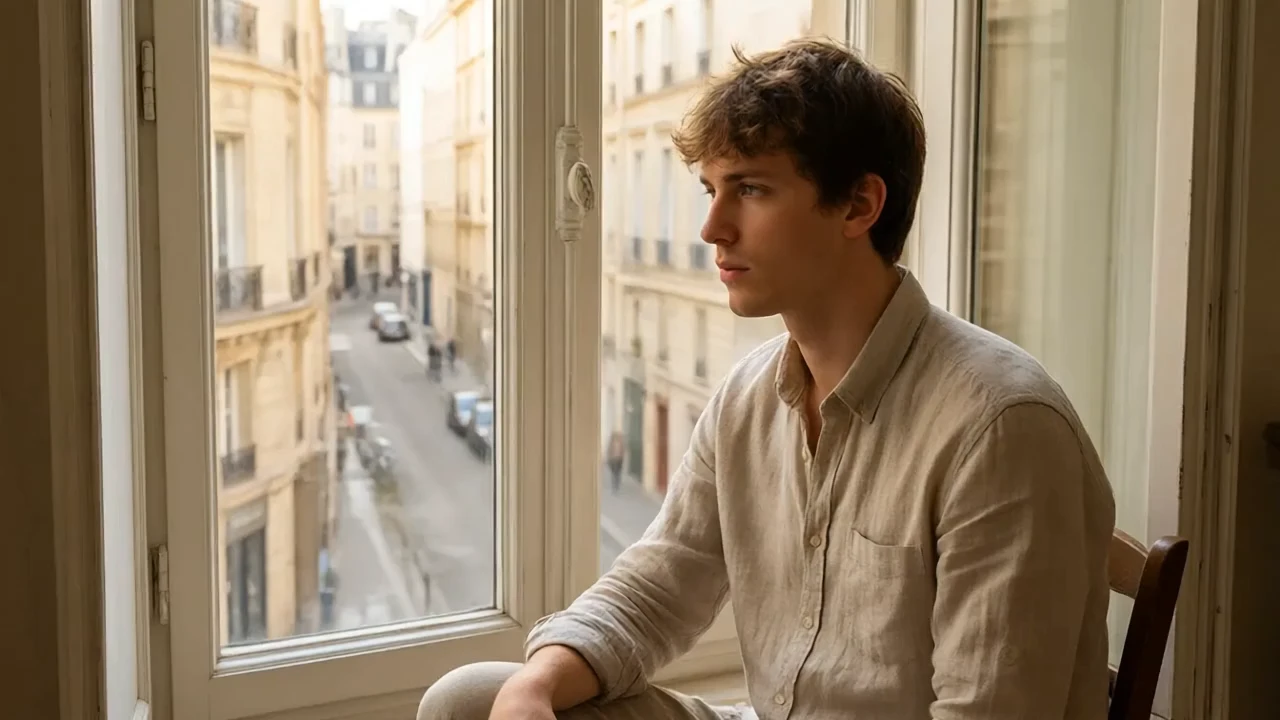
| images | No | array | Example reference | Up to 7 items | Image URLs used to guide subjects, objects, or visual identity. |
| videos | No | array | None | Free input | Optional video URLs used to guide motion or appearance; video-reference runs use the documented 2x rate. |
| aspect_ratio | No | string | 16:9 | 16:9, 4:3, 1:1, 3:4, 9:16, 2:3, 3:2, 21:9 | Frame shape for the generated video. |
| resolution | No | string | 720p | 360p, 540p, 720p, 1080p | Output quality tier shown as video resolution. |
| duration | No | integer | 5 | 1-15 | Requested output duration in seconds, from 1 through 15. The upstream API may use 0 when video references determine timing; the UI exposes 1-15 for image-only mode. |
| generate_audio_switch | No | boolean | false | Free input | Generate an optional native audio track with the video. |
| seed | No | integer | 0 | Free input | Seed used to reproduce or vary a generation. |
Billing is per generated second.
| Resolution | Without audio | With audio |
|---|---|---|
| 360p | $0.024/s | $0.034/s |
| 540p | $0.034/s | $0.044/s |
| 720p | $0.044/s | $0.059/s |
| 1080p | $0.089/s | $0.114/s |
When one or more video references are supplied, each rate above is doubled. Image-only references use the rates in the table.
Turn static photos into lifelike videos with style, motion, and full creative control.

Precise prompts, lifelike motion, vivid video quality.

Turns static visuals into cinematic motion with synced audio and natural camera flow
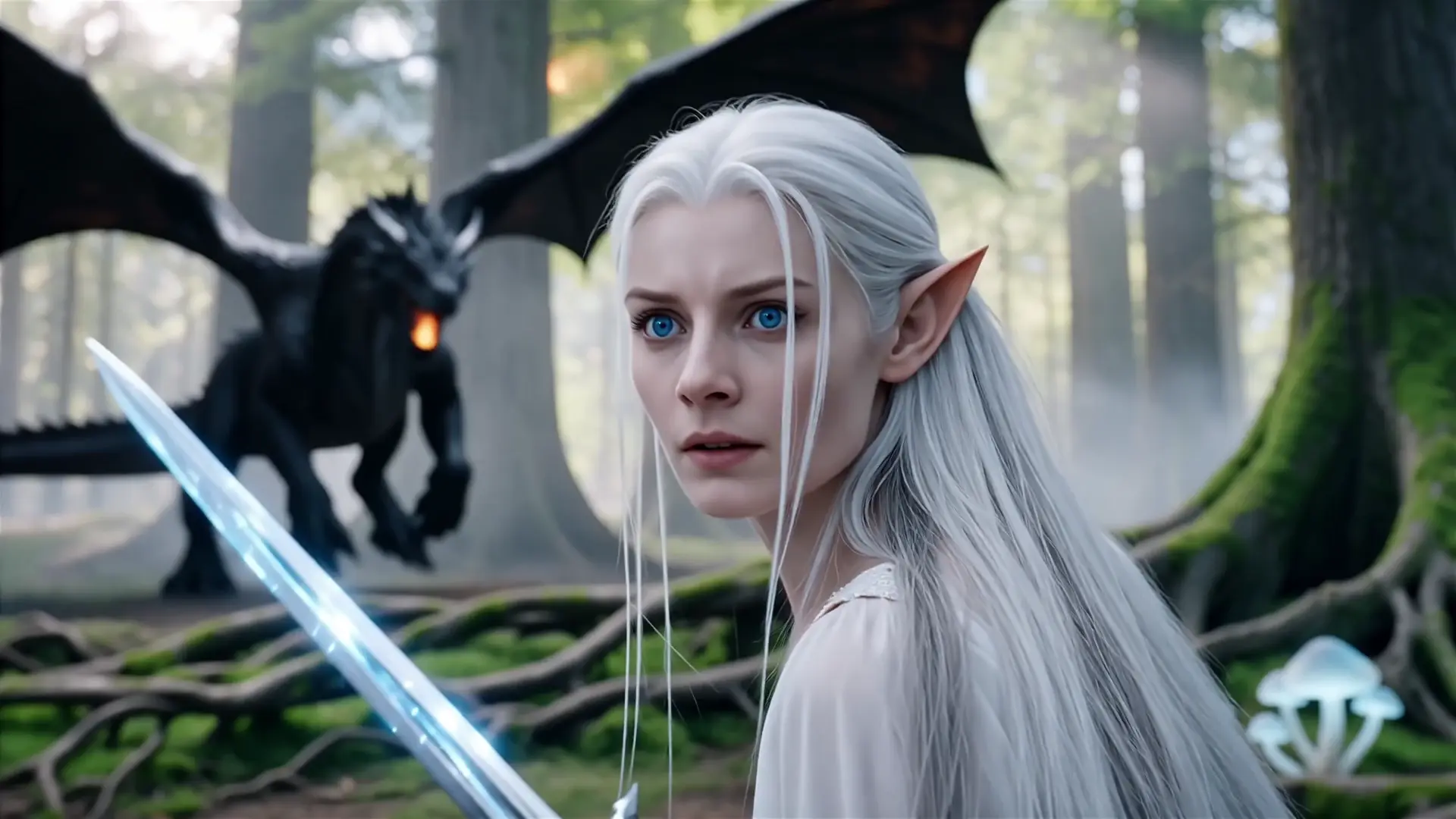
Generate videos from text prompts with audio using Wan 2.5 Preview.

Open-weights image-to-video with optional last frame and native stereo audio.

Lengthen existing clips beyond the final frame with scene-consistent motion
PixVerse V6 Reference To Video is configured for reference to video generation with prompt direction, output controls, and an optional audio track. Outputs can run from 1 to 15 seconds at 360p, 540p, 720p, or 1080p.
PixVerse V6 Reference To Video fits filmmakers, technical artists, designers, agencies, and product teams creating shot concepts, campaign assets, product motion, or social video. It is especially useful when prompt-level direction and repeatable parameters matter.
Give PixVerse V6 Reference To Video separate instructions for subject action and camera movement, then add framing, lighting, atmosphere, and pacing. Keep the requested action realistic for the selected 1-15 second duration.
PixVerse V6 Reference To Video includes a generate_audio_switch option that is off by default. Turning it on requests native audio and changes the per-second rate.
PixVerse V6 Reference To Video exposes 360p, 540p, 720p, and 1080p, with an integer duration from 1 through 15 seconds. Available aspect-ratio control depends on the task form.
PixVerse V6 Reference To Video includes a seed parameter for controlled iteration. The same seed and inputs can improve repeatability, although generated-video systems may still show some variation.
Yes. Teams can test PixVerse V6 Reference To Video in the RunComfy model UI and then send the same exposed parameters through the HTTP API. This supports moving a validated request into an application or automation workflow.
PixVerse V6 Reference To Video is billed per generated second. Without audio: 360p $0.024/s, 540p $0.034/s, 720p $0.044/s, and 1080p $0.089/s. With audio: 360p $0.034/s, 540p $0.044/s, 720p $0.059/s, and 1080p $0.114/s. Video references double these rates. Your total depends on duration.
RunComfy is the premier ComfyUI platform, offering ComfyUI online environment and services, along with ComfyUI workflows featuring stunning visuals. RunComfy also provides AI Models, enabling artists to harness the latest AI tools to create incredible art.