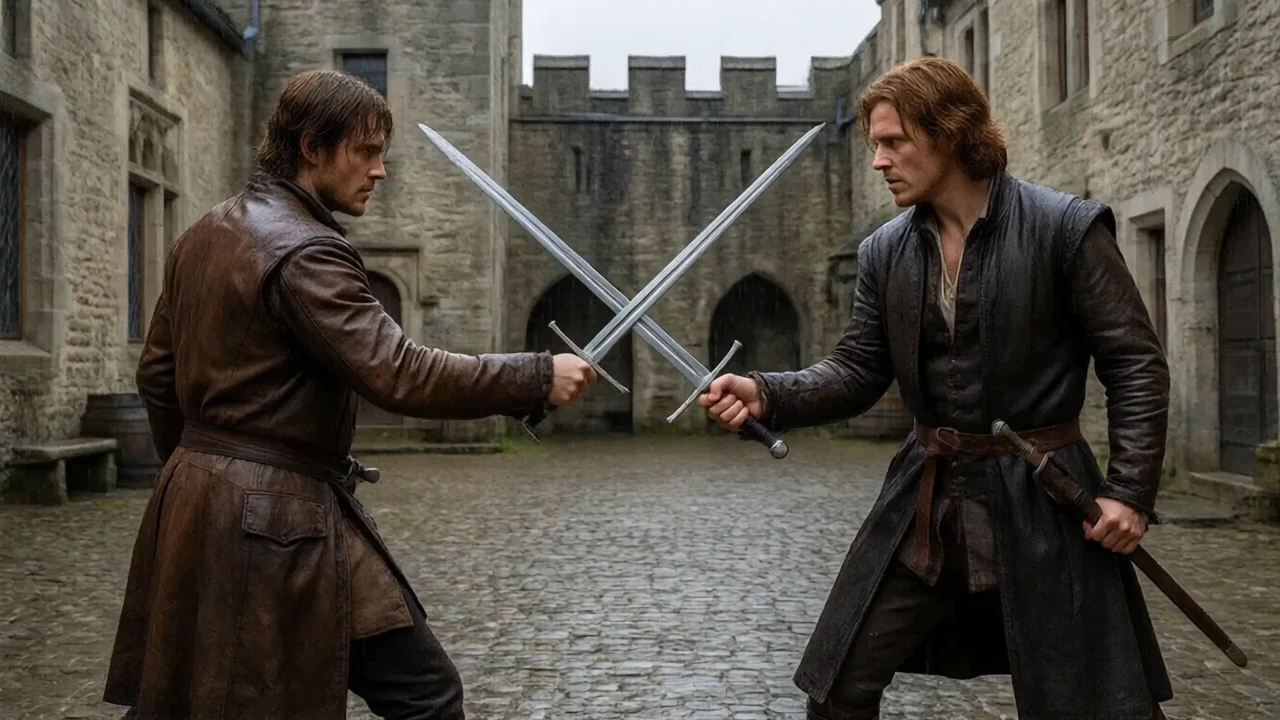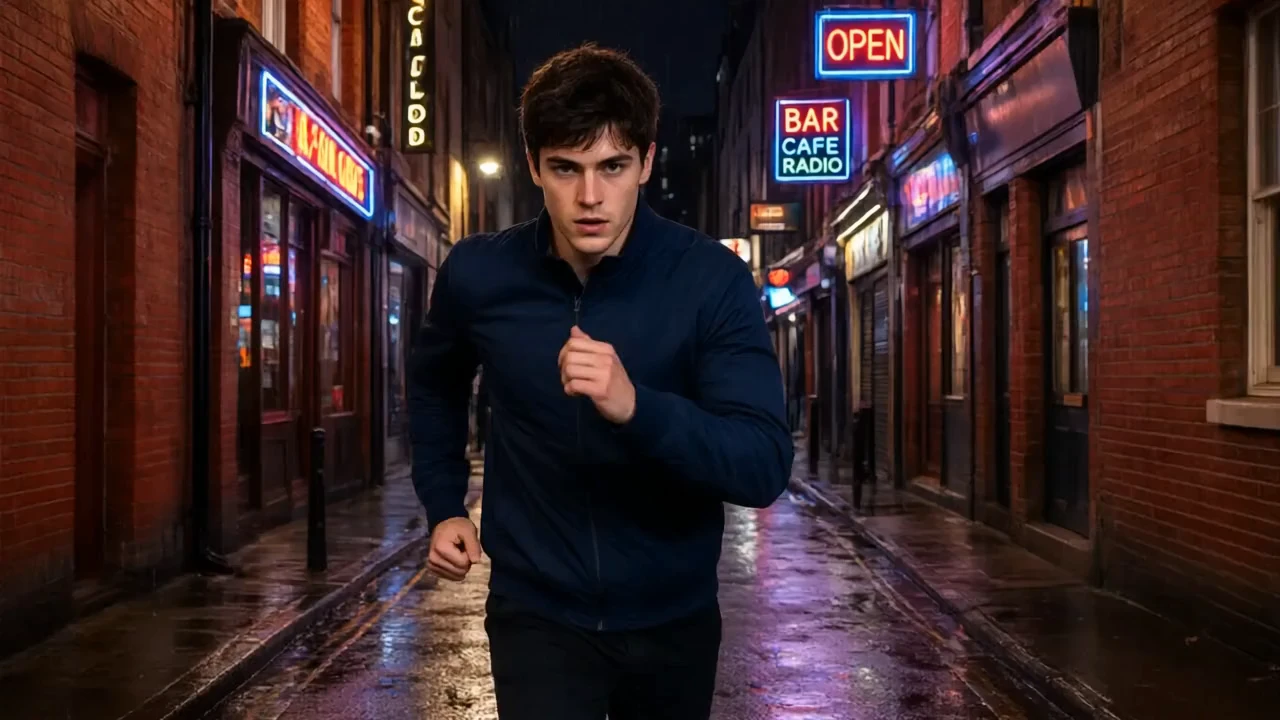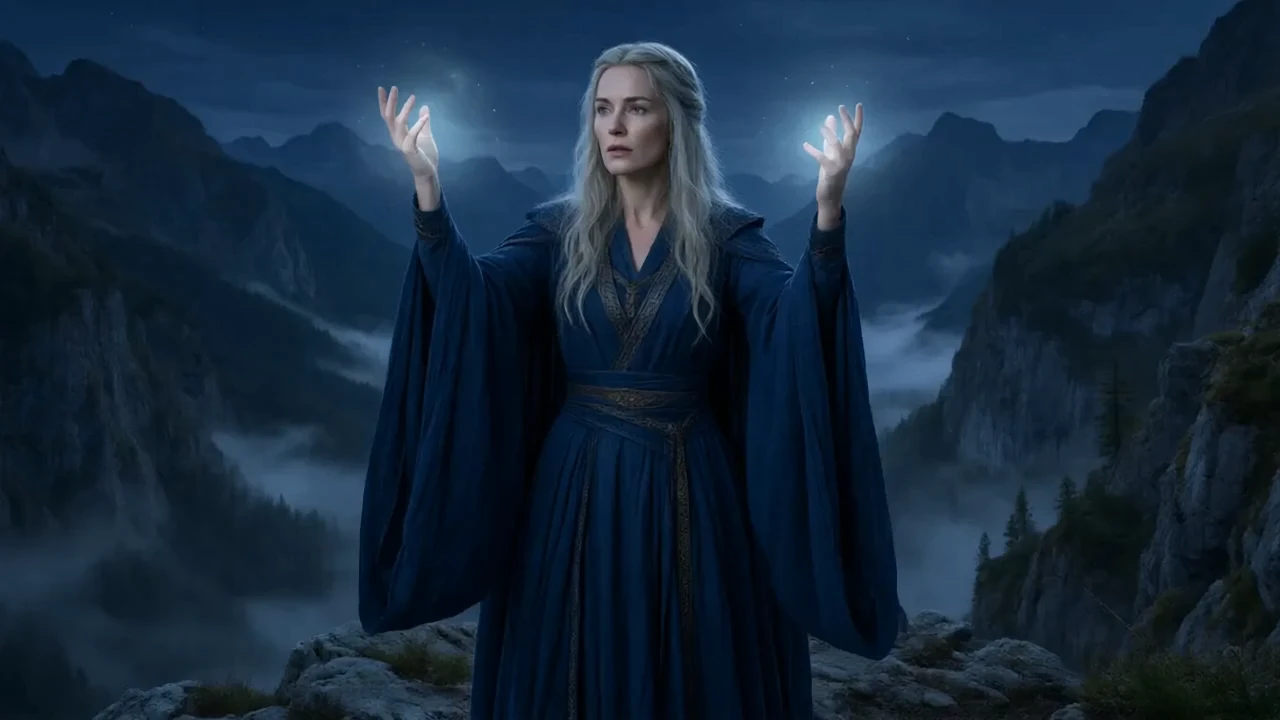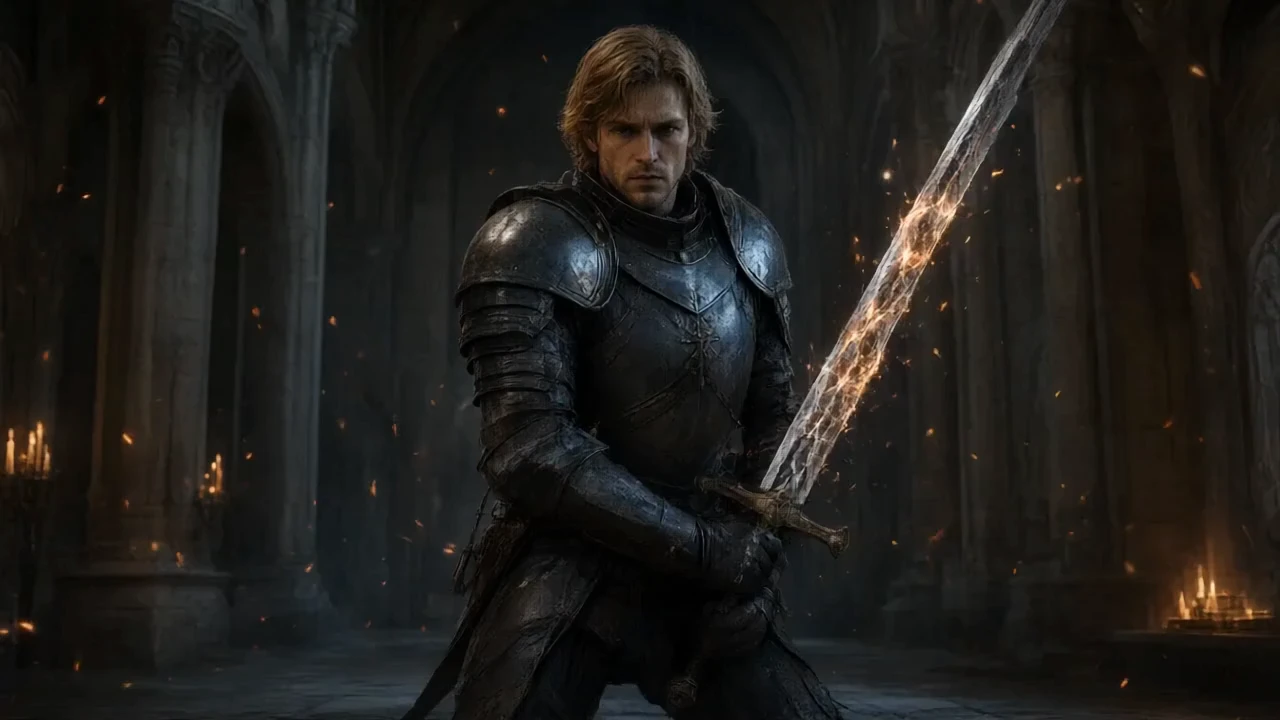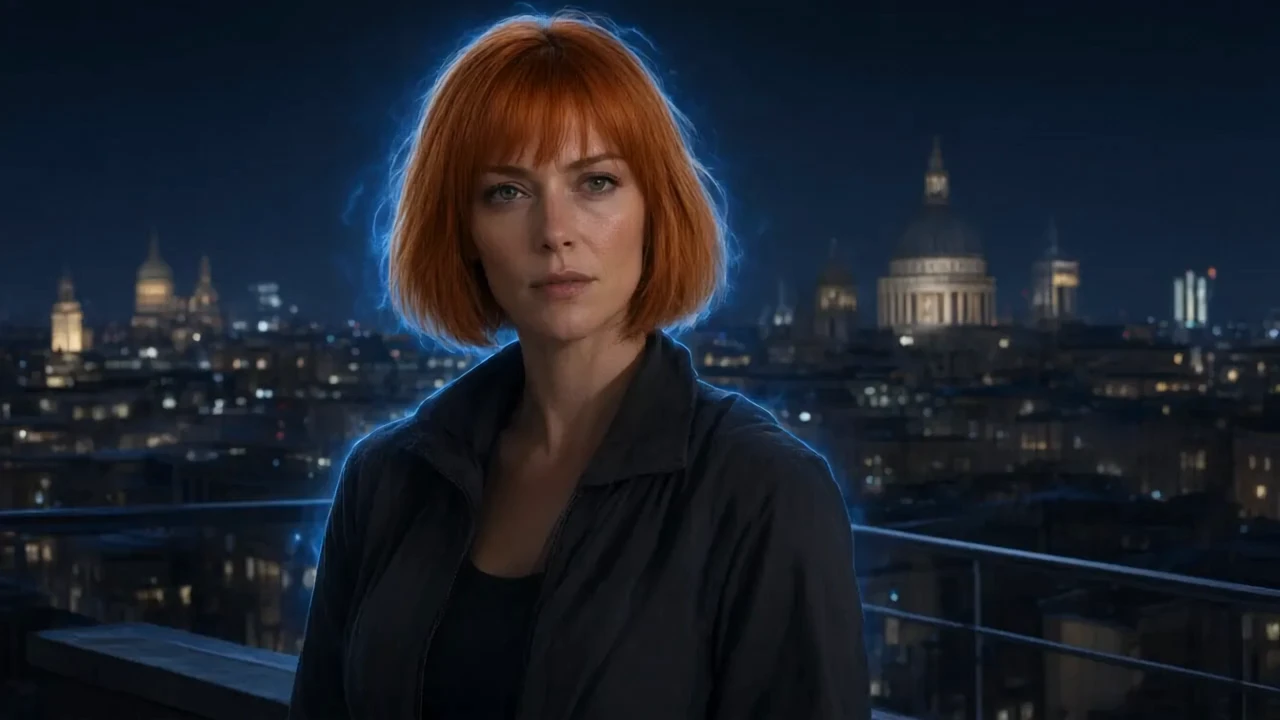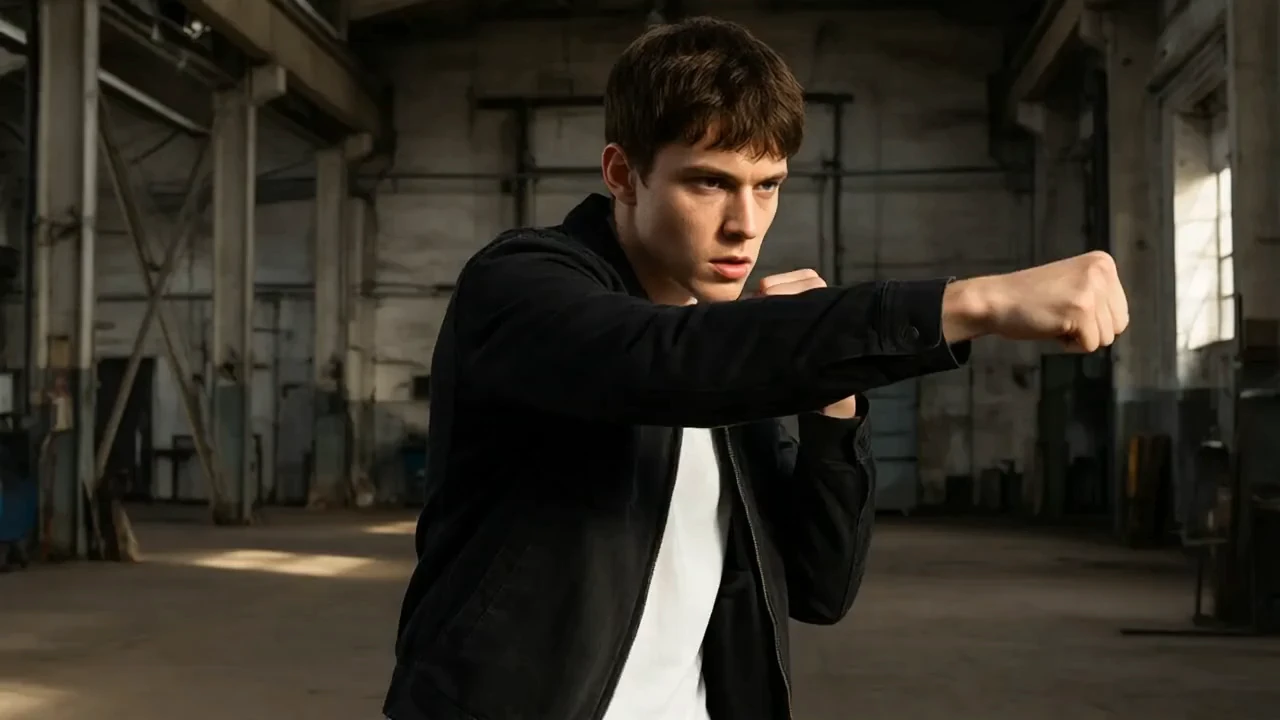
luma-ray-2/text-to-video
Générez une vidéo à partir d’une invite de texte requise. Choisissez six formats d'image, `540p`, `720p` ou `1080p`, une durée de `5` ou `9` secondes et une boucle facultative.
Le PixVerse C1 Text To Video de PixVerse gère la transformation de texte en vidéo d'une durée de 1 à 15 secondes, avec une sortie de 360p à 1080p, et un audio natif optionnel. En remplaçant l'itération manuelle image par image par une génération guidée, PixVerse C1 Text To Video aide les cinéastes, les designers et les équipes produits à créer des plans dirigés, des études de mouvement et des prototypes de production. Pour les développeurs, PixVerse C1 Text To Video sur RunComfy peut être utilisé à la fois dans le navigateur et via un HTTP API, de sorte que vous n'avez pas besoin d'héberger ou de mettre à l'échelle le modèle vous-même. Idéal pour : Prévisualisation de film | Vidéo de campagne | Storytelling de produit
PixVerse C1 Text To Video transforme les instructions écrites en séquences vidéo dirigées. Il prend en charge des clips jusqu'à 15 secondes, quatre niveaux de résolution via 1080p, et un audio natif optionnel, offrant aux équipes créatives un seul chemin allant des tests de mouvement bruts à un rendu final en format court.
La famille plus large PixVerse C1 couvre les clips pilotés par le texte pour les films conceptuels, les publicités, les histoires sociales et la prévisualisation de production. PixVerse C1 Text To Video est conçu pour les cinéastes, les designers, les agences et les équipes produit qui ont besoin d'un développement visuel contrôlable sans maintenir une infrastructure de génération vidéo.
| Paramètre | Obligatoire | Type | Par défaut | Plage / Options | Description |
|---|---|---|---|---|---|
| prompt* | Oui (*) | chaîne de caractères | Un cycliste solitaire traverse un pont balayé par la pluie à l’heure bleue tandis que la caméra le suit de côté, les lumières de la ville se reflétant en dessous, éclairage cinématographique, mouvement naturel. | Entrée libre | Décrire la scène, le sujet, l'action, le mouvement de caméra, l'éclairage et le mouvement. |
| aspect_ratio | Non | chaîne de caractères | 16:9 | 16:9, 4:3, 1:1, 3:4, 9:16, 2:3, 3:2, 21:9 | Forme du cadre pour la vidéo générée. |
| resolution | Non | chaîne de caractères | 720p | 360p, 540p, 720p, 1080p | Niveau de qualité de sortie indiqué sous forme de résolution vidéo. |
| duration | Non | entier | 5 | 1-15 | Durée de sortie demandée en secondes, de 1 à 15. |
| generate_audio_switch | Non | booléen | false | Entrée libre | Générer éventuellement une piste audio native avec la vidéo. |
| seed | Non | entier | 0 | Entrée libre | Seed utilisé pour reproduire ou varier une génération. |
La facturation se fait par seconde générée.
| Résolution | Sans audio | Avec audio |
|---|---|---|
| 360p | 0,029 $/s | 0,039 $/s |
| 540p | 0,039 $/s | 0,049 $/s |
| 720p | 0,049 $/s | 0,064 $/s |
| 1080p | 0,094 $/s | 0,119 $/s |
PixVerse C1 Text To Video applique le niveau sélectionné à chaque seconde générée.
Générez une vidéo à partir d’une invite de texte requise. Choisissez six formats d'image, `540p`, `720p` ou `1080p`, une durée de `5` ou `9` secondes et une boucle facultative.
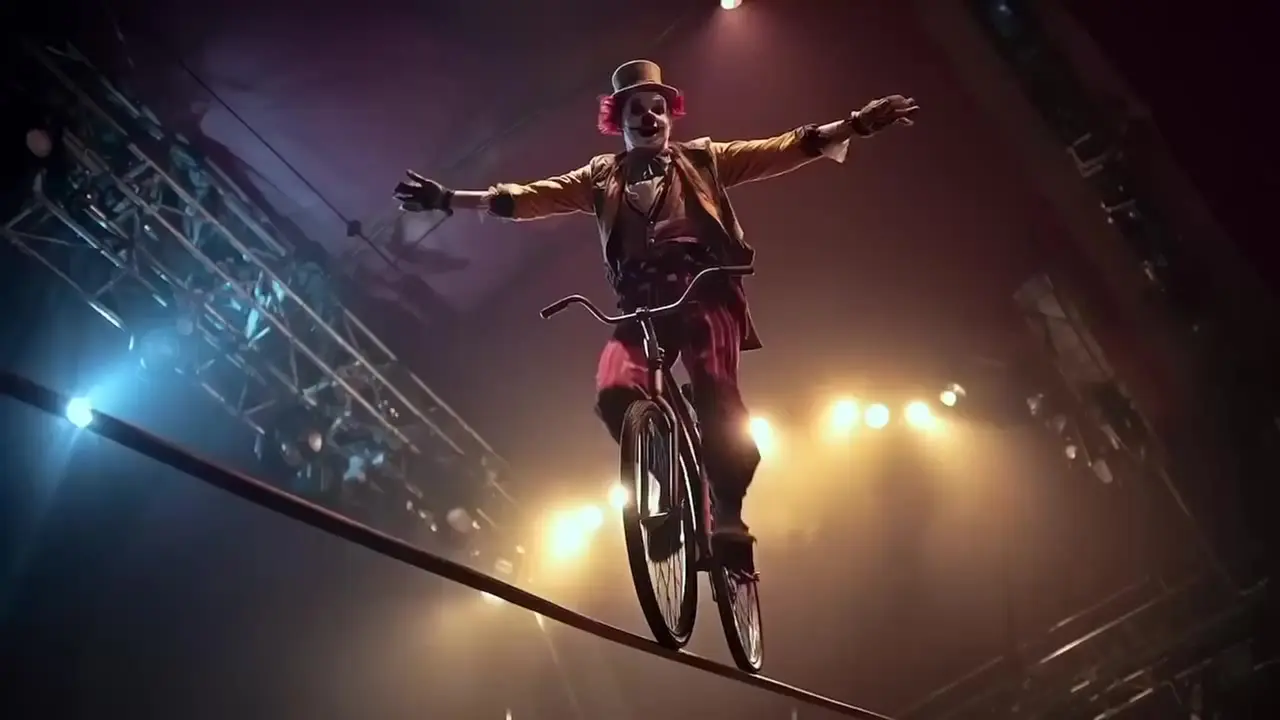
Animez une image de départ avec Hailuo 02 Pro à l’aide d’un prompt pour créer une vidéo de six secondes.

Générez à partir de références des vidéos de 3–15 s au tarif de $0.084 par seconde.

Prolongez une vidéo existante de 7 secondes en 720p, avec guidage par prompt et génération audio facultative.

Créez une vidéo à partir d'un prompt textuel avec un rapport hauteur/largeur sélectionnable et une durée de 5 ou 10 secondes.

Animez une image à partir d’une piste audio en mode parole, chant ou performance.
PixVerse C1 Text To Video est configuré pour la génération de texte en vidéo avec direction de l'invite, contrôles de sortie et une piste audio optionnelle. Les sorties peuvent durer de 1 à 15 secondes à 360p, 540p, 720p ou 1080p.
PixVerse C1 Text To Video convient aux cinéastes, artistes techniques, designers, agences et équipes produit créant des concepts de prises de vue, des supports de campagne, des animations de produits ou des vidéos sociales. Il est particulièrement utile lorsque des instructions au niveau des prompts et des paramètres répétables sont importants.
Donnez PixVerse C1 Text To Video instructions séparées pour l'action du sujet et le mouvement de la caméra, puis ajoutez le cadrage, l'éclairage, l'atmosphère et le rythme. Gardez l'action demandée réaliste pour la durée sélectionnée de 1 à 15 secondes.
PixVerse C1 Text To Video inclut une option generate_audio_switch qui est désactivée par défaut. L'activer demande un audio natif et change le tarif par seconde.
PixVerse C1 Text To Video expose 360p, 540p, 720p, et 1080p, avec une durée entière de 1 à 15 secondes. Le contrôle du rapport d'aspect disponible dépend de la forme de la tâche.
PixVerse C1 Text To Video inclut un paramètre de graine pour une itération contrôlée. La même graine et les mêmes entrées peuvent améliorer la reproductibilité, bien que les systèmes de génération de vidéos puissent encore montrer certaines variations.
Oui. Les équipes peuvent tester PixVerse C1 Text To Video dans l'interface du modèle RunComfy puis envoyer les mêmes paramètres exposés via le HTTP API. Cela permet de déplacer une demande validée vers une application ou un flux de travail automatisé.
PixVerse C1 Text To Video est facturé par seconde générée. Sans audio : 360p 0,029 $/s, 540p 0,039 $/s, 720p 0,049 $/s et 1080p 0,094 $/s. Avec audio : 360p 0,039 $/s, 540p 0,049 $/s, 720p 0,064 $/s et 1080p 0,119 $/s. Le total dépend de la durée.
RunComfy est la première ComfyUI plateforme, offrant des ComfyUI en ligne environnement et services, ainsi que des workflows ComfyUI proposant des visuels époustouflants. RunComfy propose également AI Models, permettant aux artistes d'utiliser les derniers outils d'IA pour créer des œuvres d'art incroyables.