logo
RunComfy
  • ComfyUI
  • TrainerNew
  • Models
  • API
  • Pricing
discord logo
MODELS
Explore
All Models
LIBRARY
Generations
MODEL APIS
API Docs
API Keys
ACCOUNT
Usage

FLUX 3 Draft Image to Video: Fast Still Animation Drafts on Models and API | RunComfy

blackforestlabs/flux-3/image-to-video/draft

FLUX 3 Draft Image to Video turns a still into a fast 720p motion draft, with a reusable cache for later full-quality enhancement.

URL or data URI of the opening keyframe image.
The text prompt describing the draft video.
Aspect ratio of the generated draft. auto lets the model choose.
Draft duration in whole seconds from 5 through 20, or auto.
Whether to generate audio for the draft video.
The safety tolerance level for the generated video. 0 is the strictest and 4 is the most permissive.
Idle
The rate is $0.06 per second of generated draft video (720p).

Introduction To FLUX 3 Draft Image to Video

Black Forest Labs' FLUX 3 Draft Image to Video animates a still into a fast 720p clip from a motion prompt, built for cheap still-to-motion trials before a full-quality pass. Trading costly final-quality reruns for quicker draft animatics while keeping a reusable draft cache for later enhancement, FLUX 3 Draft Image to Video helps marketers, product teams, and previz artists iterate without burning budget. For developers, FLUX 3 Draft Image to Video on RunComfy can be used both in the browser and via an HTTP API, so you don't need to host or scale the model yourself.
Ideal for: Still-to-Motion Drafts | Low-Cost Animatics | Product Still Tests

Black Forest Labs / FLUX 3 Draft Image To Video#


This page covers the image-to-video draft endpoint in the FLUX 3 family. You upload a still and describe the motion; the model returns a quick 720p clip so you can validate animation ideas without paying full FLUX 3 Image to Video rates.


The endpoint is built for the early loop of creative work: motion prompt tuning, camera-direction tests, and batch draft runs from locked stills. When a take looks right, reuse the returned draft cache with draft-enhance for a fuller finish.

Related Models

pixverse/v5.5/text-to-video

AI tool for story-rich text-driven videos with scene control and audio sync.

ace-step/text-to-audio

Generates up to 4-minute songs with vocals and lyrics from text tags

pikadditions

Add a person or object into an existing video with smart compositing.

sync/lipsync/v2

Create lifelike synced videos from voices or images with precise motion and creative control.

kling-video-o3/pro/reference-to-video

Pro-tier reference-driven 3-15s video generation from $0.112 per second.

pika-2-2/image-to-video

AI effects for engaging social & entertainment clips.

Frequently Asked Questions

What is FLUX 3 Draft Image to Video best used for?

FLUX 3 Draft Image to Video animates a still into a fast 720p preview from a motion prompt. It fits still-to-motion trials, product animatics, and high-volume draft runs where cost matters more than final sharpness.

How does FLUX 3 Draft Image to Video differ from full FLUX 3 Image to Video?

Both start from a still plus a prompt; FLUX 3 Draft Image to Video returns a cheaper 720p preview and a reusable draft cache, while the full endpoint is better for polished 720p or 1080p deliverables.

What inputs, duration, and aspect ratios does FLUX 3 Draft Image to Video support?

FLUX 3 Draft Image to Video requires an image URL and a prompt. Duration can be auto or 5–20 seconds, with aspect ratios auto, 21:9, 2:1, 16:9, 4:3, 1:1, 3:4, and 9:16.

What is the draft cache from FLUX 3 Draft Image to Video used for?

The draft cache is a reusable bundle returned with the preview. Pass it to draft-enhance when you want a fuller-quality render from the same draft take.

How can I keep results consistent when iterating with FLUX 3 Draft Image to Video?

Keep the same start image and change only the motion prompt, or hold duration and aspect ratio fixed while you A/B wording. Use the same settings when you later enhance a winning draft.

Can developers call FLUX 3 Draft Image to Video through the RunComfy API?

Yes. Prototype in the RunComfy model UI, then call the same FLUX 3 Draft Image to Video template through the RunComfy API with matching parameters. Generations consume usd / credits on both paths.

How much does FLUX 3 Draft Image to Video cost on RunComfy?

FLUX 3 Draft Image to Video is billed at $0.06 per second of generated draft video at 720p. A 5-second clip costs about $0.30; longer durations scale with the output length.

When should I stay on FLUX 3 Draft Image to Video versus full quality?

Stay on FLUX 3 Draft Image to Video for drafts and early motion reviews. Move to full FLUX 3 Image to Video or draft-enhance when you need sharper finals for ads or client delivery.

Follow us
  • LinkedIn
  • Facebook
  • Instagram
  • Twitter
Support
  • Discord
  • Email
  • System Status
  • Affiliate
Video Models
  • MiniMax H3
  • Minimax H3 Image to Video
  • FLUX 3 Video
  • Happy Horse 1.1 reference to video
  • Wan 2.6 Flash
  • Hailuo 2.3 Fast Standard
  • View All Models →
Image Models
  • FLUX 3 Image
  • Seedream 5.0 Pro Image Edit
  • Flux 2 Flash Edit
  • seedream 4.0
  • GPT Image 2 Image Edit
  • Nano Banana Pro
  • View All Models →
Legal
  • Terms of Service
  • Privacy Policy
  • Cookie Policy
RunComfy
Copyright 2026 RunComfy. All Rights Reserved.

RunComfy is the premier ComfyUI platform, offering ComfyUI online environment and services, along with ComfyUI workflows featuring stunning visuals. RunComfy also provides AI Models, enabling artists to harness the latest AI tools to create incredible art.

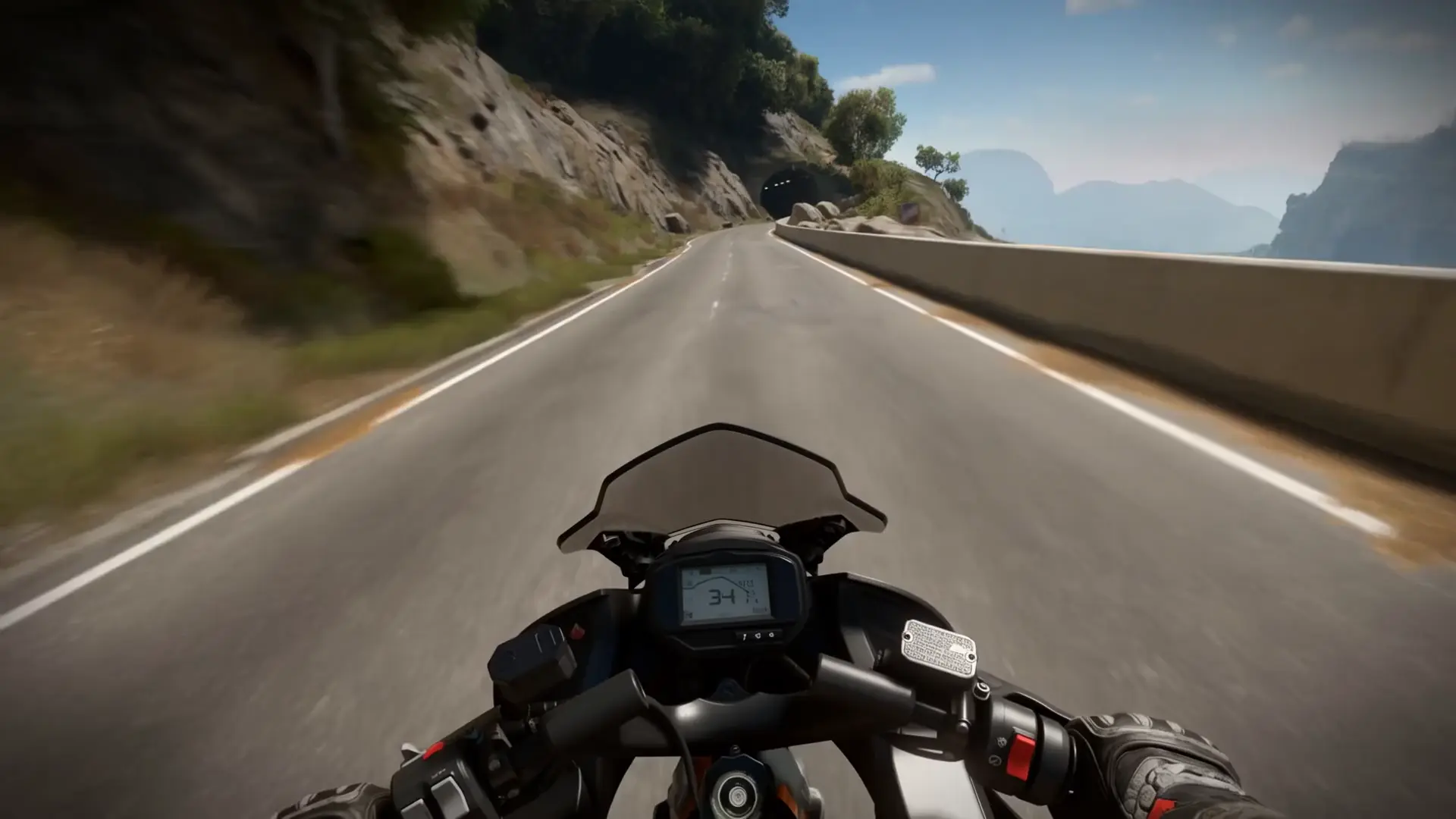
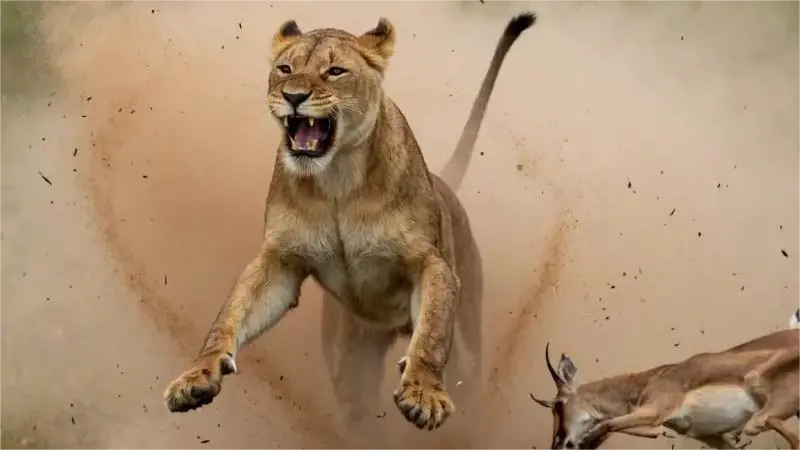
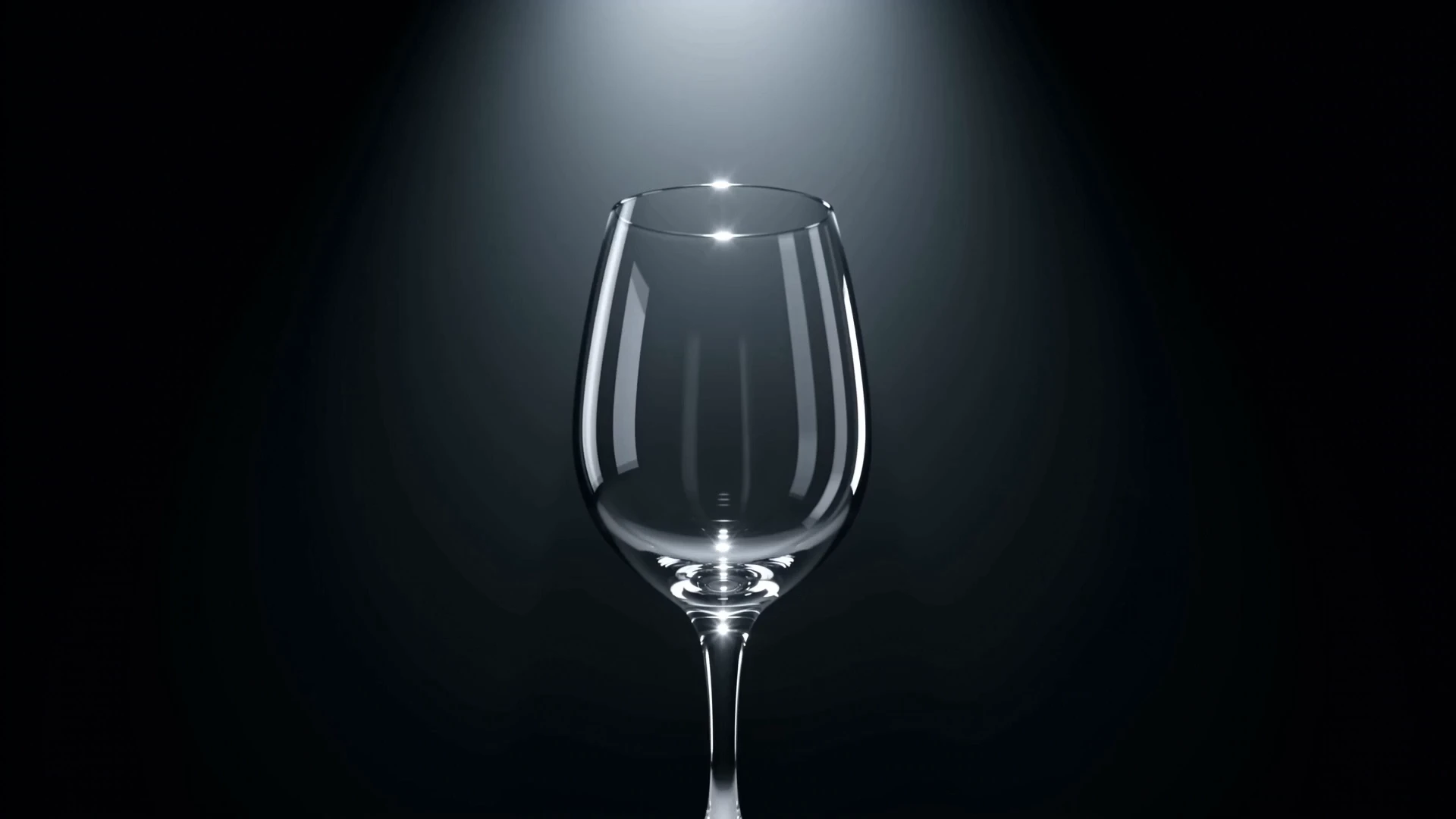
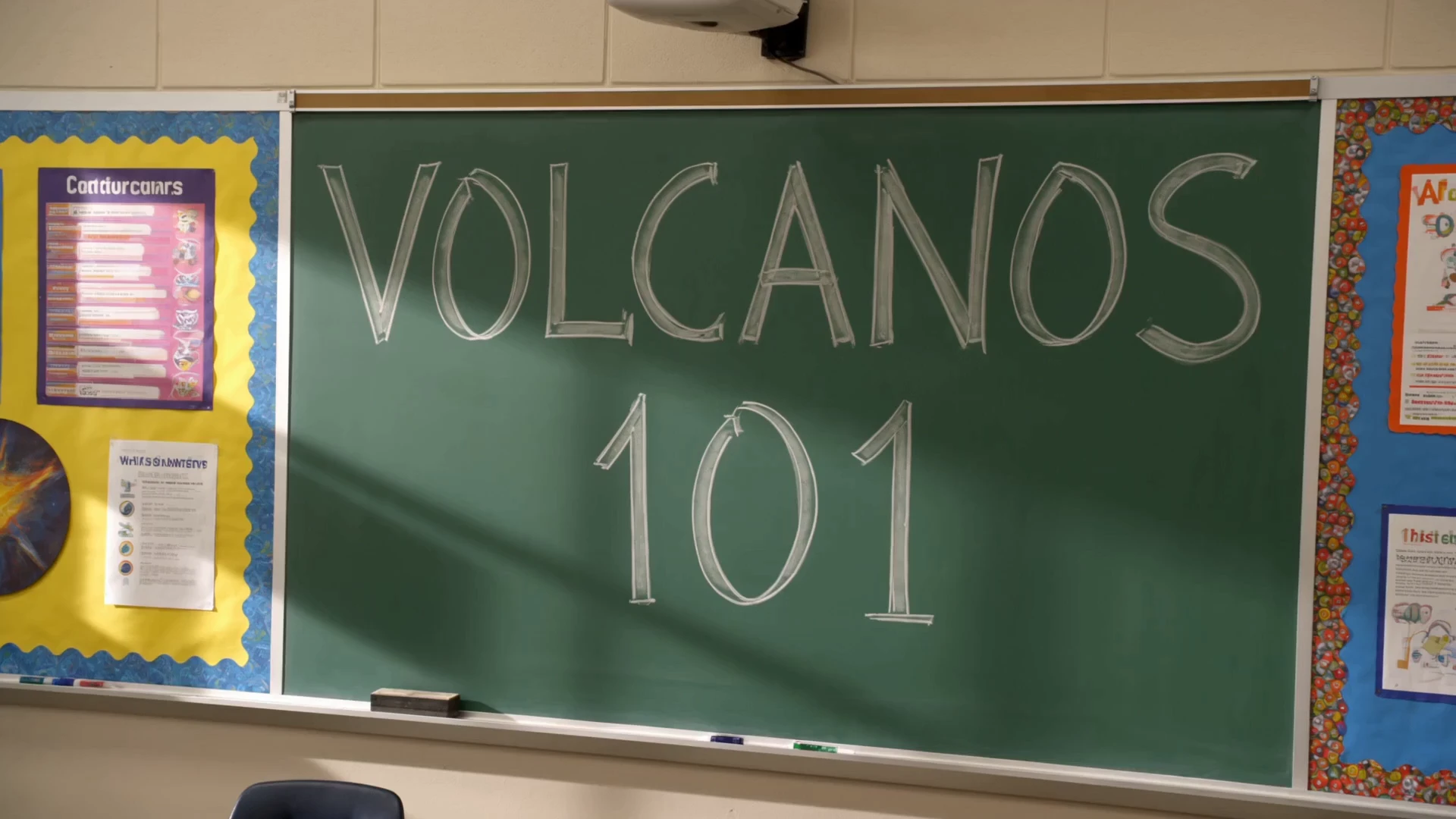
Examples Of FLUX 3 Draft Image to Video

Video thumbnail
Loading...
Video thumbnail
Loading...
Video thumbnail
Loading...
Video thumbnail
Loading...
Video thumbnail
Loading...
Video thumbnail
Loading...