

Food
Create a 12-second unboxing of this box of mochi with this creator.
 Skill by RunComfy/unboxing-ugc-skill
Make a creator-style unboxing video from chat, with a clear reveal, close-up details and a first reaction. Your AI agent shows the price before it runs.
Claude
Create a 12-second unboxing of this box of mochi with this creator.
Using skill · Unboxing UGC
Here is the shot plan, a three-line script and the opening frame to check before the video.
Here is the plan and the total price. Shall I go ahead?
Yes, go ahead.
Your 12-second unboxing is ready.
Result
Each one runs as it is, with its sample files. Change the brief to make it yours.
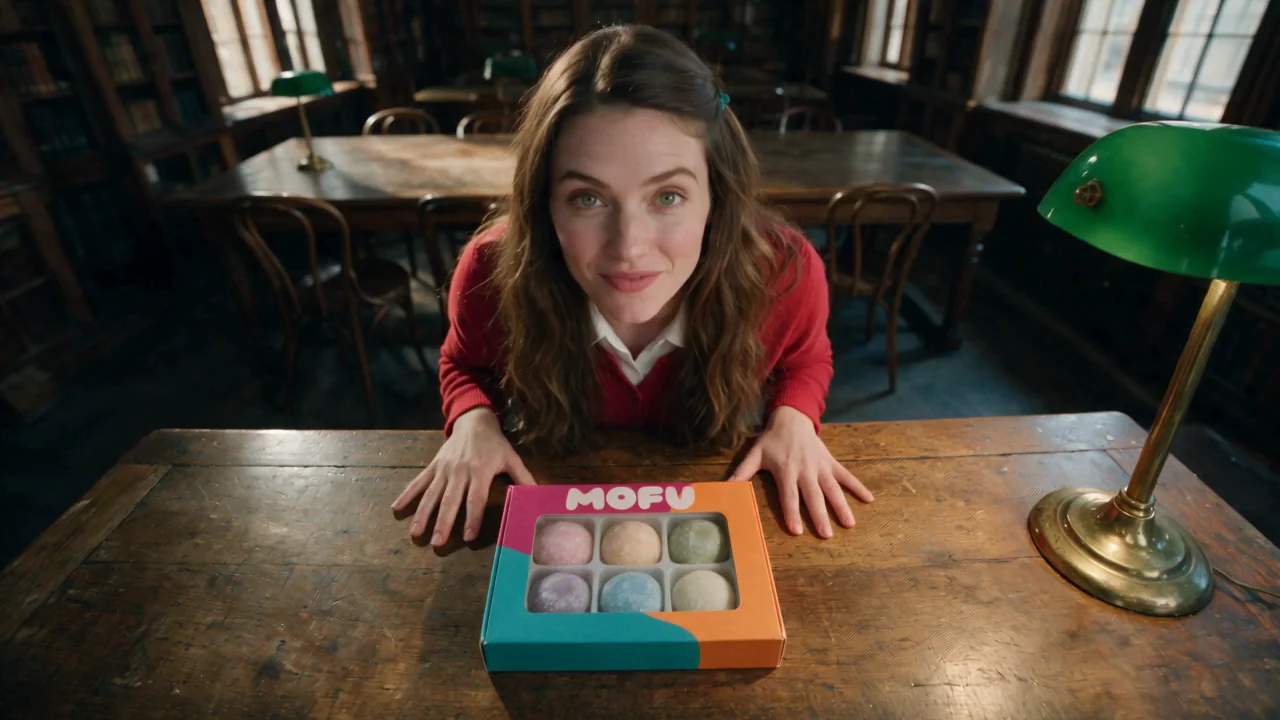
Use Seedance 2.5 reference to video at 720p, 16:9, 12 seconds, with sound. Create an unboxing video from these references: the opening frame, the box and the creator. Keep her appearance and the box, tray and mochi as they are. Ultra-wide phone lens, the same library throughout, and her whole face in every shot. She looks up at the phone and says, "Okay, this just came." Cut to table height: she slides the white tray out of the box and gasps at the six mochi. Cut to chest-up: with one hand she holds one green mochi up beside her cheek and says, "Look how soft." Cut closer: she takes a normal bite with the same hand, the mochi pulls a little, and she chews with her eyes closed. Cut back: she looks into the lens and smiles, "Get the green one." Natural delivery, real physics, quiet room sound, no music, no captions.
Step 1
Connect RunComfy to your AI app once to use this skill and every other one.
The custom connector form opens with the name and address filled in.
Open Claude connectorsIf the address is empty, paste this one.
https://mcp.runcomfy.com/mcp
Click Connect, sign in with your RunComfy account and allow it. Then ask for an image or a video.
Step 2
Send this prompt as it is. Your agent tells you the price and waits for your yes before it spends.
Prompt
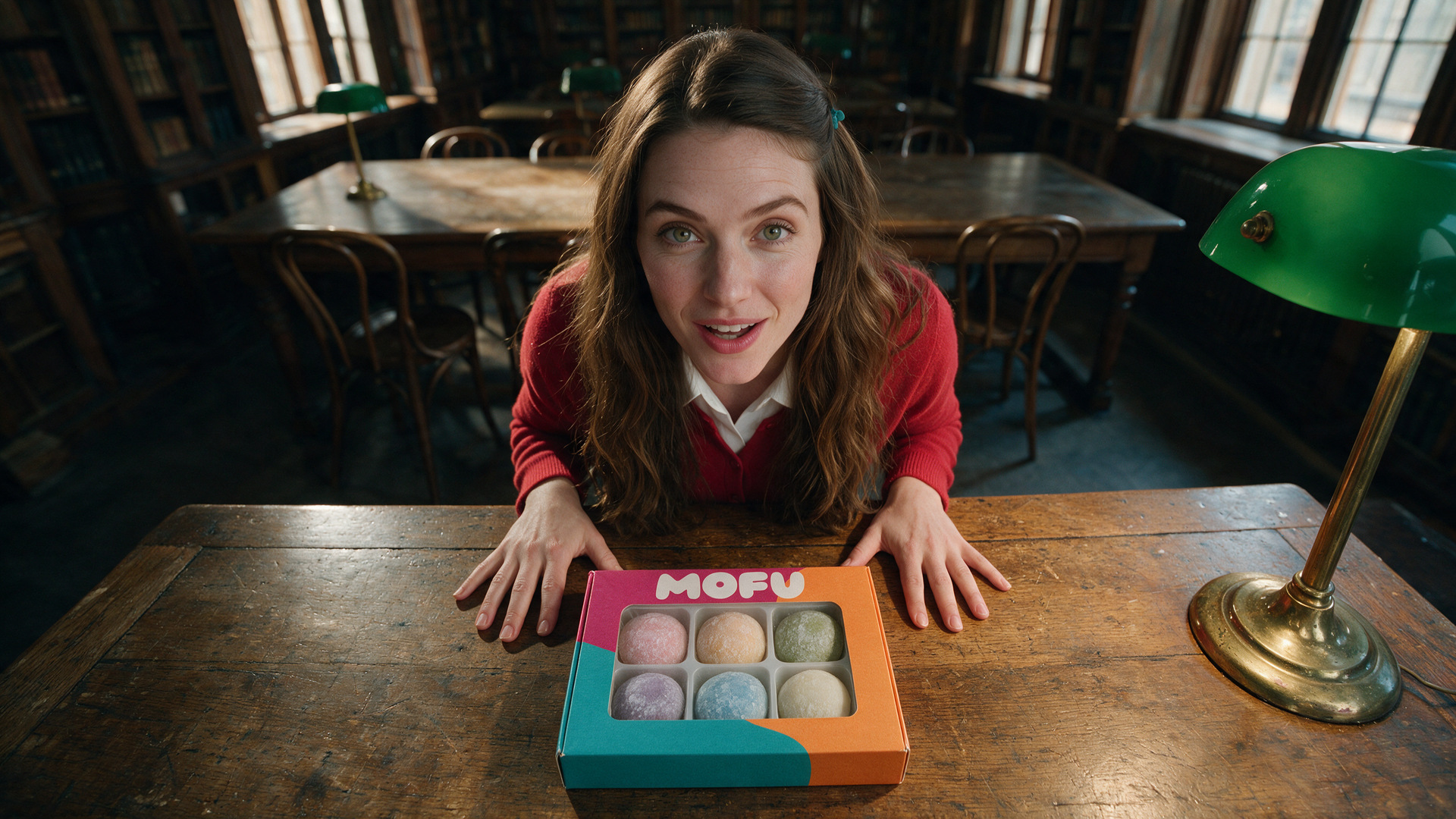
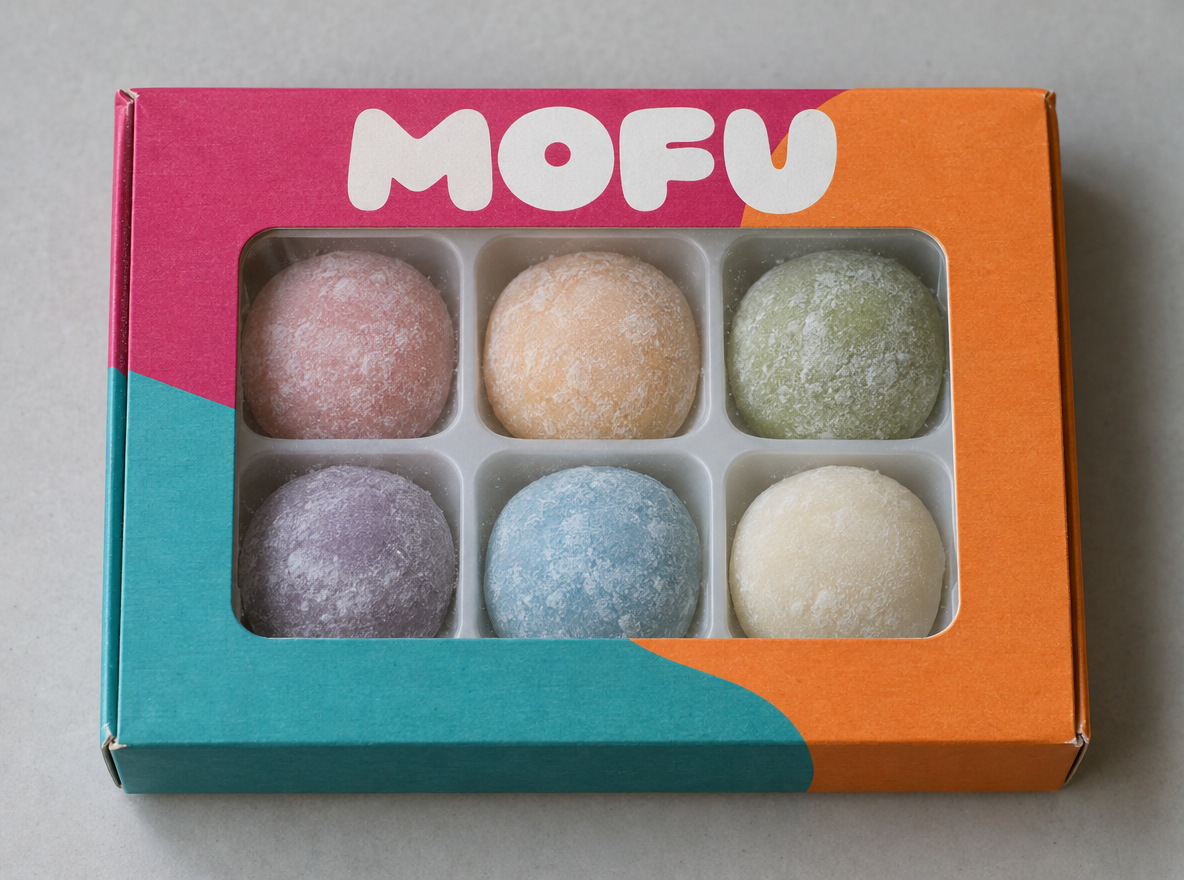

Use Seedance 2.5 reference to video at 720p, 16:9, 12 seconds, with sound. Create an unboxing video from these references: the opening frame, the box and the creator. Keep her appearance and the box, tray and mochi as they are. Ultra-wide phone lens, the same library throughout, and her whole face in every shot. She looks up at the phone and says, "Okay, this just came." Cut to table height: she slides the white tray out of the box and gasps at the six mochi. Cut to chest-up: with one hand she holds one green mochi up beside her cheek and says, "Look how soft." Cut closer: she takes a normal bite with the same hand, the mochi pulls a little, and she chews with her eyes closed. Cut back: she looks into the lens and smiles, "Get the green one." Natural delivery, real physics, quiet room sound, no music, no captions.
Sample files are included, so it runs as it is.
Result
Your agent picks this skill when you ask for things like these, in any language.
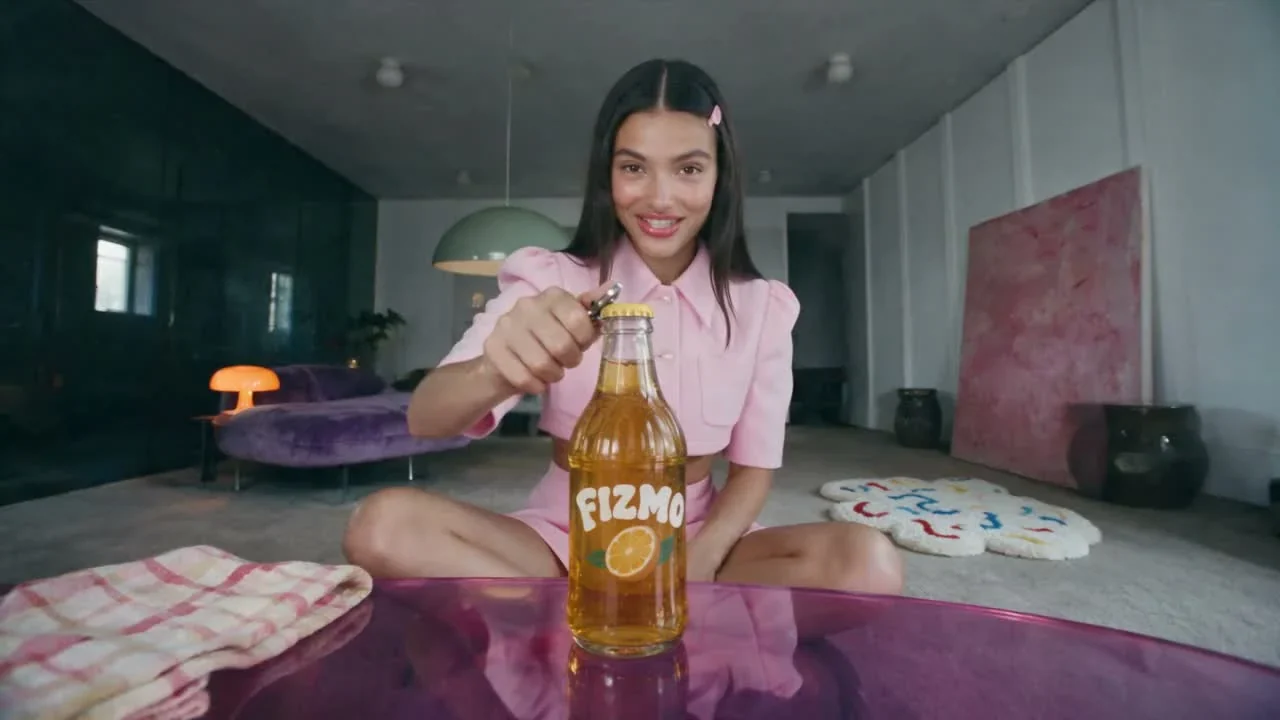
Product review UGC
Create a 12-second review of this soda with this creator.
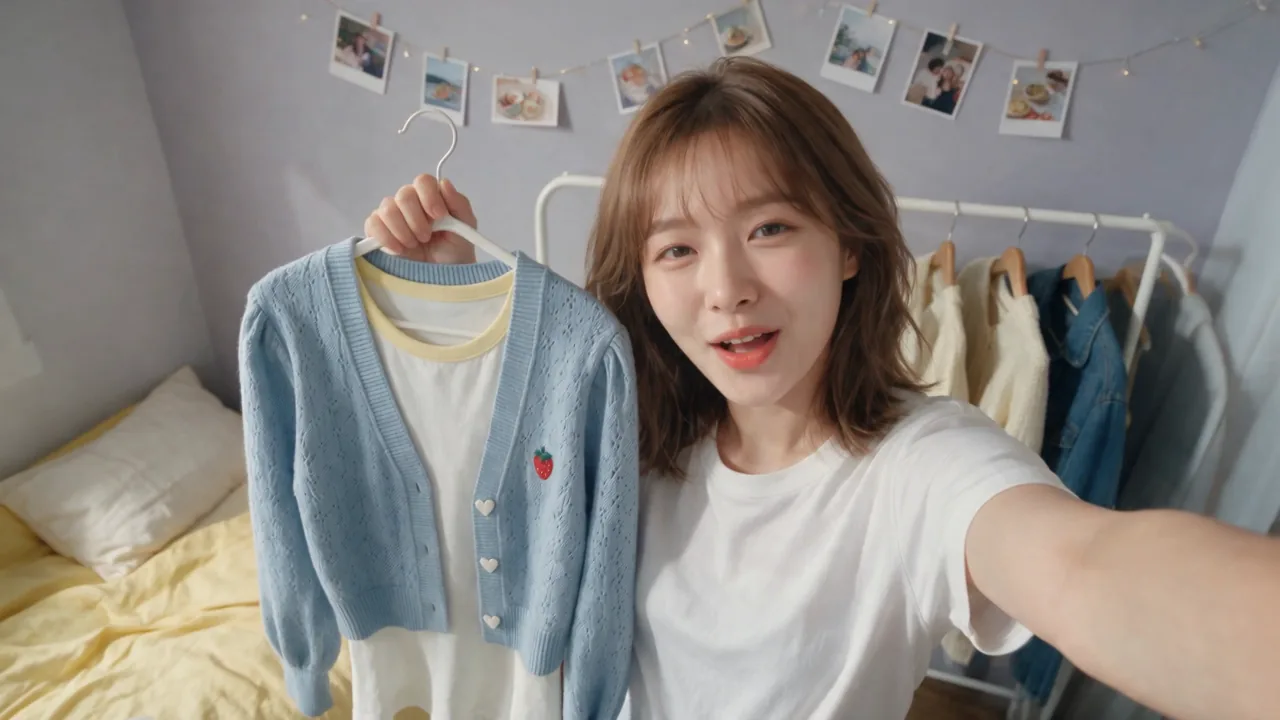
Try-on UGC
Create a 15-second try-on of this outfit with this creator.
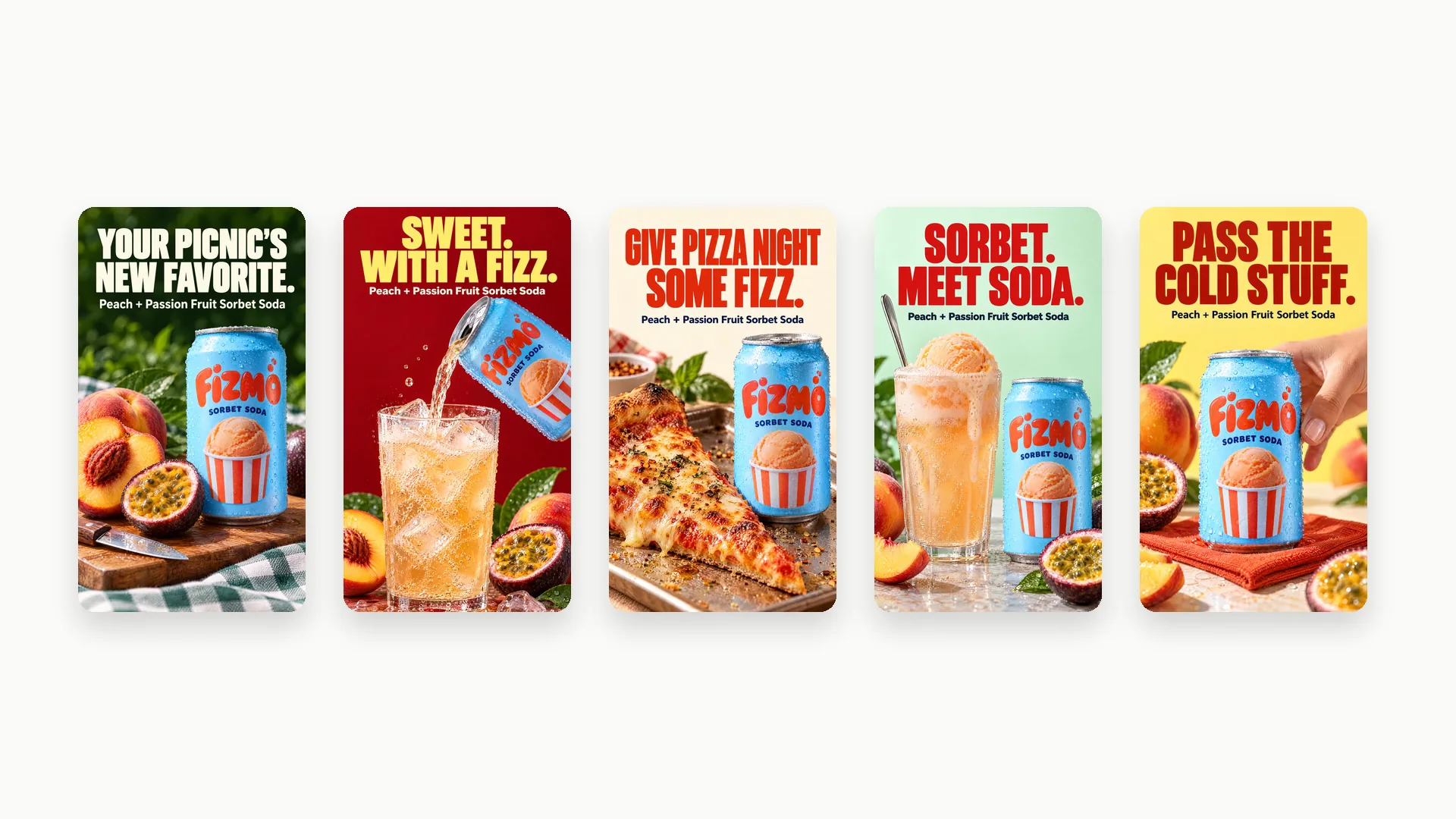
Ad Strategist
Research this product and its competitors, then create 5 static Meta ads with distinct angles.
RunComfy - ведущая ComfyUI платформа, предлагающая ComfyUI онлайн среду и услуги, а также рабочие процессы ComfyUI с потрясающей визуализацией. RunComfy также предоставляет AI Models, позволяя художникам использовать новейшие инструменты AI для создания невероятного искусства.