

Start in 3 steps

Copy the RunComfy MCP address
You will paste it into Claude in the next step.
- Open Claude settings
Connect RunComfy in Claude
Open Customize, then Connectors. Add a custom connector named RunComfy Full, paste the address and sign in.
Run your first prompt
Paste the example prompt into a new Claude chat with RunComfy on. Change it to your brief and attach your own files before you send it.
Recommended presets
More presets for your next project.
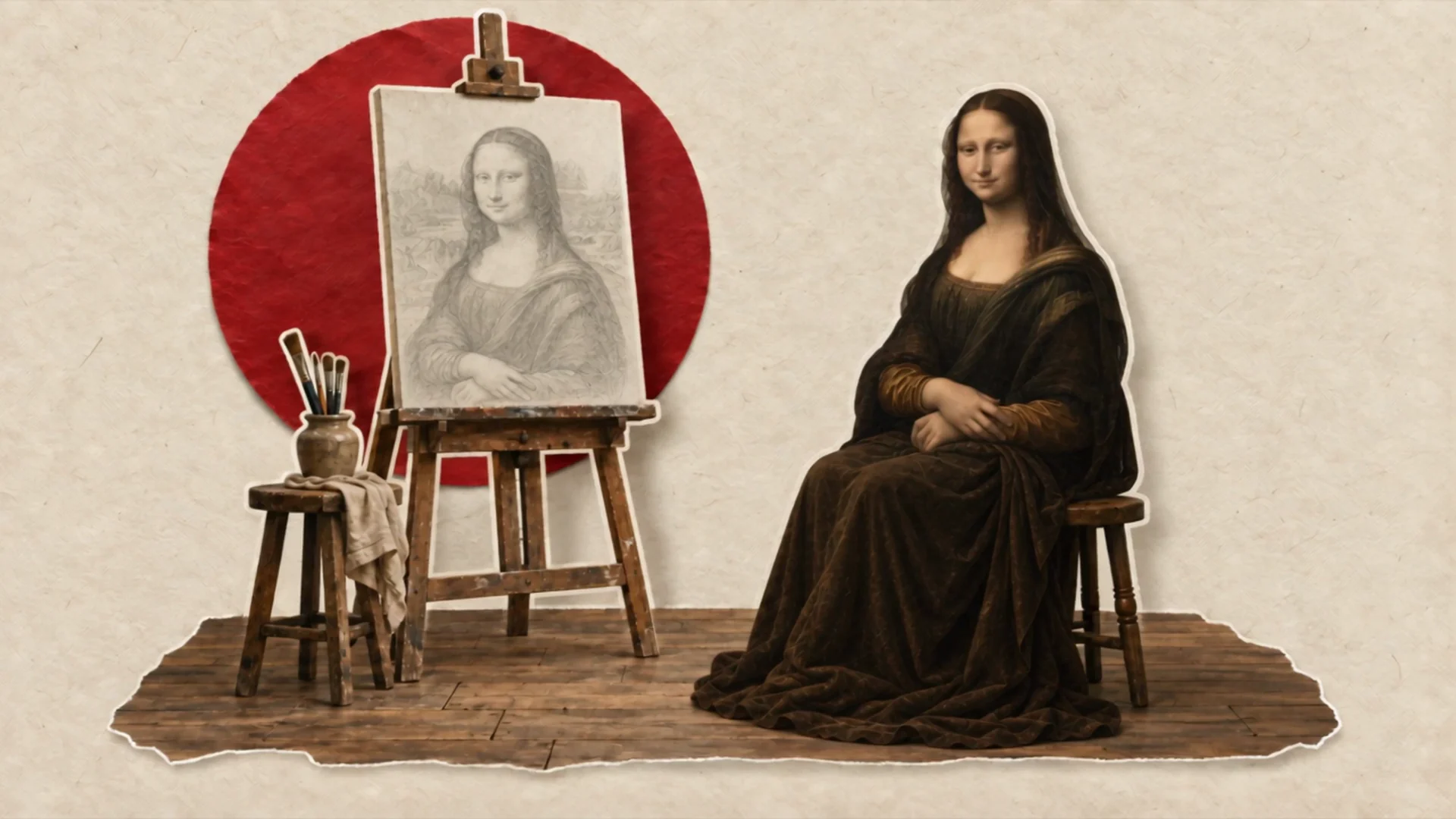
Editorial Motion Graphics
Explains a story with editorial paper collage, moving cutouts and captions, from your subject and facts.
/faceless-explainerMarketingFaceless
Paper Diorama
Tells a story through layered paper scenes and cutout figures, with a handmade look and gentle camera moves.
/faceless-explainerFaceless
Product review UGC
A creator-style product review: a moment people stop for, the product in use, and one line on why it is good.
/ugc-flowUGC
RunComfy is the premier ComfyUI platform, offering ComfyUI online environment and services, along with ComfyUI workflows featuring stunning visuals. RunComfy also provides AI Models, enabling artists to harness the latest AI tools to create incredible art.