


flux-2/pro/text-to-image
Create reliable, studio-grade visuals with precise color and layout control.






Create reliable, studio-grade visuals with precise color and layout control.
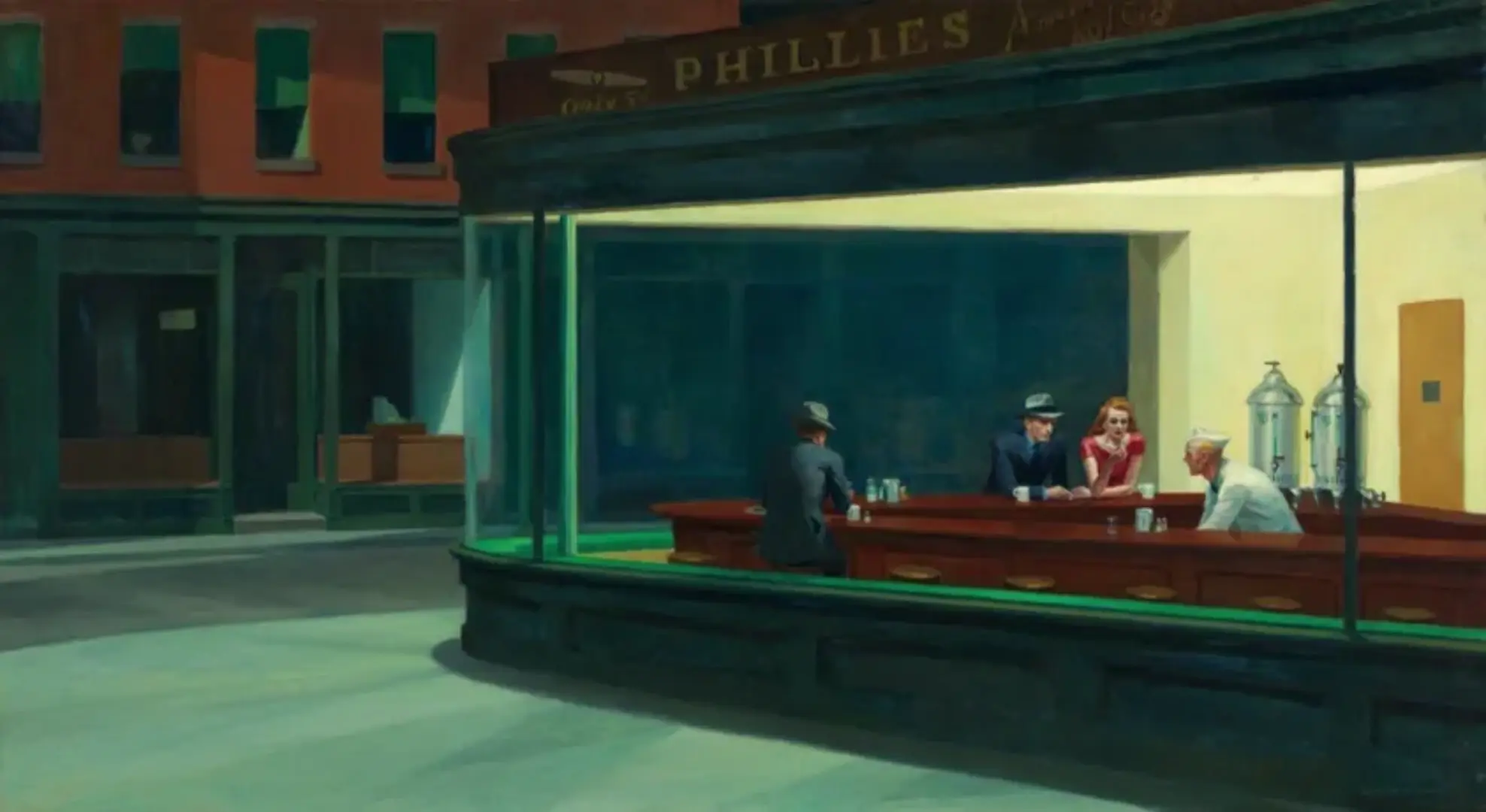
Edit visuals via text with multi-layer control and style memory.

Advanced relighting and multi-image fusion tool with fast ControlNet support for detailed, consistent design results.

Generate accurate brand visuals with high-fidelity text-to-image control.
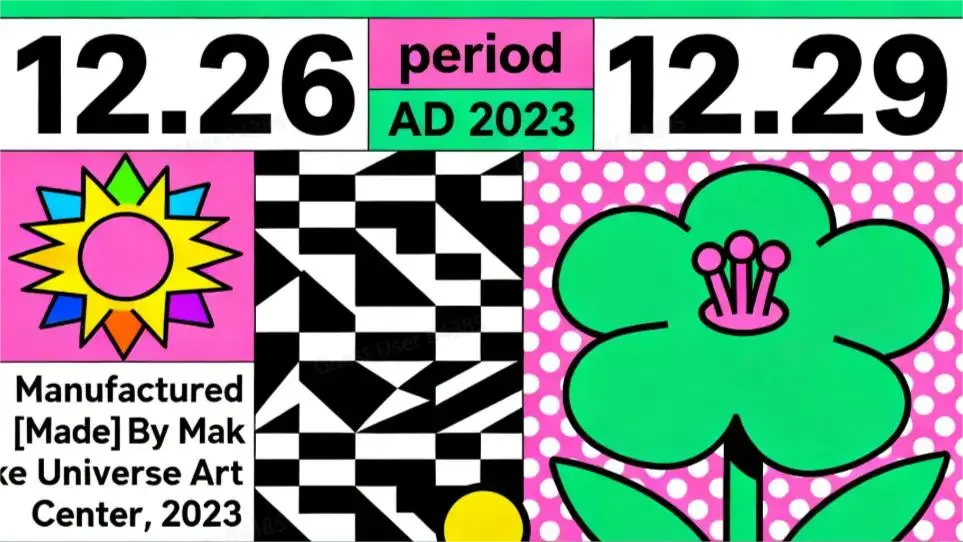
Edit and fuse images into high quality results with Seedream 4.0.

Produce high-fidelity visuals with clear text, fast generation, and professional design control.
Vidu Q2 image-to-image is governed by its original license from ShengShu Technology, often aligned with permissive Open RAIL or similar frameworks allowing research and possible commercial use under stated conditions. RunComfy simply provides API and cloud hosting access — it does not alter or override the model’s original licensing structure. Users must review and adhere to Vidu Q2’s stated license before selling or distributing generated content.
Vidu Q2 image-to-image operates on cloud-hosted GPUs managed by RunComfy, offering low latency (around 3–6 seconds for 1080p) and stable concurrency through automatic GPU scaling. RunComfy manages GPU load balancing so users can run multiple concurrent generations without setup. Local execution isn’t supported due to high hardware demands.
Yes, Vidu Q2 image-to-image supports outputs up to 4K resolution, though 1080p is free-tier optimized. Each prompt is limited to roughly 512 tokens, and reference inputs via ControlNet or IP-Adapter are capped at four. Aspect ratios follow 1:1, 16:9, and 9:16 presets to ensure stability across generations.
You can prototype in the RunComfy Playground (https://www.runcomfy.com/playground) using Vidu Q2 image-to-image, then integrate your workflow via the RunComfy API. The API mirrors playground parameters for inputs, references, and post-processing options. For production use, you’ll need to purchase usd credits, authenticate with your RunComfy API key, and adjust concurrency or callback URLs for automated processing.
Vidu Q2 image-to-image vastly improves consistency, handling multiple references with refined spatial and identity control. It’s up to 2× faster than Vidu Q1 and handles both text-to-image and full-image editing in the same unified architecture. This makes it reliable for professional pipelines across advertising, animation, and concept art where visual continuity is critical.
RunComfy runs Vidu Q2 image-to-image entirely on managed GPU clusters in the cloud, eliminating the need for users to provision hardware. Resources are dynamic—users experience minimal latency and autoscaled throughput even at high demand. This managed approach separates inference performance from local computing limitations.
Yes, new RunComfy users receive free trial usd credits that can be used with Vidu Q2 image-to-image for generating outputs up to 1080p. This allows users to evaluate quality and performance before upgrading to paid usage for higher resolution or production-scale workflows.
For support or feedback regarding Vidu Q2 image-to-image usage, integration questions, or GPU availability, you can contact RunComfy directly at hi@runcomfy.com. The platform team assists with both technical troubleshooting and billing inquiries related to usd consumption or API access.