


kling-video-o1/video-to-video/edit
Unified AI model for refined scene editing, style match, and smooth video refits
Unified AI model for refined scene editing, style match, and smooth video refits

Create lifelike avatars via multimodal synthesis with Omnihuman 1.5.

Lightning-fast video creation with lifelike and smooth kinetics.

AI-powered tool for fast video-to-video backdrop swaps with pro-level precision.
Create high quality videos from text prompts using Pika 2.2.
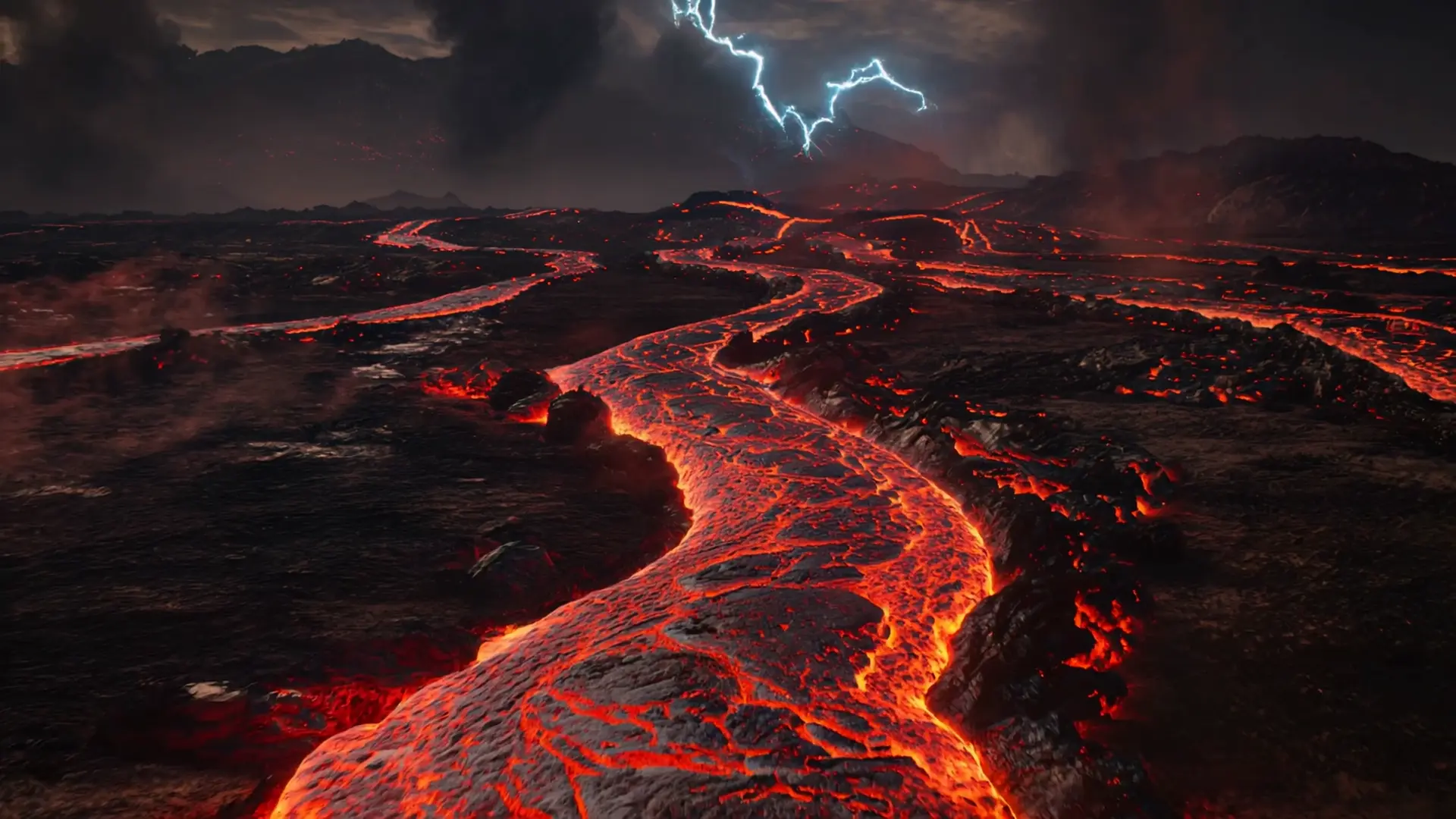
Animate a single image into a smooth video with Kling 2.1 Pro.
Use of Kling Avatar image-to-video content for commercial projects depends on Kuaishou Technology’s specific licensing. The model typically follows a Non-Commercial or OpenRAIL-type license, meaning that while RunComfy provides access, users must still comply with the original Kling Avatar commercial rights policy. Running it through RunComfy does not override those original license conditions, so always review the terms on KlingAvatar.com or Kuaishou’s official portal before monetizing any generated content.
Kling Avatar image-to-video is currently capped at resolutions up to 1080p, supports aspect ratios between 1:1 and 16:9, and usually limits video duration to about one minute. Prompt inputs and text tokens have internal length constraints, and a maximum of several reference images (used for multi-image consistency) can be provided per generation. These design limits ensure stable rendering and predictable GPU performance on RunComfy.
To migrate Kling Avatar image-to-video workflows from the Playground to production, developers can connect via the RunComfy API. The API mirrors Playground settings, allowing automated input submission (image/audio), asynchronous job polling, and retrieval of generated MP4s. Begin by developing and tuning in the Playground, then obtain an API key and update your workflow endpoints for scalable deployment.
Kling Avatar image-to-video, particularly in its 2.5 Turbo iteration, offers superior lip-audio alignment, emotional expression control, and motion fluidity compared to earlier or competing avatar generators. Its multi-image feature preserves subject identity and ensures consistent visuals across sequences, while maintaining generation speed and cost efficiency. This balance of quality and real-time production capability makes it stand out among current AI avatar models.
Yes. RunComfy offers trial credits (usd) that allow users to explore Kling Avatar image-to-video generation without immediate purchase. Once credits are consumed, continuing production use requires purchasing additional usd. This pay-as-you-go model makes it simple to experiment before fully integrating the Kling Avatar pipeline into commercial or creative applications.
Kling Avatar image-to-video supports input formats like PNG, JPEG, WebP, GIF, and AVIF, while audio inputs can include MP3, WAV, OGG, M4A, and AAC. The generated outputs are standardized to MP4 for compatibility with common platforms such as YouTube, TikTok, and other social channels. These formats ensure smooth playback and broad accessibility across workflows.
If you encounter issues or need guidance with Kling Avatar image-to-video use on RunComfy—whether through the Playground or API integration—you can reach the support team directly at hi@runcomfy.com. The support staff can help troubleshoot model-specific behaviors, credit usage, or integration workflows while guiding you toward compliance with the model’s official licensing terms.