

Outfit
Create a 15-second try-on of this outfit with this creator.
 Skill by RunComfy/try-on-ugc-skill
Make a creator-style try-on video from chat that shows how an outfit looks and fits. Your AI agent shows the stills and the price before it makes the video.
Claude
Create a 15-second try-on of this outfit with this creator.
Using skill · Try-on UGC
Here is the shot plan, a three-line script and the stills to check before the video.
Here is the plan and the total price. Shall I go ahead?
Yes, go ahead.
Your 15-second try-on is ready.
Result
Each one runs as it is, with its sample files. Change the brief to make it yours.
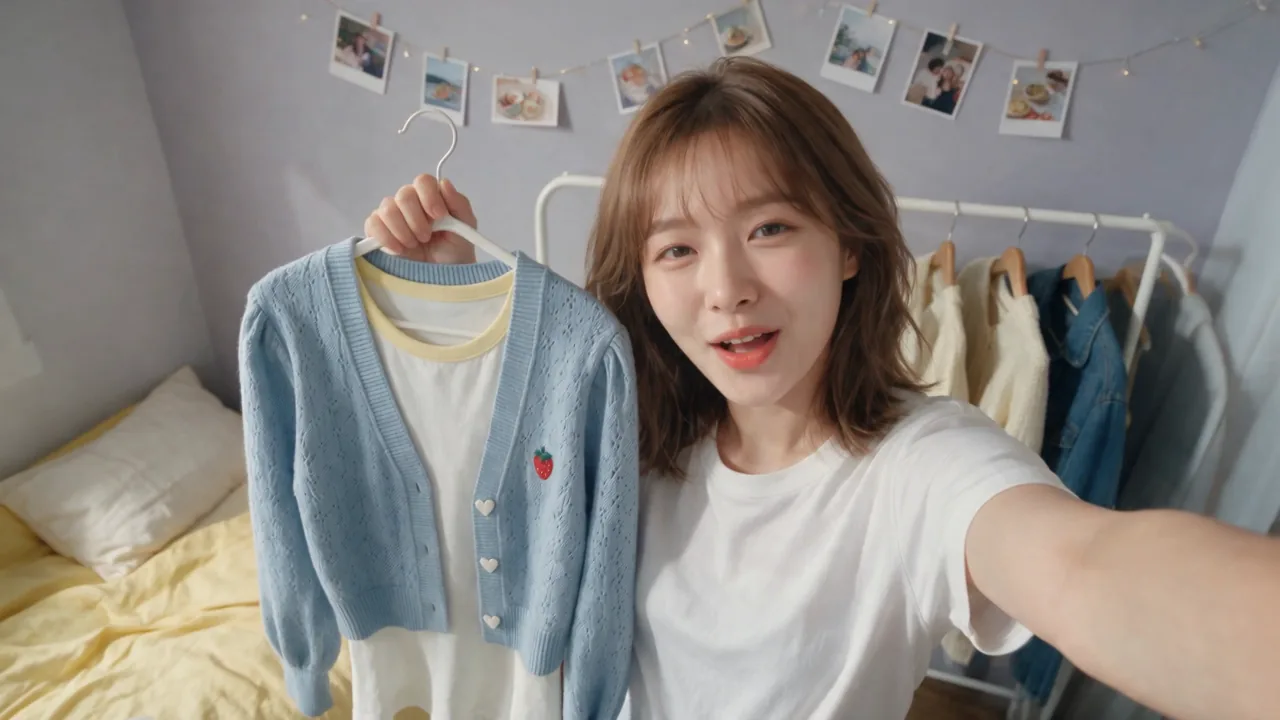
Use Seedance 2.5 reference to video at 720p, 16:9, 15 seconds, with sound. Create a try-on video in three shots. The first three images open shots 1, 2 and 3; the fourth is the outfit and the fifth is the creator. Keep her and the outfit exactly as they are, including its length. Same bedroom throughout, real physics, natural delivery. Shot 1, 4 seconds: arm's-length selfie, her phone hand out of frame. She holds the cardigan on its hanger by her face: "Okay, I found the outfit." Shot 2, 5 seconds: still camera looking down at the bed. Only her hand comes in from the bottom edge, lifts the skirt's hem, then touches the bag. Off camera: "Look at these pleats." Shot 3, 6 seconds: the phone stays still on the floor, her whole body in the outfit. She spins once, the knit skirt swings out a little, she glances at the mirror, then smiles at the lens: "Yeah, I'm keeping it." Quiet room sound, no music, no captions.
Step 1
Connect RunComfy to your AI app once to use this skill and every other one.
The custom connector form opens with the name and address filled in.
Open Claude connectorsIf the address is empty, paste this one.
https://mcp.runcomfy.com/mcp
Click Connect, sign in with your RunComfy account and allow it. Then ask for an image or a video.
Step 2
Send this prompt as it is. Your agent tells you the price and waits for your yes before it spends.
Prompt
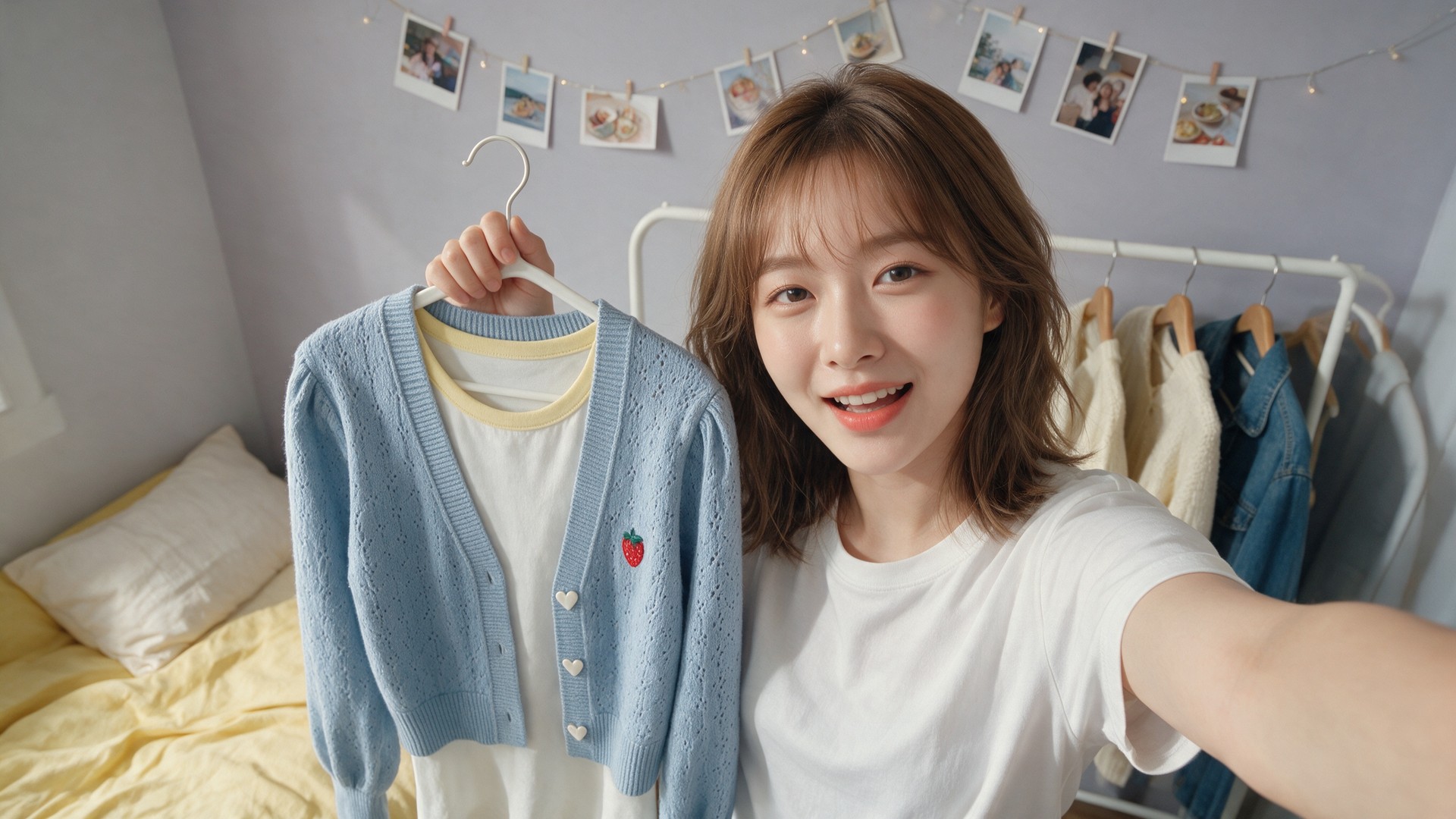
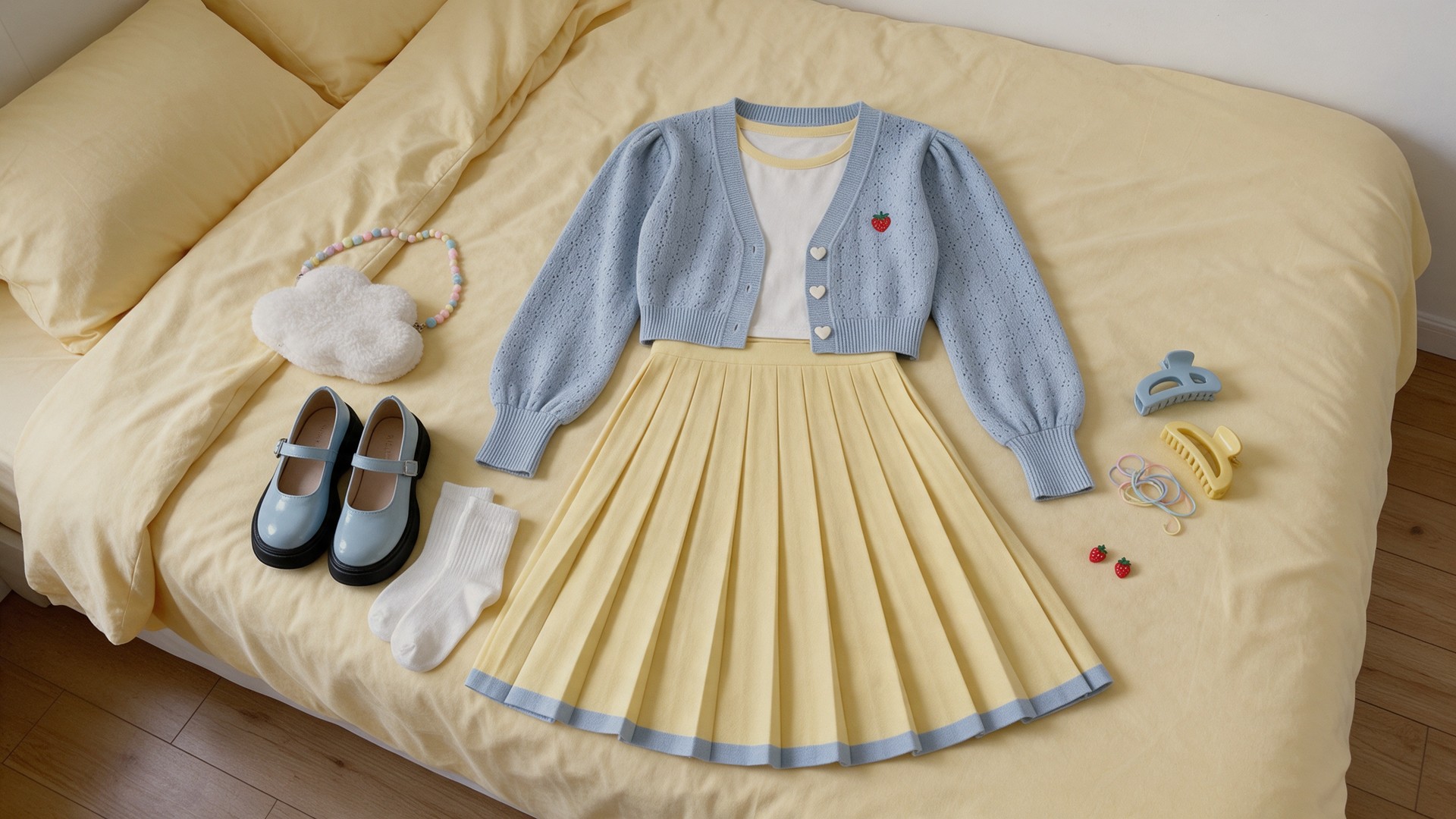
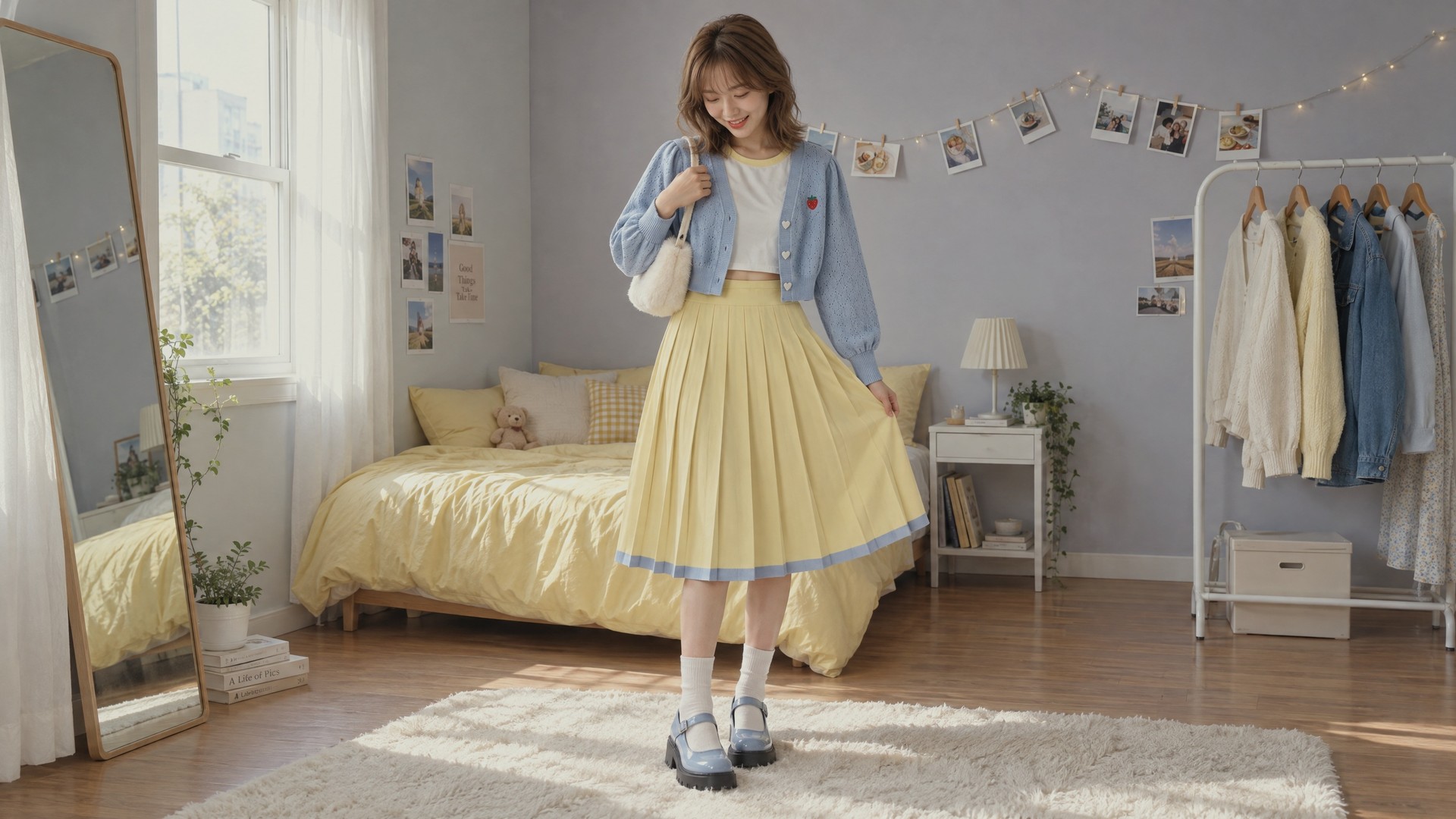
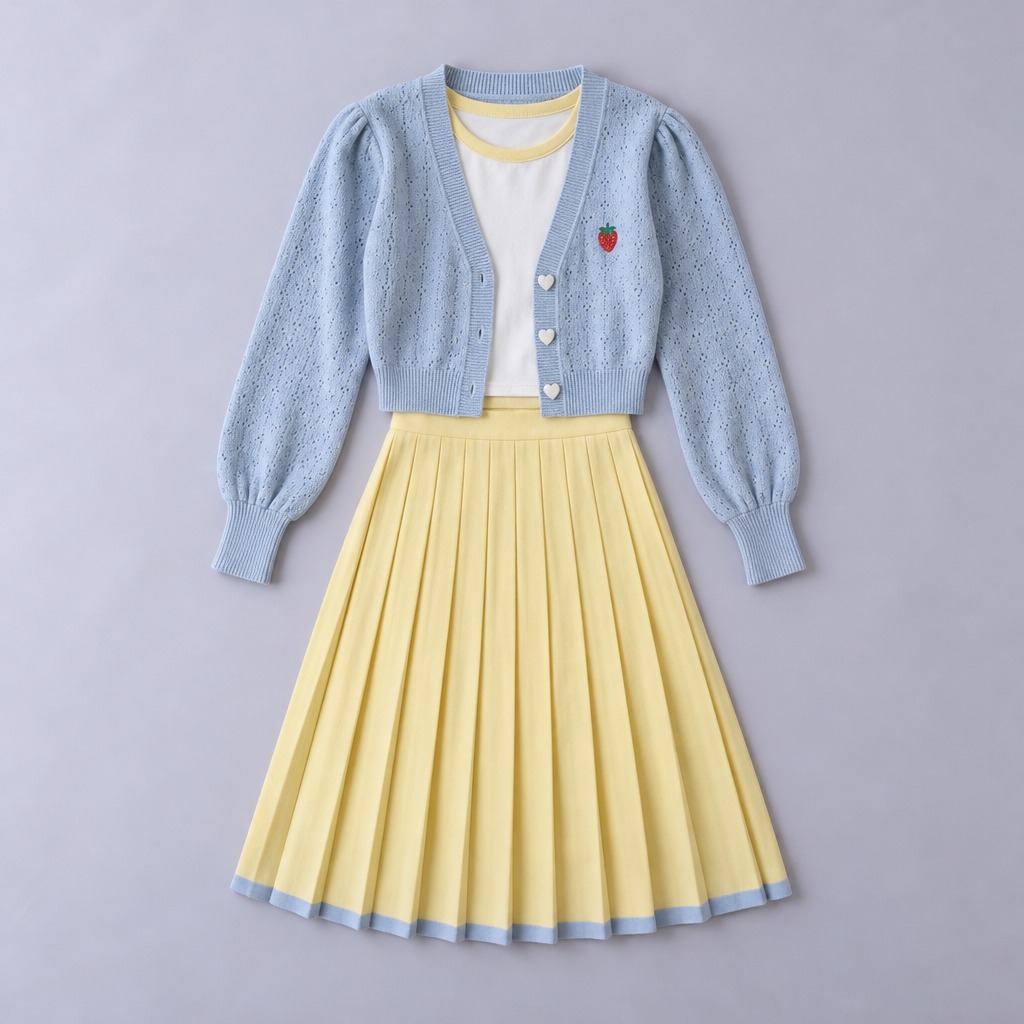

Use Seedance 2.5 reference to video at 720p, 16:9, 15 seconds, with sound. Create a try-on video in three shots. The first three images open shots 1, 2 and 3; the fourth is the outfit and the fifth is the creator. Keep her and the outfit exactly as they are, including its length. Same bedroom throughout, real physics, natural delivery. Shot 1, 4 seconds: arm's-length selfie, her phone hand out of frame. She holds the cardigan on its hanger by her face: "Okay, I found the outfit." Shot 2, 5 seconds: still camera looking down at the bed. Only her hand comes in from the bottom edge, lifts the skirt's hem, then touches the bag. Off camera: "Look at these pleats." Shot 3, 6 seconds: the phone stays still on the floor, her whole body in the outfit. She spins once, the knit skirt swings out a little, she glances at the mirror, then smiles at the lens: "Yeah, I'm keeping it." Quiet room sound, no music, no captions.
Sample files are included, so it runs as it is.
Result
Your agent picks this skill when you ask for things like these, in any language.
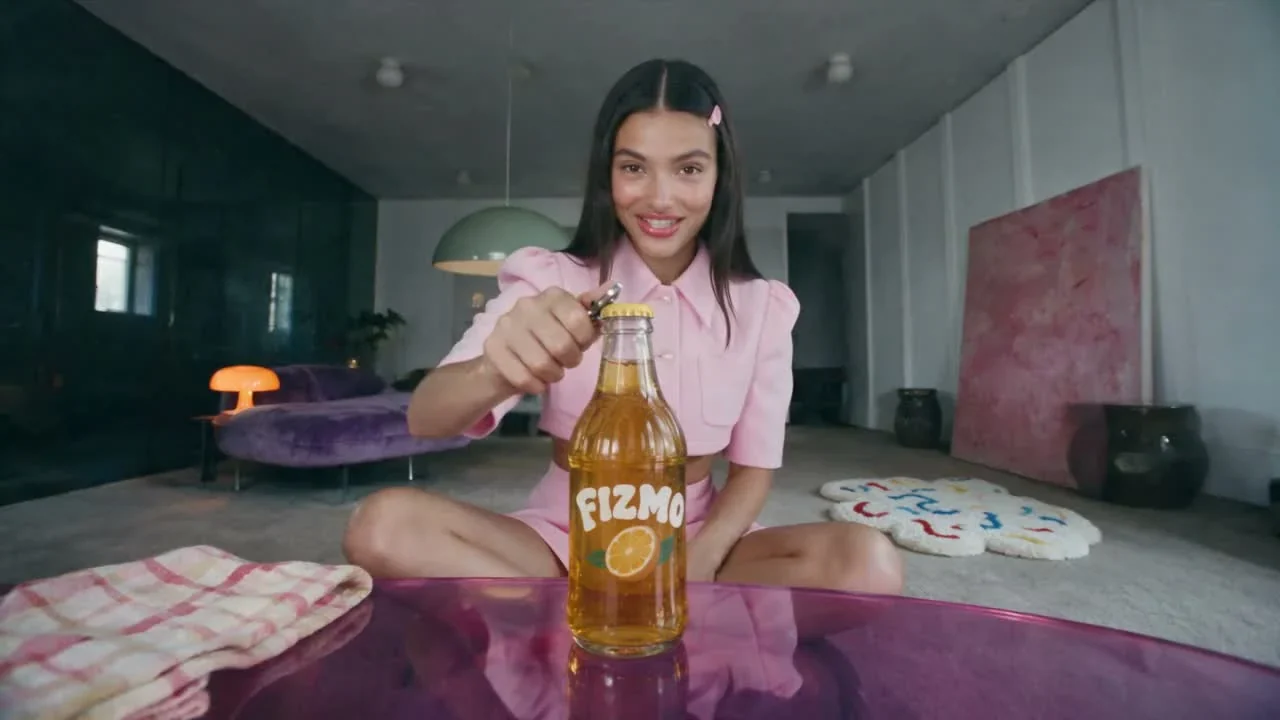
Product review UGC
Create a 12-second review of this soda with this creator.
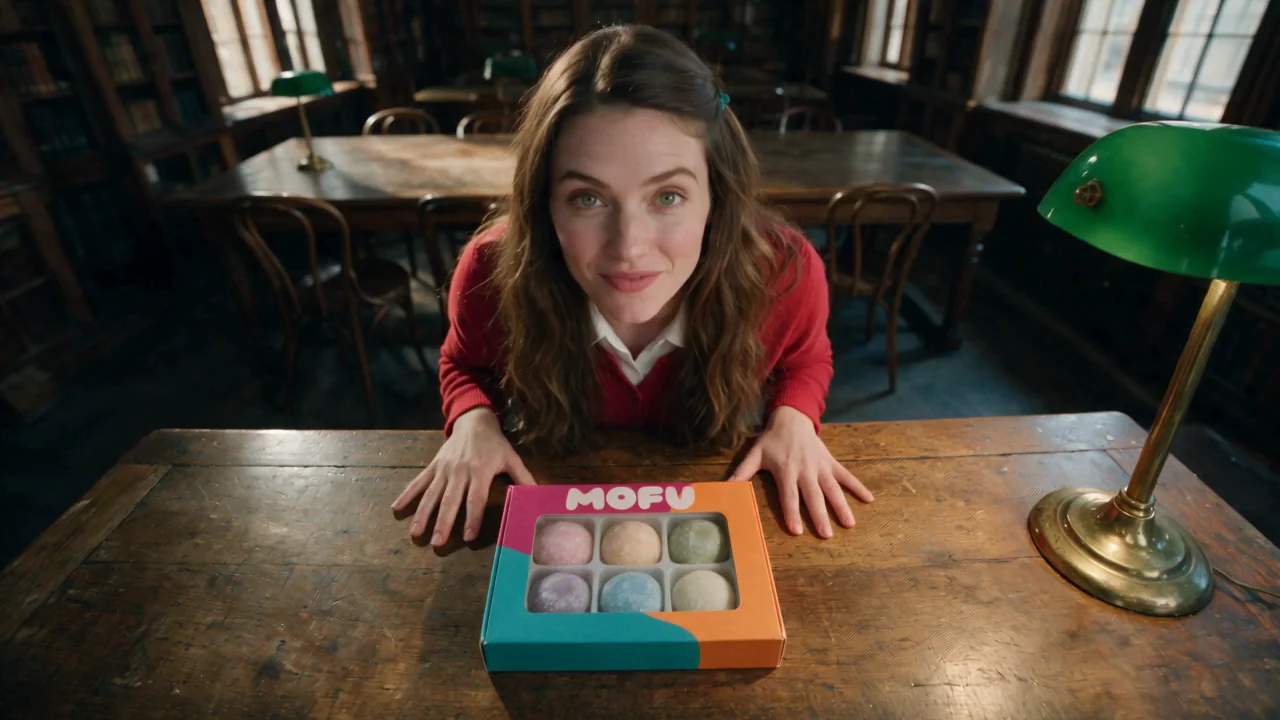
Unboxing UGC
Create a 12-second unboxing of this box of mochi with this creator.
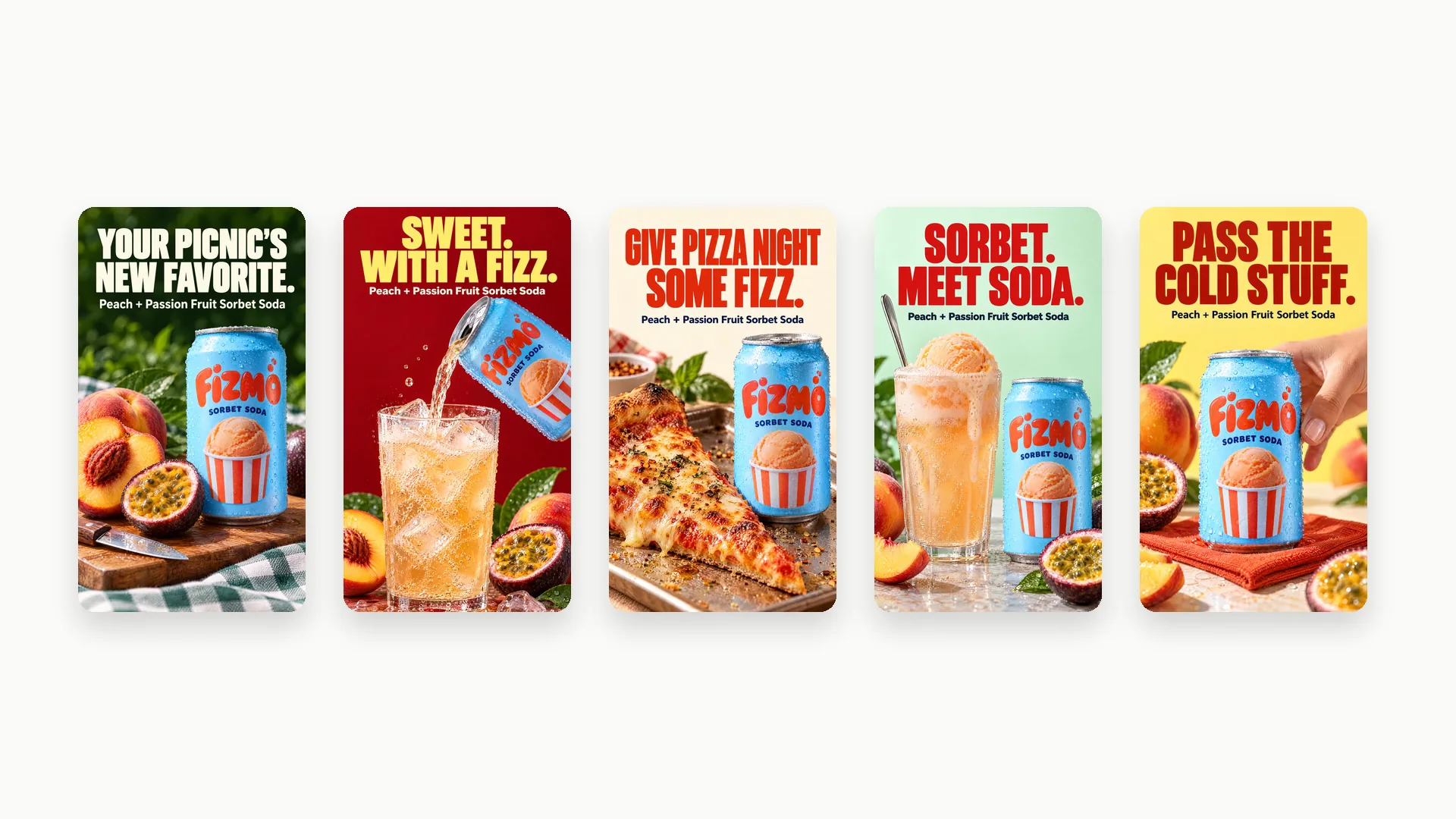
Ad Strategist
Research this product and its competitors, then create 5 static Meta ads with distinct angles.
RunComfy 是首选的 ComfyUI 平台,提供 ComfyUI 在线 环境和服务,以及 ComfyUI 工作流 具有惊艳的视觉效果。 RunComfy还提供 AI Models, 帮助艺术家利用最新的AI工具创作出令人惊叹的艺术作品。