


pixverse/v5.5/image-to-video
Create dynamic, sound-synced motion clips from visuals for rich storytelling.
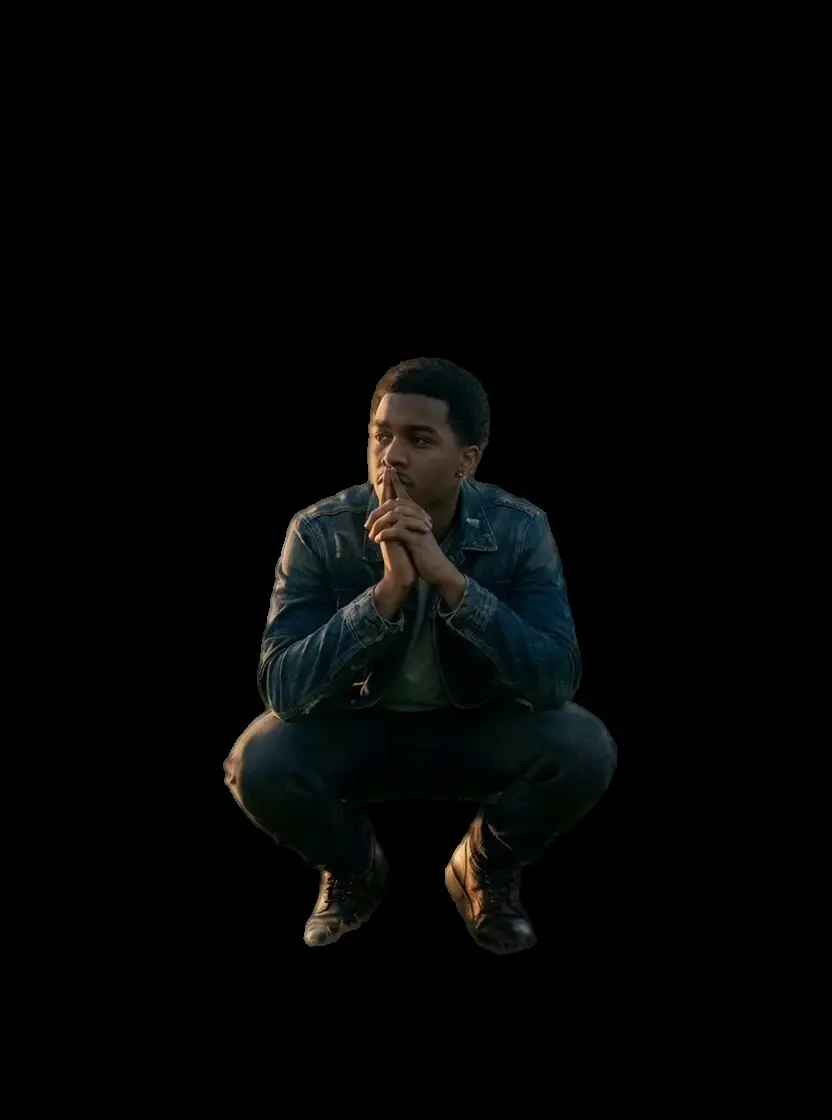


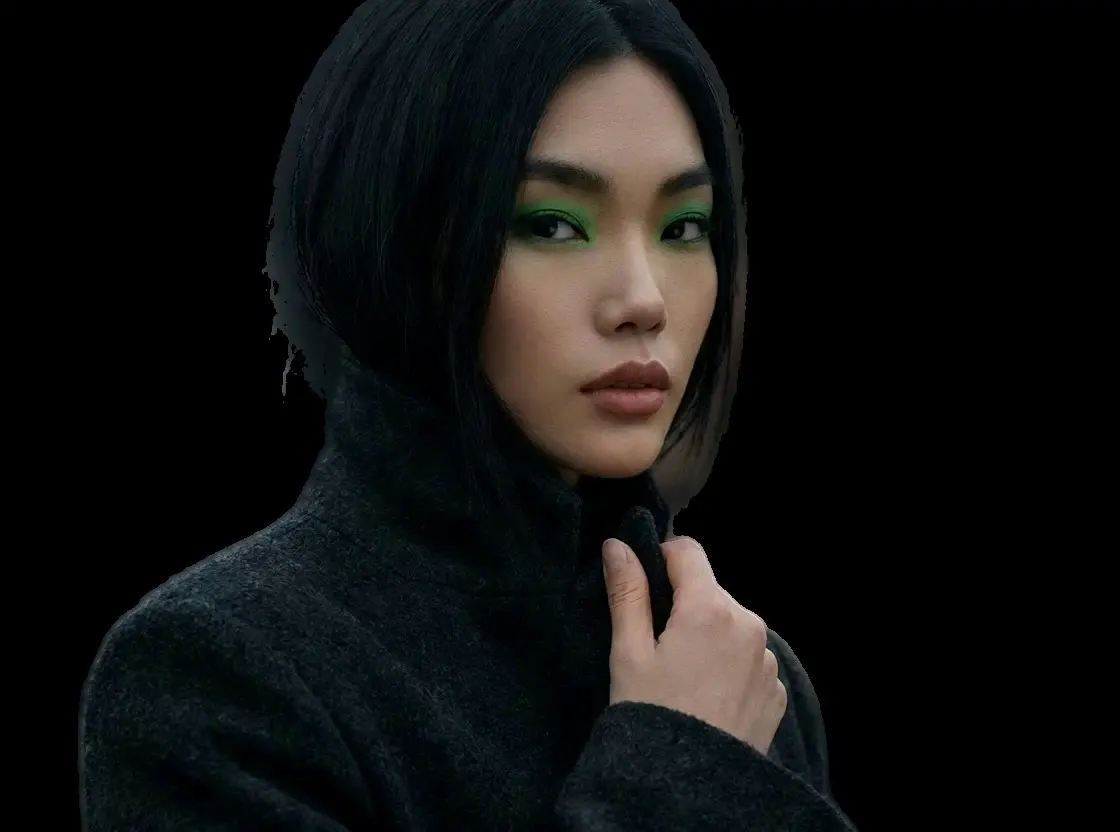


Create dynamic, sound-synced motion clips from visuals for rich storytelling.

Prompt-based animating with subject fidelity and smooth motion.

Lightning-fast video creation with lifelike and smooth kinetics.

Precise prompts, lifelike motion, vivid video quality.

Generate lifelike motion visuals fast with Dreamina 3.0 for designers.

Create lifelike video motion fast with Seedance Pro for design pros
While a standard video background remover creates transparent files, many professional video editors (NLEs) like Premiere Pro or DaVinci Resolve handle "Chroma Key" (green screen) footage more reliably than VP9 transparent video. This model ensures maximum compatibility with traditional post-production workflows.
The model is optimized to generate a high-contrast digital green (#00FF00) matte, which is the industry standard for chroma keying. This ensures that when you apply a "Keylight" or "Ultra Key" effect, the background is removed cleanly without affecting the subject.
For the best results in editing software, keep output_codec set to h264 and ensure refine_foreground_edges is set to true. This combination provides a high-quality video file with anti-aliased edges against the green background, preventing the harsh "jagged" look sometimes seen with lower quality tools.
Absolutely. Developers can use the API to automatically process raw footage into green-screen assets. This is particularly useful for building automated VFX pipelines or stock footage libraries. The integration process is identical to our standard video background remover API.
Since this model artificially generates the background after isolating the subject, it is smarter than a physical green screen. However, for best results, if your subject is wearing green, you might want to use the standard transparent model instead to avoid any potential keying conflicts in post-production.