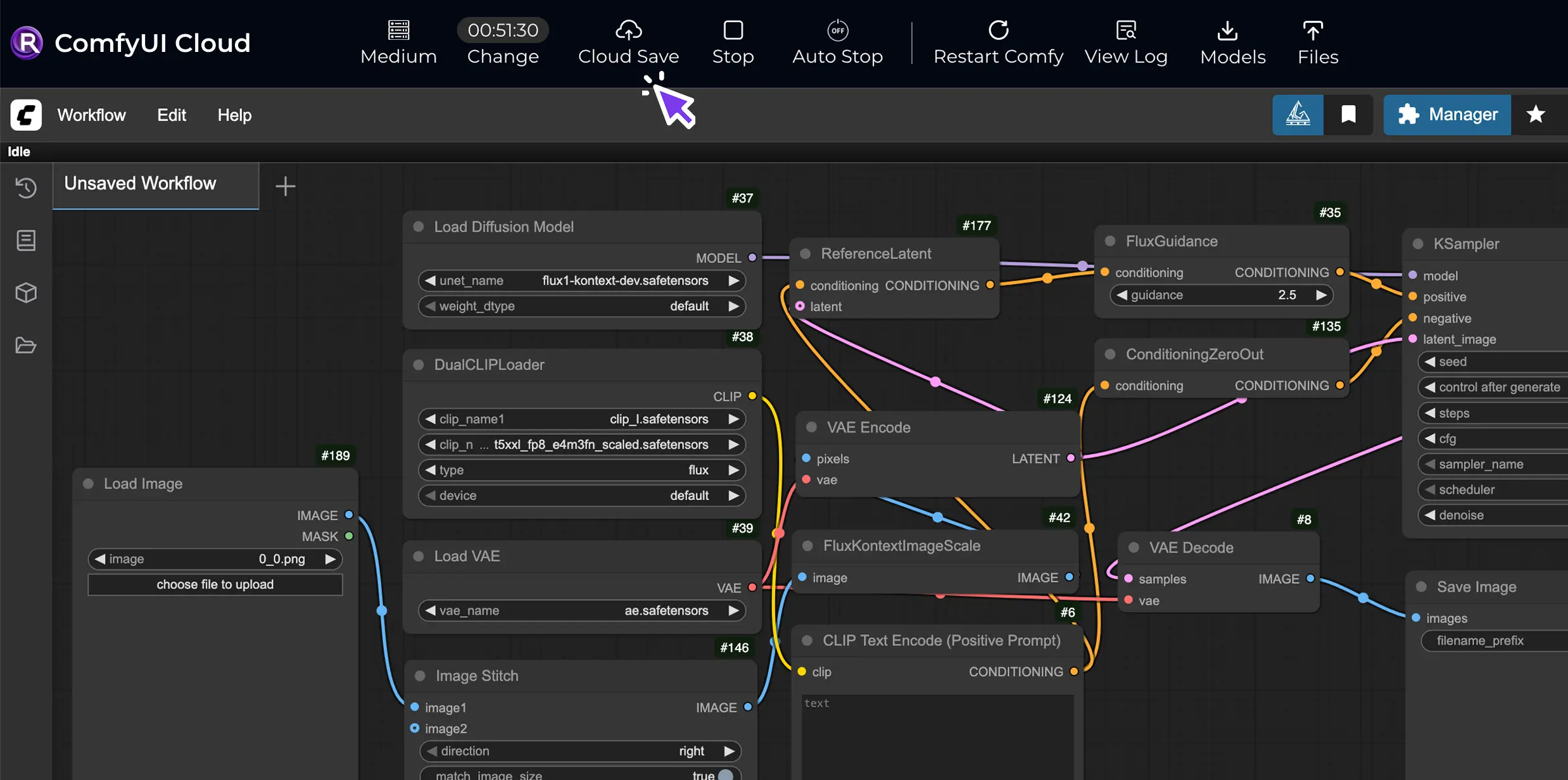
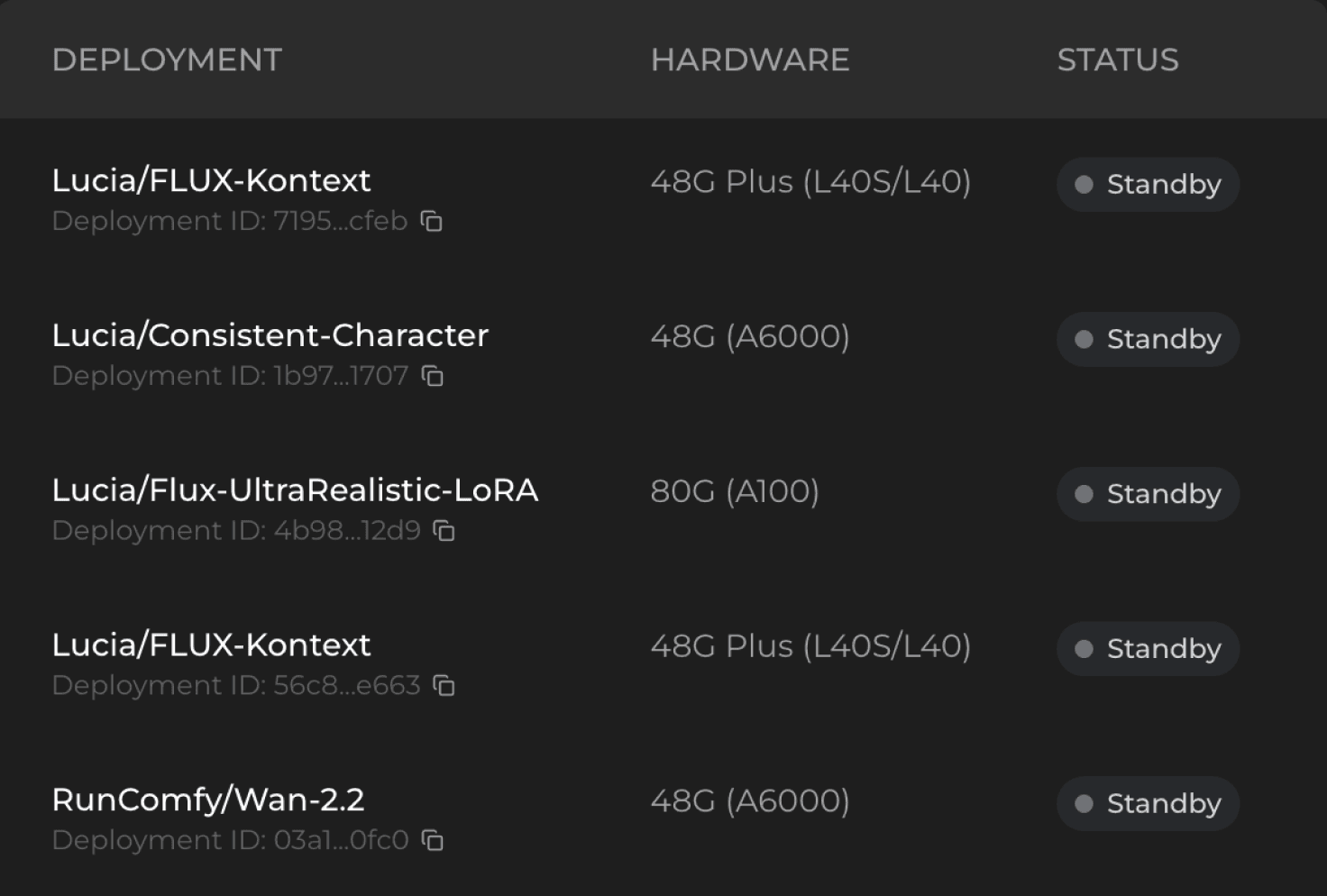
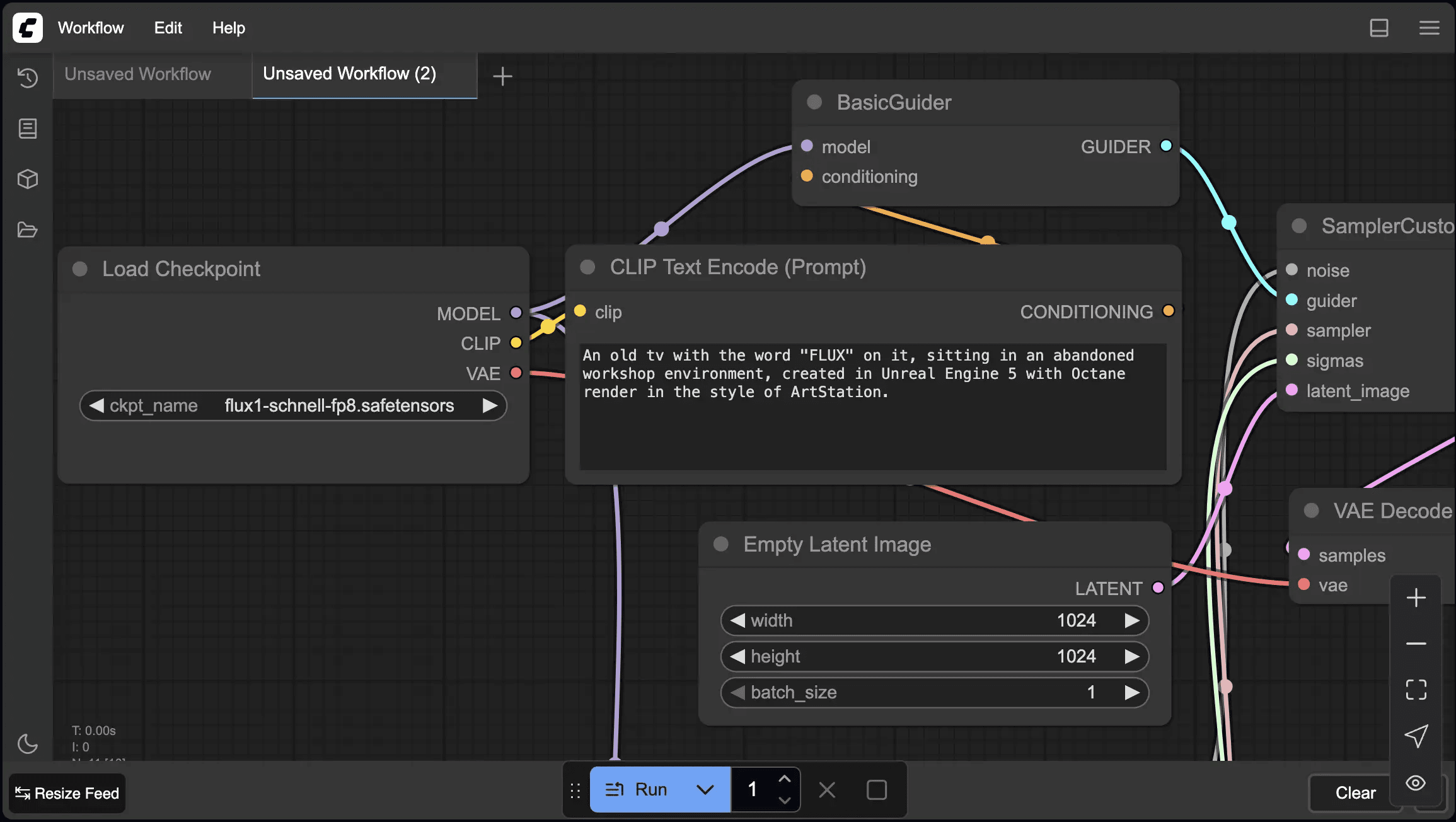
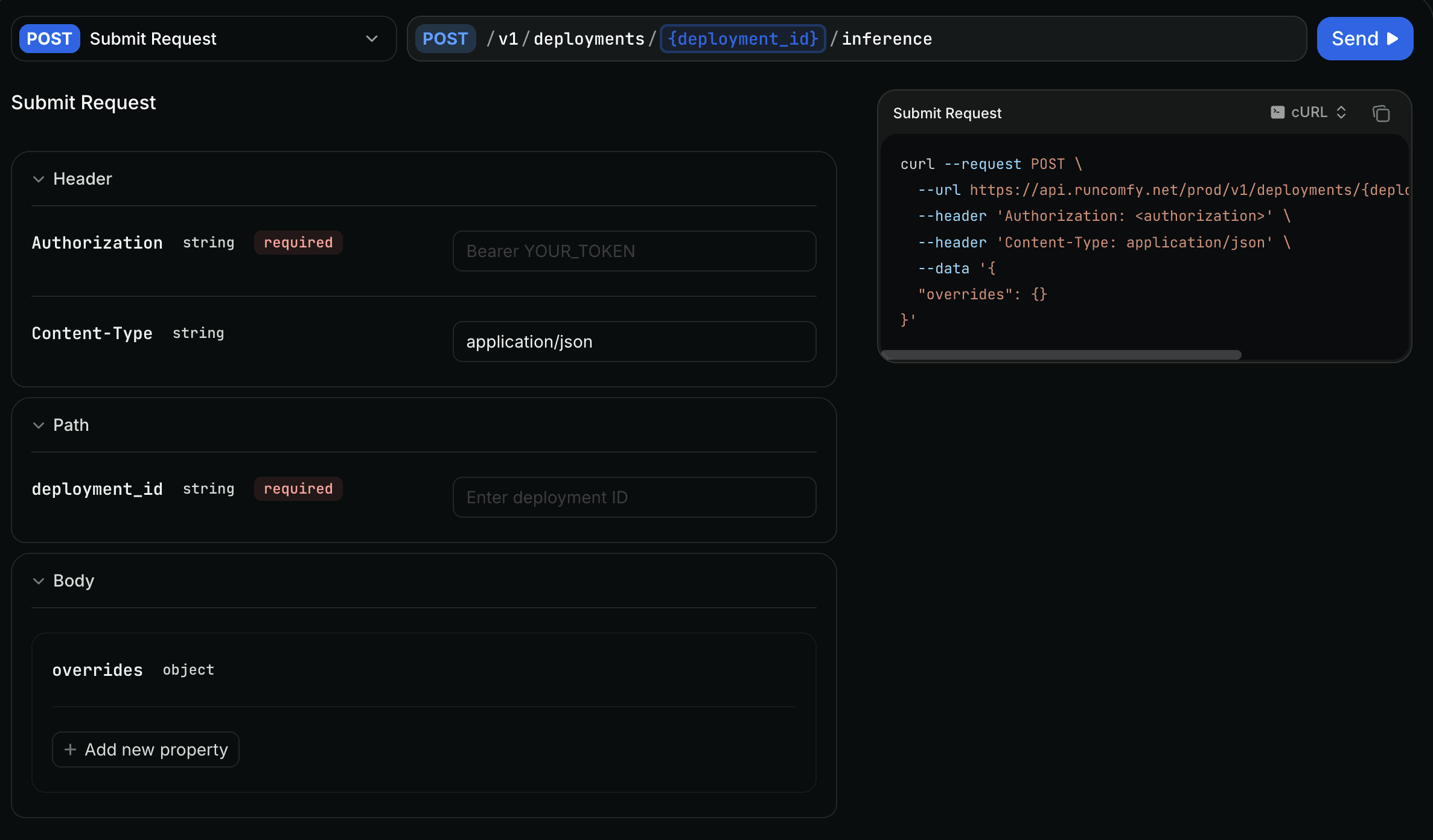
To deploy your ComfyUI workflow as a ComfyUI API on RunComfy, start in ComfyUI Cloud where you can easily create or edit your workflow. Once it's ready, export it as a simple API JSON file and pick the parts you want to tweak during runs, like prompts or seeds—this keeps things flexible. From there, just click Cloud Save. RunComfy takes care of the rest by bundling your workflow, nodes, models, and full setup into a ready-to-use container, so you skip all the technical headaches. Finally, deploy it by selecting your preferred GPU and basic scaling options. You'll instantly get a unique deployment ID to connect your ComfyUI API to your apps or projects. The whole thing is designed to be quick and hassle-free, letting you focus on your creative ideas while getting a scalable ComfyUI API without any DevOps work. For more details, check
RunComfy Serverless API - Quickstart documentation.